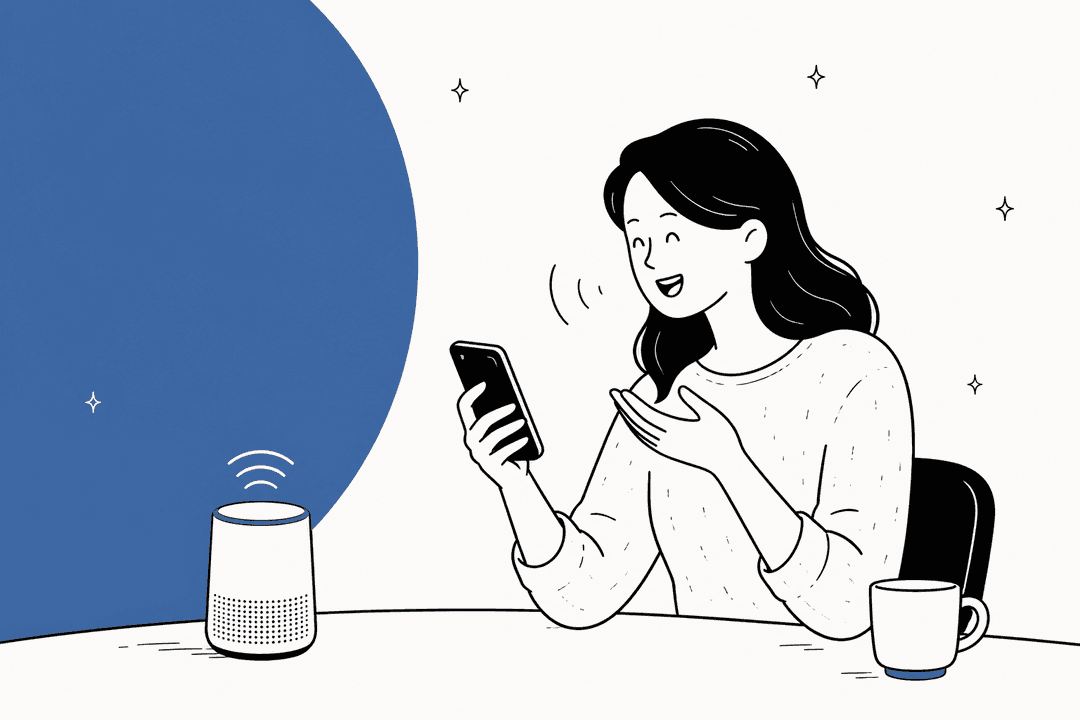

The term ‘AI personal assistant’ probably makes you think of Siri or Alexa, right? We’ve had them on our phones and in our kitchens for ages. But when we talk about using them for work, things get a lot more interesting, and honestly, a bit confusing. The tech is moving so fast.
Plenty of teams are still trying to figure out what an AI assistant can really do for them besides setting a timer or playing a song. They hear the buzz but can't quite see how it translates into something useful for their day-to-day operations.
This guide is here to clear things up. We’ll get into what an AI personal assistant actually means for a business, look at the different kinds you'll find, and point out the features that make a tool genuinely helpful versus just another gadget.
What exactly is an AI personal assistant?
At its simplest, an AI personal assistant is a software tool that uses artificial intelligence (specifically natural language processing) to understand your requests and get things done.
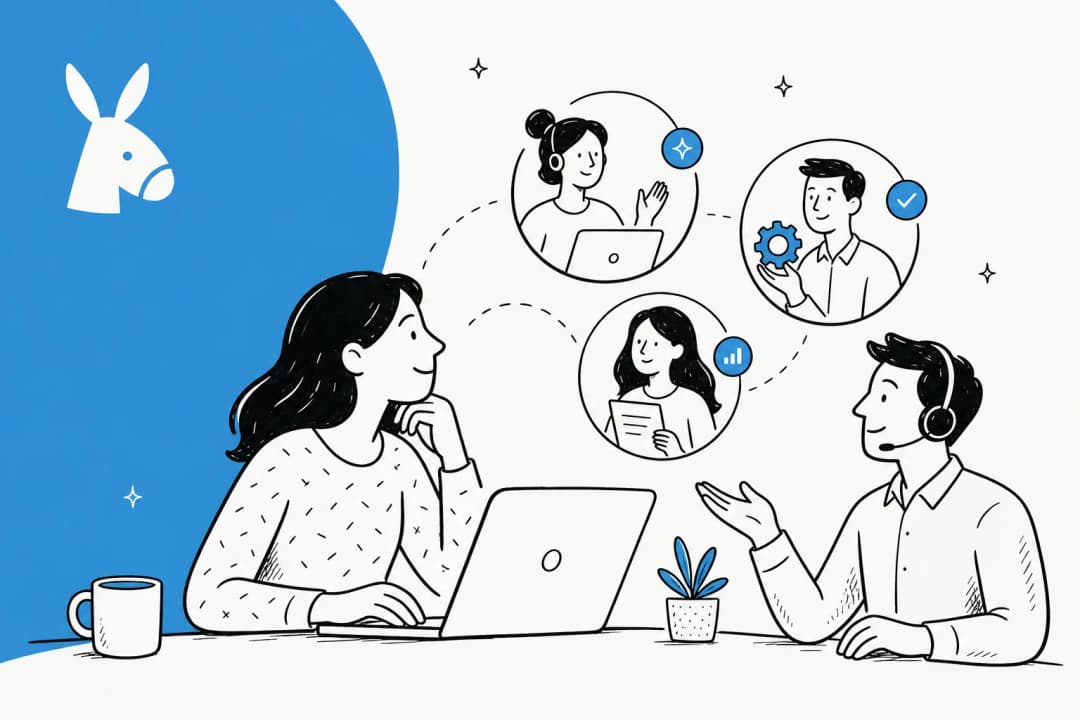
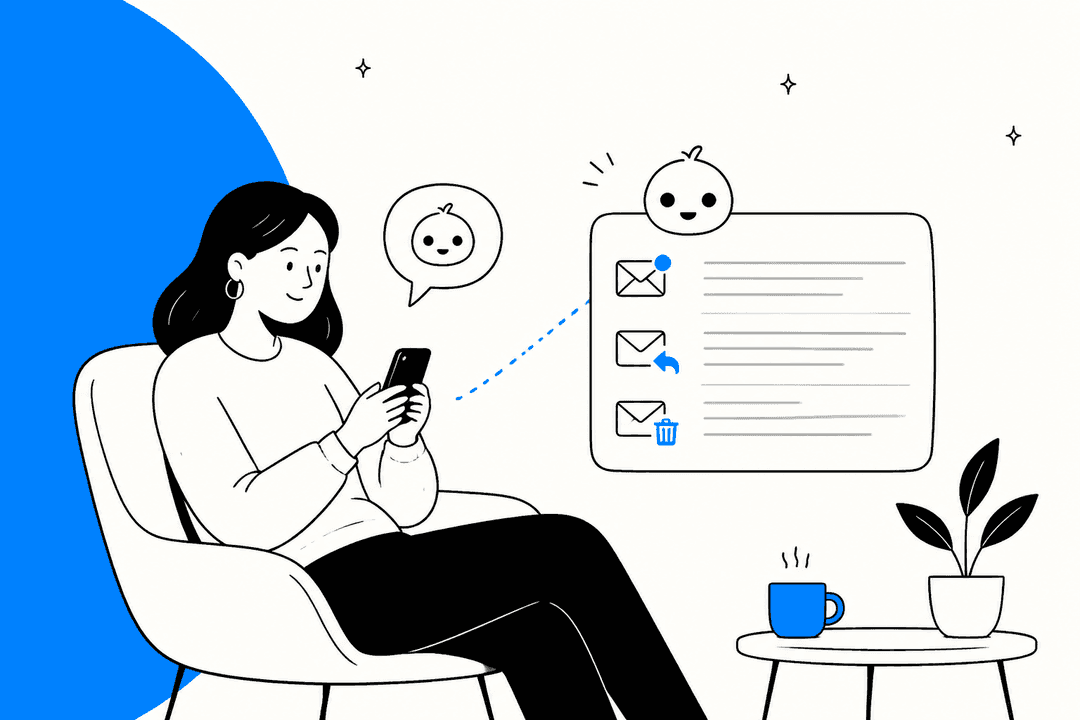
But it’s time to move past the consumer gadgets. In a business context, a real AI personal assistant is designed to connect directly to the tools you use every day. Its main job is to handle repetitive tasks, dig up information instantly, and help manage team workflows. It's less of a trivia bot and more like an incredibly efficient team member that can:
- Answer questions from employees or customers by searching through all your internal documents.
- Help manage schedules and tasks for a whole team.
- Draft messages, from company-wide updates to customer support replies.
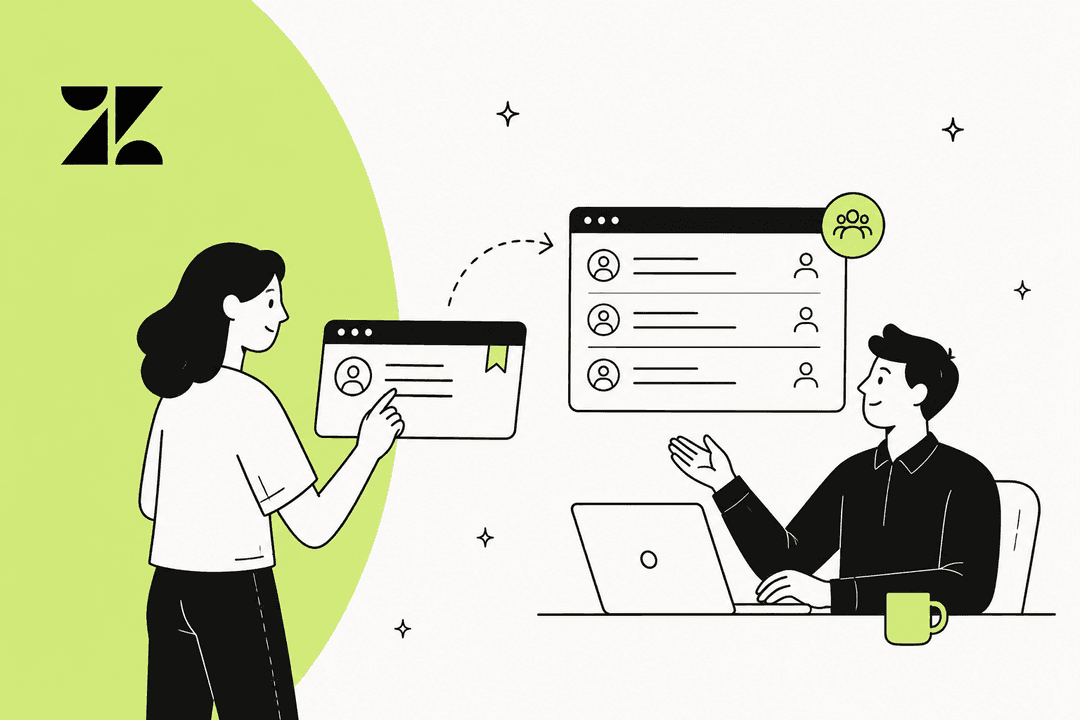
- Automate the boring work of sorting and assigning tickets in your help desk.
The two types of AI personal assistant
The world of AI assistants has generally split into two camps. You've got your general-purpose tools that are good for individual tasks, and then you have specialized assistants built specifically to work within business systems. Figuring out the difference is the first step to finding something that will actually help your team.
General-purpose AI personal assistant: great for you, not so great for your team
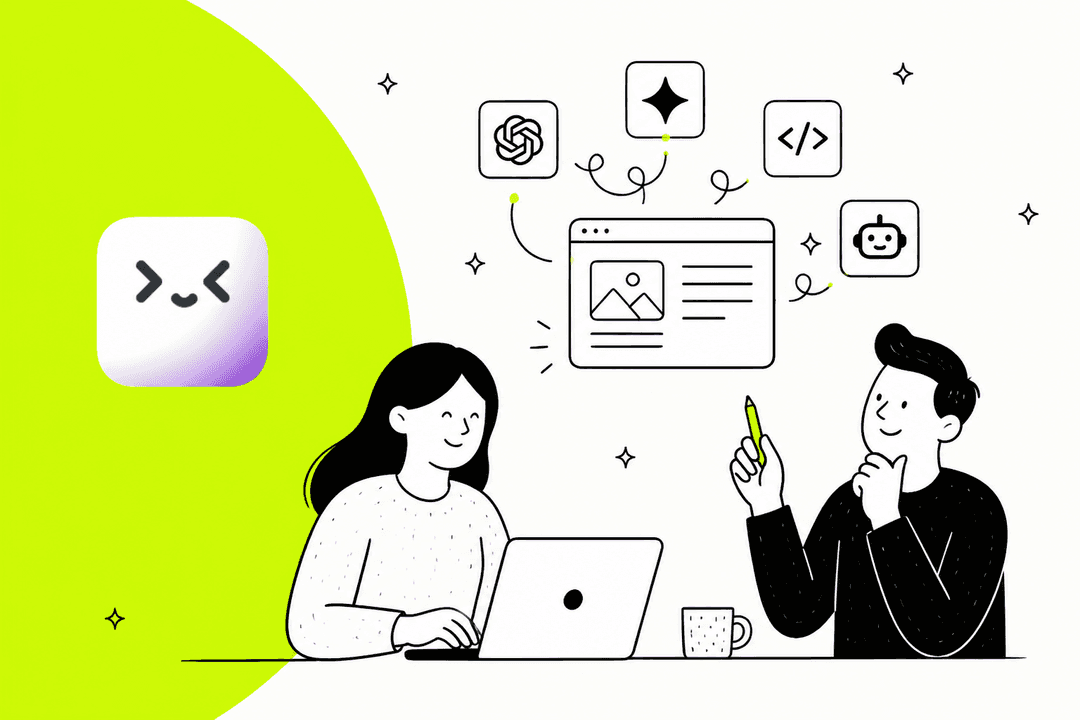
These are the tools you’ve probably seen or used. Think of large language models like ChatGPT and Google Gemini, or personal productivity apps. They're built to help one person with a wide variety of tasks, like writing a first draft of an email or organizing a personal to-do list.
For one person, they're pretty amazing. They’re great for brainstorming or getting a rough draft of some content together. But the moment you try to use them in a team setting, you start to see the cracks.
Here are their biggest shortcomings for business use:
- They don't know your business by default: A general-purpose AI starts out knowing only its training data and what you hand it. ChatGPT now offers connected apps such as Google Drive and Slack, and Gemini can summarize files from Drive and Gmail inside Docs. But those connections are set up per person or per workspace, and they reach files and messages. Learning how your team resolved past Zendesk tickets, or answering from a shared Confluence space under your access rules, is the job a business-integrated assistant is built around.
- Data privacy depends on the plan: Uploading sensitive company info into the wrong tier of a public AI tool is a gamble. OpenAI says individual ChatGPT plans may use your content to improve models unless you opt out, while ChatGPT Business, Enterprise, Edu and the API are not trained on by default. The risk is mostly a team member pasting company data into a personal account.
- They act for one person, not your queue: ChatGPT agent can take actions in a browser and asks permission before consequential ones, and Gemini in Gmail can label, search and schedule. Those actions run as one user in one window. Escalating a ticket or updating a customer’s record by rule, for the whole team, is what a helpdesk-integrated assistant adds.
| General-purpose assistant | What it connects to | Business-plan price and data default |
|---|---|---|
| ChatGPT | Connected apps such as Google Drive and Slack; plugins for Jira, Figma and more | Business from $20 per seat per month billed annually; not trained on by default |
| Gemini | Gmail, Drive and Calendar inside Workspace | Included from Business Starter at $7 per user per month, billed annually; Gemini in Docs and Sheets starts on Standard at $14 |
Business-integrated AI personal assistant: your team's new specialist
This is where AI assistants get genuinely useful for companies. Business-integrated assistants are AI platforms made to plug directly into the software your company already uses. They become a specialist, trained on your team's specific knowledge and designed to handle functions like customer support or internal IT help.
Instead of being a jack-of-all-trades, they become a master of your company's domain.
Their strengths are the exact opposite of a general tool's weaknesses:
- They work with full, secure access to your internal knowledge, so they can give accurate answers that are actually relevant.
- They are built to perform tasks and can automate entire processes from start to finish.
- They are designed with enterprise-level security and privacy from the ground up. Tools like eesel AI are built to be a secure, smart layer that works with your tools, not against them, keeping your data private.
| Feature | General-Purpose Assistant | Business-Integrated Assistant |
|---|---|---|
| Primary Use Case | Individual productivity, research | Team workflows, customer & employee support |
| Knowledge Source | Public internet data, user inputs | Internal docs, helpdesks, past conversations |
| Integration | Connected apps and plugins, set up per user or workspace | Deep, one-click integrations with business tools |
| Security | Varies by plan; individual plans may train unless you opt out | Enterprise-grade; data is private and secure |
| Setup Time | Instant | Can be complex, but modern tools are self-serve |
Key capabilities for a business-focused AI personal assistant
Not all business assistants are created equal. If you're hunting for a tool that will actually make a difference, there are a few must-have capabilities.
Your AI personal assistant needs to connect all your scattered knowledge
Your company's information lives everywhere, in wikis, chat logs, documents, and old support tickets. A good AI personal assistant needs to connect to all of it. Just reading a public FAQ page isn't going to cut it.
It should securely tap into internal sources like Confluence and Google Docs, pull context from tools like Slack, and most importantly, learn from how your team has handled things in the past. By analyzing old tickets from help desks like Zendesk or Freshdesk, it can pick up on your brand voice, common issues, and what solutions work best, all without you having to manually train it.
You need total control over how your AI personal assistant works
A great assistant isn't some mysterious black box. You should always be in control. Look for a platform that lets you fine-tune what the AI does and when.
You ought to be able to set clear rules for what kinds of questions it should handle and when it needs to pass a conversation to a human. The best tools also let you customize the AI's personality, tone, and the specific actions it can take, like tagging a ticket, looking up order details in Shopify, or creating a new task in Jira. This is what stops you from getting generic, robotic responses and makes the AI feel like a natural part of your team.
The AI personal assistant setup should be fast and risk-free
Forget about tools that demand months-long implementation projects and endless sales calls just to get a demo. The best modern AI platforms are self-serve, letting you get up and running in minutes.
One of the most valuable features to look for is a simulation mode. It lets you safely test the AI against hundreds of your real, historical support tickets. You can see how it would have replied, score each answer, and get suggested fixes before it talks to a customer. This is a huge benefit of platforms like eesel AI because it means you can go live with confidence.
Overcoming the common limitations of an AI personal assistant
Even the best business-integrated assistants can fall into a few common traps. Here’s what to look out for and how the right kind of tool helps you sidestep these problems.
The 'walled garden' problem with an AI personal assistant
The Problem: Many AI assistants are stuck inside one system. For example, a help desk's own AI bot is great at reading articles within that help desk, but it has no idea about the crucial info your team keeps in Confluence or a project plan in a shared Google Doc. This creates blind spots and leads to incomplete answers.
The Solution: You need an AI platform that can sit in the middle and connect to all your tools. A solution like eesel AI is built to do just that. It brings together knowledge from dozens of sources, your help desk, wiki, document folders, and chat tools, to create a single source of truth.
The 'rip and replace' trap of an AI personal assistant
The Problem: Some vendors will try to convince you to move your entire workflow over to their all-in-one platform just to use their AI. This means ditching the tools your team already uses every day, which is disruptive, expensive, and takes forever.
The Solution: A much smarter way is to find an AI personal assistant that fits right into your current help desk and software. This lets you add powerful AI features to your existing workflow without the pain of switching everything over.
The 'black box' risk of an AI personal assistant
The Problem: Too many AI tools don't give you any insight into how they operate. You can’t see why they gave a particular answer, and there's no way to test them before you let them talk to your customers. You're basically asked to flip a switch and hope it works, which is a massive risk.
The Solution: You deserve transparency. With a good simulation tool and clear reporting, eesel AI gives you a full view of the AI's performance. You can test everything on your own historical data, understand its logic, and spot any gaps in your knowledge base long before a customer interacts with it.
Choosing your AI personal assistant
The world of AI personal assistants has split into two very different paths: general tools for individuals and specialized, integrated agents for businesses.
For any team that wants to get serious about automation, the choice is pretty clear. You need more than a simple chatbot. You need a secure, controllable, and deeply integrated assistant that makes your existing tools better, rather than forcing you to replace them.
The best AI personal assistant is one that brings all your scattered knowledge together, gives you full control over its actions, and lets you launch it knowing it will work the way you need it to.
Ready to see what a business-integrated AI personal assistant can do for your team? Sign up for a free eesel AI trial and you can build an AI agent trained on your own knowledge in just a few minutes.
Frequently asked questions
How is a business-focused AI personal assistant really any different from the ChatGPT account our team already uses?
The key difference is integration and context. General-purpose assistants can connect to apps like Google Drive and Slack, but each connection is set up for an individual or a workspace. A business assistant connects to your internal tools like Confluence and Zendesk, answers from your company knowledge, and performs actions inside your helpdesk under rules you set. Read our guide on how to use ChatGPT for customer service for more information.
Okay, but how do we make sure our company data stays private when using an AI personal assistant?
A business-integrated assistant is designed with enterprise-grade security. Check each vendor's data policy in writing. OpenAI, for example, says individual ChatGPT plans may use content to improve models unless you opt out, while its business products are not trained on by default. Look for the same commitment, plus permission controls, in any assistant you connect to internal knowledge.
How much work is it to actually set up an AI personal assistant that connects to all our existing tools?
Modern platforms are self-serve and designed for quick setup, often in just minutes. You simply connect your existing tools with one-click integrations, and the AI starts learning from your knowledge base immediately without a lengthy implementation project.
What if the AI personal assistant gives a wrong answer to a customer? Can we control what it says?
Absolutely. Top platforms give you full control, allowing you to set rules for when the AI should respond and when it must escalate to a human. Features like simulation mode also let you test its responses on historical data before it ever interacts with a live customer.
Besides answering support tickets, what other kinds of tasks can an AI personal assistant take off our team's plate?
It can handle a wide range of internal and external tasks. This includes answering employee questions in Slack, drafting internal announcements, automatically tagging and routing help desk tickets, and finding information buried in shared drives.
Is an AI personal assistant really cost-effective, or is it just another expensive subscription for the team?
By automating repetitive tasks and instantly answering common questions, a good assistant saves your team significant time, allowing them to focus on more complex work. You can check answer quality before launch by running a simulation against hundreds of your past tickets, which scores each answer and suggests fixes.