
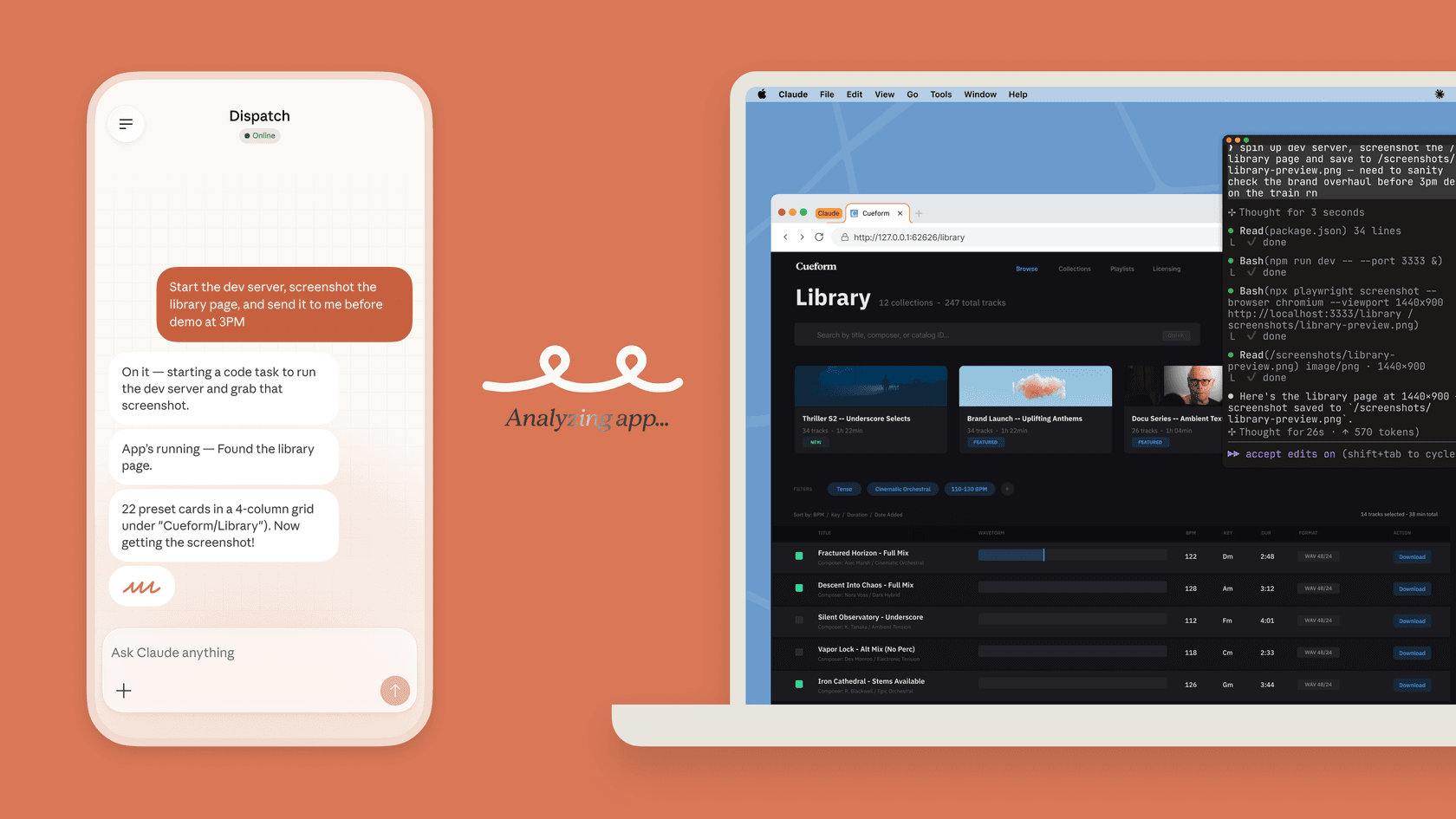
What teams get from Claude
Claude Projects give a team a durable home for a job's documents, instructions, and chats. Team and Enterprise organizations can share a Project with individuals or the organization. Can view members can use the knowledge and instructions; Can edit members can update them and manage access. That is a real distinction. Give edit access to the person responsible for maintaining the material, not everyone who needs to ask a question about it.
Shared chats serve a narrower purpose. They are view-only snapshots for a decision or review. Later messages do not appear until the owner updates the share. A Project is where the team maintains context; a chat share is where someone reviews a particular conclusion.
Connectors and governance are separate decisions
Connectors can bring work systems into Claude, but they retain the connected account's access boundary. In Team or Enterprise, an Owner or Primary Owner may need to enable a connector before individual members authenticate. Read Anthropic's connector setup before assuming a shared Project lets every colleague see the same connected material.
The Team plan includes centralized billing, administration, and SSO. Enterprise adds controls such as SCIM provisioning, audit logs, and custom retention. Check what your organization has enabled: buying a plan does not configure access or establish an approval process for you.
Connectors are available in private Projects, not shared ones. A team can share approved reference material in a Project, but should not promise that every member inherits a colleague's connector access. Organization owners can restrict connected tool actions; some connectors can write as well as read. This is a permission question, not a blanket limitation that Claude cannot act in business systems.
Claude Code also belongs in some team workflows, but it is not a blanket administrator. It can inspect a repository and help prepare changes. Its permissions use modes and Allow, Ask, and Deny rules. In Manual mode, proposed commands and edits can be reviewed; other modes change that behavior. Check /permissions instead of assuming a coding session will always stop for a person.
Team pricing and the separate API budget
Anthropic currently lists Team for 2–150 people. Standard seats cost $25 per person monthly, or $20 per person per month billed annually. Premium seats cost $125 monthly, or $100 per month billed annually. Teams can mix seat types, and Claude Code and Cowork are included; Premium is not the only route to Code. Prices exclude applicable tax and usage limits still apply. See the current pricing page.
An API application has separate usage charges; a Team seat is not an API allowance. Enterprise currently lists a $20 seat price plus usage at API rates, with annual billing. Check the purchase terms and spend controls for your organization rather than treating the seat price as the whole budget.
A practical team job: assess support-work ownership before assigning it
Imagine a team deciding whether its existing eesel teammate should prepare first responses for a new invoice-copy queue. The proposed job is to explain the approved route for obtaining an invoice, not to reveal billing data to an unverified requester. Colleagues have collected the proposal and tone guidance in a Claude Project. The support owner needs to know whether the teammate has the current billing help article, whether its instructions require verification, and which actions it may actually take.
That is a useful job for a person, script, Claude Code, Codex, or Cursor. The coding agent does not decide the rollout. It turns the same current workspace state that the owner sees in the dashboard into a short comparison: proposed responsibility versus existing instructions, integration readiness, and action permissions.
Use eesel CLI to compare the current setup
With Node.js 18.17 or newer, the eesel CLI returns JSON from the same workspace and teammate as the dashboard. Authenticate first, then choose an actual existing agent rather than assuming a terminal default:
TARGET_EESEL_AGENT="REPLACE_WITH_NAME_OR_ID_FROM_AGENTS"
npx @eesel/cli login
npx @eesel/cli whoami
npx @eesel/cli agents
npx @eesel/cli status --agent "$TARGET_EESEL_AGENT"
npx @eesel/cli integrations --agent "$TARGET_EESEL_AGENT"
npx @eesel/cli integrations download list --agent "$TARGET_EESEL_AGENT"
npx @eesel/cli instructions --agent "$TARGET_EESEL_AGENT"
npx @eesel/cli approvals --agent "$TARGET_EESEL_AGENT"
Replace the placeholder only with a name or ID returned by agents. Login stores credentials; the commands after it read current state. A coding agent can format their JSON output into the owner's review list, while the owner can check the same agent in the eesel UI. There is no separate CLI-only teammate to reconcile.
Supply the coding agent with the approved queue proposal; it does not automatically inherit the Claude Project. Ask it to compare the billing article's download state and the current instructions with the proposed responsibility. If the source is missing or the verification rule conflicts, its output should name that gap and propose a change for the owner, not silently broaden access. List any held actions from approvals without approving or denying them. Held actions are not an inventory of permission settings: check the actual Actions controls separately.
Before production, the owner approves the exact configuration change and tests it in the actual environment. For a CLI write, --dry-run only prints the request it would send. It does not prove the teammate will make a suitable support decision. In the dashboard, each action is Auto, Needs approval, or Disabled; Disabled actions cannot run. The actions guide covers those per-action controls.
Use an owner-approved nonproduction teammate for response tests, with consequential actions Disabled. Test an authorized account contact asking where to find an invoice, a requester asking for another company's invoice, and a message with no account context. Check that the answers respectively follow the approved route, withhold private data, and ask for the required information. These are proposed checks, not results from a test we ran. Setup and observation commands are free; eesel chat tests are billed, and the coding agent has its own usage costs. Approve that spend first. A later production pilot needs its own action permissions and a check that the intended response or held action really appeared.
When eesel is the better team tool
Claude is well suited to the work around a support rollout: read the proposed policy, help a team phrase its decision, or assist the coding agent who audits setup. eesel is the teammate for the recurring job itself. Its helpdesk and blog-writing teammates are built around defined work, connected sources, and owner-controlled actions, rather than a fresh general-purpose chat for every case.
Sources
Use eesel CLI before assigning a new support responsibility
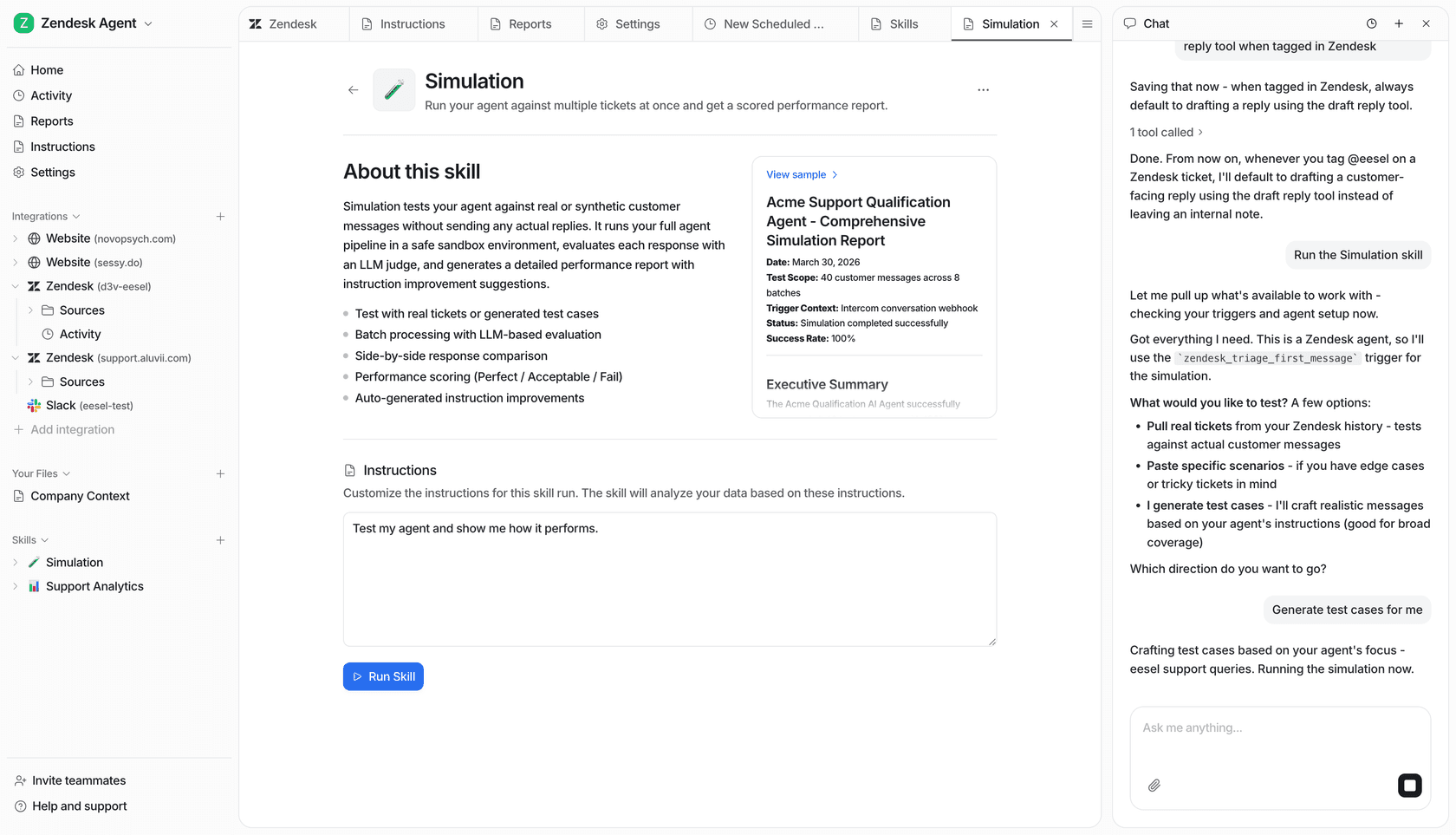
This is an example workspace view, not evidence that the invoice cases above were tested.
Try eesel with one clearly defined support responsibility. Use the CLI to check the existing setup, let the owner approve any change, and verify the result before expanding the rollout.
Frequently asked questions
What is Claude AI software for teams?
Claude Team and Enterprise plans add organization controls and collaboration features around Claude. Teams can use shared Projects, connected tools, and administration features while still deciding who may access or change each resource.
What controls do Claude Enterprise teams have?
Enterprise adds organization administration and security controls beyond a personal workspace. Check Anthropic’s current Enterprise documentation for the controls your organization has actually enabled.