

What an environment variable changes
An environment variable is a named value a process receives. It can come from the launching shell, a CI secret store, or an application's configuration. It is not necessarily a system-wide setting, and changing it in one terminal does not update every running app.
Claude Code's environment reference documents supported names and precedence. Do not copy a large list into a shell profile just in case: each entry can change behavior for later sessions and child processes.
| Variable | Documented purpose | What to verify |
|---|---|---|
ANTHROPIC_API_KEY | Authenticate API requests | Intended account and billing route |
ANTHROPIC_BASE_URL | Use a different API endpoint | Approved gateway and destination |
ANTHROPIC_MODEL | Select the model setting | Availability and other overrides |
HTTPS_PROXY | Route network traffic through a proxy | Organization policy and credentials |
NODE_EXTRA_CA_CERTS | Add trusted CA certificates | Approved certificate file |
CLAUDE_CODE_USE_BEDROCK | Select Amazon Bedrock | Provider credentials and access |
CLAUDE_CODE_USE_VERTEX | Select Google's supported cloud provider path | Current provider setup requirements |
CLAUDE_CODE_USE_FOUNDRY | Select Microsoft Foundry | Provider credentials and access |
API_TIMEOUT_MS | API request timeout | Milliseconds, network cause, valid range |
BASH_DEFAULT_TIMEOUT_MS | Default Bash command timeout | The command's behavior and allowed runtime |
The two timeouts solve different problems. A longer API timeout does not grant a longer Bash runtime, more model context, or permission to run a command. Increasing either value is not a substitute for investigating why a job stalled.
Choose authentication before setting a key
Claude Code authentication supports subscription accounts, Console access, and cloud providers. API keys are not the only route, and individual developers do not need to share one common key to use the tool as a team.
Be careful with an old ANTHROPIC_API_KEY export. The reference says it can take precedence over a logged-in subscription: interactive use asks you to approve it once, while non-interactive print mode uses it when present. A developer expecting subscription usage can therefore start a differently billed run.
Choose the intended route with the account owner, inspect the active setup, and remove conflicting configuration only after identifying where it comes from. Do not paste a key into a blog example, chat, shell history, or shared project file. Use your approved secret-management mechanism.
Bare programmatic mode is a separate case. The programmatic guide says --bare does not read subscription OAuth or keychain credentials. Supply the supported provider credential or helper explicitly. A successful browser login in yesterday's interactive session does not authenticate that bare job.
Set a harmless value in the right shell
Use a nonsecret setting to understand the mechanics. This Bash or zsh example changes an API timeout for a newly launched Claude Code process:
export API_TIMEOUT_MS="1200000"
claude
The PowerShell equivalent is:
$env:API_TIMEOUT_MS = "1200000"
claude
These are examples of assignment syntax, not a recommendation that every request should wait twenty minutes. The documented default is ten minutes. Use a value that fits an investigated problem and the current reference.
An export lasts in that shell and is inherited by programs it launches. A persistent shell-profile entry affects future shells; a desktop app launched elsewhere may have a different environment. Restart the affected process when you change a shell value, and test the actual terminal, editor, or CI runner that will do the work.
Understand the settings-file env block
Claude Code also accepts variables under env in a settings file. A small nonsecret example is:
{
  "env": {
    "API_TIMEOUT_MS": "1200000"
  }
}
Merge it into the intended file without deleting existing settings. A shared .claude/settings.json can affect teammates after it is committed; user settings and project-local settings have narrower reach. Do not commit secrets simply because JSON is convenient.
Precedence has two separate questions. First, if the same variable exists in the shell and an env block, the settings value generally replaces the inherited shell value, with documented exceptions. Second, if a feature has both a variable and a dedicated settings key, its own rules decide which wins. For example, ANTHROPIC_MODEL can override the model setting, while --model and /model can override that variable.
Settings-file env changes can update a running session, but startup-only features need a relaunch. Removing an entry from the file does not unset the value in an already running process. Check the current reload rules when a supposedly removed value keeps affecting behavior.
Keep network routing and access control separate
Follow the network guide when using a corporate proxy, custom certificates, or mutual TLS. Proxy URLs can contain passwords, so treat them as sensitive. Resolve certificate problems with approved trust configuration; do not disable certificate verification to make an error disappear.
Cloud-provider selectors are not credentials. Turning on Bedrock still requires the provider's authentication and authorization. Likewise, changing a base URL changes where requests go; it does not establish that the destination is trusted or that every feature works through it.
Tool permissions are another layer. A variable that makes credentials available to a process does not mean every use is approved. Review the coding agent's tool access and the downstream account's role together. A note in CLAUDE.md is not a replacement for either control.
Use eesel CLI after a support-job credential change
Imagine a nightly script checks whether a support teammate's knowledge sources are ready. An owner rotates the script's eesel credential. Before resuming the job, an operations engineer asks Claude Code to help verify access and interpret any errors.
The eesel CLI uses EESEL_API_URL and EESEL_API_TOKEN for an environment-based connection, and EESEL_AGENT_ID selects the teammate. Those connection variables take precedence over stored login. They are separate from ANTHROPIC_API_KEY, which authenticates Claude's API use.
With Node.js 18.17 or newer, inspect only whether the expected values are present in the job's authorized environment:
node -e 'for (const name of ["EESEL_API_URL", "EESEL_API_TOKEN", "EESEL_AGENT_ID"]) console.log(name + ": " + (process.env[name] ? "set" : "missing"))'
This local check prints no values and makes no network request. It does not prove that a credential is valid. A missing value should stop the proposed job while the owner supplies the intended configuration, rather than silently relying on an unrelated saved login.
Next, in that same approved environment, inspect the actual workspace and selected teammate:
npx @eesel/cli whoami
npx @eesel/cli agents
npx @eesel/cli status --agent "$EESEL_AGENT_ID"
npx @eesel/cli integrations download list --agent "$EESEL_AGENT_ID"
This block uses Bash syntax. Check the identity and agent against the owner's expected target before continuing past the first two commands. Do not run it with an empty or guessed agent ID. A support lead can review the same teammate in the dashboard while the script or coding agent reads JSON from the CLI.
For the nightly readiness report, distinguish authentication failure, wrong target, and incomplete source download. A successful whoami only establishes identity; a connected source is not necessarily downloaded, and readiness does not prove every answer is correct. Record the observed state and timestamp without copying credentials or unnecessary source content into the report.
Verify recovery with eesel CLI before resuming the job
Define the acceptance checks before calling the credential rotation complete:
- The approved credential reaches the expected workspace and teammate, and the readiness check returns the expected source state.
- A deliberately invalid test credential in an isolated test environment produces a handled failure, not a report saying the sources are healthy. Do not revoke or change a production key for this test.
- A wrong target is rejected by the job's expected-target check before it reads support content or attempts a write. Implement and test that check against the actual JSON structure; do not guess field names from an article.
These are proposed checks, not results we measured. The owner still controls issuing and retiring credentials through the supported account mechanism. The inspection commands do not rotate or revoke a token themselves.
Setup and observation are free in eesel CLI; chat is billed work. This readiness workflow needs no chat, instruction edit, or customer action. If a later fix changes knowledge or configuration, get the exact change approved, inspect the command help, preview supported writes with --dry-run, and verify the updated state. A response or delivery test needs its own authorized target, permissions, and spend.
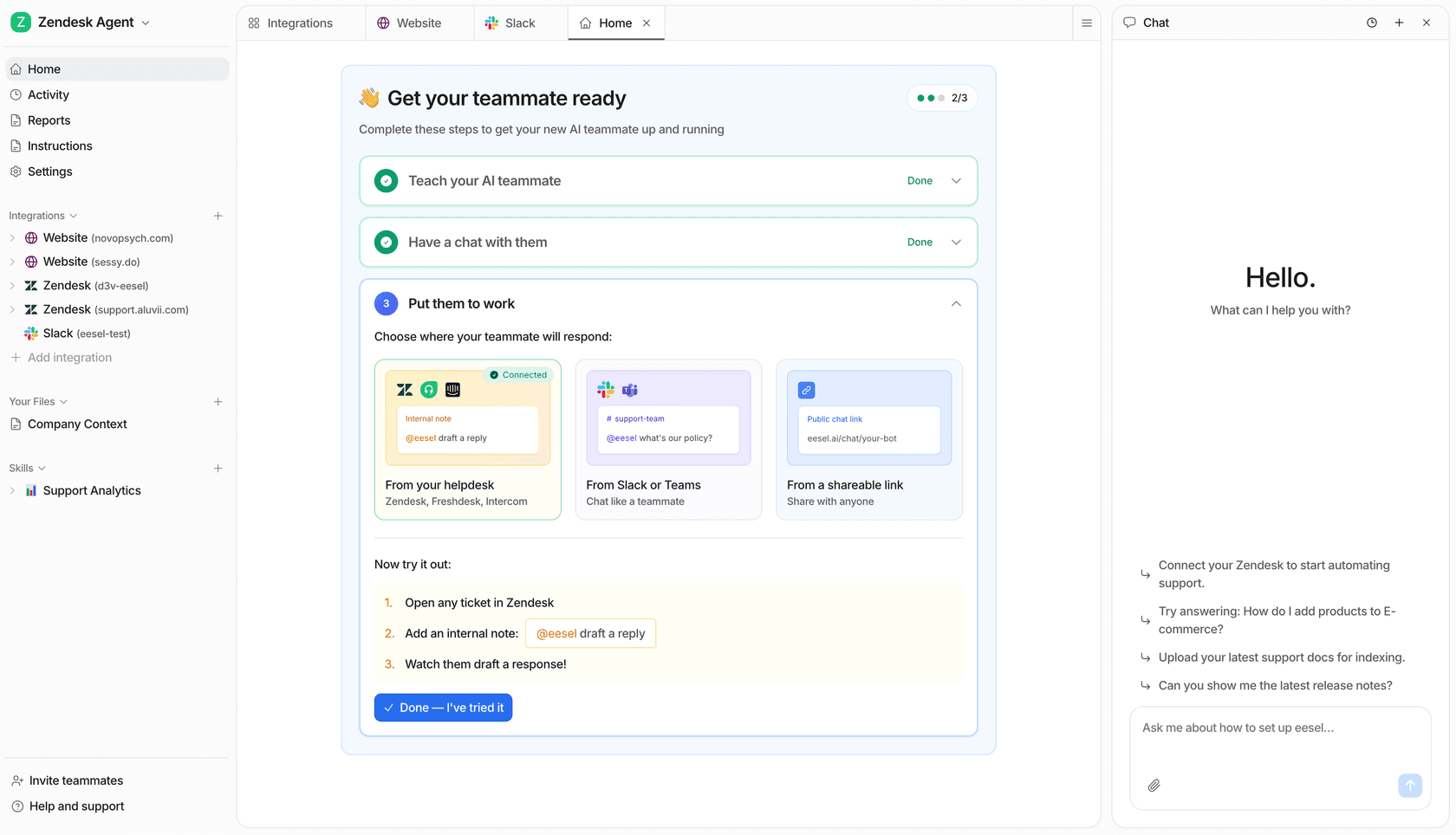
The dashboard and CLI are two ways to work with the same setup. Try eesel with a defined support job, then let people or coding agents inspect it from the tools they already use.
Frequently Asked Questions
Do I need an API key to start Claude Code?
Not for every setup. Supported Claude subscriptions can use browser login, while API and cloud-provider workflows use their own authentication. Bare programmatic mode needs explicit provider credentials rather than a saved subscription login.
Can ANTHROPIC_API_KEY change which account pays?
Yes. The official reference says the key is used instead of a logged-in subscription when applicable; interactive use asks for approval once, while print mode uses a present key. Confirm the intended authentication and billing route before a run.
Do environment variables always override settings?
No. Precedence depends on the variable and setting. A settings-file env entry generally replaces the inherited shell value, with documented exceptions. Check the exact variable rather than applying one rule to all configuration.
Does changing an export update a running Claude Code session?
No. A process does not inherit later changes made to its parent shell. Relaunch for shell changes. Settings-file env changes have their own reload behavior, and some features read values only at startup.
Should I paste environment output into a support request?
Do not paste a complete environment dump. It may contain API tokens, proxy passwords, and other secrets. Share variable names and redacted diagnostics, and confirm the recipient is authorized.
Does ANTHROPIC_API_KEY authenticate eesel CLI?
No. eesel CLI uses its own login or the documented EESEL_API_URL and EESEL_API_TOKEN variables. Its EESEL_AGENT_ID selects the teammate for that environment; verify the workspace and target separately.
How can eesel CLI help after rotating a script credential?
A human, script, or coding agent can inspect identity and the approved teammate’s source readiness through the same workspace as the dashboard. Confirm access and error handling before resuming the job; a successful identity check alone does not prove an answer or automation works.