

What the JetBrains integration does
Claude Code remains an agent that works with files and permitted tools. The official JetBrains integration guide describes how its plugin makes that work easier to inspect in an IDE you already use. It supports IntelliJ IDEA, PyCharm, Android Studio, WebStorm, PhpStorm, and GoLand.
The features are practical rather than magical:
- Quick launch: open Claude Code with
Cmd+Escon macOS orCtrl+Escon Windows and Linux, or use the Claude button in the IDE. - Native diff review: Claude's file changes open in the JetBrains diff viewer. The
Diff toolsetting in/configcan keep diffs in the terminal instead. - Selection and file context: the active selection or tab can travel with a prompt. File-reference shortcuts can insert a range such as
@src/auth.ts#L1-99. - Diagnostics: Claude can request the IDE's lint and syntax errors through
getDiagnostics. The plugin does not push diagnostics automatically after every edit.
This is useful when the IDE is already showing the evidence you need: a selected parsing rule, the diff for a small fix, or a precise diagnostic. It is not a claim that Claude has absorbed every decision in the repository or may act outside the project.
Install the CLI and plugin together
The JetBrains plugin runs claude in the IDE's integrated terminal and connects to it. It does not bundle a CLI. Install Claude Code first with Anthropic's CLI quickstart, then install the Claude Code plugin from the JetBrains Marketplace and restart the IDE.
Claude Code works with a paid Claude subscription (Pro, Max, Team, or Enterprise) or a Claude Console account. An API key is not required for the ordinary sign-in flow. If the plugin says it cannot launch Claude Code, run claude --version in a terminal and configure the full command path under Settings → Tools → Claude Code [Beta] if the IDE cannot find it.
Start claude from the same project root that the IDE has open. That gives the coding session access to the same project files. If you start in an external terminal instead, run /ide after starting Claude to connect to a running JetBrains IDE. A successful connection names the IDE; if the plugin is missing, Claude can offer to install it and asks you to restart.
How this differs from JetBrains AI Assistant
Claude Code's JetBrains plugin and JetBrains AI Assistant are separate integrations. The Claude Code plugin connects the standalone Claude Code CLI to the IDE, using the Claude subscription, Console account, or provider setup that Claude Code supports. JetBrains AI Assistant is JetBrains' broader AI feature set, with its own activation choices and feature availability.
Current JetBrains AI Assistant activation documentation lists a JetBrains AI subscription, third-party-provider BYOK, and provider-account OAuth for the integrated agents that support it. Claude Agent has its own documented choices: a JetBrains AI subscription, an API key, or Anthropic Console. These options can be combined, and billing follows the chosen path. BYOK does exist, but it does not guarantee every AI Assistant feature or every agent authentication method. Check the current activation screen for the exact agent and model you intend to use.
Review context and edits deliberately
When connected, the plugin runs a local ide MCP server. It helps the CLI open IDE diffs, include the active selection, and request diagnostics. Only mcp__ide__getDiagnostics is visible to the model, and it is read-only. The plugin does not give the model a code-execution MCP tool.
The active selection and open-file path can be useful context, but they can also be sensitive. A Read deny rule for a file blocks both its selected text and its open-file notice from reaching Claude. That is better than relying on a prompt that asks Claude to ignore a file it has already received.
Manual mode is the right starting point for a change you need to inspect: JetBrains shows the proposed diff and waits for a decision. In acceptEdits and Auto modes, edits in the working directory can be pre-approved. Anthropic specifically warns that JetBrains configuration files may be executable by the IDE, so an edit-accepting mode can increase risk. Use trusted prompts and know which project files are in scope.
Remote Development, WSL, and the local IDE server
For JetBrains Remote Development, install the plugin through Settings → Plugin (Host) on the remote host. Installing it only on the local client is not enough.
On WSL 2, a “No available IDEs detected” message often reflects the default NAT network or a Windows Firewall rule blocking the connection between Claude Code in WSL and the IDE on the Windows host. Anthropic documents a firewall rule for the WSL subnet and mirrored networking on supported Windows versions. Use the documented option that fits the machine rather than opening broad network access as a first fix.
By default, the plugin's local MCP server listens only on loopback and gives each IDE start a fresh authentication token. Its advanced setting can allow connections from all network interfaces, which can help a remote or WSL arrangement. Anthropic warns that the transport is unencrypted and that both the session traffic and token cross the local network in cleartext when this setting is on. Leave it on loopback when possible.
A useful JetBrains workflow: identify a missing support explanation
Suppose an integration engineer is editing a connector's developer documentation in JetBrains. The content owner has approved a small source snippet for a fictional state in that connector's own application, pending_authorization: it means the customer must reconnect the integration as the workspace owner. It does not mean that the data sync failed, and it does not promise when the next sync will finish. This is not an eesel field or a statement about eesel's sync status.
The engineer selects only that approved snippet in the editor and asks Claude Code to produce a local comparison note: quote the snippet, identify whether the existing helpdesk instruction mentions the state, and list the wording that still needs an owner decision. Claude can use the selection and the open documentation file as context. It should not decide whether to publish the new policy or claim that a customer has reconnected.
The next step is evidence, not automation. The content owner chooses the named eesel teammate and allows an authorized person or coding agent to inspect it from the JetBrains terminal.
Use eesel CLI from JetBrains to compare an approved source snippet
eesel CLI operates the same workspace and teammates that appear in the dashboard. It returns JSON by default, so a person, script, Claude Code, Codex, or Cursor can review the same target. Node.js 18.17 or later is required for the npx form.
Authenticate and prove the target before comparing anything:
npx @eesel/cli login
npx @eesel/cli whoami
npx @eesel/cli agents

JETBRAINS_SOURCE_REVIEW_AGENT="REPLACE_WITH_OWNER_APPROVED_TEAMMATE"
npx @eesel/cli status --agent "$JETBRAINS_SOURCE_REVIEW_AGENT"
npx @eesel/cli instructions --agent "$JETBRAINS_SOURCE_REVIEW_AGENT"
login opens a browser and changes authentication state; it is not a read-only check. Confirm that whoami names the intended workspace, then replace the placeholder with the content owner's approved teammate instead of relying on a remembered default. For an owner-approved unattended environment, EESEL_API_URL and EESEL_API_TOKEN override stored credentials, and EESEL_AGENT_ID can pin the target.
The engineer compares the returned instructions with the approved pending_authorization snippet and writes a local report. A useful report says only: the document version and selected lines, whether the exact state is covered, the current instruction that is related, and the unresolved choice for the owner. It does not upload the source snippet, change instructions, or prove that the teammate has learned the new text.
If the owner chooses to change persistent instructions later, inspect the supported edit command with --help, use --dry-run where supported, approve the exact write, then read the instructions back. A dry run previews an eligible write; it does not prove future answers are right.
An optional response evaluation is a separate, paid step. Use an owner-approved non-production teammate and keep consequential connected actions Disabled in Actions and Approvals. In fresh conversations, provide the same fictional approved snippet and ask: “What should I do when the integration is pending authorization?” and “Does pending authorization mean my sync failed?” The expected answers tell the customer to reconnect as the workspace owner, avoid promising a completion time, and avoid calling the sync failed. Inspect each reply, activity, and held approvals before continuing. The read-only inspection above needs neither a paid chat nor action changes.
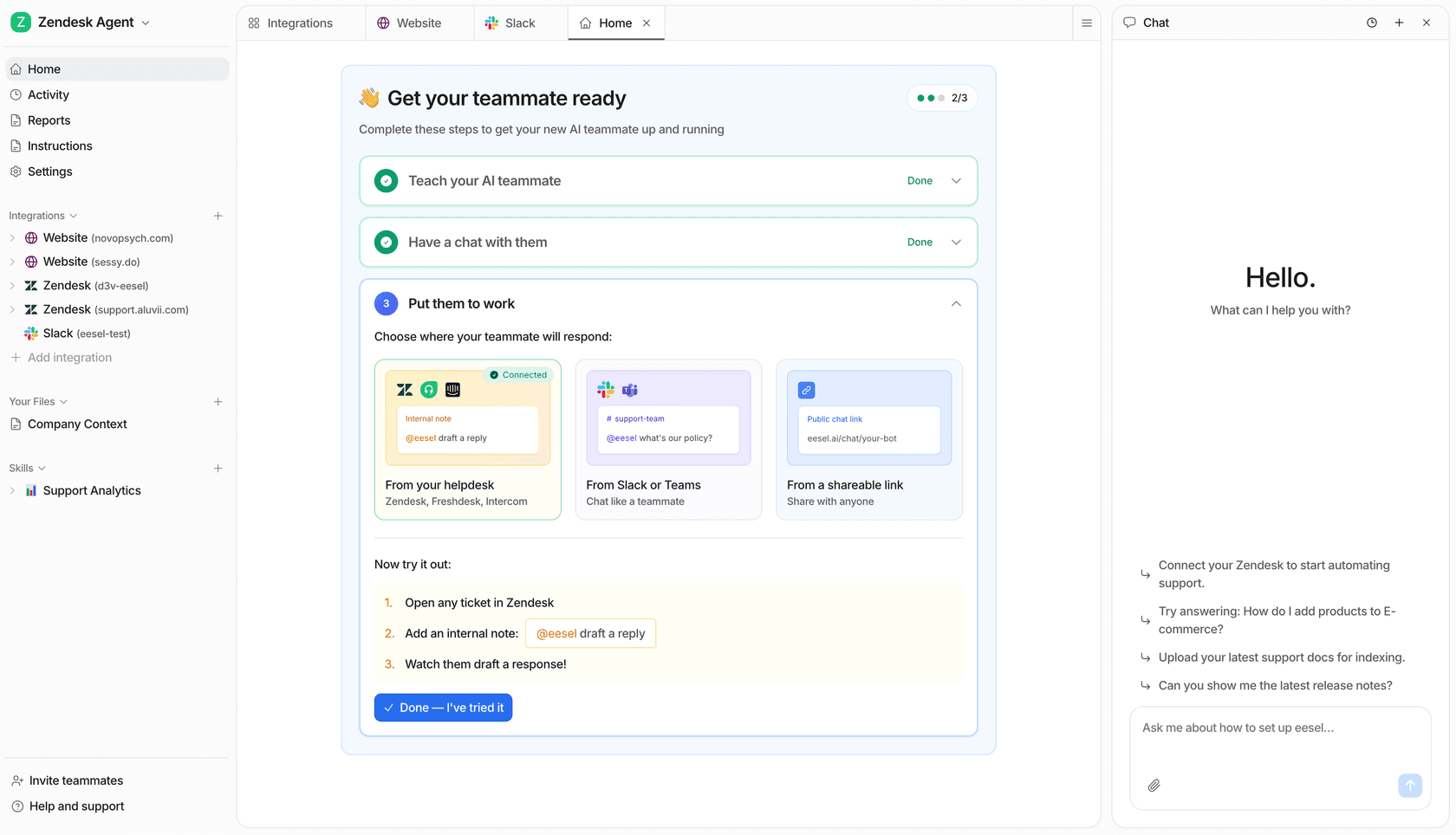
Try eesel CLI for a reviewable source-to-instruction handoff
JetBrains makes a small source snippet and its code context easy to inspect. eesel CLI lets the owner see the selected teammate's current instruction in the same workspace as the dashboard. That keeps the handoff simple: an engineer identifies missing coverage, and the content owner decides the change.
Try eesel when you want to review that support handoff before a live instruction changes.
Frequently asked questions
Which JetBrains IDEs support the Claude Code plugin?
The plugin supports major JetBrains IDEs including IntelliJ IDEA, PyCharm, Android Studio, WebStorm, PhpStorm, and GoLand.
Do I need the Claude Code CLI for JetBrains?
Yes. The plugin connects to the standalone claude command in the IDE terminal and does not bundle its own copy. Install the CLI and make sure the IDE can find it on its path.
Can I review edits in JetBrains before they are written?
Yes. Use Manual mode to review a proposed change in JetBrains' diff viewer before accepting it. Auto and accept-edits modes move the review point, so they need more care.
What changes for JetBrains Remote Development or WSL 2?
Remote Development requires the plugin on the remote host. WSL 2 can need the documented firewall or mirrored-networking setup so the CLI can connect to the IDE plugin.