


Your support team is incredible. They juggle tricky questions, soothe frustrated customers, and know your product like the back of their hand. But while they’re busy on the front lines, your help center is probably collecting dust. We've all seen it happen, it slowly fills up with outdated articles, forgotten tutorials, and screenshots of a UI that no longer exists.
This leads to a classic problem. Customers get annoyed by wrong information, agents lose time correcting it, and any AI chatbot you try to launch just ends up amplifying the same bad advice.
It's the old "garbage in, garbage out" saying in action. A stale knowledge base doesn't just make for a poor self-service experience; it trips up your AI and automation efforts before they can even get started. Sure, you could try to fix it with manual audits, but those are slow, expensive, and often miss what customers are actually confused about.
The good news is that AI can do a lot more than just answer questions. It can be a partner in keeping your knowledge base fresh. This guide will walk you through a practical, step-by-step process for detecting outdated help center content with AI, turning your documentation from a headache into a genuine asset.
What you'll need
Getting this process going is a lot easier than you might think. You don't need a squad of data scientists or a six-month implementation plan. You just need a couple of things:
-
An existing help center: This is your collection of articles, whether they're in Zendesk Knowledge (formerly Guide), another platform, or somewhere else.
-
Your support ticket history: This is the key ingredient. Your past customer conversations are a goldmine, showing you exactly what content is outdated, confusing, or flat-out missing.
-
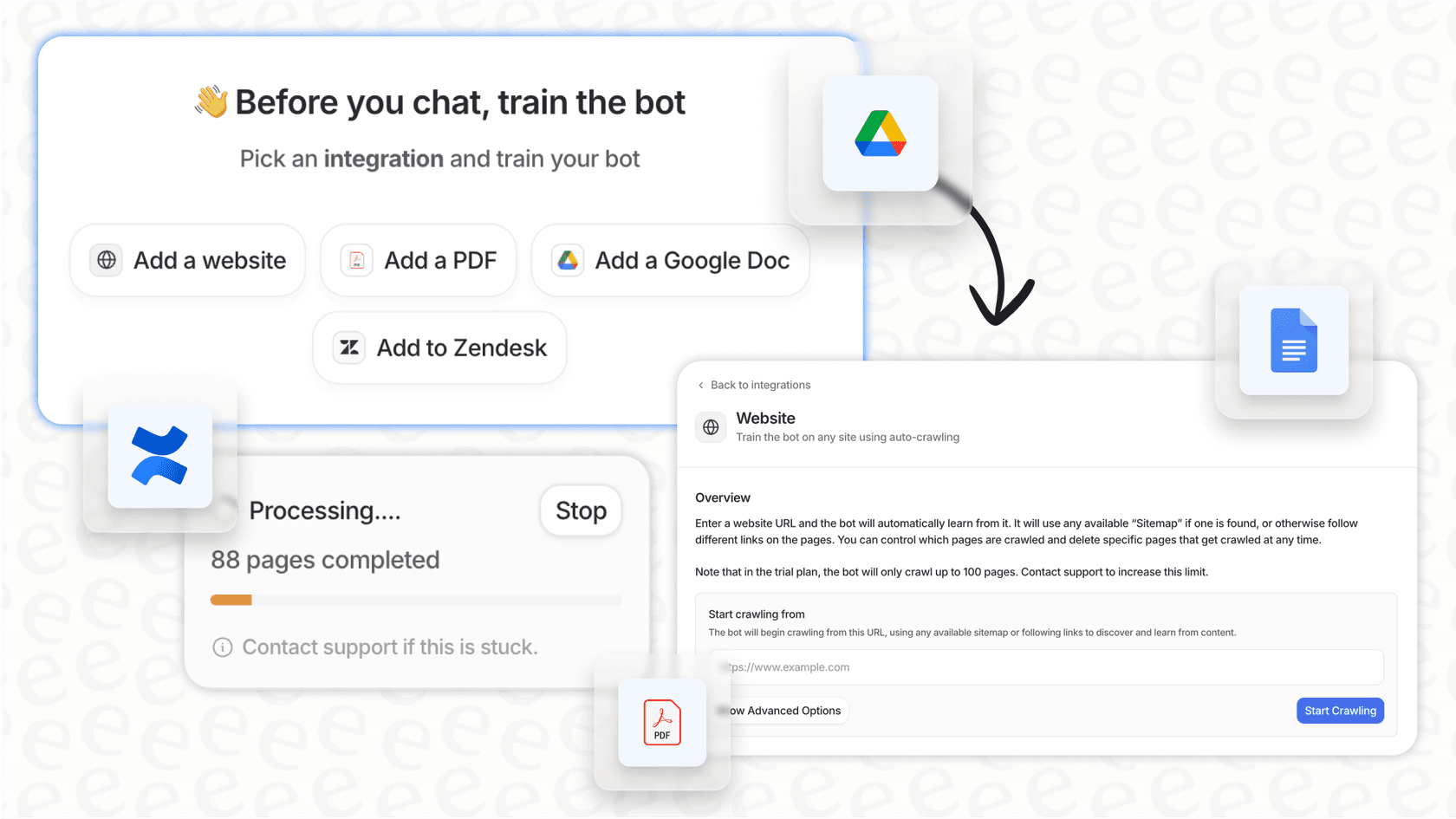
An AI platform that connects to both: You need a tool that can look at your help center articles and your support tickets to see the difference between what you say and what your team does. Tools like eesel AI are built for exactly this, with simple integrations for help desks like Zendesk and Freshdesk that you can set up yourself in a few minutes.
A 5-step guide
This isn't about plugging in a magic box that fixes everything overnight. It's about setting up a smart, repeatable process. Here’s a simple framework to get you started.
Step 1: Connect all your knowledge (not just the official stuff)
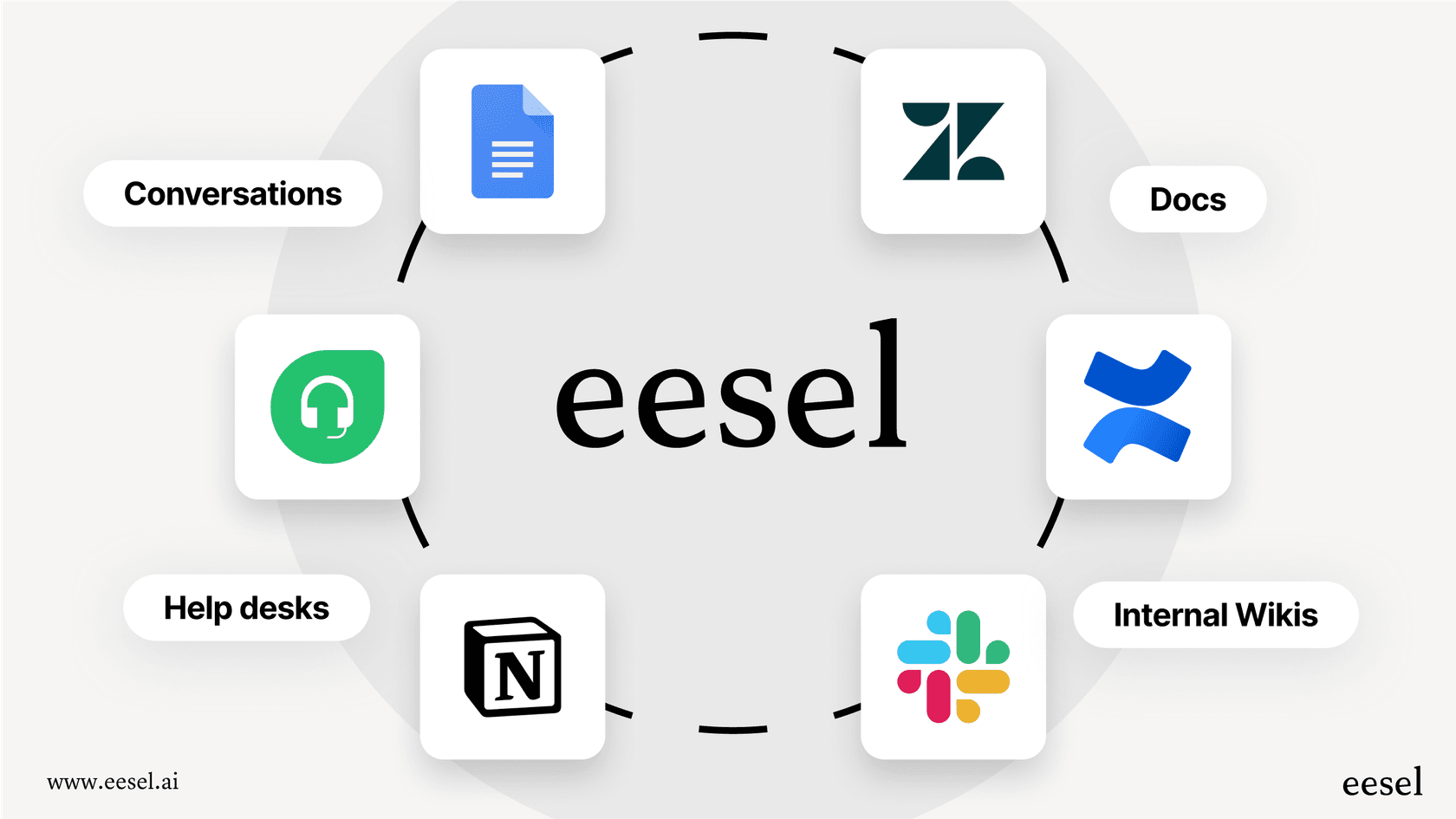
First, you need to give your AI the full picture of your company's knowledge. The official help center is the obvious place to start, but let's be real, that's not where every answer lives. In most companies, important info is scattered all over the place. To get a real sense of what's out of date, you need to feed all of it to your AI.
Make sure to include:
-
Help Center Articles: This is your official source of truth, the baseline for everything else.
-
Past Support Tickets: This is where the real truth lies. You can see how your best agents solve actual problems, which is often far more useful than the official guides. This source is absolutely essential and the one that's most often overlooked.
-
Internal Wikis: Your team’s collective brain probably lives in a tool like Confluence or Notion. Connecting these helps capture the technical details and internal processes your agents use every day.
-
Macros and Canned Replies: These are your team's proven, bite-sized solutions that you know work. Your AI should definitely be learning from them.
The idea is to create one unified brain for your company. Tools like eesel AI make this pretty straightforward by letting you connect all these different sources with a few clicks.
Step 2: Run an analysis to find knowledge gaps
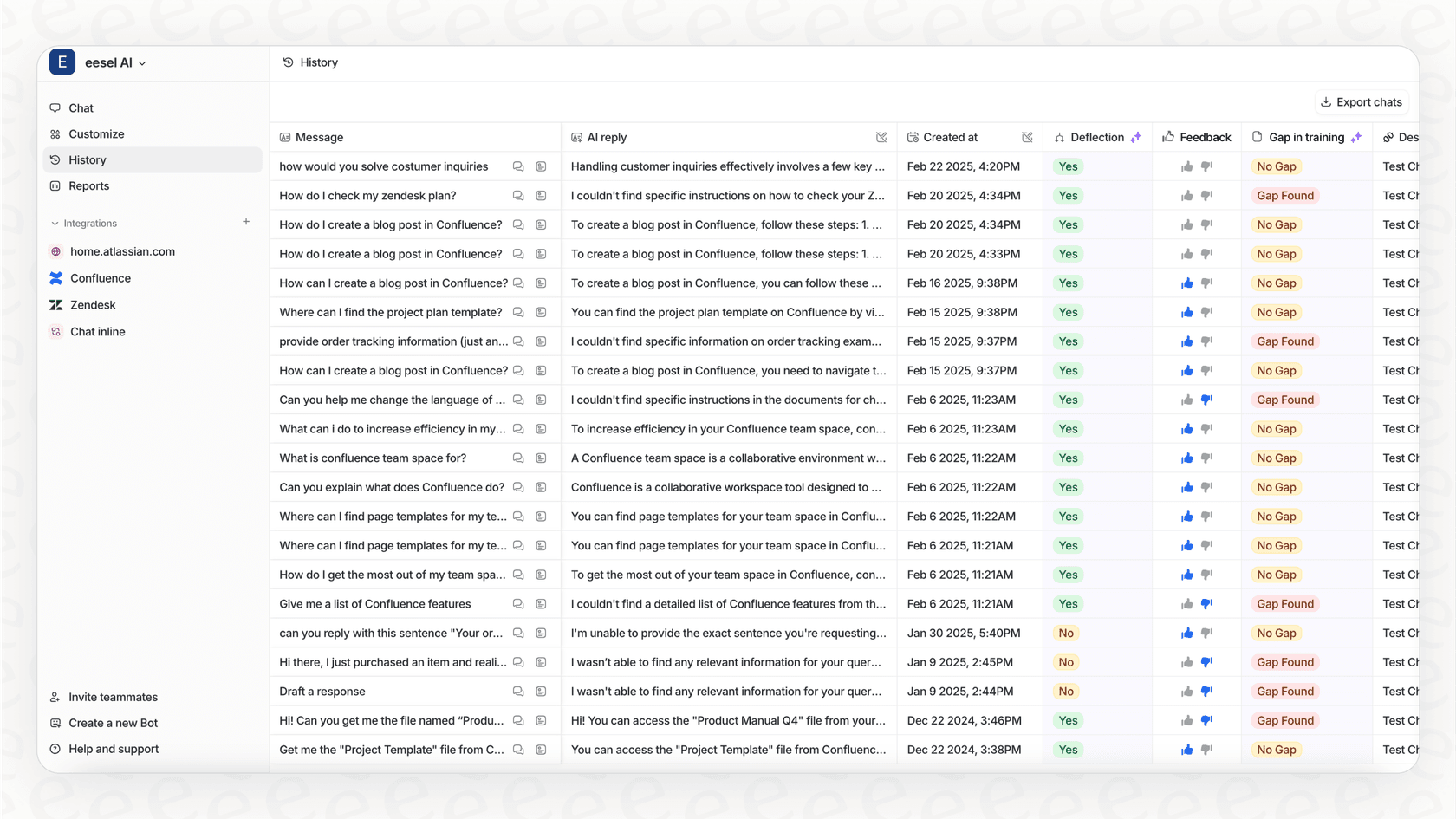
Once everything is connected, the AI can start doing the heavy lifting: a gap analysis. It scans the questions your customers are asking in new support tickets and compares them to the content you already have.
It’s on the lookout for two main things:
-
Common questions with no answers: The AI quickly spots themes in your tickets that don't have a matching help article. If a dozen customers asked how to integrate with a new tool last week and you don't have an article for it, that's a gap.
-
Articles that aren't helping: It also flags articles that just aren't pulling their weight. For instance, if your agents are constantly sending customers a link to your "How to Reset Your Password" article, but those people still need more help, the article isn't doing its job. The AI sees that pattern and flags the content as ineffective.
This isn't about drowning you in raw data. A good analytics dashboard, like the one in eesel AI, shows you these gaps visually and gives you a clear to-do list. You'll see exactly which new articles you should write or which old ones you should fix to make the biggest impact on your ticket volume.

Step 3: Pinpoint issues using real conversations
Now we get to the really cool part: moving from finding what's missing to finding what's just plain wrong. This is where training an AI on your support ticket history really pays off.
Picture this: your help center has an article explaining how to set up a feature, but it uses screenshots from an old version of your app. Your support agents know this, so whenever a customer asks, they reply with something like, "Ah, that article is a little old. Ignore that, here's how you actually do it in the new interface..."
A basic AI would never notice this. It would just keep pointing people to the outdated article. But an AI that learns from your human agents will spot the difference. It detects that your team consistently gives answers that contradict the official documentation and flags that article as outdated. This is how you unearth the content that's actively creating confusion and wasting your team's time.
This ability to learn from how your team actually solves problems is a big deal. While many tools can just scan documents, eesel AI learns from the real-world solutions your best agents provide, letting it spot those subtle but important moments where your documentation has fallen behind your product.
Step 4: Generate updated articles from successful tickets
Finding the problem is one thing, but fixing it is another. A lot of teams get stuck here, constantly trying to keep up with content creation. This is another area where AI can give you a major boost.
Once a knowledge gap or an outdated article is flagged, the AI can sift through all the successful, human-led conversations on that topic. It looks at how your top agents explained the solution, the words they used, and the steps they gave.
From there, it can automatically generate a draft article in your brand's tone of voice that lays out the correct, proven solution. The job of your knowledge manager or content team then shifts from writing from a blank page to simply reviewing, polishing, and publishing.
This is what an "automated knowledge base generation" feature does inside eesel AI. It helps you close the loop by not just finding problems but also creating the fix, making sure your help center is always getting better with content you know works.
Step 5: Simulate and test your refreshed knowledge base
Before you push a new or updated article live, you want to be pretty sure it’s going to work. In the past, you’d just have to publish it and cross your fingers, waiting weeks to see if ticket volume on that topic dropped.
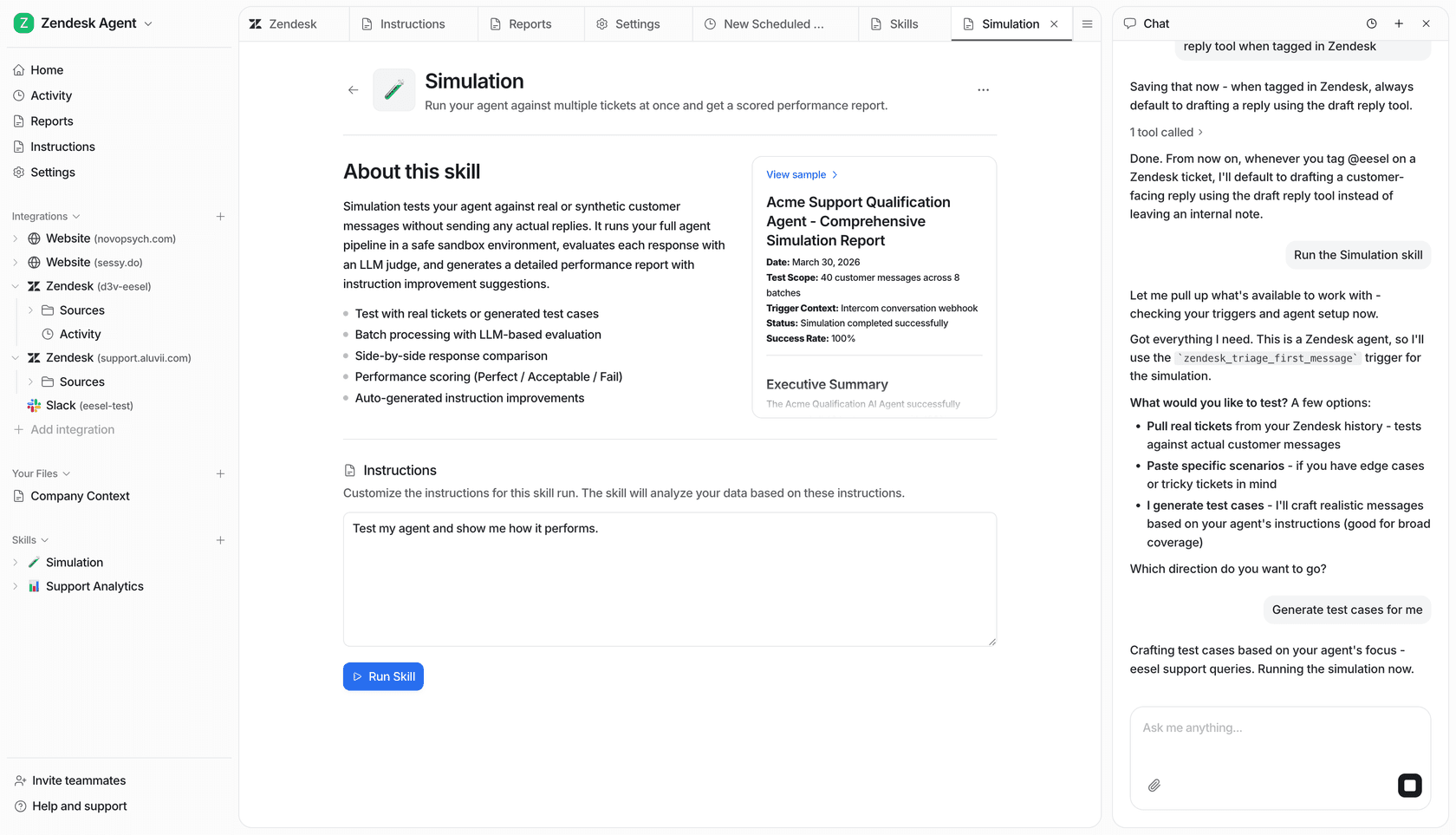
Today, you can use a simulation environment to test your changes against your own historical data. The AI can run through thousands of past tickets on a topic and simulate how it would have responded with the new information. You get to see the exact answers it would have given and get a solid forecast of how many tickets would have been solved without needing a human.
This is the whole idea behind the simulation mode in eesel AI. It’s a risk-free way to check your content updates, build confidence in your automation plans, and get accurate ROI forecasts before a single customer ever sees your changes. It's a level of testing that just wasn't possible before.
Common mistakes to avoid
As you get started with this, it's easy to fall into a few common traps. Here’s what to watch out for:
-
Don't just chase page views. High traffic doesn't automatically mean an article is helpful. It might just mean it ranks well in Google. If that high-traffic page is confusing, it could actually be creating more tickets. Always look at resolution data over simple views.
-
Don't ignore "unstructured" knowledge. The most up-to-date answers often live in Slack threads, internal Google Docs, and old ticket replies. If you don't include these sources, your AI is learning from an incomplete and possibly obsolete picture of your company's knowledge.
-
Don't use an AI that can't learn. Many basic AI tools are just fancy search engines. They can only repeat what's in a document. If the document is wrong, the AI will be wrong forever. You want a tool that can learn from your human agents to spot when things are off and improve itself over time.
-
Don't forget the human in the loop. AI is a fantastic assistant, but it shouldn't be the final say. It's great for generating drafts, not final copy. Always have a person review AI-generated content for tone, accuracy, and clarity before it goes live.
Your knowledge base is the bedrock of great support
A well-kept knowledge base is no longer a "nice-to-have." It’s the engine that runs everything else in your support world: helpful self-service for customers, an efficient toolkit for your agents, and the brains behind any automation you want to build.
It's time to get off the hamster wheel of reactive, manual content audits. By taking a proactive, AI-driven approach, you can use your own customer conversations to build a knowledge base that actually helps people.
This process might sound like a huge project, but modern tools are making it easier than ever. eesel AI is designed to be self-serve, letting you connect your sources, train your AI on real conversations, and simulate its performance in minutes, not months. Start building a smarter knowledge base today and see the difference it makes for your entire support operation.
Frequently asked questions
Why is it crucial for my business to focus on detecting outdated help center content with AI?
Focusing on detecting outdated help center content with AI is crucial because stale information frustrates customers, wastes agent time correcting errors, and cripples the effectiveness of any AI chatbot. Keeping your knowledge base accurate ensures a superior self-service experience and empowers your automation efforts.
What are the primary tools or resources required for detecting outdated help center content with AI in my organization?
You primarily need an existing help center, your historical support ticket data (which is a goldmine of customer insights), and an AI platform capable of connecting and analyzing both, such as eesel AI.
How does the AI differentiate between missing information and genuinely outdated articles when detecting outdated help center content with AI?
The AI performs a gap analysis to spot common questions from tickets that lack corresponding articles. Crucially, it also learns from human agents' responses in support tickets, flagging articles where agents consistently provide answers that contradict official documentation.
What are some key mistakes to avoid when implementing a strategy for detecting outdated help center content with AI?
You should avoid only chasing page views, ignoring unstructured knowledge like internal documents or Slack threads, using an AI that cannot learn from human interactions, and neglecting to keep a human in the loop for final review of AI-generated content.
Can existing internal documentation, beyond just help center articles, be utilized for detecting outdated help center content with AI?
Absolutely. Integrating internal wikis, past support tickets, and even macros or canned replies provides the AI with a comprehensive understanding of your company's true knowledge. This broad input makes the AI's detection of outdated content far more accurate and effective.
What kind of improvements can I anticipate in customer support efficiency after successfully detecting outdated help center content with AI?
You can expect reduced ticket volumes due to improved self-service, increased agent efficiency as they rely on accurate information, and a more effective AI chatbot that provides correct answers. Ultimately, this boosts overall customer satisfaction.
How quickly can a team typically begin seeing results after starting the process of detecting outdated help center content with AI?
Modern AI tools, like eesel AI, are designed for quick setup, often allowing you to connect sources and begin training the AI in minutes, not months. While full implementation takes time, you can start identifying content gaps and generating draft updates relatively quickly.