
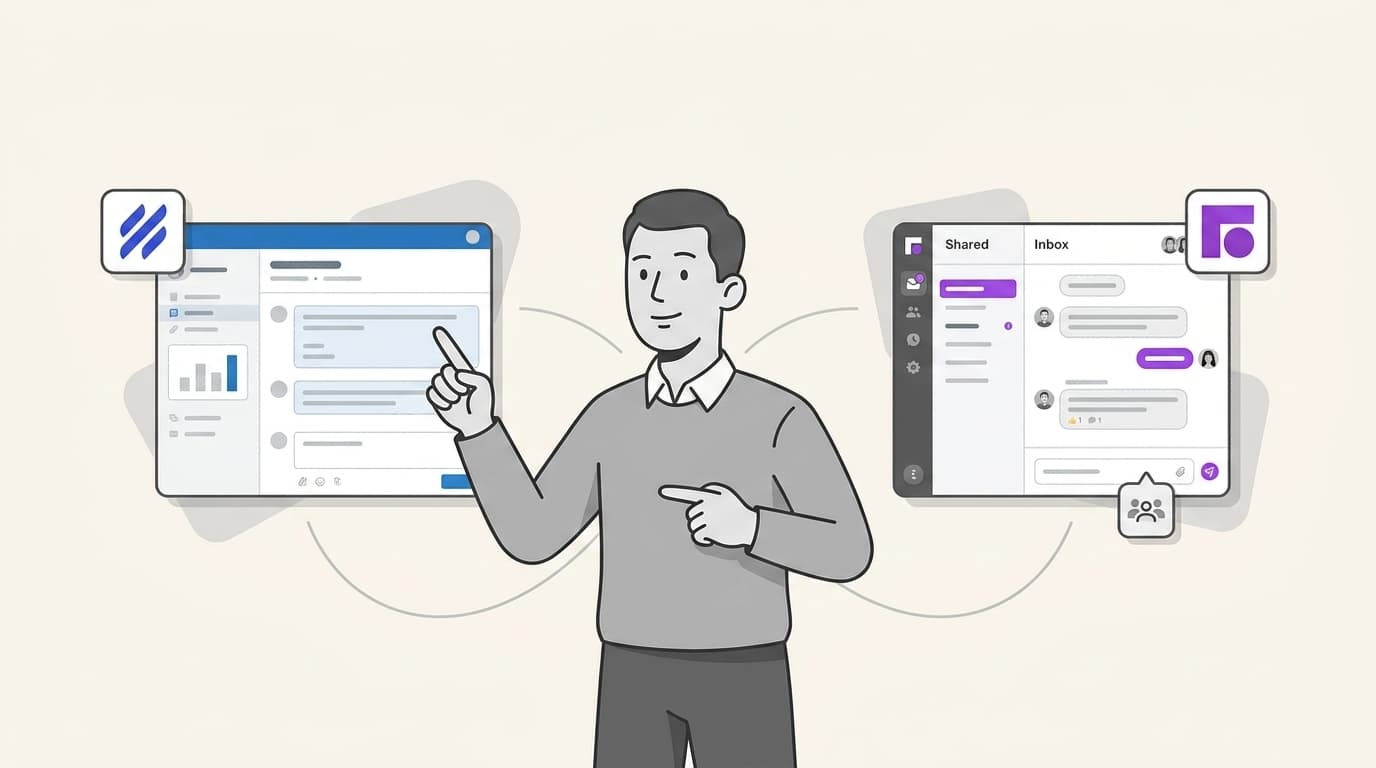
If you handle under 500 tickets a month, Help Scout wins on setup time and simplicity with its human-centered design. Past 1,000 tickets or with a need for cross-team collaboration on personal emails, Front's shared drafts and multi-channel automation pull ahead. In this guide, we break down the features, pricing, and AI capabilities of both tools to help you decide which is right for your team in 2026.
Help Scout vs Front: Key differences at a glance
Choosing between Help Scout and Front is less about comparing lists of features and more about deciding which philosophy fits your team's workflow. Help Scout positions itself as a "human-first" help desk. Its interface is clean, intentionally avoiding the technical look of traditional ticketing systems so that every customer interaction feels like a personal email.
Front, on the other hand, is a "collaborative workspace." While it handles customer support beautifully, its primary strength is breaking down the silos between personal and team communication. It allows you to manage your individual work email alongside shared inboxes like support@ or sales@, making it a hub for all company communication.
| Criteria | Help Scout | Front |
|---|---|---|
| Best for | Small to mid-sized support teams | Sales, Ops, and Support collaboration |
| Primary Channels | Email, Live Chat, SMS (native, via Twilio), WhatsApp, Messenger, Instagram | Email, SMS, WhatsApp, Social Media |
| Key Strength | Ease of use and Knowledge Base | Real-time internal collaboration |
| Entry Price | $25 per user/mo | $25 per user/mo |
| AI Strategy | Doc-based self-service | Automation-heavy "Autopilot" |
While both tools offer powerful interfaces, teams in 2026 are increasingly looking for ways to reduce the manual workload altogether. This is where eesel AI enters the picture. Instead of just giving you a better inbox to manage tickets, eesel AI acts as an autonomous layer that works across both platforms to resolve queries instantly.
Collaboration and shared inboxes
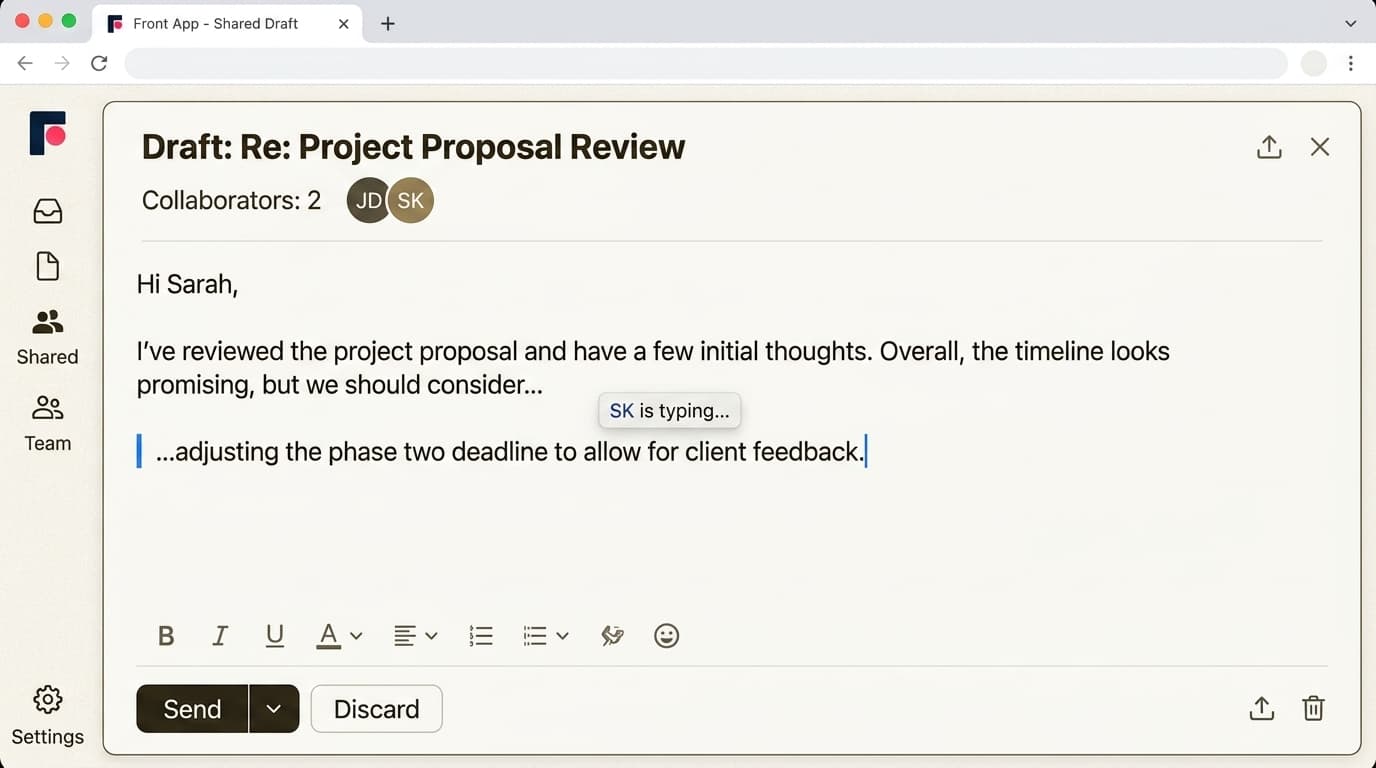
When it comes to how your team actually works together on a reply, Front is the clear leader in real-time collaboration. Its standout feature is Shared Drafts, which allows two or more teammates to co-author an email simultaneously, much like a Google Doc. You can see your colleague typing in real-time, which is invaluable for high-stakes account management or complex technical queries.
Help Scout handles collaboration more traditionally through Private Notes and @mentions. You can leave a side-bar comment for a teammate or tag them to take a look, but you won't be editing the same draft at the same time. For many support teams, this asynchronous approach is perfectly sufficient and keeps the interface less "busy."
Both tools feature robust Collision Detection, ensuring that two agents never accidentally reply to the same customer. In Front, you see a notification that someone is viewing or replying; in Help Scout, the ticket is "locked" or shows a clear indicator that a teammate is active.
Knowledge base and self-service capabilities
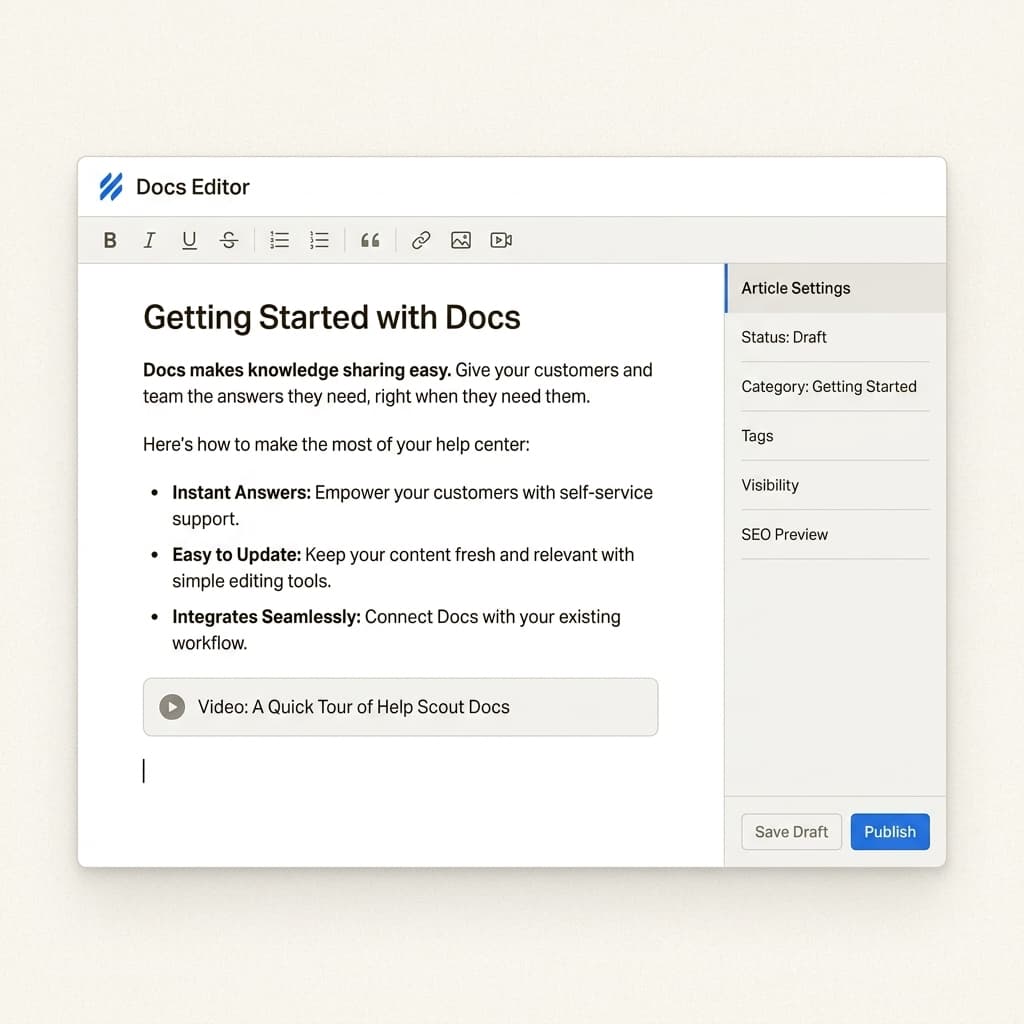
If self-service is a cornerstone of your support strategy, Help Scout is tough to beat. Help Scout Docs is widely considered the industry standard for ease of setup. You can have a professional-looking, mobile-responsive knowledge base live in minutes. The editor is intuitive, making it easy for non-technical team members to keep articles updated.
Front also offers a Knowledge Base, but it has historically felt like a secondary feature compared to the inbox. It is functional and integrates well with the composer, but it lacks the deep customization and "portal" feel that Help Scout provides.
The impact on ticket deflection is significant. Help Scout's focus on self-service encourages customers to find their own answers before ever reaching out, often resulting in a higher ROI on your documentation efforts.
Multichannel and email management
Front’s unique advantage is its ability to centralize personal and team inboxes. In a typical workflow, an account manager might have to jump between their personal Gmail for one-on-one client work and a shared inbox for general support. Front brings these together in one view, allowing you to use the same automation and collaboration tools for both.
Front also offers superior Channel Depth. While Help Scout handles email, chat, SMS, WhatsApp, Messenger, and Instagram effectively, Front extends this to social media comments (not just DMs) and custom channels via their API. This makes Front the preferred choice for operations-heavy teams that live in multiple messaging apps.
Help Scout remains committed to an email-first approach. It is the ideal choice for teams that want a clean, non-ticket-like experience. When a customer receives a reply from Help Scout, it looks exactly like a standard email, there are no ticket numbers in the subject line or "support portal" footers unless you explicitly add them.
AI agents and automation in 2026
The AI landscape has shifted significantly in 2026, moving from simple "writing assistants" to autonomous agents.
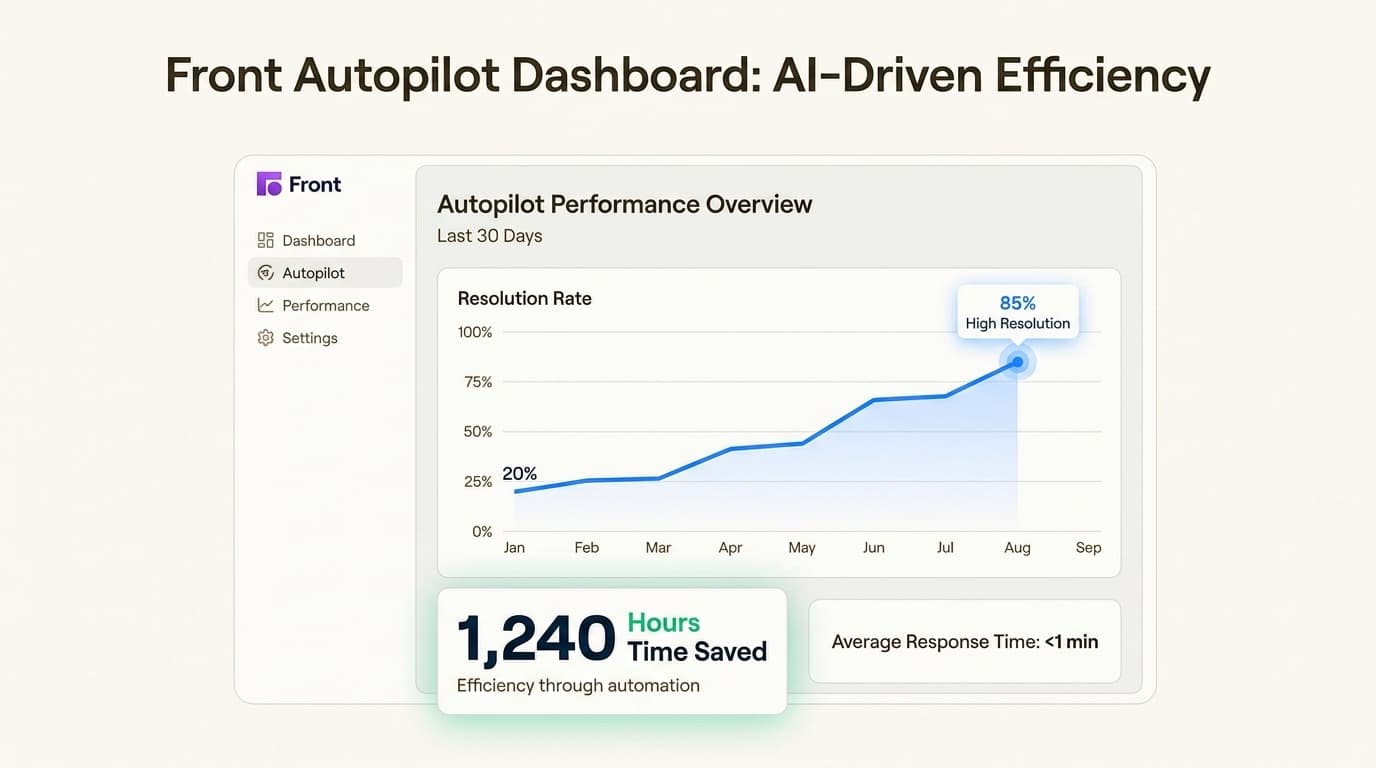
Front Autopilot is a purpose-built automation engine designed for complexity. It uses AI to handle intelligent routing, ensuring that every message lands with the right expert. More importantly, it can be trained to provide automated resolutions for common customer questions, significantly reducing the burden on your human staff.
Help Scout AI Answers takes a different path by leveraging your existing "Docs" knowledge base. It provides instant, conversational responses in your chat widget. If the AI can't resolve the query, it seamlessly hands off the conversation to a human agent with a full summary of the interaction.
However, many teams find that being locked into a single platform's AI ecosystem can be limiting. eesel AI offers an autonomous alternative that resolves up to 81% of tickets end-to-end. Because it isn't tied to a specific inbox interface, eesel AI can learn from your Notion, Google Docs, and past tickets across multiple platforms. It handles the actual work of responding to customers at a fraction of the cost of higher-tier help desk plans.
Pricing and total cost of ownership
Both platforms start at a similar entry point, but their costs diverge quickly as you scale or add advanced features.
Help Scout Pricing:
- Standard ($25/mo): Perfect for small teams.
- Plus ($45/mo): Adds WhatsApp and advanced workflows.
- Pro ($75/mo): For large-scale operations requiring top-tier security.
- AI Answers: Charged at $0.75 per resolution after a 3-month free trial.
Front Pricing:
- Starter ($25/mo): Limited to 10 seats and basic channels.
- Professional ($65/mo): Required for multichannel support (SMS, Social).
- Enterprise ($105/mo): Includes AI Copilot and advanced automation.
For a 10-person team looking for multichannel support and AI capabilities, the cost difference is stark:
| Scenario | Help Scout (Plus) | Front (Professional) |
|---|---|---|
| Monthly Base Cost | $450 | $650 |
| AI Resolution Cost | $0.75 / resolution | Add-on or Enterprise only |
| Total (Est. 500 Resol/mo) | $825 | $1,000+ |
In contrast, eesel AI uses a transparent, credit-based plan. Plans start from $299/month for 500 credits (1 credit per ticket or chat, however long), with a free plan of 100 credits, no card. Blog posts are $4.00 each. There is no platform fee and no per-seat fee.
Choosing the right tool for your team
The choice between Help Scout and Front ultimately comes down to your team's specific pain points.
If you want an autonomous teammate that can resolve up to 81% of your support volume without needing a complex new platform, then eesel AI is the partner you've been looking for.
Choose Help Scout if: You want a simple, human-centric help desk with an industry-leading knowledge base and a quick setup time.
Choose Front if: You need to bridge the gap between personal and team communication, or if your team relies on real-time collaboration to handle high-stakes customer relationships.
Hire your AI teammate today and see how much time your team can save.