
Let’s be honest: customers expect fast answers, and support teams are often stretched thin. If your team is buried under the same repetitive questions while ticket volumes keep climbing, you know how tough that is. Artificial intelligence isn't just a sci-fi concept anymore; it's a real tool that can give your team some much-needed breathing room. The trouble is, getting started with HelpDesk AI can feel like a huge, expensive project, with many tools forcing you to ditch the systems you already use.
This guide is here to help you cut through that noise. We'll walk through what HelpDesk AI really is, what it can do, and how you can start using it without tearing everything down. We'll focus on a newer type of AI solution that works with your current tools, making them better instead of replacing them.
What is HelpDesk AI, really?
At its heart, HelpDesk AI is technology built to give customer support teams a helping hand. It takes on the repetitive, time-sucking tasks, figures out what customers are asking, and pulls up accurate answers instantly. This frees up your agents to handle the problems that actually need a human touch.
When you start looking around, you'll see two main ways to bring AI into your helpdesk:
- Platform-native AI: These are the AI features that come built into big helpdesk platforms like Zendesk or Freshdesk. They can be convenient, but they often lock you into their world. The AI can usually only learn from data within that one platform, which can limit how smart it is and tie you to their way of doing things.
- Integrated AI layers: These are specialized AI tools that connect to your existing setup. This gives you a lot more freedom and power because you can keep the helpdesk your team knows and loves while adding top-notch AI capabilities.
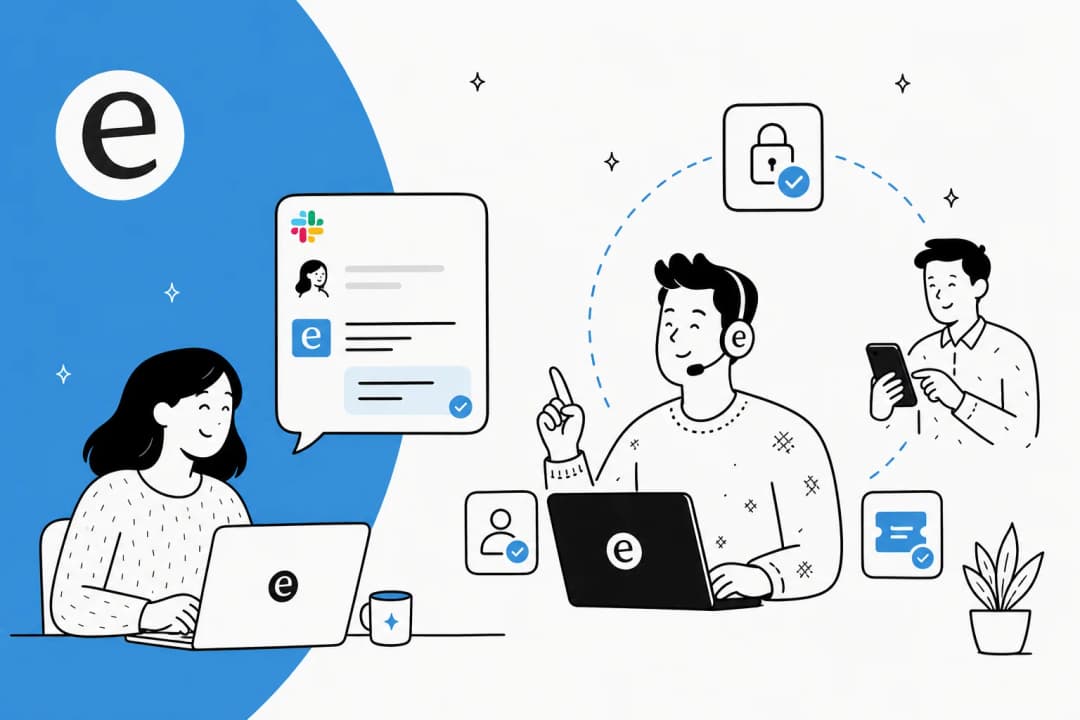
eesel AI is a great example of an integrated AI layer. It’s built to connect all your company's knowledge from your helpdesk and internal wikis to your chat tools into one brain. This means you can add powerful AI without the headache and cost of moving to a whole new system. It uses tech like Natural Language Processing (NLP) and Generative AI to understand questions and give human-like answers, drawing from the places where your team's knowledge is already stored.
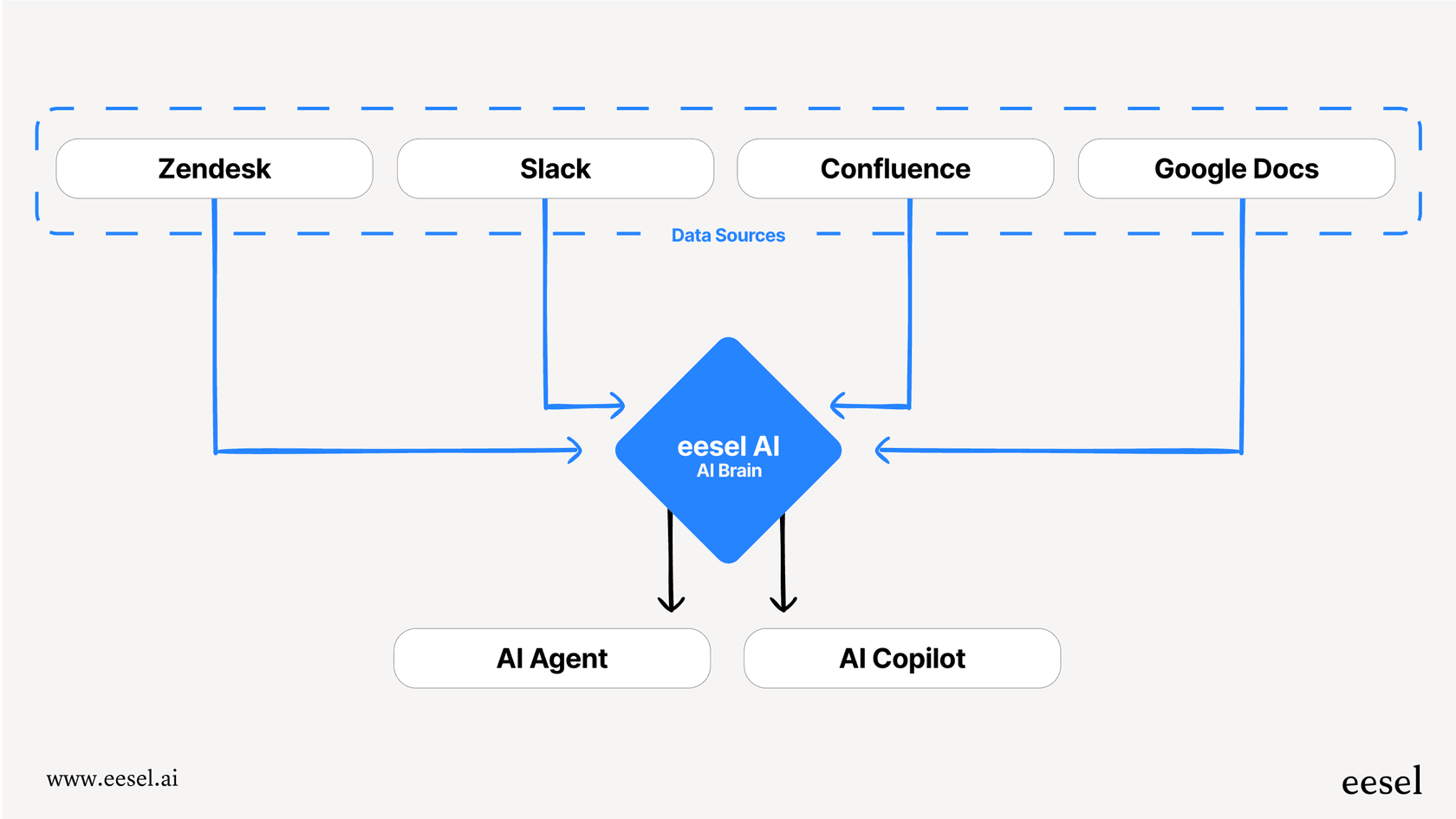
What can modern HelpDesk AI actually do?
A good HelpDesk AI should do more than just spit out pre-written answers. It should work like an extension of your team, handling different tasks to free up your agents for more interesting work. Here’s a look at what it should be able to do, and how a more connected approach gets much better results.
Automate frontline support with HelpDesk AI
A virtual agent is basically an AI-powered bot. It’s available 24/7 to answer common customer questions through email, web chat, or Slack, aiming to solve issues so a human doesn't have to.
The common pitfall
Many built-in virtual agents are surprisingly stiff. They can only answer a question if it perfectly matches an article in the official knowledge base. If a customer phrases something a bit differently or asks something that’s not in the FAQ, the bot gives up. This leaves you with a frustrated customer and another ticket in the queue.
A better approach
A truly helpful AI agent should learn from all your company's knowledge, not just a polished help center. Its real smarts come from understanding the context in past support tickets, internal wikis like Confluence, and shared Google Docs.
The AI Agent from eesel connects to your entire knowledge base. By learning from thousands of your team's past resolved tickets, it understands customer issues based on real-world examples and provides answers based on how your team actually fixes things, not just what the official docs say.
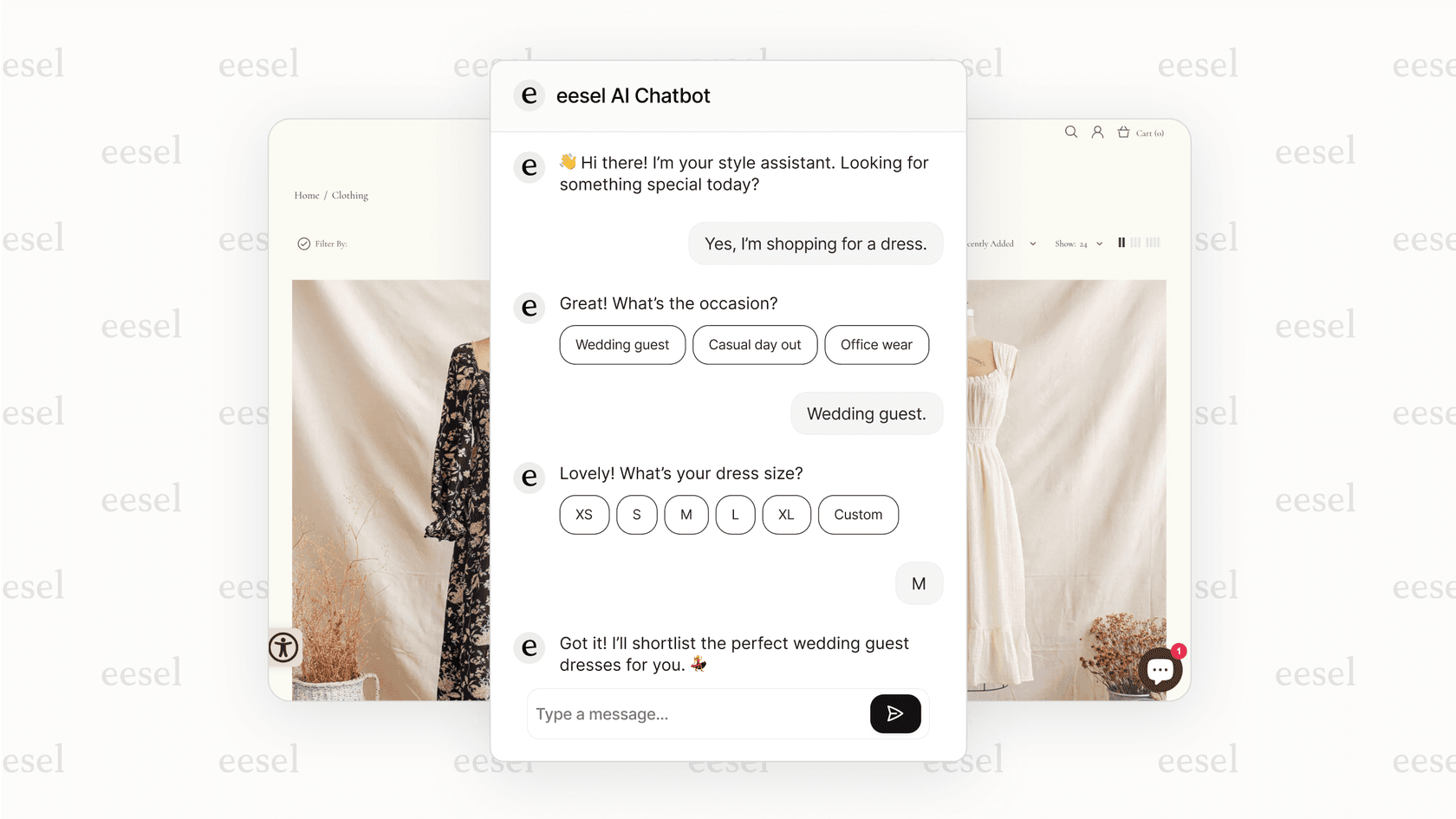
Supercharge agents with a HelpDesk AI copilot
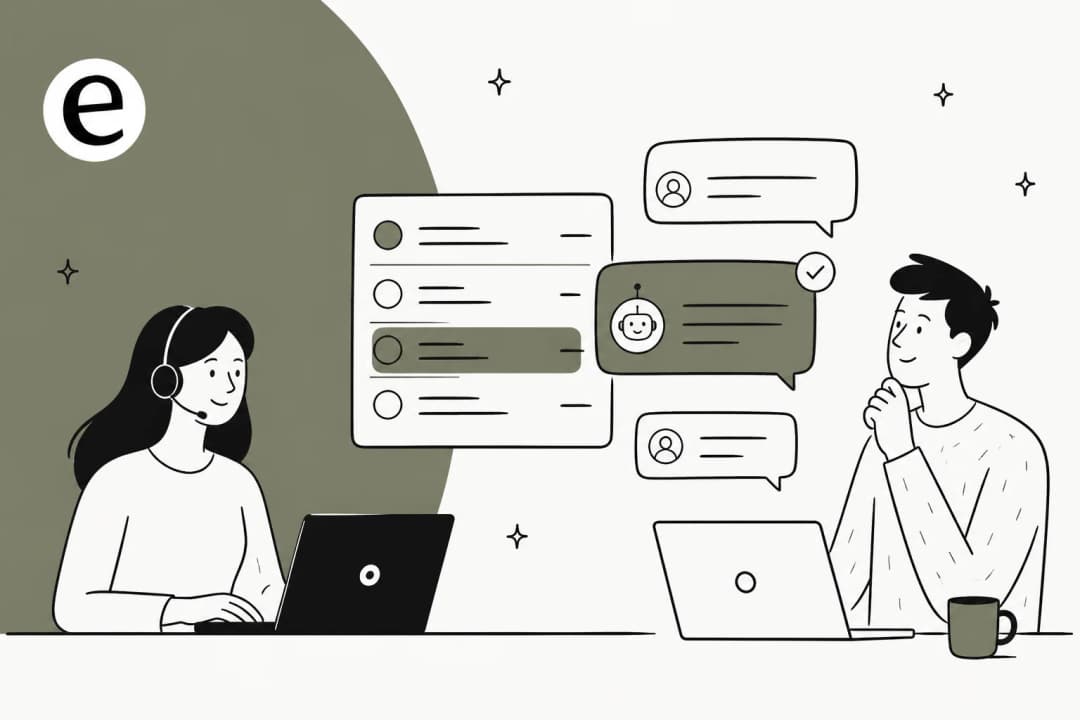
An AI copilot is an assistant that works right alongside your agents inside their helpdesk. It drafts replies, sums up long ticket histories, and finds relevant info in seconds.
The common pitfall
Generic AI copilots often write robotic, bland replies that don't sound anything like your company. This means agents have to spend almost as much time editing the AI's suggestion as they would have just writing it themselves, which kind of defeats the whole point.
A better approach
A good AI copilot should learn your team's unique tone and style from your best past conversations. It should generate responses that sound authentic to your brand, so they’re ready to send with just a quick check.
The eesel AI Copilot is trained on your team's most effective responses from past tickets. This makes sure every suggested draft captures your unique voice, which helps speed up response times and gets new agents performing like veterans from day one.
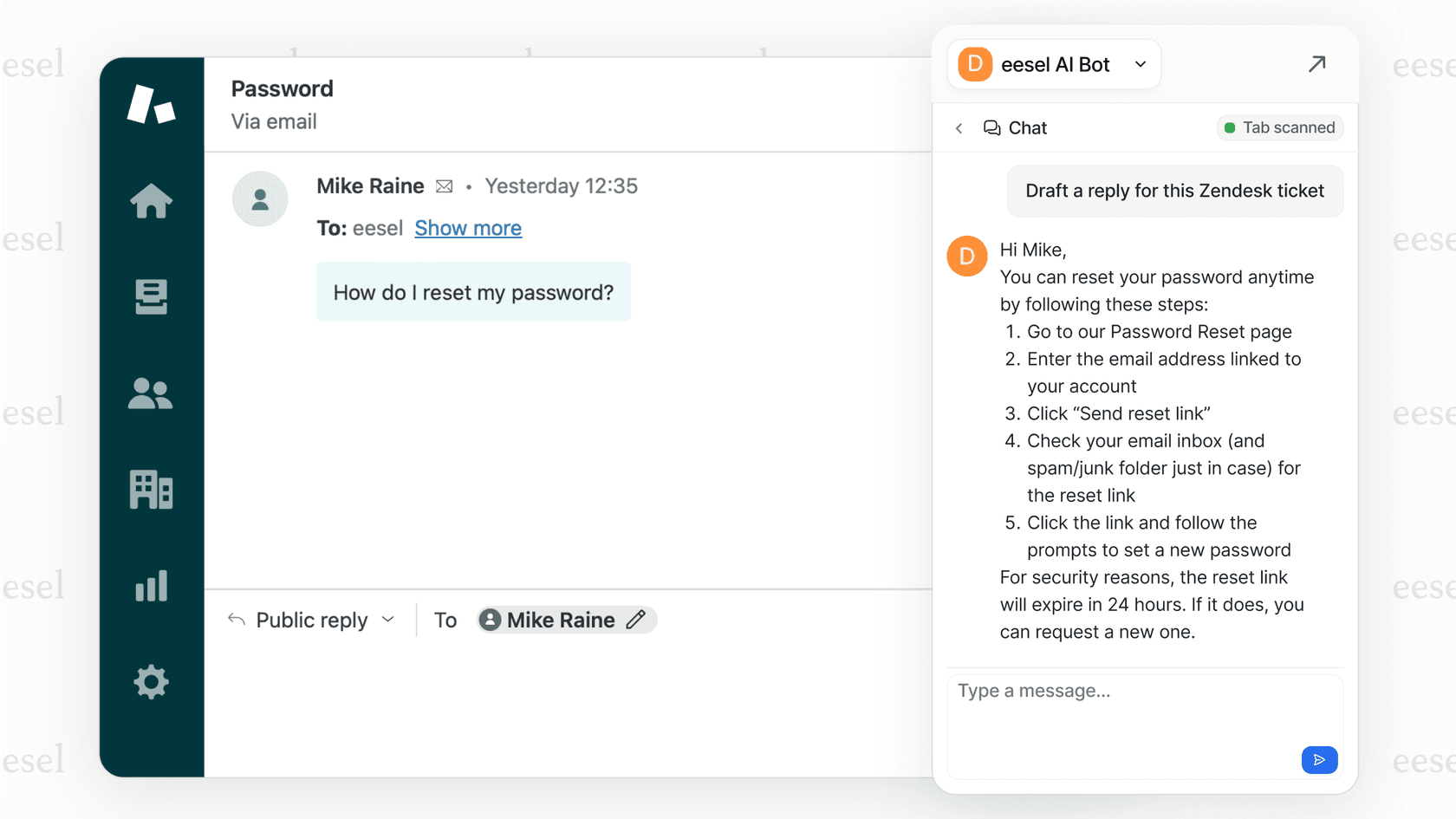
Streamline workflows with intelligent HelpDesk AI triage
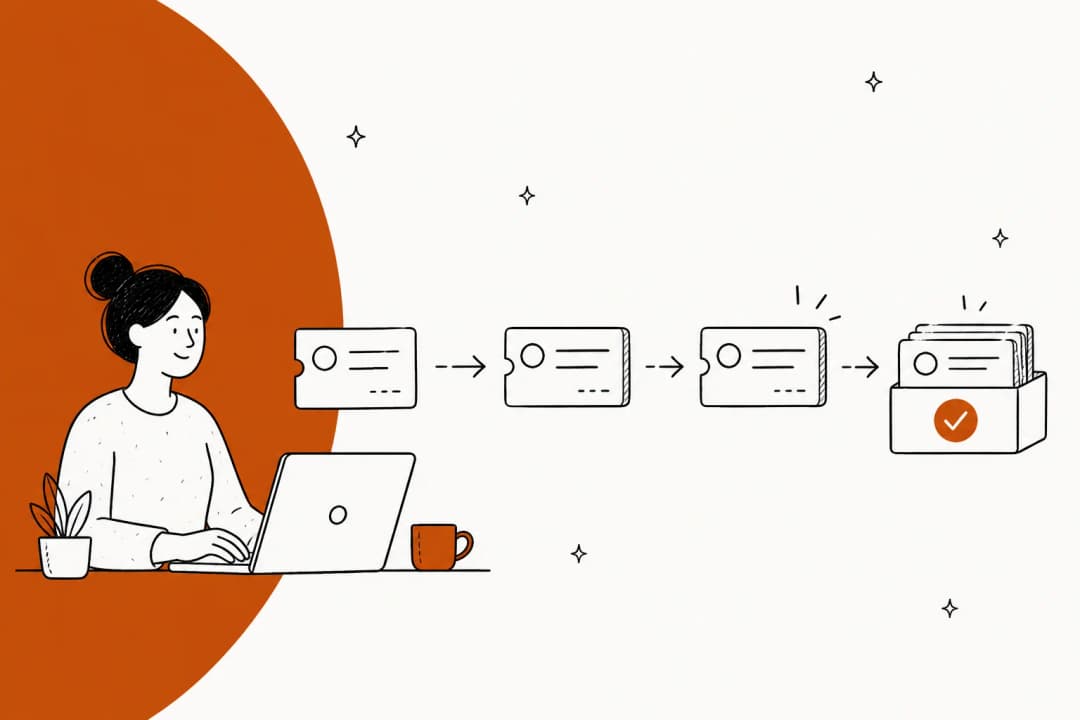
Ticket triage is just the process of automatically sorting, prioritizing, and sending incoming tickets to the right person or team.
The common pitfall
Old-school automation is based on rigid "if this, then that" rules. For instance, "if an email has the word 'refund,' send it to the Billing team." These rules are fragile, a pain to keep updated, and fall apart as soon as a customer describes their problem in a new way or your business changes.
A better approach
AI-powered triage understands the intent behind a message, not just the keywords. It can pick up on sentiment, urgency, and the actual topic to make smarter routing and tagging decisions on its own, with no complicated rules needed.
AI Triage from eesel does more than match keywords. It uses AI to figure out what customers are asking for and can be set up using plain English to perform actions like adding tags, setting priority, or assigning tickets in helpdesks like Zendesk or Gorgias all without having to build a single complex workflow.
How to evaluate and choose the right HelpDesk AI solution
Picking the right HelpDesk AI is a big decision. It’s not just about a list of features; it's about finding something that fits how your team works, can grow with you, and actually helps without causing a huge mess.
The HelpDesk AI "rip-and-replace" dilemma vs. the integrated layer
When you decide to go with AI, you have a big choice to make about how to do it.
-
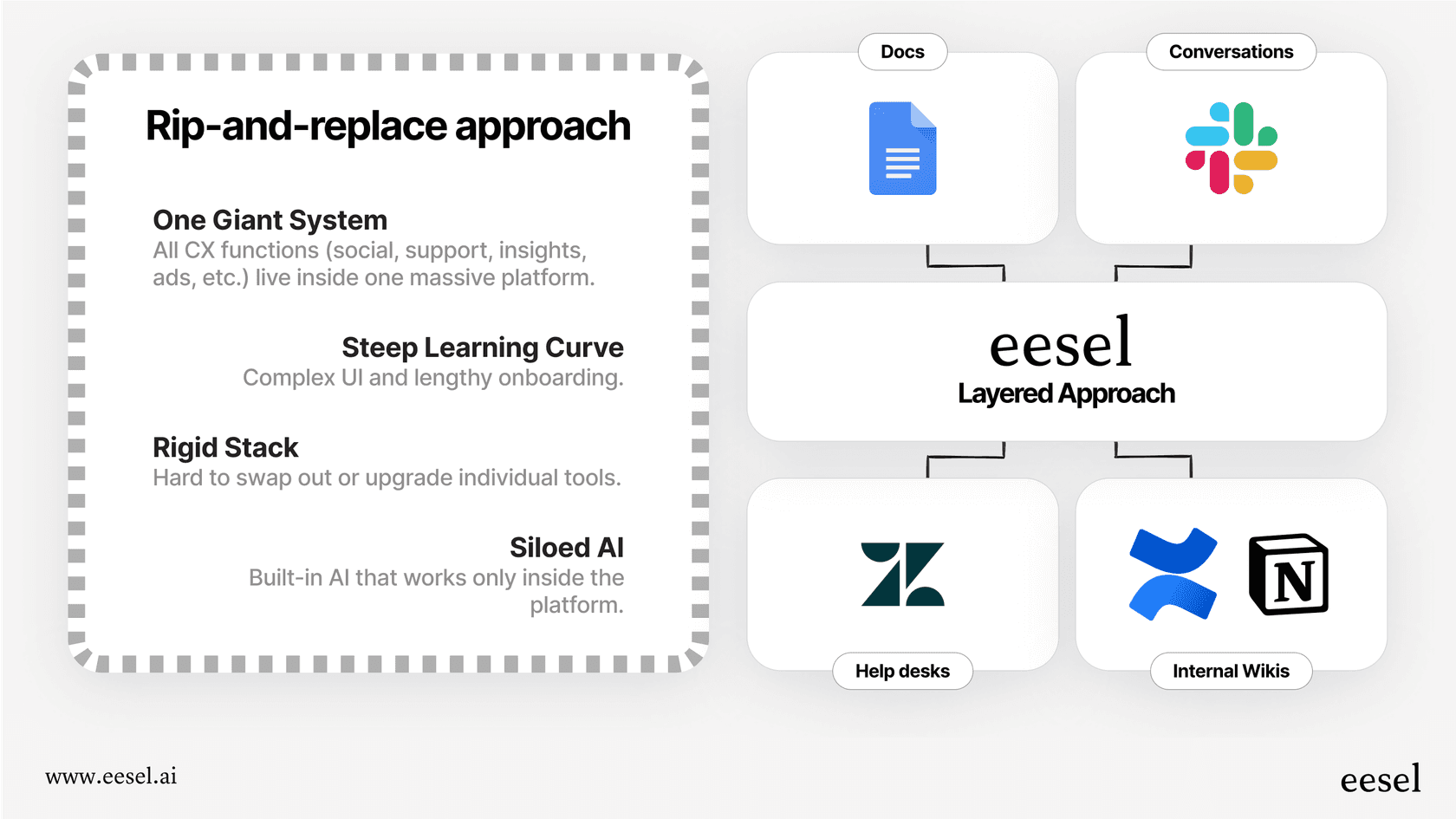
The rip-and-replace path: This means moving your entire support team to a new, all-in-one platform like Intercom or Sprinklr just to use their built-in AI. This is a massive headache. It's expensive, takes forever, and forces your team to learn a new system from the ground up. You also get locked into that one vendor, where the AI is often limited to the data inside that platform.
-
The integrated layer path: This is where you pick a specialized AI tool that connects to the helpdesk and knowledge sources you already have. This approach is much faster and less disruptive and lets you use the best tools for the job. You get top-tier AI without having to give up the systems your team already depends on.
eesel AI is built to be a powerful integrated layer. You can keep your Zendesk, use Microsoft Teams for internal support, and keep your knowledge in Notion or Confluence. eesel brings them all together with one AI brain, giving you the most power with the least disruption.
Key things to look for on your HelpDesk AI shortlist
As you look at different tools, use this checklist to see which ones are actually built for a modern, fast-moving team.
| Criteria | What to Look For | Why It Matters |
|---|---|---|
| Data Connectivity | Can it learn from all your knowledge sources (docs, past tickets, wikis, chat), or just a formal knowledge base? | Your best answers are often buried in past tickets and internal docs. The AI should be able to learn from them. |
| Customization & Control | Can you tweak the AI's behavior with simple, plain English, or do you need developers to write code? | You need to be able to easily adjust tone, when to escalate, and how it behaves as your business changes. |
| Deployment & Testing | Does it have a "simulation mode" to test it on old data before it goes live? | This takes the risk out of the project. You can see the potential return and find any knowledge gaps safely. |
| Workflow Actions | Can the AI just talk, or can it do things, like look up order info from Shopify or create a Jira ticket? | Real automation means the AI needs to be able to take action in your other tools. |
| Pricing Model | Is the pricing based on how many agents you have (which punishes growth) or on interactions (which scales with value)? | Interaction-based pricing means you only pay for what you use and aren't penalized for growing your team. |
A practical framework for implementing HelpDesk AI
Rolling out AI doesn't have to be an all-or-nothing gamble. The trick is to start small, show that it works, and then scale up from there. Here’s a step-by-step approach that lowers the risk and raises your chances of success.
Phase 1: Simulate and find your opportunities
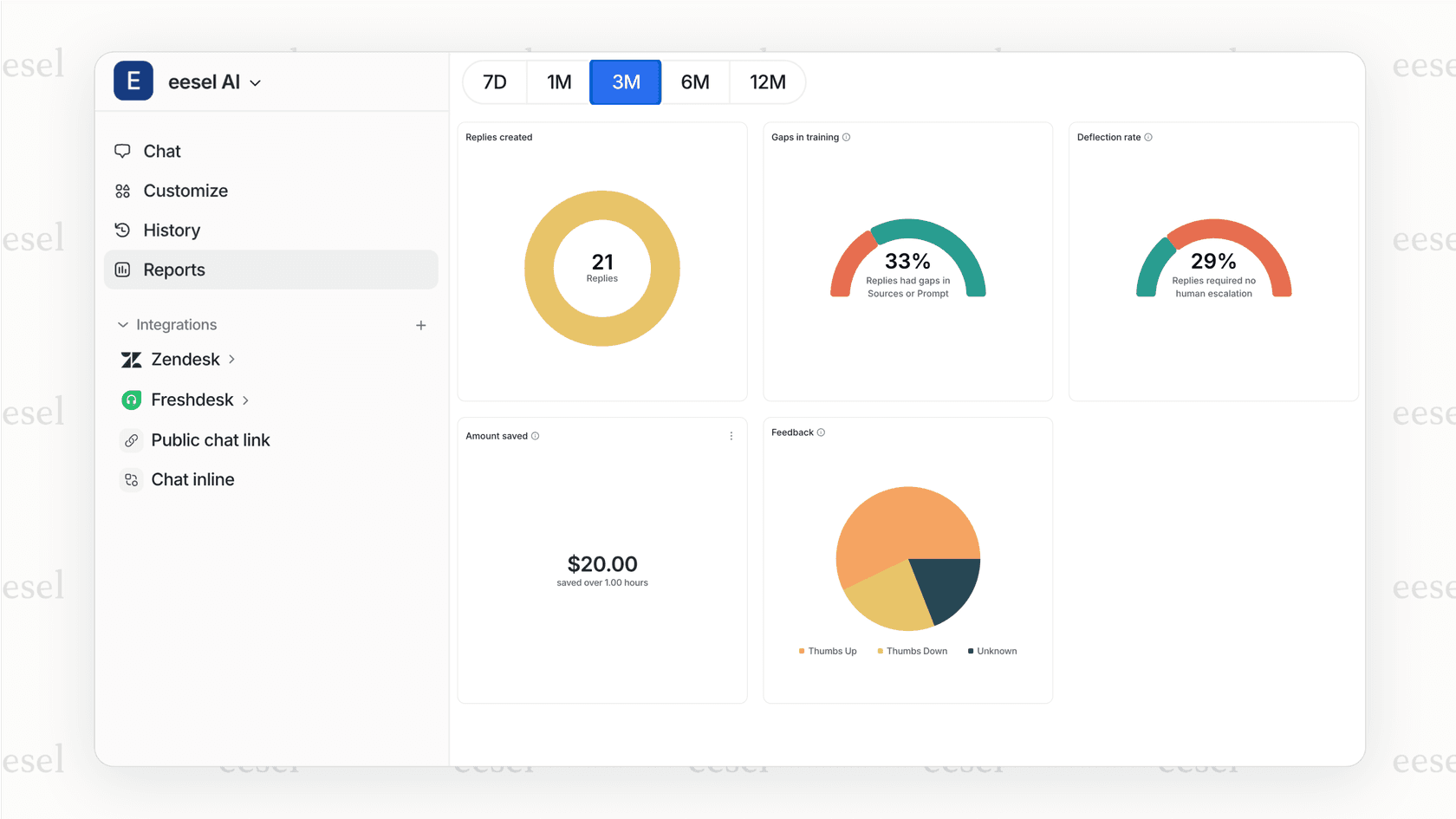
The most important first step is to avoid a "big bang" launch where you turn everything on at once. Instead, start with data. Pick a tool that lets you run a simulation on your past support tickets. This gives you a data-backed look at where the AI will do well, where your knowledge gaps are, and what your potential savings could be all before it ever interacts with a real customer.
The simulation feature in eesel AI is perfect for this. You can connect it to your helpdesk and run it over the last month of your Gorgias or Zendesk tickets. In just a few minutes, you'll see exactly how many conversations could have been automated and get an estimate of how much time and money you could save.
Phase 2: Start with one high-impact use case
Don't try to do everything at once. Once you have your simulation data, pick one area that will make a big difference but is low-risk to start with.
A great place to start is often an internal support channel, like an IT or HR helpdesk in Slack or Microsoft Teams. The stakes are lower, and you can get quick feedback from your own colleagues. Another good option is to automate replies for a top ticket driver, like common "where's my order?" or "password reset" questions.
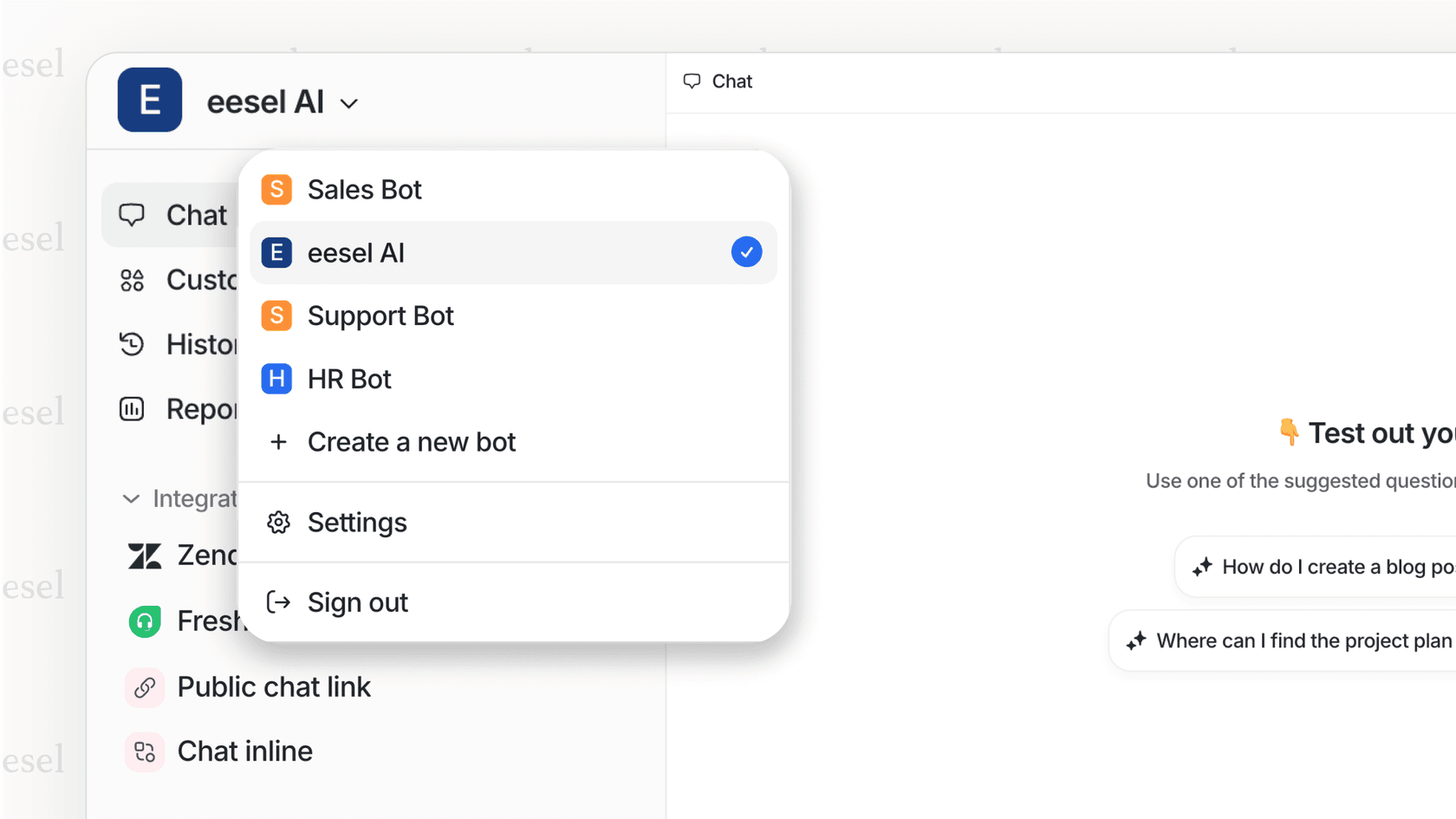
With eesel's multi-bot setup, you can create a dedicated bot for a specific job (like an "IT Support Bot" for your Teams channel) and train it only on the relevant IT documents. This keeps the AI focused and accurate right from the start.
Phase 3: Roll out, monitor, and empower your team
Once you've seen it work in a controlled setting, it's time to slowly expand the AI's role. As you do, make sure you frame the tool as something that helps agents, not replaces them. The AI is there to take care of the boring, repetitive queries so your human experts can focus on the complex, personal interactions that build customer loyalty.
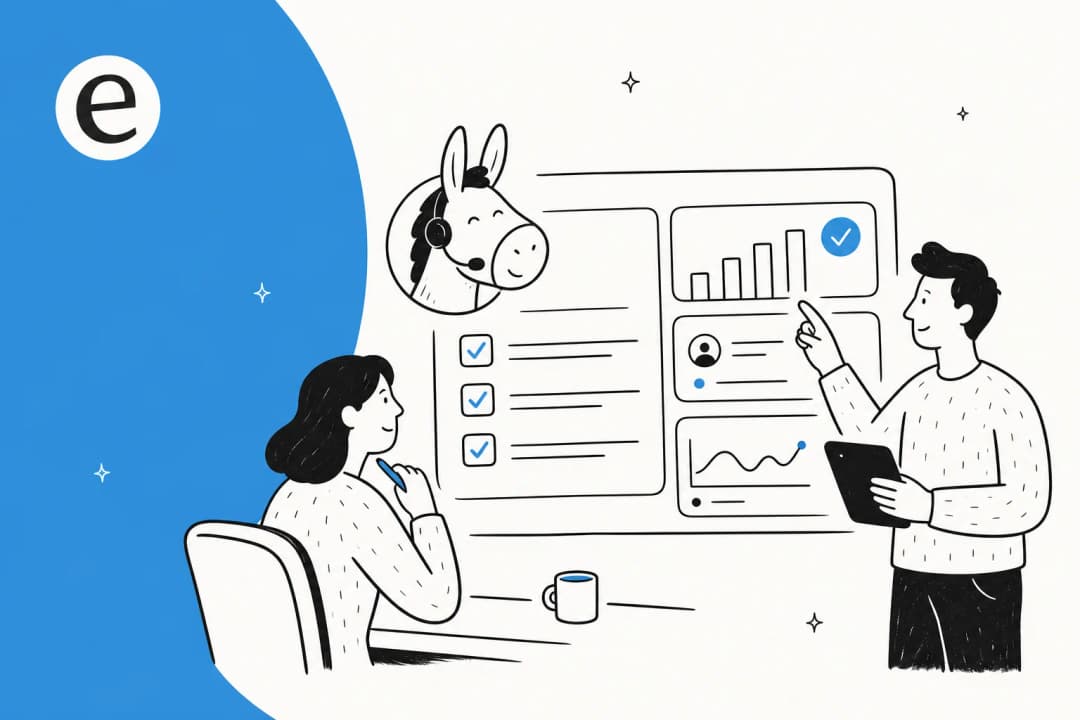
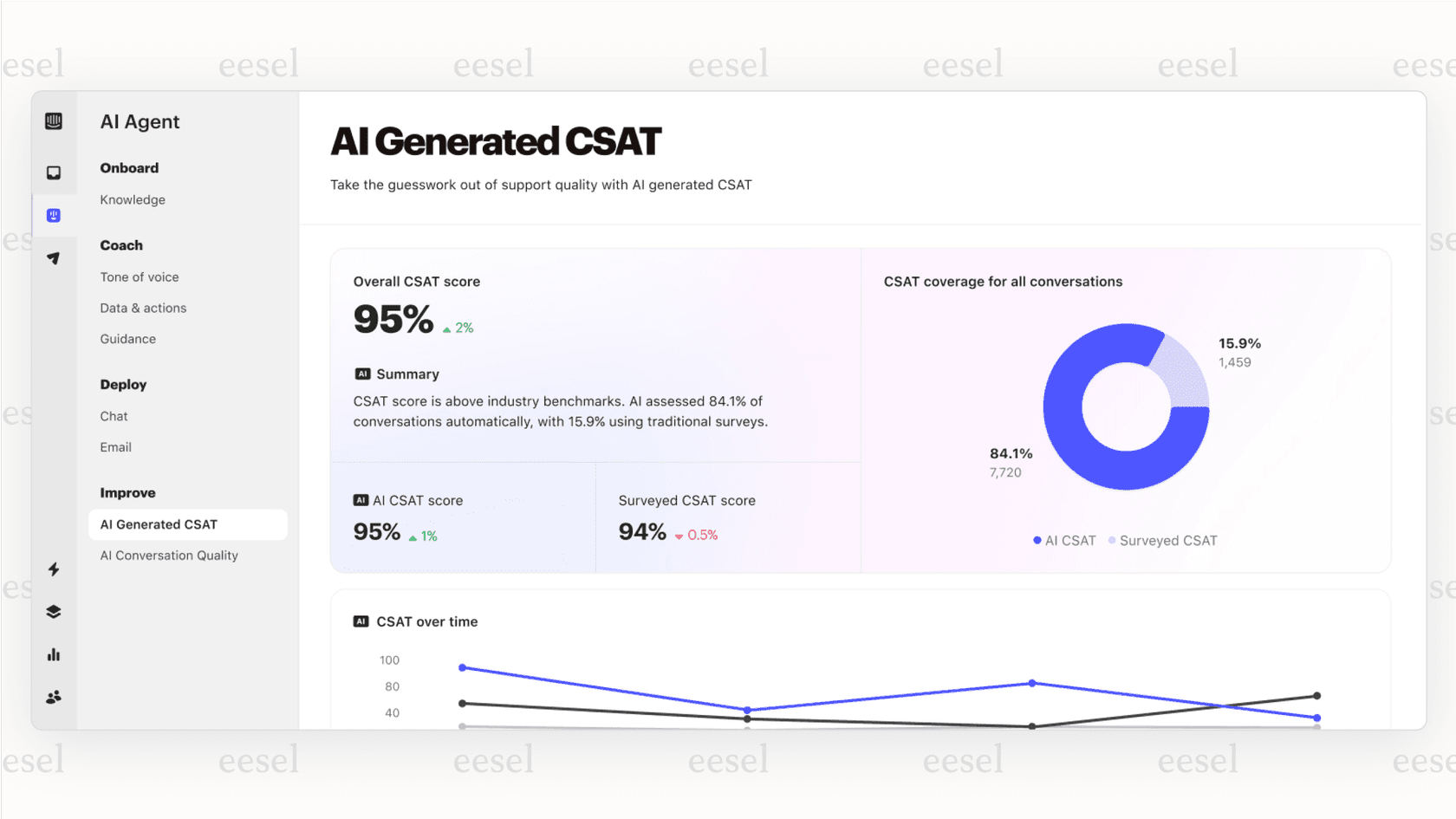
Use your AI's analytics to keep an eye on performance, resolution rates, and customer satisfaction. Keep getting feedback from both customers and agents to improve the AI's knowledge and tweak its behavior, creating a cycle of constant improvement.
Augment your team with HelpDesk AI, don't replace your tools
Bringing HelpDesk AI into your workflow is one of the best things you can do to scale your support, work more efficiently, and keep both your customers and agents happy. But the key to getting it right isn't finding some massive, all-in-one platform. It’s about choosing a flexible, integrated tool that helps your team and works with the setup you already have.
Avoid the "rip-and-replace" trap that pulls you into a costly and painful migration. Instead, look for a smart AI layer that connects your scattered knowledge and empowers your agents right where they already work.
By connecting to your existing helpdesk, chat tools, and knowledge sources, eesel AI offers a powerful, practical, and low-risk way to start with AI-driven support. See how it works with your tools by starting a free trial or booking a demo today.
Frequently asked questions
Are we worried that implementing a HelpDesk AI will make our support agents obsolete?
Not at all. The goal is to augment your team, not replace it. A good <a href="https://www.eesel.ai/blog/how-ai-can-automate-customer-support-a-helpful-guide">HelpDesk AI</a> handles the repetitive, simple questions, which frees your human agents to focus on complex problems that require their expertise and build stronger customer relationships.
If we get a HelpDesk AI, does that mean we have to switch away from Zendesk or our current system?
No, and you shouldn't have to. The best approach is to find an "integrated layer" AI that plugs into the tools you already use. This lets you add powerful automation without the massive disruption and cost of a full platform migration.
How can we trust a HelpDesk AI to give accurate answers if our official knowledge base isn't always up-to-date?
A modern HelpDesk AI should learn from more than just your <a href="https://www.eesel.ai/blog/how-to-create-an-ai-knowledge-base-in-2025">formal knowledge base</a>. It gains its real intelligence by analyzing all your company's information, including thousands of past resolved tickets, internal wikis, and other documents, to provide answers based on how your team actually solves problems.
Do I need a technical background to customize and maintain our HelpDesk AI?
No, you shouldn't. A well-designed tool allows you to customize its behavior, tone of voice, and escalation rules using plain English. The goal is to empower support managers to own and refine the AI without needing to write code or rely on developers.
How can we test a HelpDesk AI to see if it's a good fit without risking a bad customer experience?
Look for a solution with a "simulation mode." This feature lets you run the AI on your past support tickets to see exactly how it would have performed. You get data-driven insights on potential automation rates and identify knowledge gaps safely before the AI ever interacts with a live customer.