
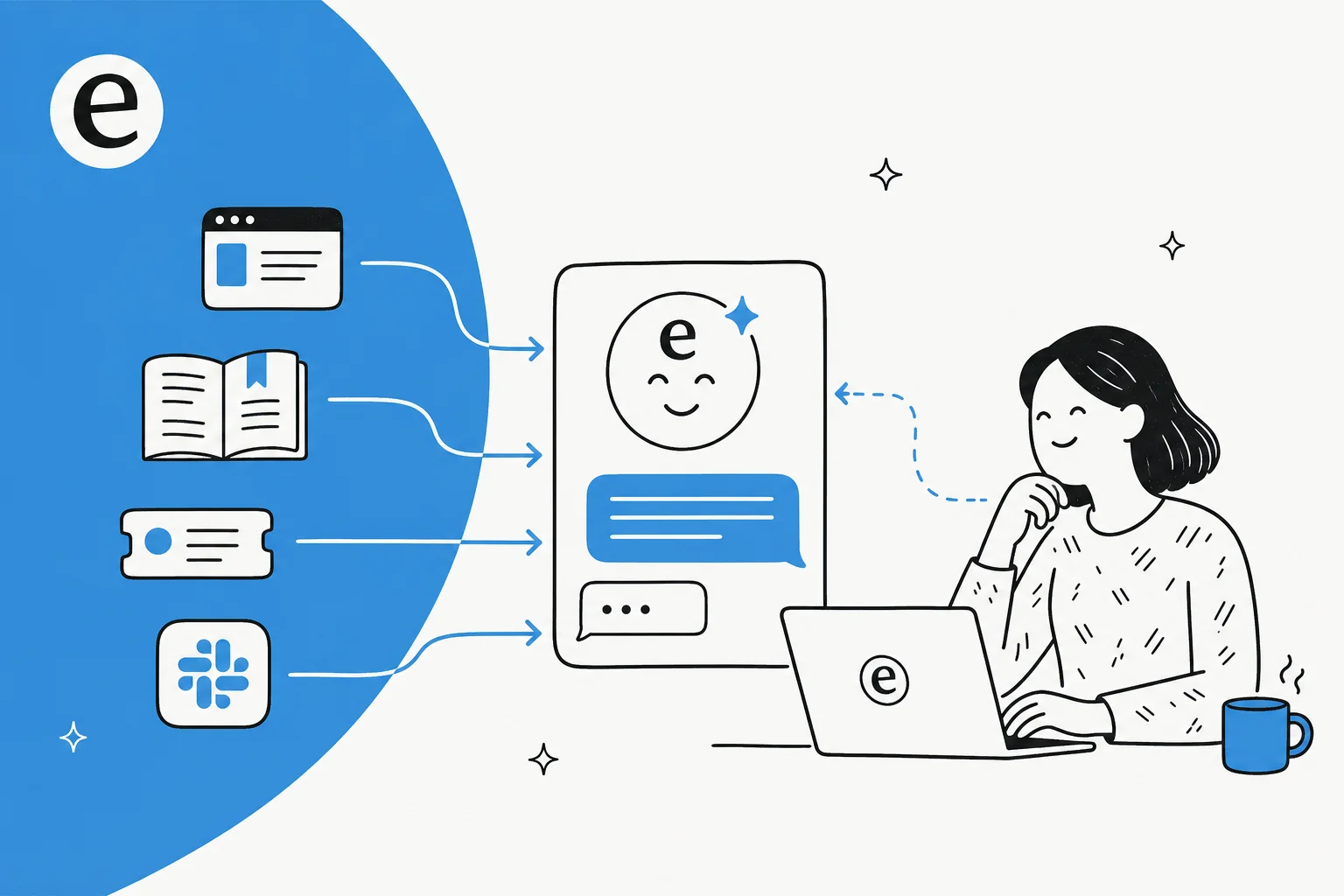
What "connecting to a knowledge base" actually means
When people picture an AI chatbot, they usually picture the chat bubble. The bubble is the easy part. The hard part is everything behind it: when a customer asks "how do I reset my password?", the bot needs to find the one paragraph in your 400-article help center that answers it, and then phrase a reply in your voice.
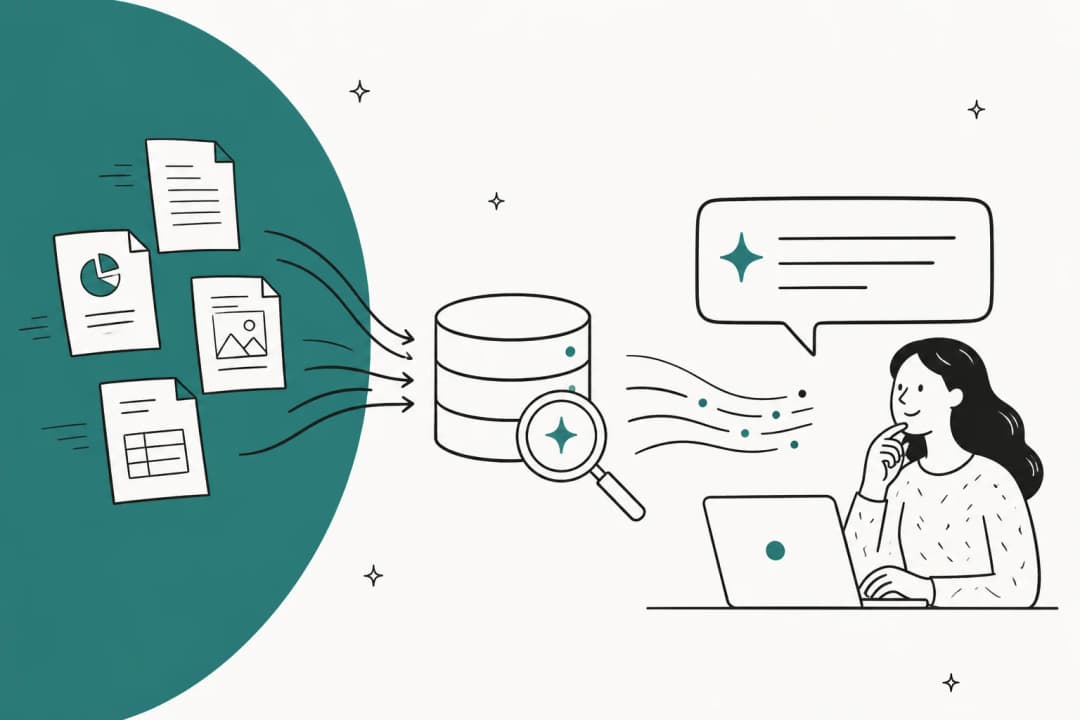
That retrieval step is what separates a real AI knowledge base chatbot from a toy. Under the hood, your documents get broken into chunks and indexed so the bot can pull the most relevant passage for any given question, then ground its answer in that passage. The technical name is retrieval-augmented generation, but the plain-English version is simpler: the bot looks things up before it talks.
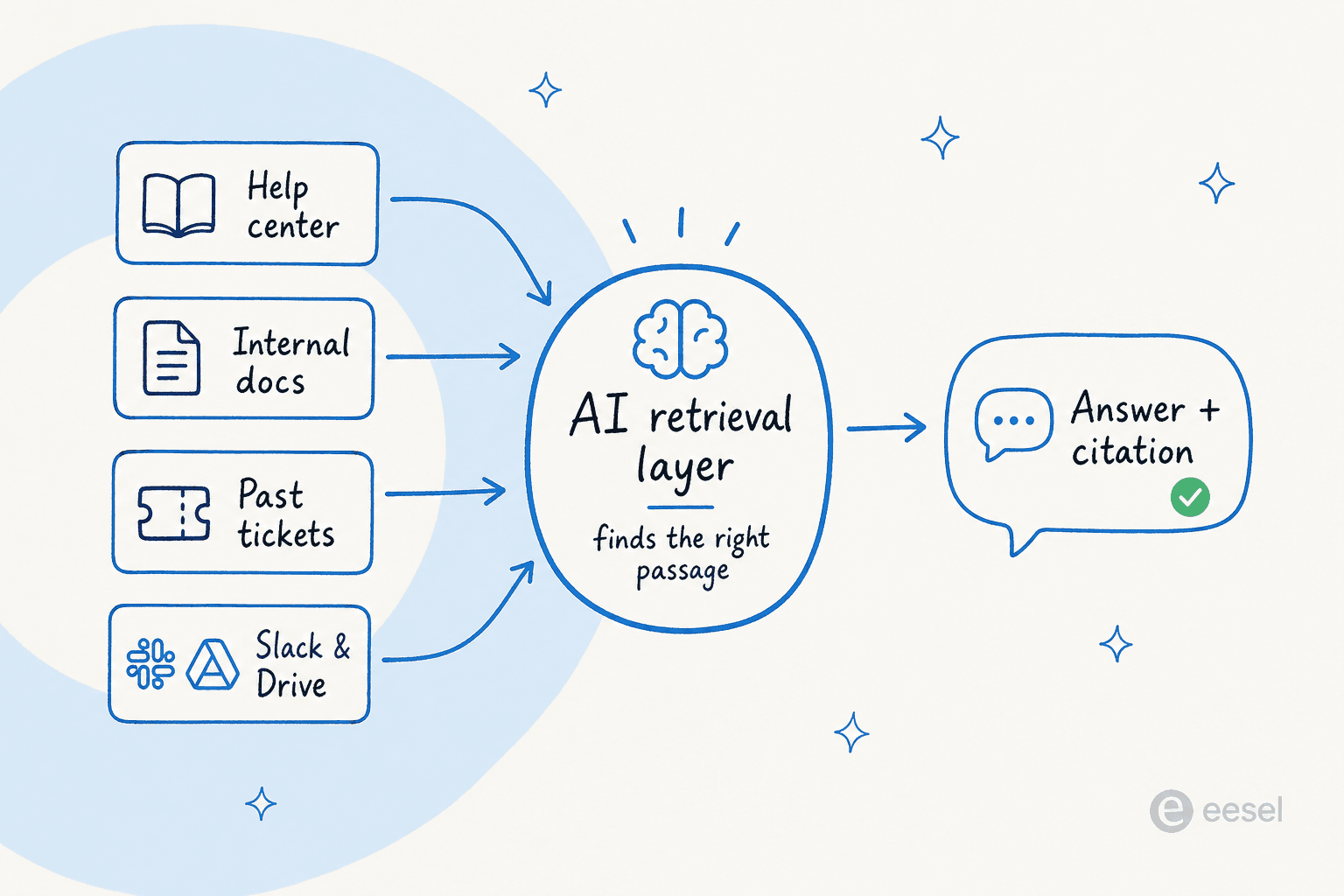
This is why the quality of your bot is mostly the quality of what you connect it to. The smartest model in the world can't tell a customer your return window is 30 days if that fact lives only in a Slack message nobody indexed.
What you'll need before you start
You don't need an engineering team, but you do need to know where your knowledge actually lives. Before building anything, take stock of:
- Your help center or public docs (Zendesk Guide, Freshdesk, a website, Notion, Confluence).
- Internal docs that aren't public but answer real questions, like a Google Docs runbook or a wiki.
- Past tickets, which are the single richest source most teams overlook. They show the questions people actually ask and the answers your team actually gave.
- A place to put the chatbot, whether that's a website widget, your helpdesk, or Slack for internal use.
If your knowledge is scattered across all of those, that's normal, and it's exactly the problem a connected chatbot solves. As the CTO of mattress brand Ecosa put it after wiring up their sources:
"We chose eesel AI because it offers multi-channel data input options... By linking our CSVs, Zendesk, and Google Docs as sources, we can make the most of our vast documentation, even if it's scattered."
Wesley Wang, CTO, Ecosa (case study)
The five-step build
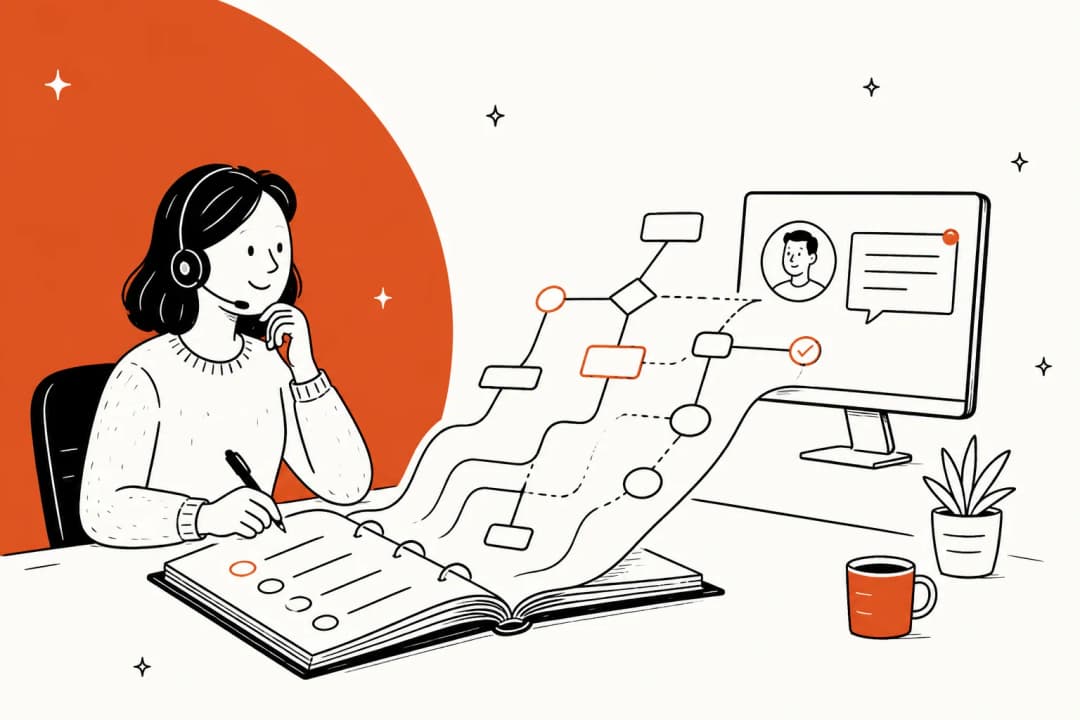
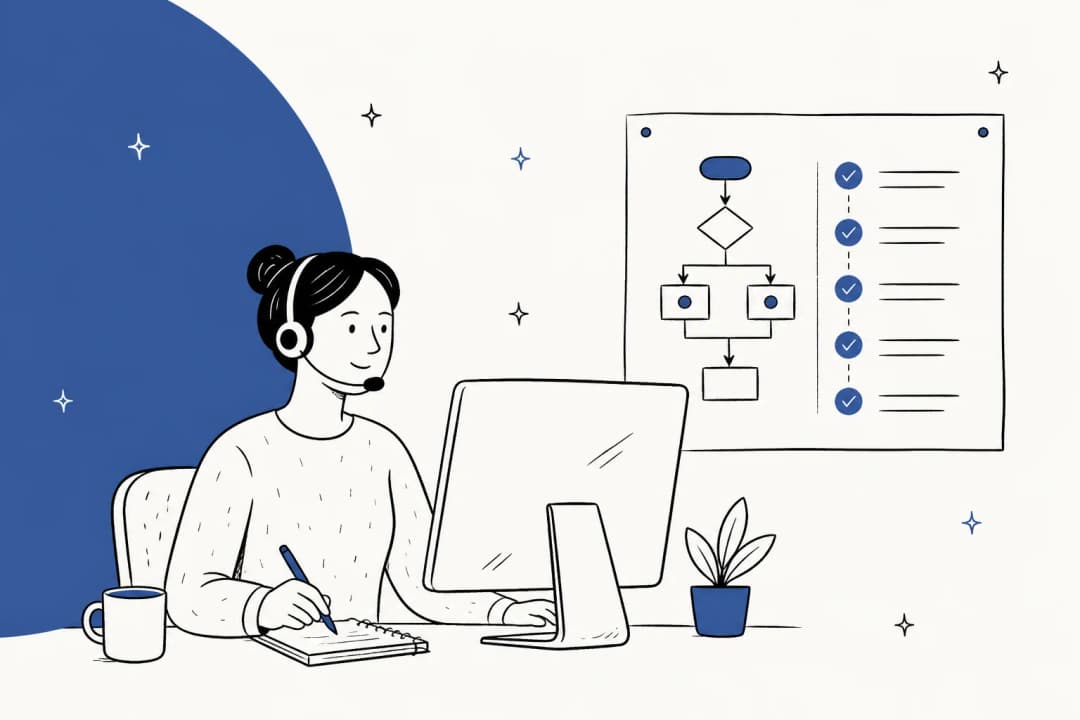
Here's the whole path at a glance. The rest of the guide walks through each step.
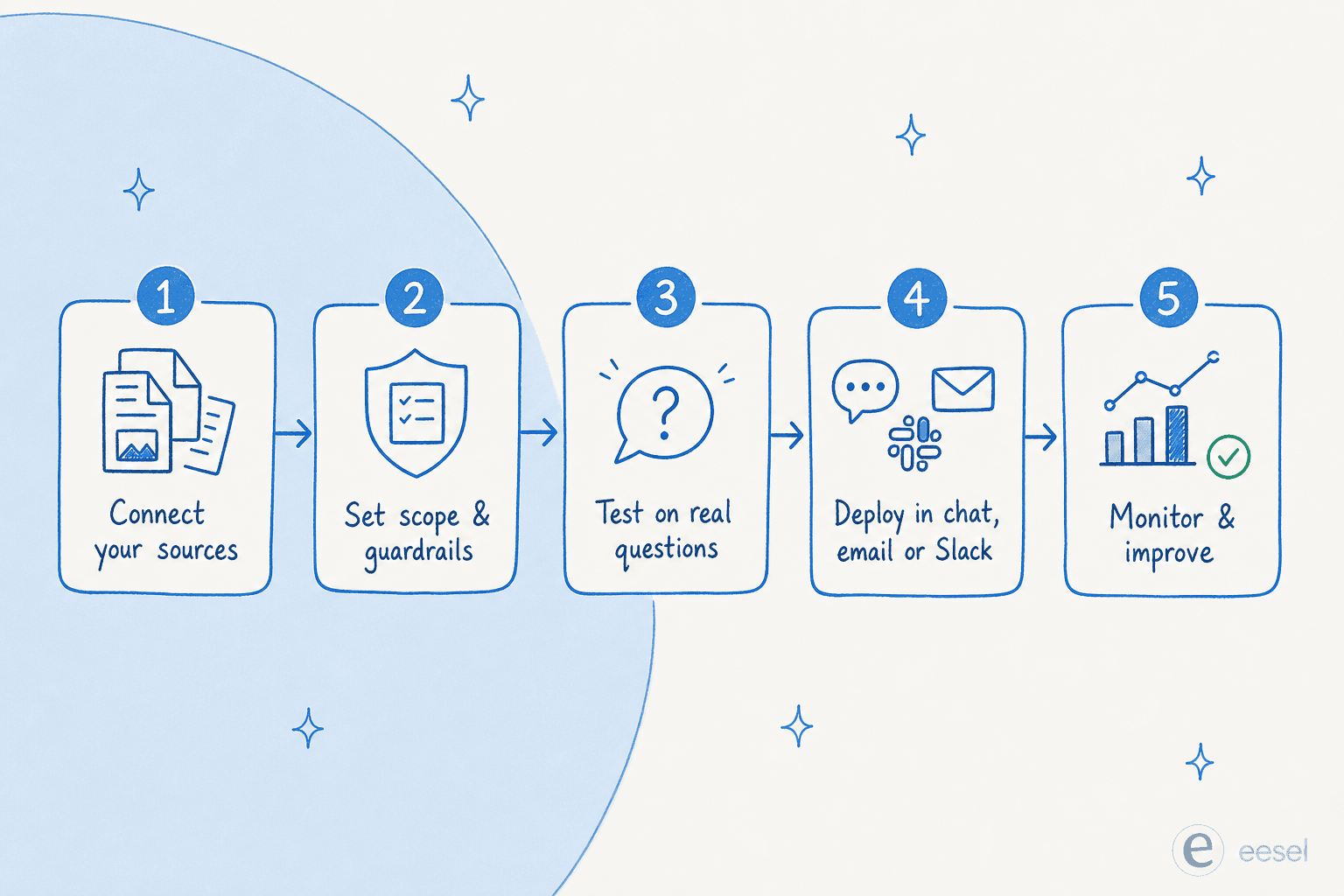
Step 1: Connect your knowledge sources
This is the step that defines everything downstream, so it's worth doing thoroughly rather than connecting one help center and calling it done.
If you're building from scratch, this is where you'd write scrapers, set up a vector database, chunk your documents, and keep them all in sync as content changes. It's doable, but it's a real project, and the syncing-forever part is what tends to bite teams later.
If you're using a platform, connecting a source is usually a few clicks. In eesel AI, you add each source from the integrations screen, and it crawls and indexes the content for you. The same agent can read your help center, your Google Docs, your past tickets, and your team chat at once, so it isn't limited to a single silo.
eesel AI working with Google Docs as a knowledge source
Don't sleep on past tickets here. Training on your own ticket history is, in our experience, the most requested capability we hear from teams, because it teaches the bot your real answers in your real voice. A founder at dog-training business WhenHoundsFly described the appeal of pointing an agent at exactly these kinds of sources:
"It is so easy to direct it to integrate Freshdesk tickets, Notion.so pages, website pages, effectively letting it read and memorize our company's procedures, products, and policies."
Founder, WhenHoundsFly, in a G2 review

Step 2: Set the scope and guardrails
A chatbot connected to everything will answer everything, and that's not always what you want. This is where you decide what it's allowed to do and say.
At minimum, set the tone (match your brand voice), the scope (which topics it handles and which it routes to a human), and the escalation rules (what happens when it's unsure or when a request is sensitive, like a refund over a certain amount). With a good platform you write these in plain language rather than code, then refine them as you watch it work.
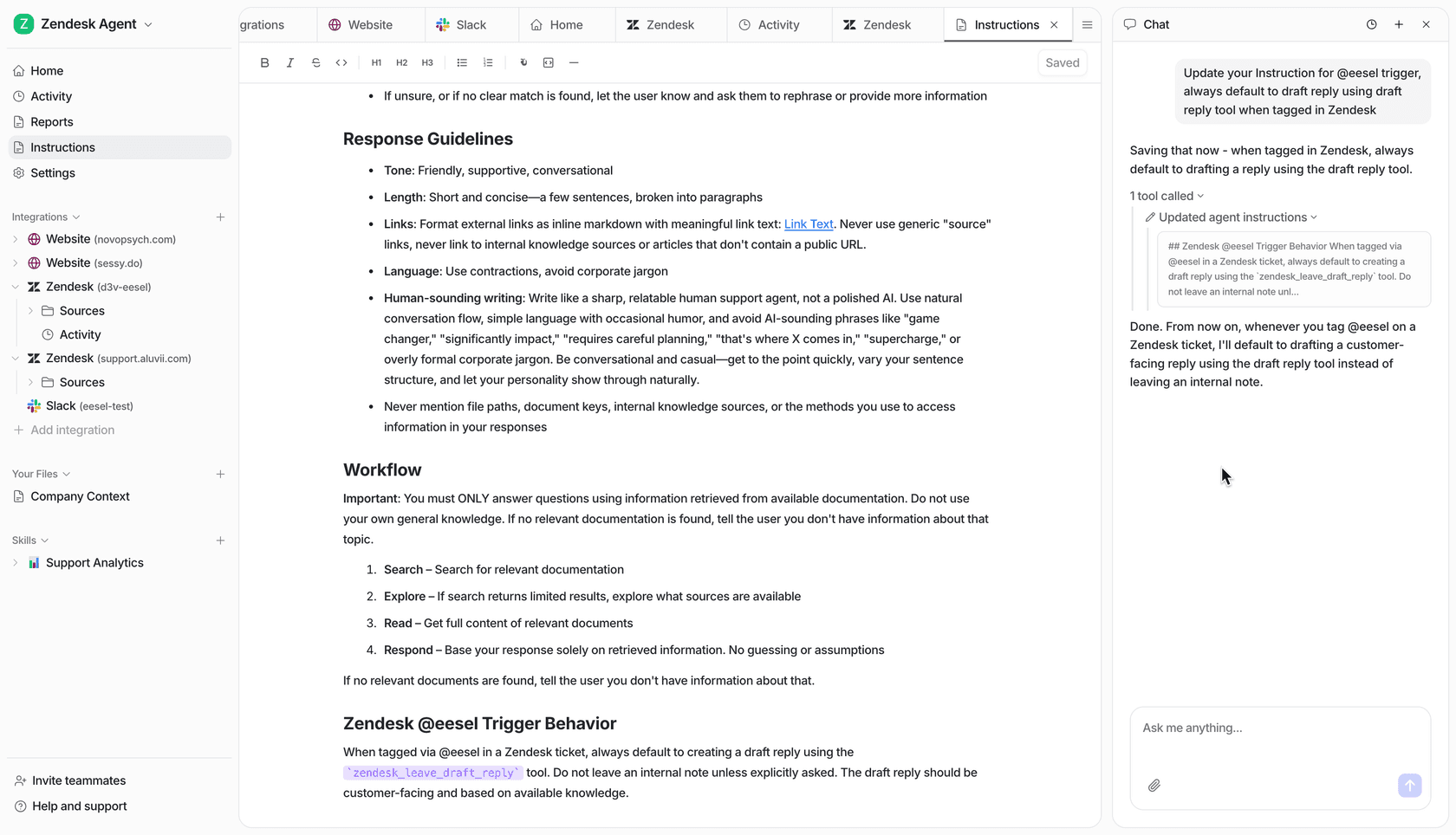
This step matters more than it looks. The biggest objection we hear from buyers isn't "will the AI work", it's "will it stay in its lane". The reassuring answer is that a well-configured bot can be told to only handle what it's confident about and leave the rest alone, which we'll come back to in the section on wrong answers.
Step 3: Test it on real questions before anyone sees it
Never let a fresh chatbot loose on customers. Before it goes live, ask it the questions you already know the answers to, including the awkward edge cases.
The fastest way to do this is to chat with it directly and watch which source it pulls from. In eesel AI you can do this in the dashboard, asking it things like "crawl my help center and tell me how a customer changes their email" and seeing whether the answer is right and properly sourced.

If an answer is wrong, it's almost always because the source is wrong, missing, or written for the wrong audience. We've seen a support team whose entire knowledge base was written for administrators while their tickets came from end users, so the bot kept answering in language the customer couldn't follow. The fix wasn't a better model, it was better source content. Testing is how you catch that before your customers do.
Step 4: Put the chatbot where people already ask
A chatbot is only useful where the questions happen. For customer support that's usually a website widget or your helpdesk; for internal questions it's Slack or Microsoft Teams.
The advantage of a tool that lives inside your existing stack is that you don't make anyone learn a new interface. eesel AI runs inside Zendesk, Freshdesk, Slack, and email directly, so the bot shows up where your team and customers already are.
eesel AI working inside Zendesk to draft and answer tickets
A nice middle path here is to start in copilot mode, where the AI drafts replies for a human to approve, rather than auto-sending. You get the speed benefit immediately while you build trust, then flip to full automation for the question types it nails. One fintech support lead described using it exactly this way:
"We use it to be the first responder to our Helpdesk tickets in Jira. It essentially acts just like an agent would."
Jason Loyola, Head of IT, InDebted (case study)
Step 5: Keep the knowledge base fresh
A knowledge base chatbot is never "done", because your product and policies keep changing. A bot pointed at last quarter's docs will confidently quote last quarter's prices.
Build a habit of reviewing what it gets wrong and feeding the gaps back into your docs. Some platforms help close this loop automatically, surfacing the questions it couldn't answer and even drafting new help articles from resolved conversations.
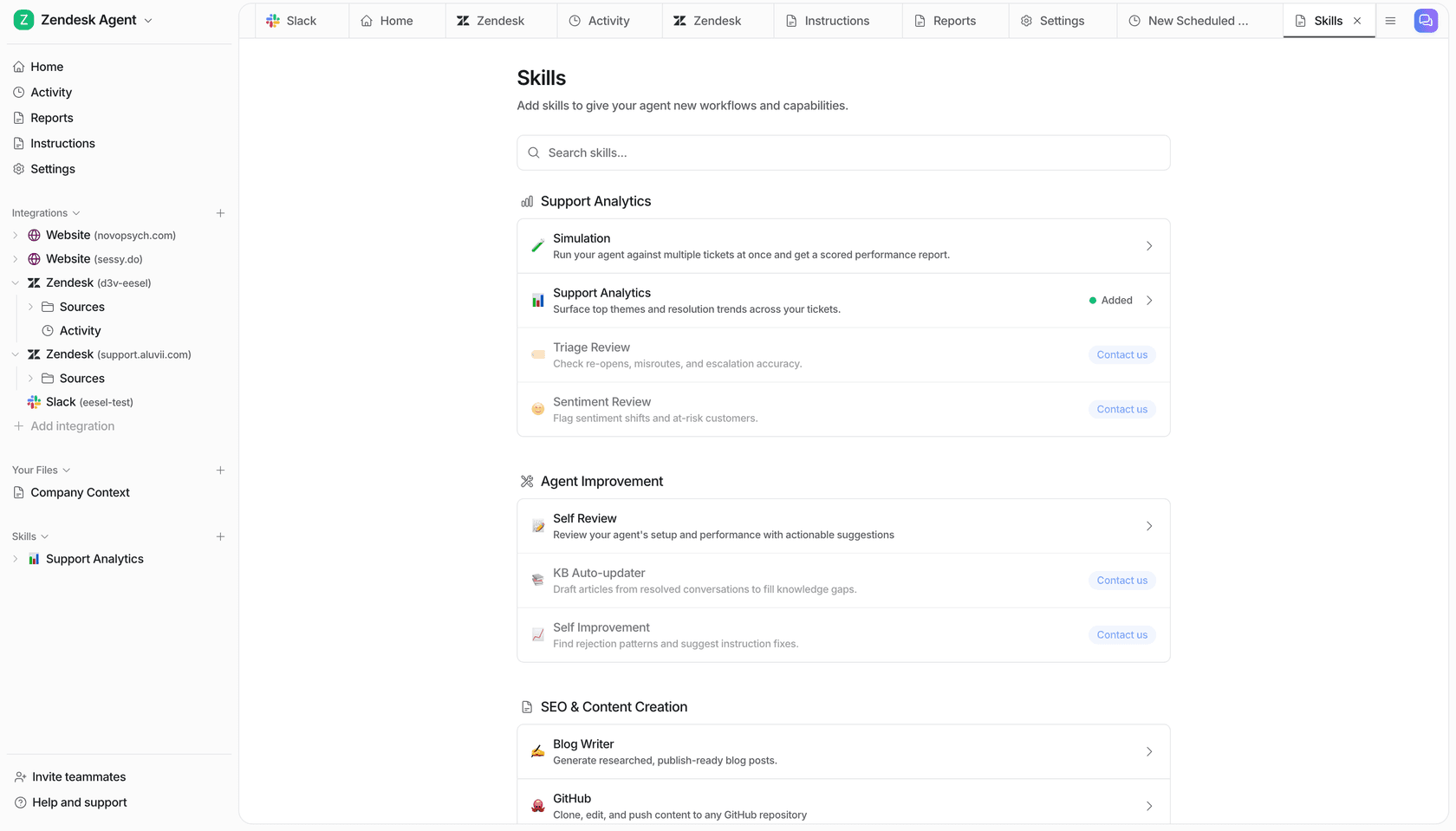
This is also where reporting earns its keep: tracking which topics drive the most questions tells you where your knowledge base has its biggest holes, which is usually more valuable than the deflection number everyone fixates on.
The mistake everyone makes: letting it guess
If you take one thing from this guide, take this. The failure mode that sinks knowledge base chatbots isn't that they can't find answers, it's that they answer anyway when they shouldn't.
When retrieval comes back empty, a poorly-configured bot falls back on the language model's general training and fabricates something plausible. We've watched paying customers' bots do real damage here: one solar-energy provider's chatbot invented subscription details and sent them to actual customers because its knowledge base had no matching entry. That's not a model problem, it's a missing guardrail.
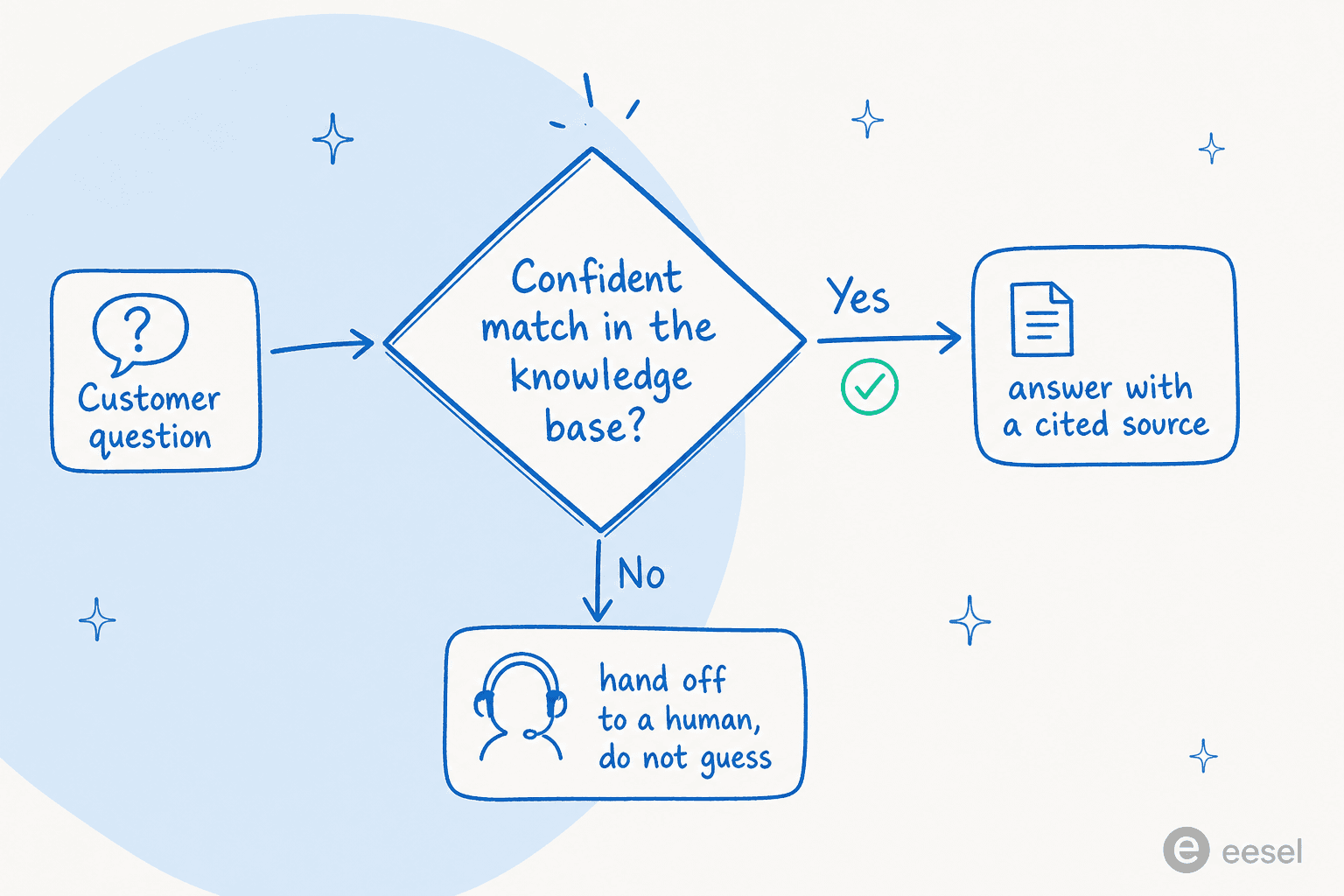
The fix is a confidence threshold: the bot only answers when it has a solid match in your knowledge base, and otherwise hands off to a human rather than guessing. This is the single most important setting, and it's why the "stays in its lane" point from step 2 matters so much. A bot that resolves 60% of questions perfectly and routes the other 40% cleanly beats a bot that answers 100% and is wrong a tenth of the time. If you want to go deeper on this, we wrote a whole piece on common AI chatbot problems and how to avoid them.
Build it yourself, or use a platform?
This is the real fork in the road. You can absolutely build a knowledge base chatbot on top of the OpenAI or Claude API. You'll write the retrieval pipeline, the syncing, the guardrails, and the helpdesk integrations, and then you'll maintain all of it.
For some teams that's the right call. For most, the maintenance is the catch. As the team at Bitcoin-ATM maker GENERAL BYTES put it when they weighed the option:
"We could try to write our own LLM application but we didn't want to invest our time into that. We wanted something that we would not have to maintain."
Karel, GENERAL BYTES (case study)
That's the honest trade-off. Building gives you maximum control; buying gives you the connecting, retrieval, guardrails, and integrations out of the box so you can spend your time on your actual product. If you want to compare ready-made options, our roundup of the best AI tools for knowledge base management is a good starting point, alongside the wider field of AI chatbot platforms we've tested.
How much does this cost?
If you build it yourself, the cost is mostly engineering time plus your LLM API bill. If you buy, the thing to watch is the pricing model, not just the sticker price, because how a tool counts usage changes the bill enormously.
A lot of vendors charge per resolution or per agent seat, which punishes you for the volume you actually want. eesel AI uses one fixed monthly price instead: 1 credit covers one ticket or chat, with no per-seat fees and no platform fee.
| Plan | What it covers | Price |
|---|---|---|
| Free | 100 credits, all features, no card required | $0 |
| 500 credits | 1 credit per ticket or chat session | $299/mo |
| 1,000 credits | 1 credit per ticket or chat session | $499/mo |
| 2,500 credits | 1 credit per ticket or chat session | $999/mo |
| 5,000 credits | 1 credit per ticket or chat session | $1,899/mo |
| Blog post | A full blog post draft | $4 each |
| Pay a year upfront | Any plan | Two months free |
| Add-ons | Priority support, SSO and MFA, data residency, HIPAA | From $199/mo |
A worked example: a team handling 500 chats a month fits the $299/month plan, and 1,000 chats fits the $499/month plan, counted by session rather than by message. You can also roll out partially, routing only some of your volume at first, so 200 of 1,000 monthly tickets uses 200 credits while you build confidence. Full numbers are on the pricing page.
Try eesel AI
If the build-it-yourself path doesn't appeal, eesel AI is built around exactly the workflow in this guide: connect your help center, docs, past tickets, and chat tools, set guardrails in plain language, test it in a simulation, and deploy it inside Zendesk, Freshdesk, Slack, or email without changing your stack. The differentiator is how fast the connecting step goes, most teams are answering real questions within their free trial rather than spending a quarter wiring up retrieval.
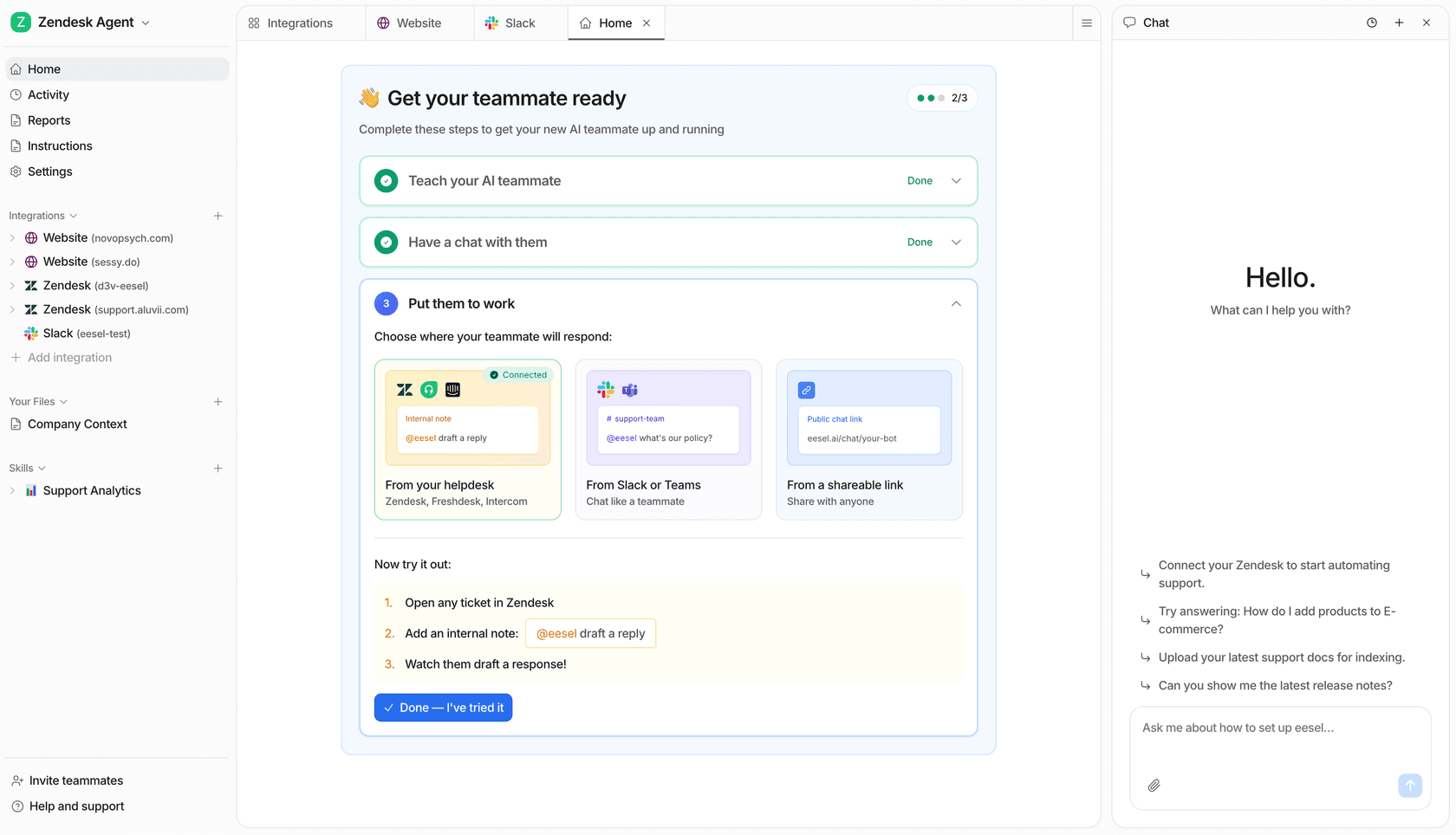
You can try eesel free with 100 credits and no credit card, or book a demo if you'd rather be walked through connecting your own knowledge base.
Frequently Asked Questions
How do I make an AI chatbot that connects to my knowledge base?
What knowledge sources can an AI chatbot connect to?
Can I build a knowledge base chatbot for free?
How much does a knowledge base AI chatbot cost?
How do I stop my AI chatbot from giving wrong answers?


Article by
Kira
Kira is a writer at eesel AI with a Computer Science background and over a year of hands-on experience evaluating AI-powered customer service tools. She focuses on breaking down how helpdesk platforms and AI agents actually work so that support teams can make better buying decisions.