
Disclosure: This article is published by eesel AI, a competitor of Kustomer. We encourage you to read Kustomer's own materials for their perspective.
Shopping for a new customer service platform often involves a familiar problem: the starting price looks reasonable, but by the time you add AI features, storage, compliance, and channel costs, the total looks nothing like what you first saw. Kustomer is no exception to this pattern.
This guide gives you a straight breakdown of Kustomer's current pricing structure, every published cost, and the line items that tend to expand a bill beyond initial estimates.
What is Kustomer?
Kustomer is a customer service CRM and AI platform. It centers on a unified customer timeline that pulls email, chat, voice, SMS, and social into one chronological view, plus a set of AI products: Concierge for customer-facing AI agents, Envoy for rep-facing assistance, and Architect for building and testing AI workflows without code.
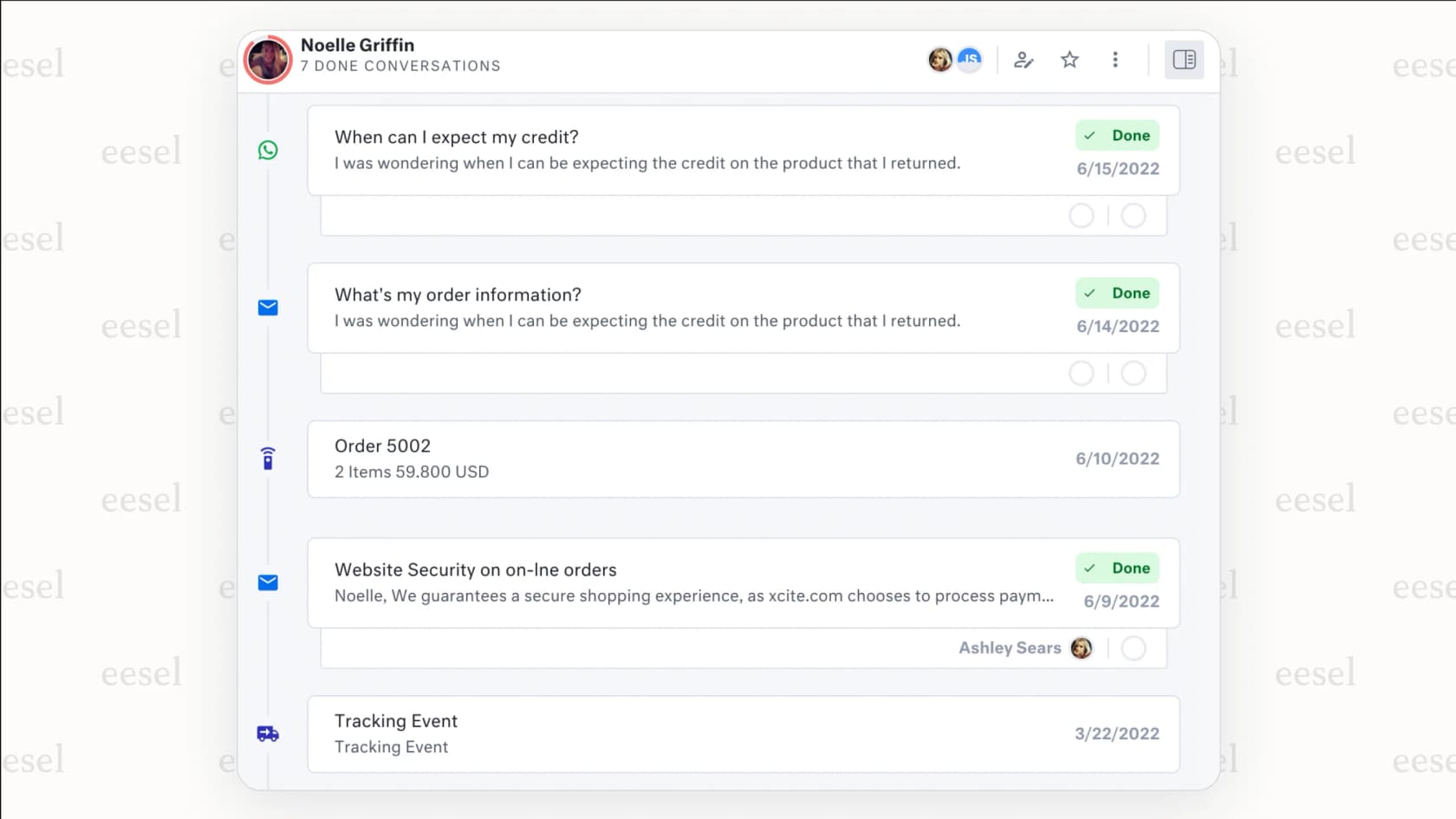
The platform is aimed at mid-market and enterprise CX teams. According to G2 review data, 367 of the 566 reviewers represent mid-market companies, and Kustomer reports being trusted by "600+ B2C & B2B companies" including Turo, Skims, Everlane, and sweetgreen.
Kustomer pricing structure
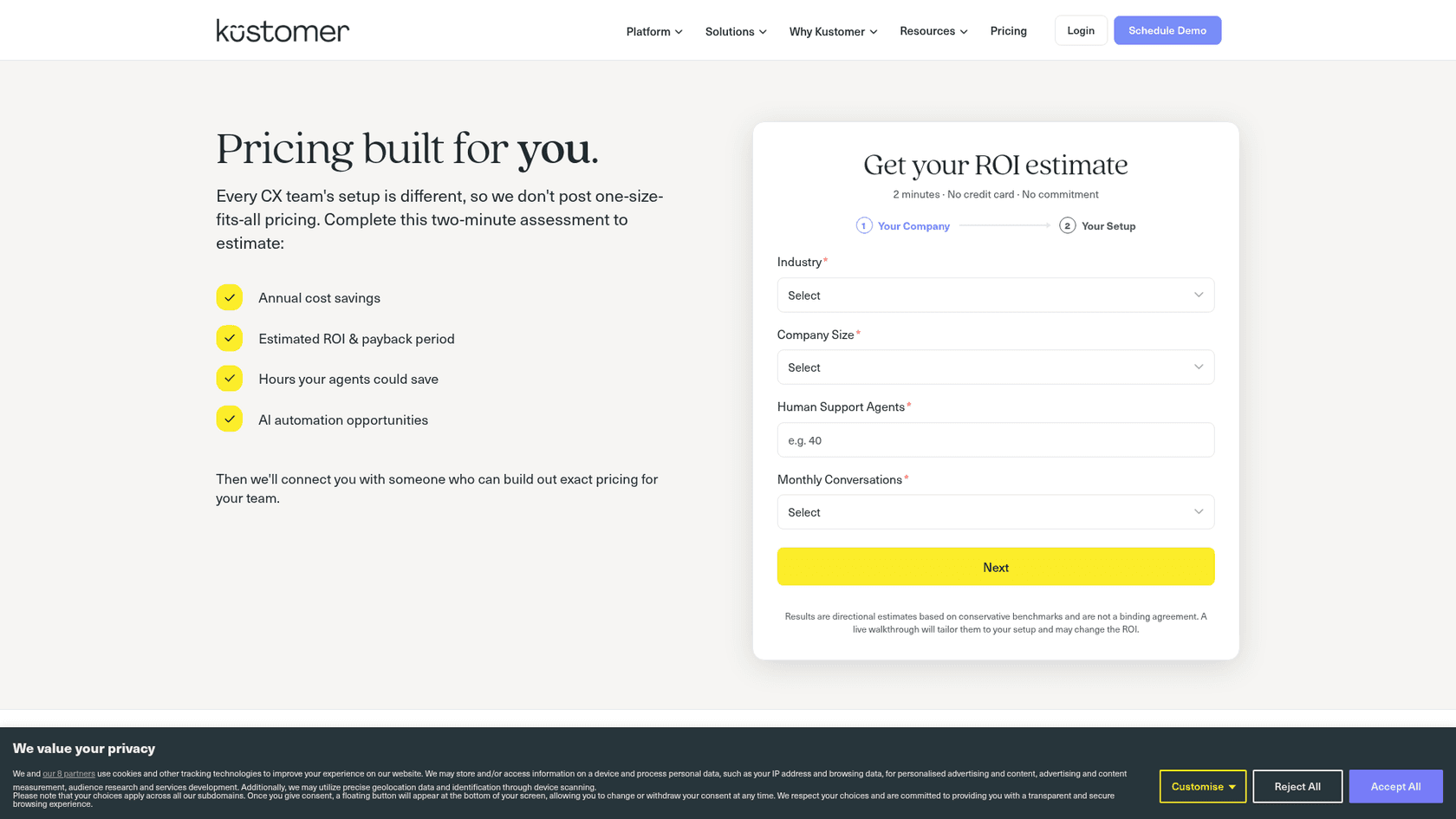
Kustomer's pricing page no longer lists plan prices at all. It says every CX team's setup is different, so it doesn't post one-size-fits-all pricing, and asks you to complete a two-minute ROI assessment (industry, company size, number of agents, monthly conversations). Then sales builds the exact pricing for your team. Base platform pricing is not publicly disclosed.
Enterprise and Ultimate plans
Two current platform plans sit behind that form: Enterprise and Ultimate. Both include the AI products (Kustomer Concierge, Architect, Envoy, and Data Explorer) in the package. On its G2 listing, Kustomer states that these base plans require annual billing and an eight-seat minimum (G2). The table below reflects what Kustomer publishes on its comprehensive pricing page (last updated December 19, 2025).
| Feature | Enterprise | Ultimate |
|---|---|---|
| Price | Contact sales | Contact sales |
| Business rules / custom workflows | 100 / 100 | 200 / 200 |
| Brands | 25 | 300 |
| Languages | 20 | All |
| API rate limit | 1,000 RPM | 2,000 RPM |
| Queues and routing | Conversation and task routing | Adds skills-based routing |
| Command Center | Not included | Included |
| Outbound / inbound webhooks | 2 / 10 | 5 / 20 |
| AI agents across AI teams | 100 | 1,000 |
| Data storage (base) | 10 GB + 500 MB per full-time user | 20 GB + 1 GB per full-time user |
| Attachment storage (base) | 20 GB + 5 GB per full-time user | 40 GB + 10 GB per full-time user |
| SAML SSO / SCIM | SSO at extra cost / No | Included / Included |
| AI Agents for Customers | $0.60 / engaged conversation | $0.60 / engaged conversation |
| AI Agents for Reps | $40 per user / month | $40 per user / month |
Source: Kustomer comprehensive pricing page.
Kustomer also still documents older plans on that page: legacy seat-based Professional and Business plans (both "Talk to Sales") and legacy usage-based ProfessionalAI, EnterpriseAI, and UltimateAI plans. Because Kustomer does not publish base dollar amounts, total cost of ownership is only visible after a sales conversation. G2 review data rates the perceived cost at "$$$$$" (the top tier of G2's five-bar scale), with an average time to implement of two months and typical ROI arriving around 15 months in.
Published add-on and usage costs
Several components have published dollar figures on Kustomer's comprehensive pricing page. These are billed on top of whatever the base plan costs.
AI add-ons in Kustomer pricing
Kustomer's AI capabilities are central to the product, but the two primary AI features carry separate pay-as-you-go or per-user charges.
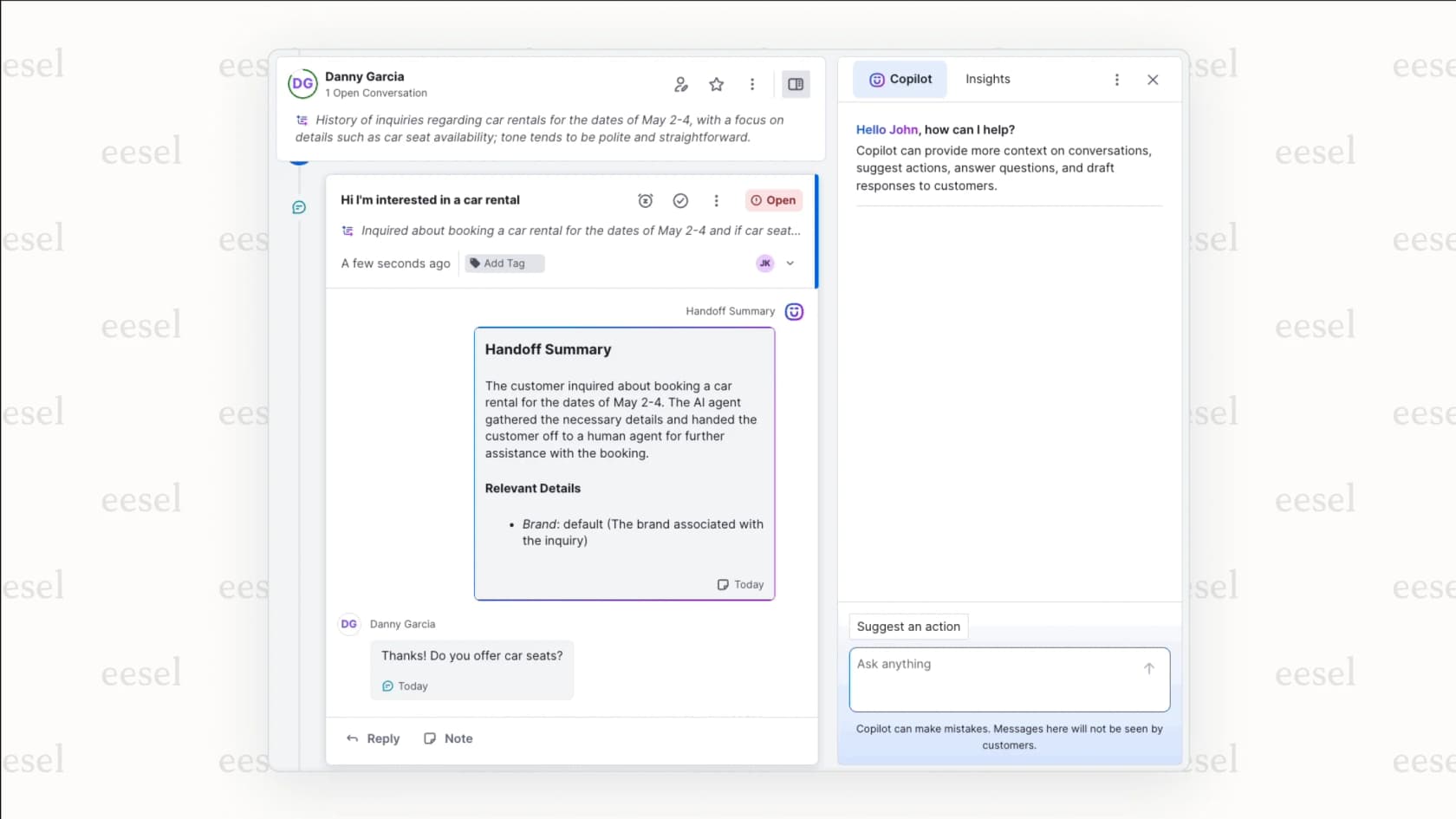
- Customer AI agents: Concierge, the customer-facing AI agent (formerly AI for Customers), costs $0.60 per engaged conversation. Per Kustomer's help center, a conversation counts as engaged when Smart Routing decides its intent should be handled by your AI automation; AI Summaries and Copilot automated actions are not billed as engaged conversations.
- Reps AI copilot: The agent-side copilot that helps reps draft replies and surface answers costs $40 per user per month on both Enterprise and Ultimate.
For a team of 10 agents, adding the Reps copilot adds $400 per month on top of the base plan cost, a significant addition before storage or channel fees enter the calculation.
Data and storage costs
Both plans include default data and attachment storage (see the table above), but as Kustomer's help center explains, going over those limits can lead to monthly invoicing for the extra usage if you haven't bought additional storage before month-end.
- Data storage overage: $50 per GB per month, as listed on the comprehensive pricing page.
Teams handling high ticket volumes or long conversation histories should build storage costs into the budget from the start, and check the attachment-storage rate with sales, since the comprehensive pricing page lists allocations but no attachment overage rate.
Other published costs
- Voice: Starting at $0.02 per minute, with country-by-country rates in a published PDF.
- WhatsApp: Meta's per-message fee plus a 20% Kustomer fee on top of it.
- Outbound messages: $0.025 per message, applied only under Kustomer's conversation pricing program.
- HIPAA compliance: $25 per user per month.
- Implementation: Some configurations require a statement of work and an additional fee. Kustomer does not publish a fee schedule; clarify this cost during the sales process.
A flexible alternative to Kustomer's pricing model
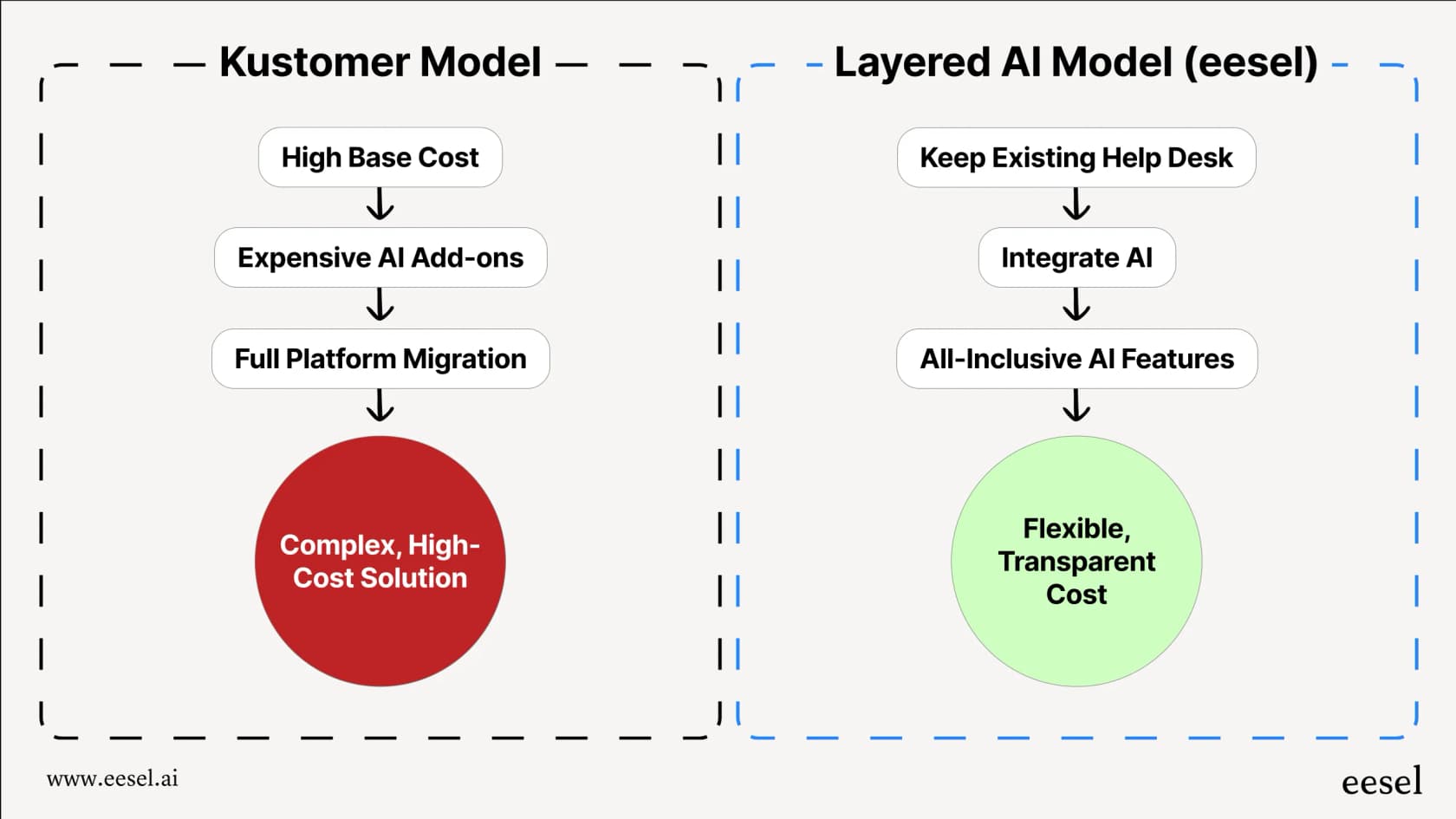
Kustomer is a capable, enterprise-focused platform. The Enterprise and Ultimate plans are well suited to teams that want to consolidate their CRM, omnichannel inbox, and AI in a single system. The tradeoff: AI usage is metered on top of the base plan, higher limits sit on the more expensive tier, and total spend is only visible after a sales conversation.
If your goal is to add AI to helpdesks without switching platforms, a tool like eesel AI takes a different approach. It integrates directly with Zendesk, Freshdesk, Gorgias, and others, adding a customer-facing AI agent, a rep copilot, and AI triage without requiring a platform migration.
Note: Layering an AI solution on top of your current system keeps your team's existing workflows intact and often lets you move faster than a full platform migration would.
| Aspect | Kustomer | eesel AI |
|---|---|---|
| Pricing model | Base plan not publicly disclosed; AI usage and storage billed separately. See kustomer.com/pricing for what's published. | One fixed monthly price by volume: from $299/month for 500 credits (1 credit per ticket or chat), no per-seat fee. Free plan of 100 credits, no card. See eesel AI's pricing page. |
| AI products | Concierge ($0.60/engaged conversation) and Envoy ($40/user/month) billed separately from the base plan. | AI agent, copilot, and triage tools included in plans. |
| Setup | Full platform path typically involves a migration project. | Self-serve, one-click integrations. No migration required. |
| Knowledge sources | Public URLs, sitemaps, Zendesk KB, and Guru supported. No first-party Notion, Confluence, or Google Drive connectors (source). | Learns from past tickets, Confluence, Google Docs, Notion, and more. |
| Platform scope | Full CRM with omnichannel inbox, OpenAPI tools, REST API (up to 2,000 RPM), webhooks, and an MCP server. | AI layer that works alongside your current help desk; no CRM replacement needed. |
With eesel AI, the AI learns from your entire company knowledge base, including past tickets, internal docs, and connected knowledge sources, rather than only what has been loaded into a single platform. eesel AI includes AI-powered triage, a feature that is often available only in enterprise packages elsewhere.
Is Kustomer pricing worth it?
Kustomer is a capable platform. The unified customer timeline is the feature G2 reviewers praise most often, and Architect gives teams granular control over how AI agents behave. Its pricing page lists an MCP server among the platform features, which suggests continued platform investment.
The pricing tradeoffs to weigh: base costs require a sales conversation; higher limits, skills-based routing, and Command Center sit on Ultimate; and G2 data puts ROI at roughly 15 months. Teams that need a full CRM replacement with deep AI integration will find the feature set justifies a detailed evaluation. Teams whose primary goal is AI automation on top of an existing helpdesk have more room to compare options.
Ready to see how a layered AI approach works alongside your current tools? Try eesel AI and see how quickly you can add AI resolution to your existing workflow.
Frequently asked questions
Does Kustomer publish its pricing publicly?
Kustomer does not publish base plan prices. Its pricing page says it doesn't post one-size-fits-all pricing and routes you to a two-minute ROI assessment, after which sales builds a quote. A handful of add-on line items are listed on the comprehensive pricing page, including AI Agents for Customers at $0.60 per engaged conversation and AI Agents for Reps at $40 per user per month. For everything else, you need to speak with their sales team.
What is the difference between Kustomer Enterprise and Ultimate?
Both are price-on-request platform plans that include Kustomer's AI products. Ultimate raises the limits: 300 brands instead of 25, 200 business rules instead of 100, a 2,000 RPM API rate limit instead of 1,000, plus skills-based routing, Command Center, and SCIM. See Kustomer's comprehensive pricing page for the full comparison.
What are the main add-on costs to budget for with Kustomer?
Several capabilities are priced on top of the base plan. Kustomer's comprehensive pricing page lists: AI Agents for Customers at $0.60 per engaged conversation, AI Agents for Reps at $40 per user per month, HIPAA compliance at $25 per user per month, data storage overages at $50 per GB per month, outbound messages at $0.025 each under the conversation pricing program, and Voice calling starting at $0.02 per minute. WhatsApp carries an additional 20% markup on Meta's per-message fee.
How long does Kustomer typically take to implement?
According to G2 review data, the average time to implement Kustomer is around two months. Kustomer notes that some configurations may require a statement of work and an additional implementation fee. G2 data puts typical return on investment at around 15 months.
Is there an AI alternative that works with my existing help desk?
Yes. eesel AI is built to plug into help desks you already use, including Zendesk, Freshdesk, and others, so you can add AI-powered triage, a customer-facing agent, and a rep copilot without switching platforms. Plans are fixed monthly credit batches, from $299 per month for 500 credits, with a free plan of 100 credits and no card. See eesel AI's pricing page for plan details.