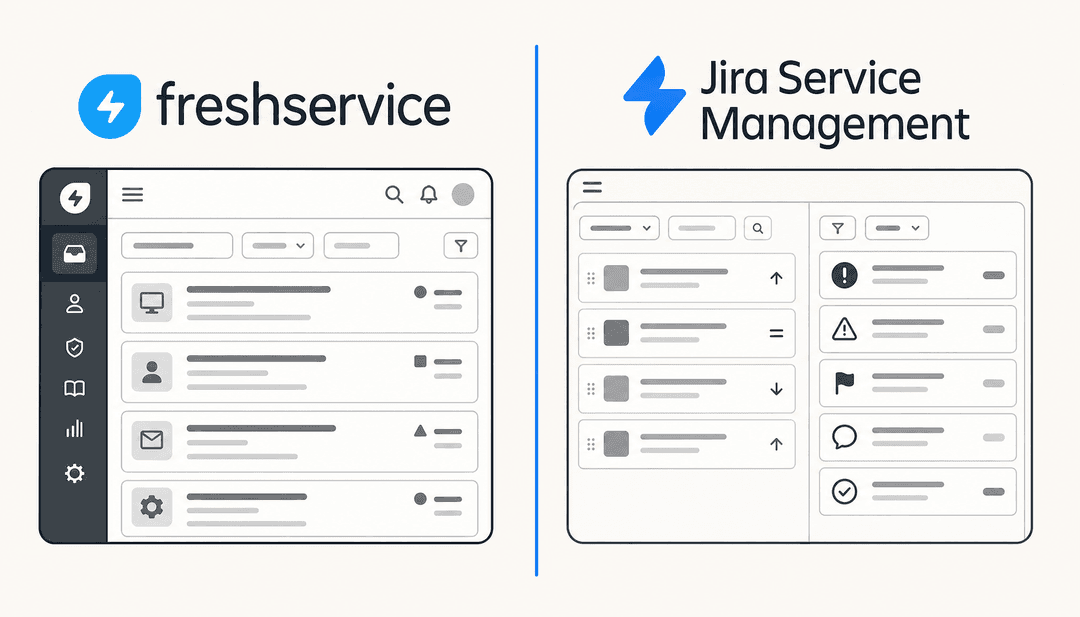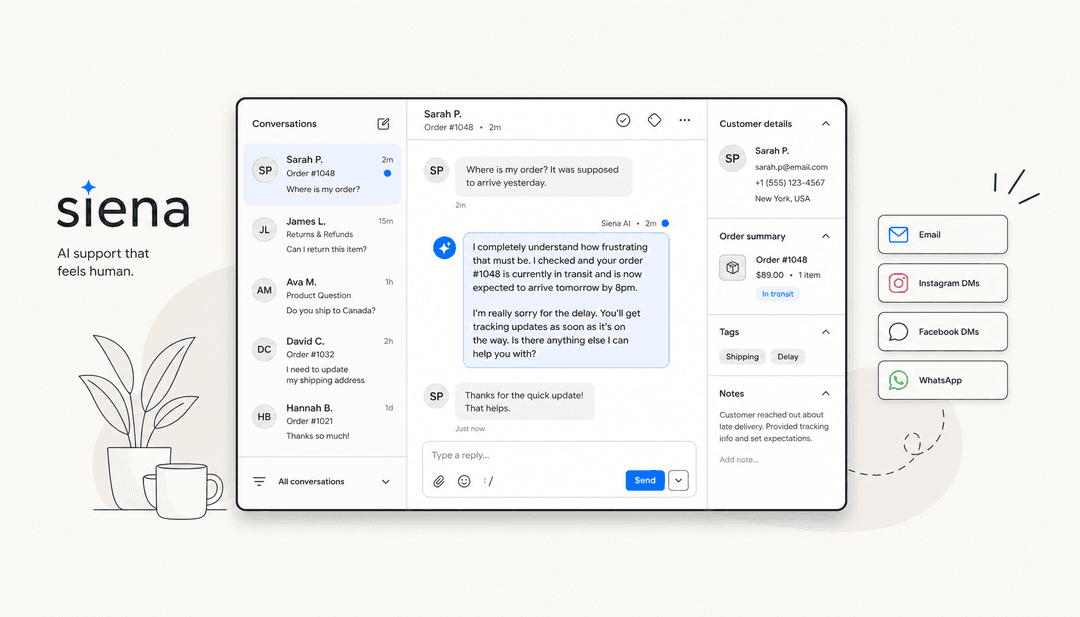


Disclosure: This article is published by eesel AI, a competitor to Serval. Where we describe Serval, we link directly to Serval's own documentation and pages so you can verify each claim. For Serval's official information, see serval.com and docs.serval.com.
If you work in IT, you know the rhythm. Password resets, access requests, new-hire setups, and the same handful of help desk questions over and over. Automation is the obvious answer, and a wave of AI-native ITSM platforms has shown up to tackle it.
Serval is one of the more visible new entrants. It's an AI-native platform for help desk automation, access management, and workflow automation, founded in 2024 and backed by a $75M Series B at a $1B valuation led by Sequoia in December 2025. This article is a factual overview of what Serval does, how it deploys, and how it compares to integration-first AI like eesel.
What Serval is
Serval is an AI-native ITSM platform that brings help desk, access management, ticketing, and workflow automation together in one product. It's pitched at IT teams that want to automate a meaningful share of internal employee requests. Per Serval's own materials, customers automate more than 50% of their IT tickets once deployed, with customers including Perplexity, Together.ai, Mercor, Verkada, and Cribl.
The platform centres on three AI agents: a Help Desk Agent, an Automation Agent, and an Insights Agent. Each handles a different layer of ITSM work.
Serval's core features
Serval's website and docs describe the platform as a coordinated set of agents and capabilities. Here's what each one actually does, with sources.
Help Desk Agent
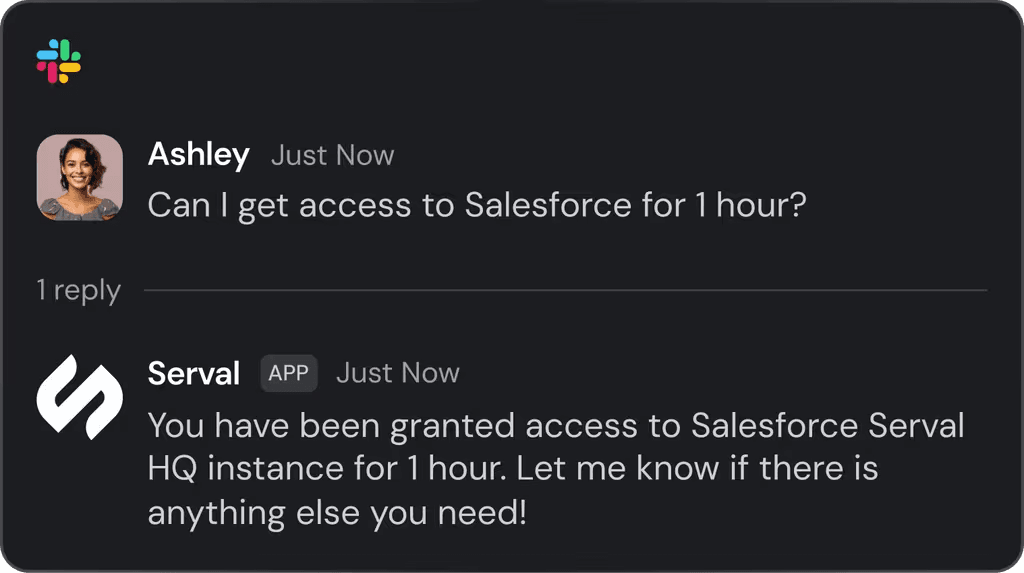
The Help Desk Agent is the front-line worker of the platform. It picks up employee requests as they come in, decides whether it can handle them itself, and either resolves them or hands off to a human. It connects to chat surfaces (Slack, Teams), email, and a web portal, so requests can flow in from wherever your team already works.
What it actually handles in practice depends on what you've connected and what policies you've set, but the typical shape is:
- Knowledge questions. "How do I set up the VPN?", "Where's the expense policy?", "What's the laptop refresh schedule?" The agent searches enterprise documentation and past tickets for contextual answers and replies inline.
- Access requests. Just-in-time grants for SaaS apps where the policy allows it, with optional manager approval and a time-bound expiry.
- Routine IT tasks. Password resets, group membership changes, license assignments, and similar provisioning work that's been wired up as a workflow.
- Triage and routing. When a request needs a human, the agent classifies it, attaches relevant context, and routes it to the right team or assignee.
The connection to past tickets matters. A help desk agent that only knows your wiki will struggle on the long tail of edge cases that show up in support; one that's also seen six months of resolved tickets will recognise patterns and answer with more nuance.
Automation Agent
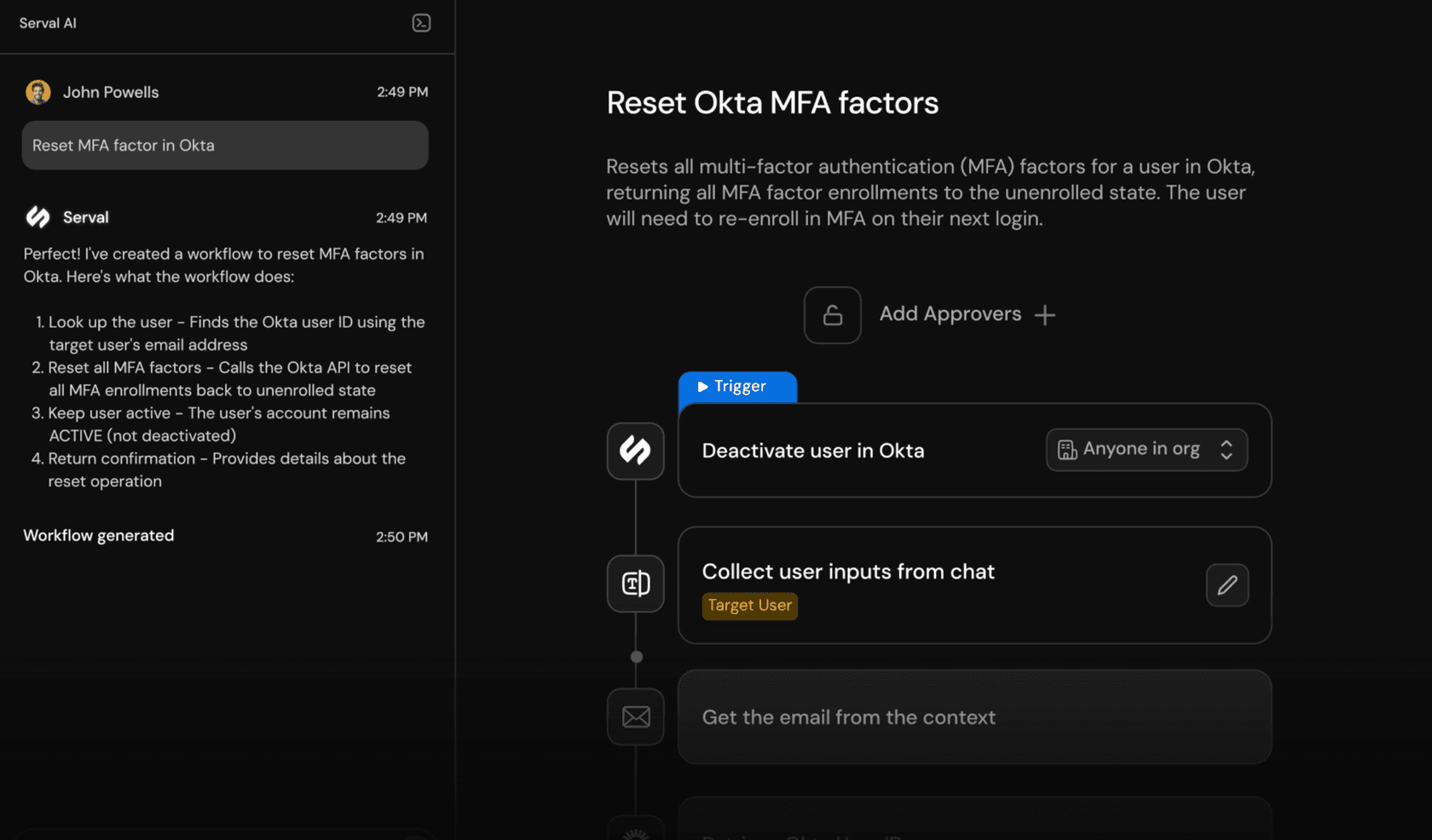
This is the part of Serval that's drawn the most attention. You describe a workflow in plain English, Serval generates code, and displays a visual step-by-step diagram alongside. The code is editable, workflows can be managed in Git, and execute deterministically the same way every time.
The flow looks roughly like this in practice:
- Describe. Type a natural-language brief: "When a new employee joins, create a Google Workspace account, add them to the right Slack channels based on their team, and provision their access to GitHub and AWS."
- Generate. Serval produces both a step-by-step visual diagram and the underlying code. You can read either layer; technical teams can edit the code directly, less-technical teams can read the visual flow to verify intent.
- Test. Before going live, run the workflow against test inputs and inspect each step's status, inputs, outputs, and error details. The build your first workflow guide walks through this end to end.
- Approve and publish. Workflows can require multi-step human approvals before execution, useful for sensitive actions like granting elevated permissions.
- Iterate. Edit either the natural-language description or the code; updates flow back to the visual diagram and through Git.
For teams that don't want to build everything from scratch, Serval ships installable workflows for common ITSM tasks. These cover patterns like onboarding, offboarding, access reviews, and group membership changes, and install with a single click. They're a starting point you customise rather than a rigid template, so you keep the flexibility of the natural-language builder.
The Git integration is worth flagging for technical teams: workflows live as code in a repo, which means you get version history, code review, branch-based experimentation, and the same deployment patterns you use for application code. For organisations with mature change-management processes, this is meaningfully different from drag-and-drop builders that lock automation logic inside a vendor UI.
Access management
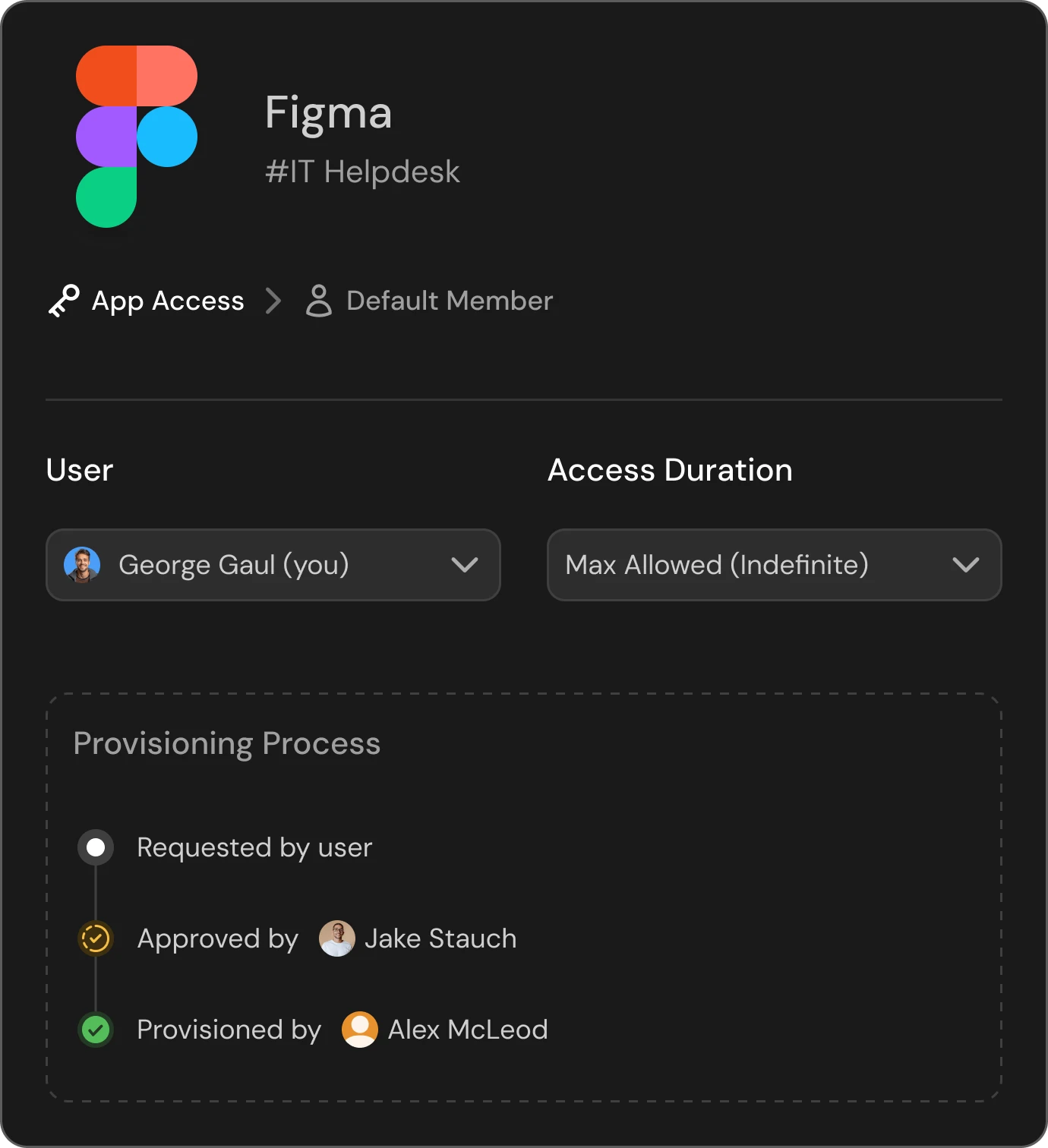
Serval includes native access management that handles policies, just-in-time provisioning, time-bound permissions, multi-approver flows, and integrations with identity providers like Okta and Google Workspace. It's positioned as a way to consolidate access governance into the same workspace as ticketing and automation, rather than running a separate IAM tool alongside.
What this looks like in practice:
- Policies. Rules that define who can access what, under what conditions. A policy might say "engineers can self-grant production database read access for up to 4 hours, with manager approval", or "anyone can request CRM access, requires sales-ops approval, expires in 30 days."
- Just-in-time provisioning. Instead of standing entitlements that accumulate over a person's tenure, access is granted when needed and automatically revoked. This shrinks the standing privilege footprint that compliance teams care about.
- Multi-approver workflows. Sensitive grants (admin roles, production access, customer data) can route through a chain of approvers before the AI provisions anything.
- Audit trail. Every grant, revocation, and approval is logged, which is what auditors and SOC 2/ISO reviewers actually want to see.
For teams already running a dedicated IAM tool, the question is whether to consolidate or run both. Serval's pitch is that the tighter loop between ticketing, knowledge, and access (the same AI that answered the question is the AI that grants the access) is worth more than IAM specialisation. That's a real tradeoff and depends on how mature your existing IAM stack is.
Ticketing and two-way sync
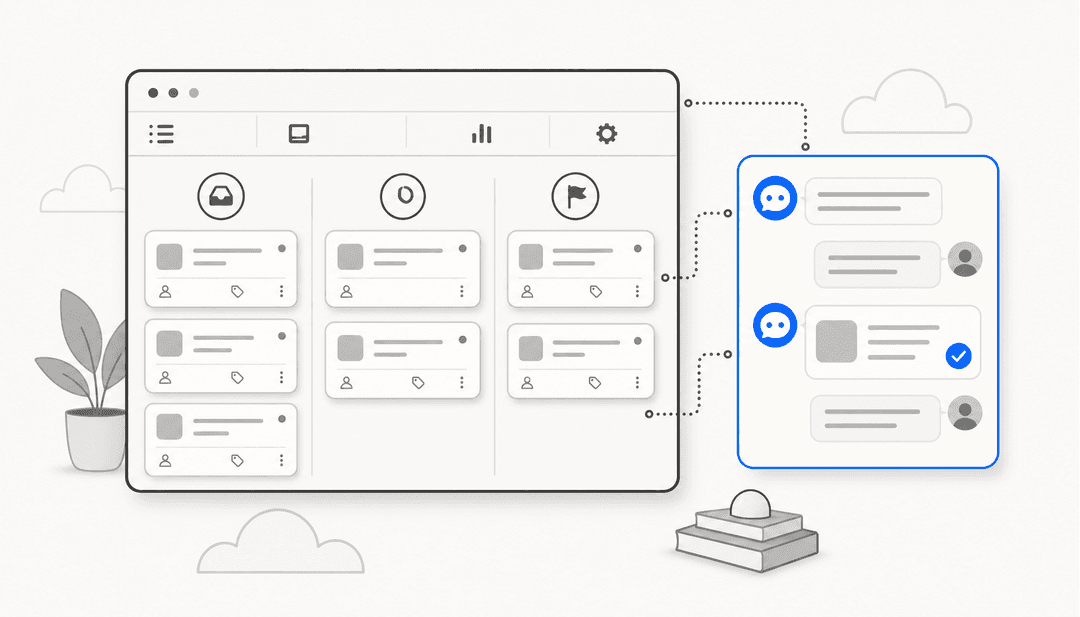
This part is worth being specific about. Serval has a native ticketing system, but it supports a full two-way sync with third-party ticketing solutions. Per Serval's pricing page, bi-directional sync is available with systems like ServiceNow, Jira, and Zendesk.
How the two-way sync actually works:
- A ticket created in your existing system (say, ServiceNow) appears in Serval.
- A ticket created in Serval appears in ServiceNow.
- Updates made in either system (status change, comment, assignee, resolution) propagate to the other.
That means a team can keep its existing help desk as the system of record (with all the SLA tracking, reporting, and integrations already wired up) and run Serval alongside it as the AI layer. Tickets the AI handles get resolved without ever needing a human to touch the legacy ticketing UI; tickets that escalate flow back into the existing queue with full context attached.
The escalation path is also documented: tickets that need human attention are routed to the appropriate assignee, who can use Copilot to suggest solutions and run internal workflows from inside the ticket. This is meaningful for teams that don't want to fully replace their help desk but do want AI on the routine work.
Insights Agent
The Insights Agent runs in the background, surfacing suggested workflows, knowledge gaps, and configuration improvements based on usage patterns.
How Serval deploys
Two paths are documented.
Path 1: Serval as your primary ITSM. You move ticketing, access management, and workflows onto Serval. Existing tickets get migrated, your team learns the new interface, and over time you sunset whatever you were using before. This is the most committed shape and the one that probably yields the most coordinated experience long-term, but it's also the bigger project.
Path 2: Serval alongside your existing help desk. You keep ServiceNow, Jira, or Zendesk as the system of record and bring Serval in as the AI layer via two-way sync. Routine tickets get handled by the AI; complex tickets escalate back into your existing queue with context attached. Less disruptive, faster to start, and a reasonable long-term shape if your existing help desk isn't the problem you're trying to solve.
Either path uses Serval's 30+ native integrations for IT, HR, and identity systems (Okta, Google Workspace, GitHub, Jira, Slack, Salesforce, Notion, Confluence, AWS, and others), plus full API access for custom integrations. The day-1 setup guide walks through connecting integrations and turning on the first workflows.
What a Serval pilot looks like
Per Serval's pricing page, every customer engagement starts as a pilot with a dedicated deployment engineer. The four phases:
- Meet. You're paired with a deployment engineer who learns your environment. You connect core integrations (your help desk, identity provider, key SaaS apps, knowledge sources) and turn on foundational automations to validate the connections work.
- Build. The deployment engineer helps you identify the highest-value automation opportunities for your specific environment, usually based on what's most frequent or most expensive in your current ticket queue, and you build workflows tailored to those.
- Deploy. You roll out to real end users, monitor real usage, and iterate on the workflows. Things you didn't anticipate surface here, and you tune.
- Optimize. Once the foundational automations are stable, you explore cross-company use cases (HR onboarding, finance approvals, etc.), audit the configuration, and refine.
Serval guarantees that at least 50% of incoming IT tickets will be automated by the end of this engagement. That's a measurable success criterion which is unusual for AI vendors and a meaningful piece of risk-sharing.
How long the whole pilot takes isn't published. From the structure (four phases, with a real engineer involved through all of them), it's clearly a weeks-to-months project rather than a same-day setup. That's not a criticism; it matches the shape of the product, which is a coordinated platform meant to do a lot of jobs.
Serval pricing
Serval does not publish per-seat or per-ticket pricing on its website. Instead, its pricing page describes a pilot-based engagement model. Customers work with a dedicated deployment engineer through four phases (Meet, Build, Deploy, Optimize), and Serval guarantees at least 50% of incoming IT tickets will be automated by the end of the pilot.
If you want a specific dollar figure for your environment, you'll need to talk to Serval's sales team. We're not going to speculate about what's in the contract; the pricing page is the source of truth for the model.
Serval and eesel AI: two different shapes
Serval is a platform. It includes its own ticketing, its own access management, its own workflow engine, and its own knowledge base. The fastest path to value is probably running it as a coordinated system, even if you keep an existing help desk in the loop via sync.
eesel AI is a different shape. It's an integration-first AI layer that plugs into the help desk you already use, the chat tools your team is in, and the wikis and docs your knowledge lives in. There's no native ticketing in eesel; the help desk you bring is the help desk that runs.
Side-by-side. Serval details below are sourced from Serval's homepage, pricing page, workflow docs, ticketing docs, and knowledge base docs; eesel details from eesel.ai.
| Aspect | Serval | eesel AI |
|---|---|---|
| Shape | AI-native ITSM platform with native ticketing, access management, and workflows | Integration-first AI layer over your existing help desk |
| Deployment | Pilot-based engagement with a dedicated deployment engineer | Self-serve sign-up; connect a help desk in minutes |
| Workflow builder | Natural language input, generated code, visual step-by-step diagram, testable before publish | Prompt editor with selective automation rules and granular control |
| Coexistence | Two-way sync with ServiceNow, Jira, Zendesk | One-click integrations with Zendesk, Freshdesk, Jira Service Management, and others |
| Pricing | Pilot-based, no public per-seat or per-ticket pricing | Public task-based pricing: $0.40 per resolved ticket, free for light tasks |
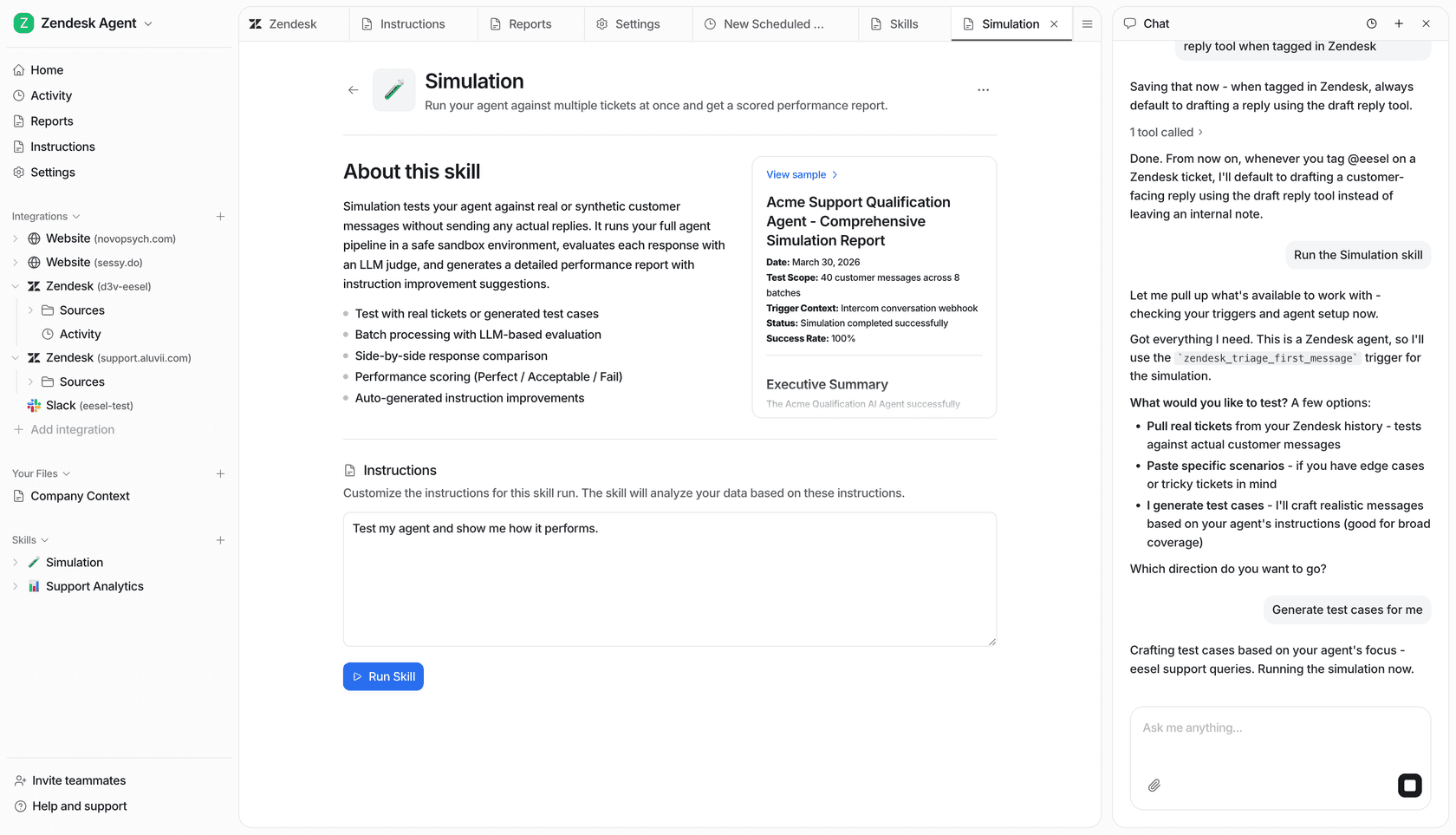
| Testing before go-live | Workflow tests with execution status, inputs, outputs, errors | Simulation on thousands of past tickets |
| Knowledge sources | Enterprise documentation, past tickets, and connected knowledge base apps (like Notion, Confluence, Google Drive, etc.) | 100+ sources including Confluence, Google Docs, Notion, SharePoint, ticket history |
The honest read: if you want a single AI-native platform that handles ticketing, access, and workflows together (and you're willing to engage in a guided pilot to get there), Serval is built for that. If you want to keep your help desk and add an AI layer you can stand up yourself in an afternoon, eesel is built for that.
Who tends to pick Serval
- IT leaders at growing companies who feel their current ITSM (often ServiceNow or Jira Service Management) is heavy and slow to change, and who want to bet on an AI-native rebuild rather than retrofit AI onto a legacy stack.
- Teams that want native access management and ticketing in one product, not stitched together from an IAM tool plus a help desk plus a workflow tool.
- Companies with internal IT as the primary focus (rather than external customer support), where the workforce-style use cases (onboarding, access, software requests) make up most of the queue.
- Teams that want a deployment engineer alongside them and are comfortable with a sales-led, pilot-based engagement.
Who tends to pick eesel AI
- Teams whose existing help desk (Zendesk, Freshdesk, Jira Service Management, Front, etc.) is working fine; the gap is AI, not the help desk.
- Companies that handle both internal IT and external customer support, and want one AI layer covering both.
- Buyers who prefer to evaluate self-serve, run a simulation against past tickets, and see expected outcomes before committing.
- Teams that want public, predictable pricing and the ability to start small (one ticket type, then expand) rather than commit to a full pilot upfront.
These aren't mutually exclusive shapes. Some teams could legitimately use either, and the right answer depends on how much of your current stack you want to keep and how you prefer to buy software.
Is Serval right for your team?
Serval is a serious product with a clear point of view: ITSM rebuilt around AI, with workflows, ticketing, access, and knowledge in one platform. For a team that wants that shape, and is happy to run a guided pilot with a deployment engineer, it's a credible choice. The workflow builder is genuinely interesting, the two-way sync makes coexistence with existing systems realistic, and the guaranteed 50% automation outcome is a meaningful commitment.
For teams that want to keep the tools they already have and add AI without changing the shape of their stack, an integration-first approach is a better fit. With eesel AI, you can connect your existing help desk and knowledge sources, run a simulation on your historical tickets, and start automating in the same week. Pricing is task-based ($0.40 per resolved ticket, free for light tasks) and you start with $50 in free credits. Sign up for free and try it.
Frequently asked questions
What is Serval AI?
Serval is an AI-native IT Service Management platform that automates help desk requests, access management, and custom workflows. It was founded in 2024 by Jake Stauch and Alex McLeod and raised a $75M Series B led by Sequoia in December 2025.
Does adopting Serval require replacing your existing help desk?
No. Per Serval's own documentation, the platform supports two-way sync with third-party ticketing systems like ServiceNow, Jira, and Zendesk. Customers can run Serval alongside their existing help desk, or migrate to Serval's native ticketing.
How does Serval's workflow builder work?
You describe a workflow in natural language, and Serval generates code and displays a visual step-by-step diagram. The code is editable, and workflows can be tested before publishing.
Does Serval publish pricing?
Serval does not publish per-seat or per-ticket pricing. Its pricing page describes a pilot-based engagement with a dedicated deployment engineer, structured around a guaranteed automation outcome.
How is eesel AI different from Serval?
eesel AI is an integration-first platform that layers AI on top of your existing help desk rather than offering a native ticketing system. It's self-serve with public pricing, and you can simulate it on past tickets before going live.