


Start with an escalation policy, not a block
Zendesk’s escalation guide calls out complexity, urgency, sensitivity, agent availability, hours, and channel volume. Those are useful inputs, but they are not the policy. Write the policy in plain language first.
For example: A customer disputing a charge goes to Billing. Collect the invoice reference if they have it. During Billing hours, offer a live transfer. Outside those hours, create an email follow-up and say when the team will reply. That is specific enough to test and narrow enough to own.
Avoid a catch-all rule such as “escalate when uncertain.” It sends the same vague handoff to a tax question, a lost delivery, and an account takeover. Separate paths are worth creating when their destination, information need, or customer expectation differs.
Build the path around the human’s next action
In the dialogue builder, an escalation block ends a branch. Before it, decide what will make the handoff easier:
- Ask for one detail that changes the next action, such as an order or invoice reference.
- Add a tag or update a field only if the receiving workflow uses it.
- Use an availability block for a synchronous messaging handoff when an unavailable queue needs a different promise.
- Choose Forward to an agent for a live conversation or Send an email for a follow-up path.
- Write the customer message as a commitment you can keep: who receives the case and what happens next.
Zendesk says a messaging escalation can go to the group chosen during CRM integration or to an escalation team selected in the details panel. It can also send the customer to a configured escalation fallback when the transfer fails. That fallback is part of the design, not an afterthought.
Treat handoff and handback as different states
For messaging, Zendesk describes handoff as replacing the AI agent with a live agent as first responder. The AI can no longer reply in that conversation. The human stays first responder until the associated ticket is Closed, not merely Solved. Read Zendesk’s handoff guide before changing close timing.
That distinction matters when customers return. Zendesk’s default automation closes a solved ticket after four days; until the ticket is Closed, the previous conversation remains active. If you shorten that interval, test the customer experience and any CSAT timing. Zendesk notes that CSAT is sent when a ticket becomes Solved, so an immediate close can create a conflicting experience.
Test the operation, not just the canvas
The builder’s Validate dialogue and Test dialogue are useful, but the completion test is operational:
- Run the expected path with non-production test data.
- Run the missing-detail, after-hours, and failed-transfer paths.
- Read the message a customer sees. Does it make a promise your team can meet?
- Confirm which group receives the conversation and whether tags or fields arrived as intended.
- Ask the receiving agent whether the information is enough to act without repeating the first question.
Zendesk says saving a dialogue as a draft does not run a logic check; publishing does. Keep a short version note that names the scenario changed, so the next reviewer can understand why the path exists.
Use the eesel CLI for a separate, visible support workflow
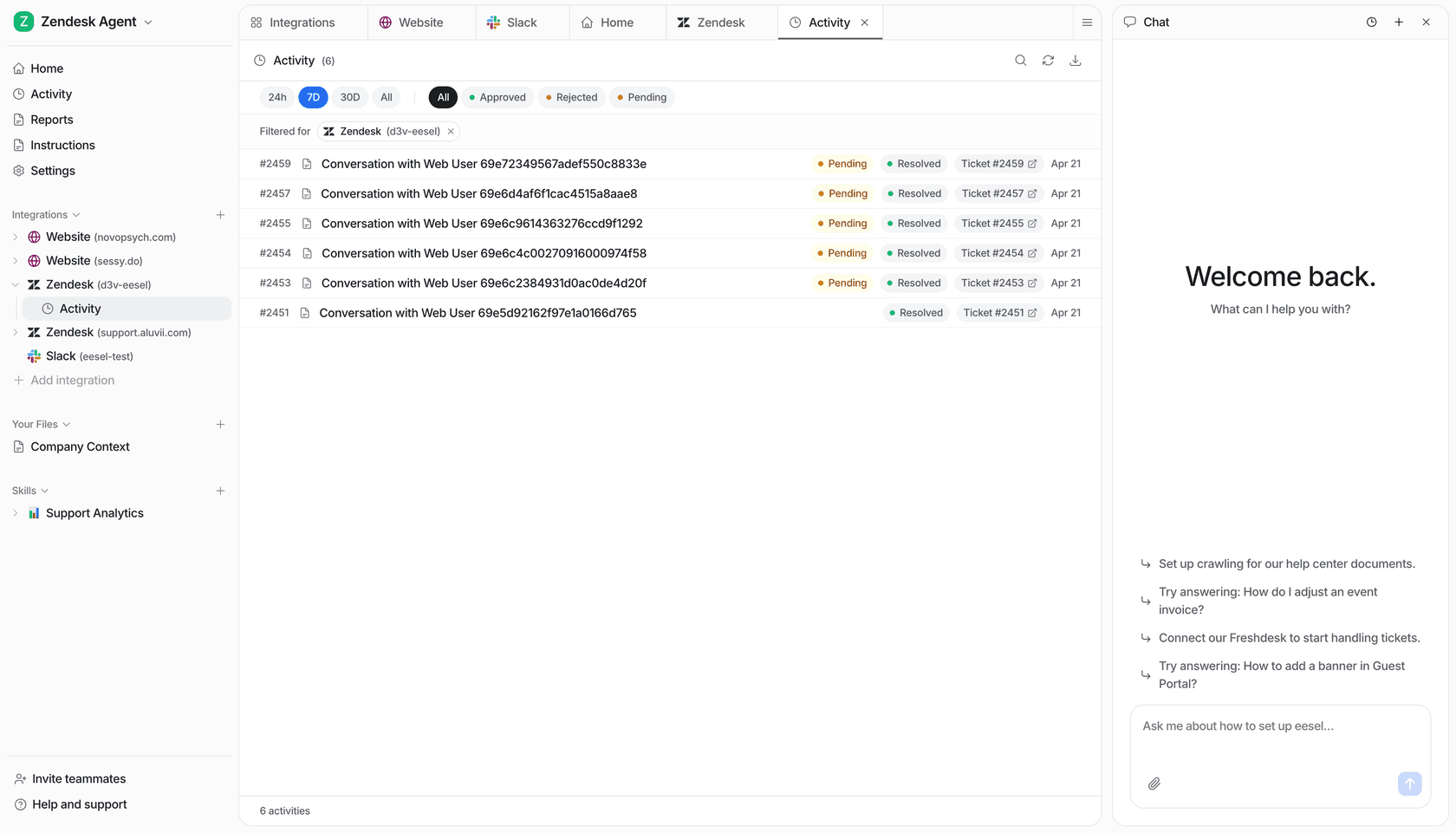
If you run an eesel AI helpdesk teammate alongside Zendesk, the eesel CLI is another way to operate the same teammate and workspace shown in the dashboard. A person can use it from a terminal; a script, Claude Code, Codex, or Cursor can read its JSON output and do the same scoped inspection.
For the disputed-charge case above, ask Claude Code to review the eesel teammate's standing rule: should it explain the invoice, collect a reference, or defer the dispute to Billing? Have it compare that rule with a recent handoff in activity and propose a change only if the two disagree. It does not configure Zendesk escalation blocks or grant new Zendesk permissions.
npx @eesel/cli --agent "Support" instructions
npx @eesel/cli --agent "Support" activity
After the owner approves a clearer instruction, the coding agent can help apply it through chat and test a fictional charge dispute. Before doing that, check connected-action permissions and restrict actions outside the approved trial; a prompt saying “draft only” is not an isolation mechanism. Use --dry-run to preview writes and approvals to review actions specifically held for a person. Compare the new answer and activity with the original case, then check the ticket's receiving group and context. That gives the owner evidence that the eesel handoff improved rather than merely sounding more polite. Node.js 18.17+ is required.
Make an eesel handoff easier to review
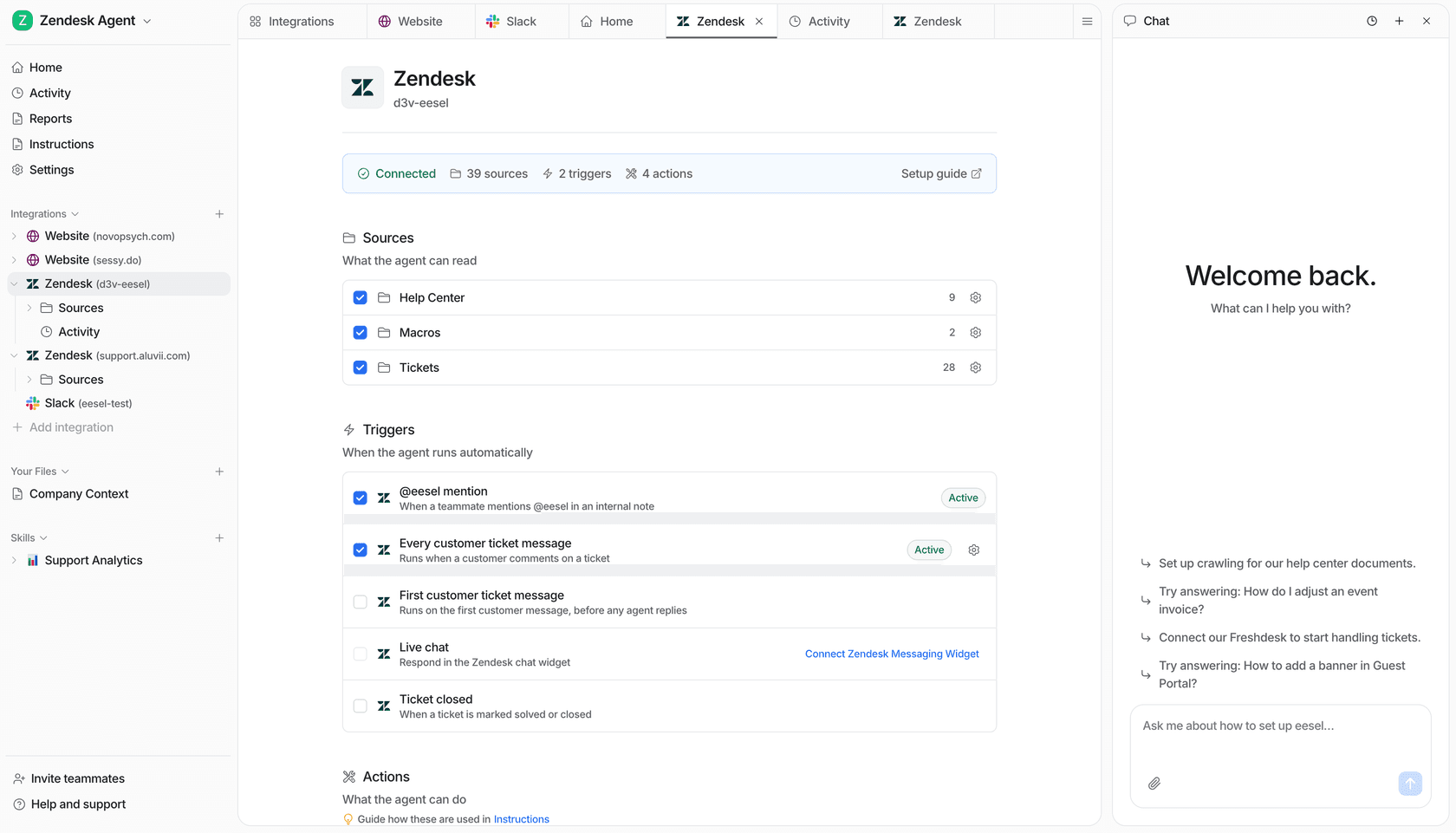
Try an eesel support teammate beside Zendesk, inspect what it can use, and keep proposed actions under review before you turn on a new workflow. Try eesel.
Frequently asked questions
What is a Zendesk AI agent escalation?
It is a path that moves an AI-agent conversation to a human by messaging or email. The path can collect information, update fields or tags, and choose a destination before the transfer.
When should a Zendesk AI agent escalate?
Escalate when the request is complex, urgent, sensitive, requires an unavailable capability, or the customer needs a person. The exact rules should reflect your queue capacity and business hours.
Can Zendesk check whether agents are available before an escalation?
Yes. An availability block can check operating hours or agent availability for messaging, so an out-of-hours path can offer email follow-up instead.
What context should a Zendesk escalation collect?
Collect only details that change the next step, such as an order reference, issue type, or account identifier. Check that the receiving team can see the result in the ticket.
How do I test a Zendesk AI agent escalation?
Validate the dialogue, test the normal and unavailable-agent branches with safe test data, then confirm the routing, ticket fields, and customer-facing message in the receiving queue.
How can eesel CLI help review this support workflow?
A person, script, or coding agent can inspect the same eesel teammate and workspace as the dashboard, propose a scoped change, and test it after owner approval. Review action permissions and the resulting activity or ticket. Native Zendesk controls remain configured in Zendesk.