
What the threshold controls
For dialogue-based intent recognition, the score reflects how closely a message matches an intent. Zendesk's legacy confidence-threshold guidance, available in Spanish describes a 0–100 range and a default of 60: at or above the threshold, the matched intent can run; below it, the configured fallback applies. That can be useful for a structured flow such as “track an order” versus “reset a password.” These are documented legacy values, not a verified default for every current AI agent. Confirm that your account exposes this control before using that advice.
It does not tell you whether a generative answer is true, policy-safe, or appropriate to send. Nor should it be used as proof that a refund, account-access, or complaint workflow has enough oversight.
Review procedures and escalation separately
Zendesk describes generative procedures as flexible, policy-aligned flows for an agentic AI agent. A procedure is associated with a use case and can call a template or action; it is different from a scripted dialogue. Zendesk's escalation documentation also separates rules for zero-training email AI agents from agentic email AI agents.
So review these controls independently:
- Intent threshold: does the right dialogue activate for a recognized intent?
- Procedure: what policy, data collection, template, and action path can the agent follow?
- Escalation: what asks for a person, where does the ticket go, and what happens if handoff fails?
- Action permissions: what external system can the agent read or change?
A test set that finds real failures
Do not move a percentage and wait for customer complaints. Build a small, labeled test set from real but safely handled tickets:
| Case | What to check |
|---|---|
| Clear, in-scope request | Right intent or procedure, correct answer |
| Ambiguous wording | Clarifying question or safe escalation |
| Out-of-scope request | No invented policy or unrelated action |
| Sensitive request | Required verification and human route |
| Failed action | Honest failure message and fallback |
For a dialogue, inspect confidence distribution and confusion between your actual intents. For an agentic procedure, inspect the steps, sources, tool calls, escalation result, and resolution quality. Zendesk's AI-agent insights and conversation records are the places to review live performance, but an internal test corpus protects customers while you make the first changes.
Do not use the threshold as a compliance or risk label
A high intent score can still lead to a wrong answer if the underlying policy is stale. A low score can be a perfectly legitimate question written in unfamiliar language. Keep explicit rules for refunds, legal requests, security incidents, account changes, and harassment; route them to the right human team. Zendesk's AI Trust guidance describes grounded materials, visibility into AI logic, and customer-controlled data choices, but your team still owns the operating policy.
Use the CLI for a controlled configuration review
eesel's CLI lets a human, script, or coding agent work with the same teammate and workspace as the dashboard. That is useful when a support owner asks engineering to reproduce two ambiguous responses in fresh sessions and capture the JSON results for a change review. Get the workspace owner’s approval and inspect connected action permissions before testing.
npx @eesel/cli new --name "order-status-short" --agent zendesk-support
npx @eesel/cli chat "Where is my order?" --agent zendesk-support
npx @eesel/cli new --name "order-status-ambiguous" --agent zendesk-support
npx @eesel/cli chat "It still has not arrived. What can you change?" --agent zendesk-support
npx @eesel/cli approvals --agent zendesk-support
npx @eesel/cli activity --agent zendesk-support
The CLI docs require Node.js 18.17 or newer and say every command returns JSON. Ask Claude Code, Codex, Cursor, or a review script to compare whether the two replies request the missing order details and avoid promising an unauthorized change. If the ambiguous wording produces a premature promise, the coding agent can propose a narrower eesel instruction for human approval, then repeat both cases. This improves the eesel teammate's handling of uncertainty; it does not set a native Zendesk confidence threshold. Use --dry-run for a proposed write. The CLI is not an isolated simulation, and approvals only show actions that are held.
A sensible rollout sequence
Start with one repeatable topic and a narrow source set. Prove the route for a correct request, an unsure request, and a request that must escalate. Then review the results with the people who own policy and the queue. Expand topic by topic, not because a single confidence number looks good.
Try a Zendesk AI teammate with evidence
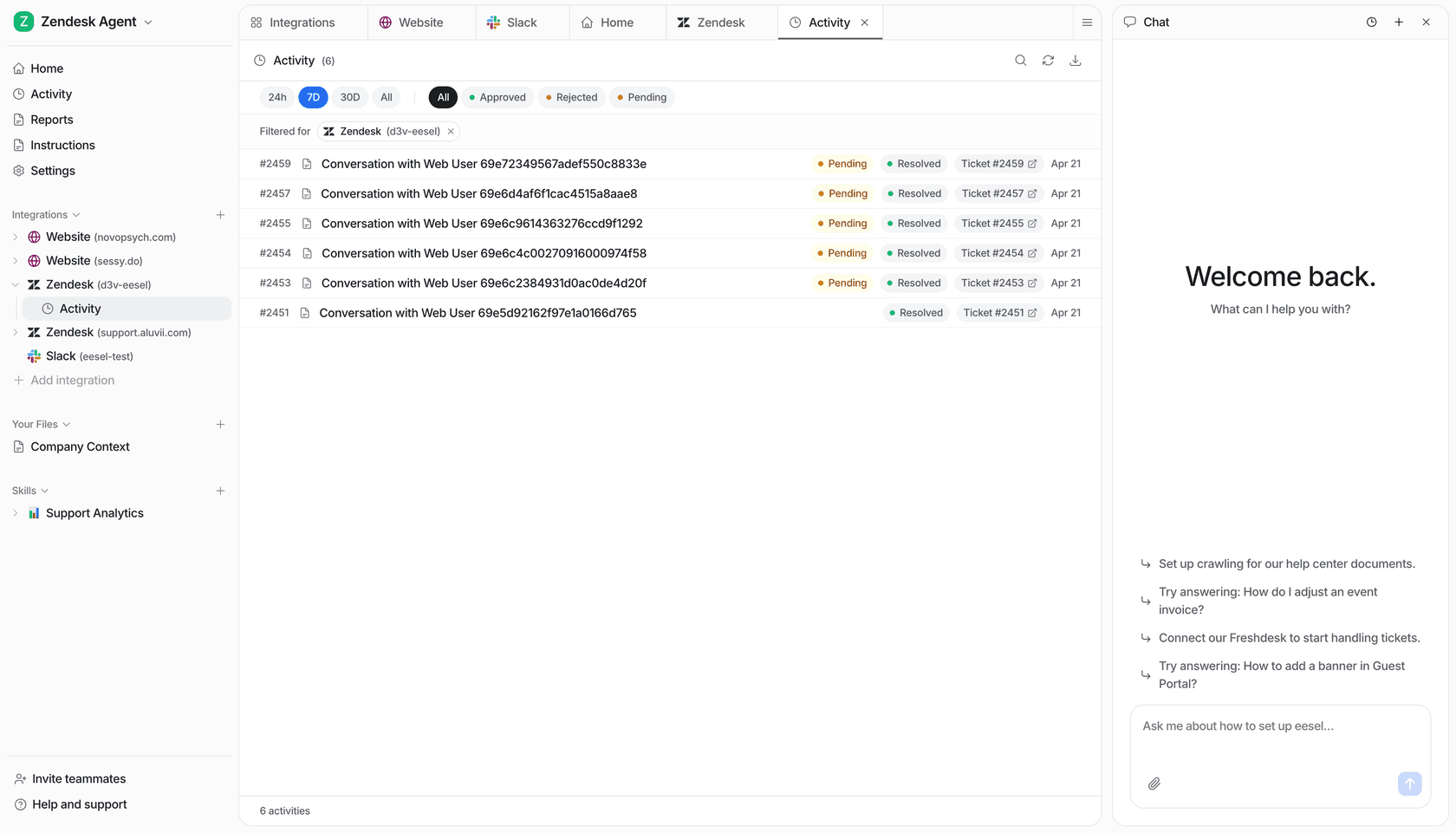
eesel is an AI helpdesk teammate for the queue your team already uses. Connect Zendesk, give it the policies it needs, review its activity, and use the CLI or dashboard to inspect the same configuration. The useful output is a proposed answer, the test result, and a clear human decision about whether to widen the job.
Frequently asked questions
What is a Zendesk AI agent confidence threshold?
It is an intent-recognition control used in the applicable dialogue-based AI-agent flow. It is not a universal measure of whether an agentic reply is safe.
Is 60 the right Zendesk confidence threshold?
Zendesk's published confidence-threshold guidance uses 60 as the default for the legacy intent flow. Treat it as a starting point only after testing your own intents and escalation behavior.
Do confidence thresholds govern generative procedures?
Do not assume the legacy intent threshold governs current agentic procedures. Review the controls documented for your agent type, and test its procedure and escalation behavior separately.
How should I test a confidence threshold?
Use representative matched, ambiguous, unmatched and escalation cases, then review conversation logs and customer outcomes before changing production behavior.