
Zendesk changed automated-resolution reporting on May 18, 2026. AR% now includes both contained and verified resolutions, while only verified resolutions consume automated-resolution usage. A higher AR% after the change is not automatically an improvement in the underlying experience.
Read the mix, not only the headline: unassisted conversations, assisted escalations, contained resolutions, and verified resolutions describe different work. Compare periods using the same definitions.
The current resolution-rate calculation
Zendesk defines a contained resolution as a meaningful request handled by AI with no human involvement or follow-up. A verified resolution has additional signals that the outcome was complete and satisfactory. An assisted escalation means the AI contributed before a human completed the resolution; an unassisted conversation was only small talk or system replies, with no meaningful automation.
Zendesk’s May 2026 reporting announcement gives the calculation:
AR% = (Contained + Verified)
      / (Unassisted + Assisted escalation + Contained + Verified) × 100
Before May 18, only verified resolutions were in the numerator. Zendesk remapped up to two years of historical conversations for consistency, but annotate any trend report with the metric definition and date range rather than presenting pre- and post-change values as a simple operational gain.
For a hypothetical 1,000-conversation sample with 300 contained, 200 verified, 400 assisted escalations, and 100 unassisted conversations, the current AR% is 50%. The former numerator would produce 20% from those same counts. These are illustrative numbers, not a measured Zendesk or eesel result.
Billing and performance are related, not identical
Contained resolutions contribute to AR% but do not consume automated resolutions. Verified resolutions are the outcomes Zendesk bills for. That makes two questions necessary: “What share of meaningful work did the AI contain?” and “What share reached Zendesk’s verified tier?” Do not substitute one answer for the other.
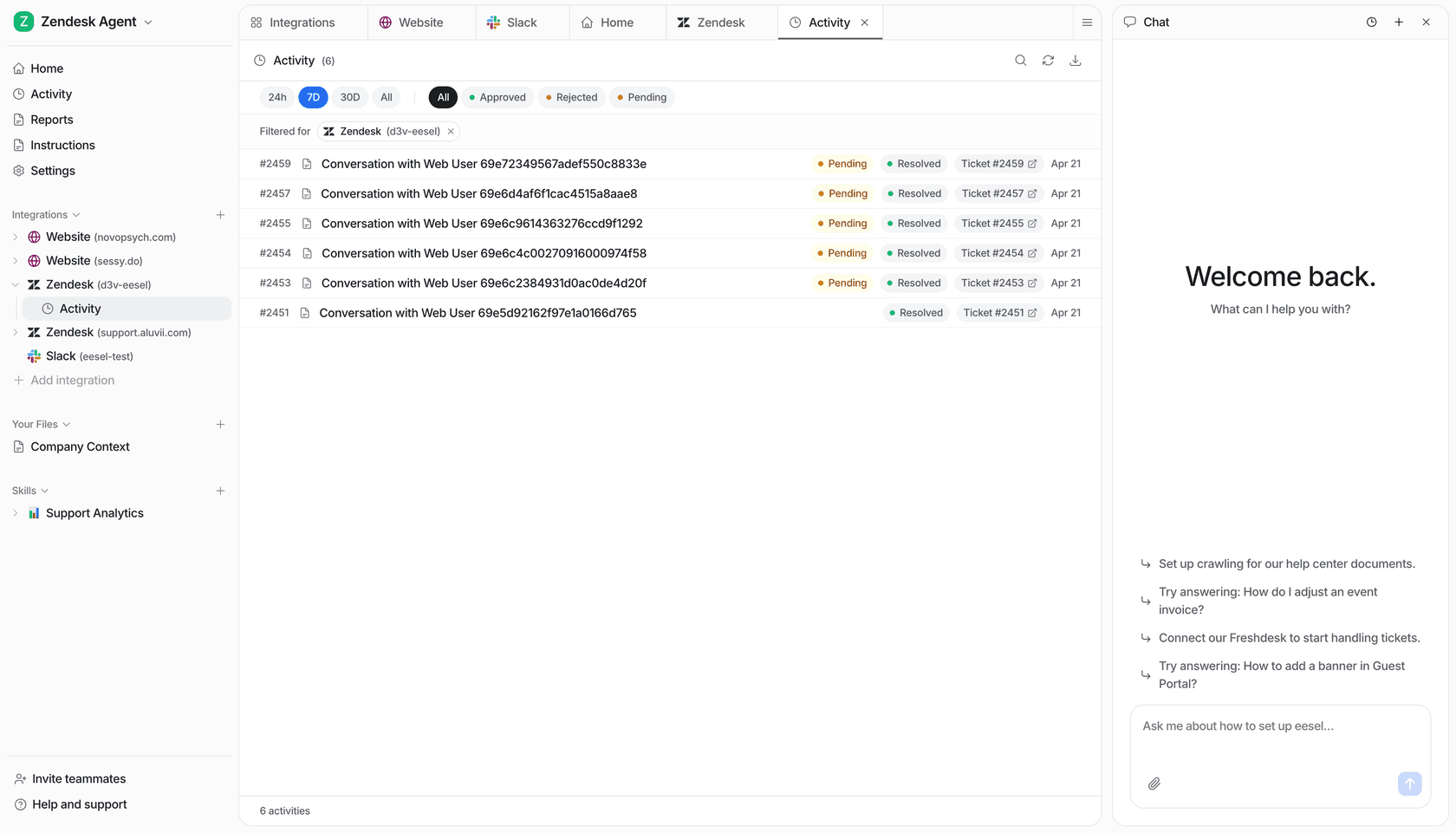
Zendesk’s usage dashboard is at Admin Center > Account > Usage > Resolutions for accounts on resolution allowances. It filters by date range, brand, and tier. The contributing-resolution list includes ticket ID, tier, channel group, AI agent, brand, and timestamp; it can link you to the Support ticket or AI-agent conversation. That is a much better audit path than treating a dashboard total as proof.
The contributing-resolutions CSV is not automatically the full AR% denominator: it lists contributing resolutions, not every unassisted conversation. Get the complete categorized counts from reporting before recalculating the rate. Also allow for finalization lag: Zendesk's tier definitions describe different conversation-end timing for email, messaging, and voice. An unfinished recent period is not directly comparable to a settled one.
A weekly resolution-rate review
Pick a fixed period and segment, then review this compact scorecard:
| Check | Why it matters | Evidence |
|---|---|---|
| Contained vs. verified mix | Separates AI-contained work from billable verified outcomes | Usage dashboard tier filter |
| Assisted escalations | Shows where a human still completed the work | Resolution tier and ticket event |
| Channel group | Avoids blending Digital and Voice behavior blindly | Ticket field |
| A sample of tickets | Detects wrong tier assignment or weak customer outcomes | Ticket and AI conversation overview |
Zendesk adds Resolution type, Resolution tier, and Channel group to tickets. Resolution tier values are Assisted escalation, Contained resolution, and Verified resolution. If you disagree with a tier, Zendesk says to contact its support team; do not “correct” the metric in a spreadsheet and call it source data.
Use eesel CLI for a separate, permission-aware audit job
The eesel CLI operates the same eesel teammate and workspace as the dashboard. A person, script, Claude Code, Codex, or Cursor can use its JSON output. It does not edit Zendesk metrics or turn Zendesk reporting into an eesel claim.
Ask a coding agent to help reconcile a reported percentage with an approved, de-identified set of category totals. Give the file a clear date range and filter description; do not ask it to invent missing unassisted counts from a contributing-resolution export. After the owner approves the file and you review connected action permissions, start an audit session:
npx @eesel/cli --agent "Support" files upload ./approved-category-totals.csv
npx @eesel/cli --agent "Support" new --name "weekly-resolution-audit"
npx @eesel/cli --agent "Support" chat "Check whether the uploaded totals support the stated AR percentage. List missing categories and filter mismatches before calculating."
The coding agent can read the JSON response and return a reconciliation for the reporting owner: numerator, denominator, date/filter assumptions, and unexplained differences. Independently verify the arithmetic and compare with Zendesk before sharing it. Use --dry-run to preview writes, and inspect activity after the analysis. A fresh session and an analysis prompt do not remove connected-action permissions; restrict actions outside this job. Node.js 18.17+ is required. This makes a calculation review easier without changing Zendesk's assigned tiers or treating its rate as an eesel performance claim.
Check the evidence behind a rate with eesel
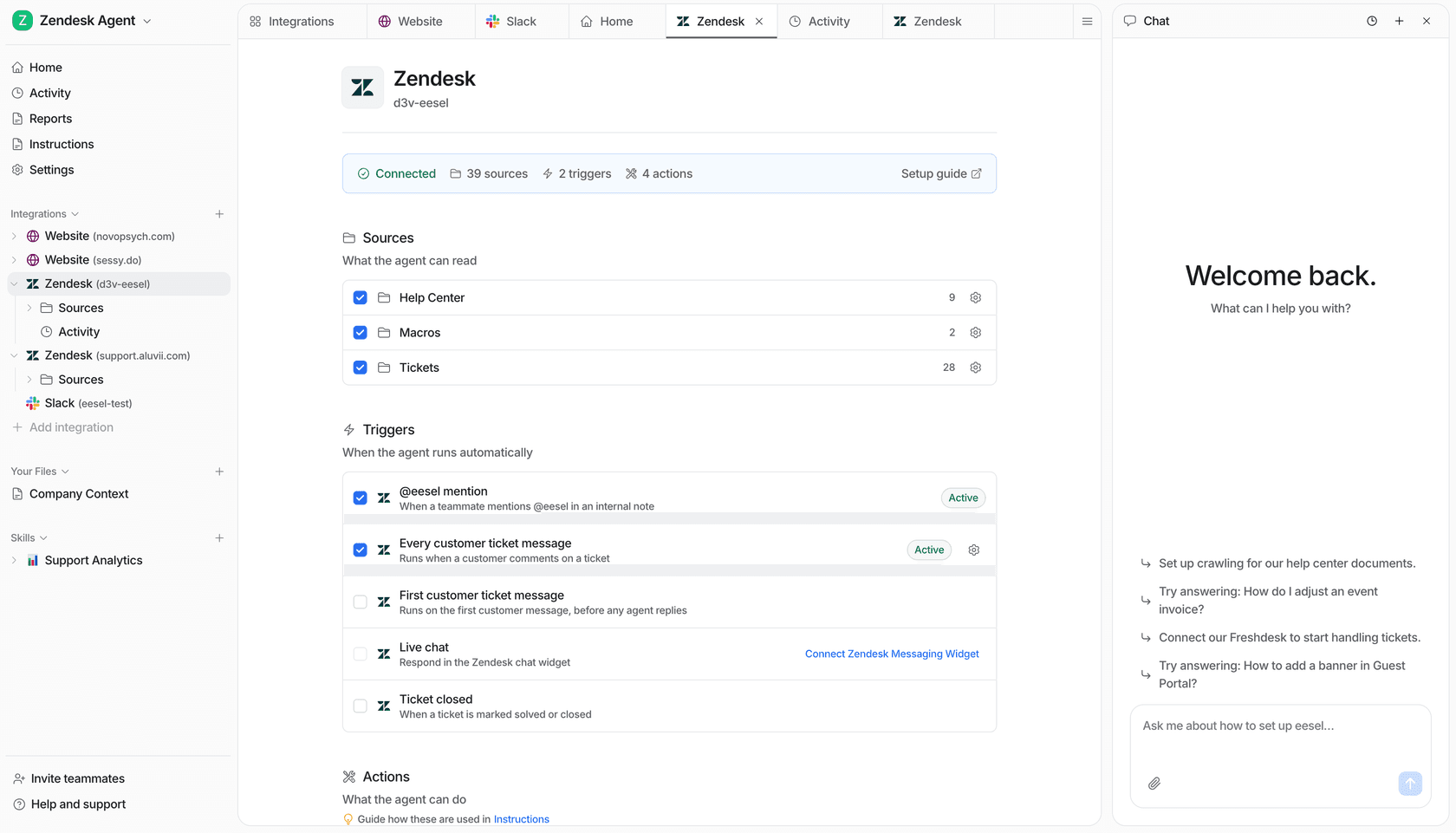
Try eesel alongside Zendesk when you want a visible support teammate and a reviewable path from evidence to proposed action. Try eesel.
Frequently asked questions
What is Zendesk AI agent resolution rate?
After May 18, 2026, AR% is the share of all categorized AI-agent conversations that are contained or verified resolutions.
What is a contained resolution in Zendesk?
It is a meaningful request handled by the AI without human involvement or follow-up. It contributes to AR% but does not consume an automated resolution.
What is a verified resolution in Zendesk?
It is a meaningful request handled by the AI with additional signals that Zendesk considers the outcome complete and satisfactory. Verified resolutions are billable.
Why did Zendesk AR% change in 2026?
Zendesk changed the calculation on May 18, 2026 to include both contained and verified resolutions, so it may rise even if underlying customer work has not changed.
Where can I inspect resolution tiers?
Admins using resolution allowances can use Admin Center > Account > Usage > Resolutions and inspect ticket fields, events, and AI-agent conversation details.
How can eesel CLI help check a resolution-rate calculation?
A person or coding agent can provide approved category totals to the same eesel teammate used in the dashboard, request a reconciliation, and inspect the JSON result. The owner verifies the arithmetic and definitions against Zendesk; the CLI does not change Zendesk tiers.