
A human handoff is part of the AI agent's job, not its failure state. Design it before launch: decide which cases escalate, what the customer sees, what information reaches the human, and what happens when nobody is available.
Zendesk's current escalation guidance supports escalation paths for messaging and email AI agents through dialogue-builder escalation blocks.
Define the handoff before building it
Write the escalation strategy in plain terms. Complex, urgent, sensitive, or out-of-scope cases are common candidates. Also include a customer request for a human. For each one, name the receiving group, business-hours rule, and the details the human needs to see.
| Case | Customer outcome | Human receives |
|---|---|---|
| Explicit human request | Clear transfer message | Conversation and stated need |
| Billing dispute | Specialist route | Account identifier and issue type |
| Agent unavailable | Staffed email route with a response promise the team can meet | Issue details and contact method |
| Failed escalation | Clear fallback message | A next step, not an assumed ticket owner |
Build and test the Zendesk path
Zendesk says an escalation block can forward a conversation to an agent or send an email. For Messaging AI agents, you can add an availability block first; it is not available for Email AI agents. Select a team, add actions such as tags or fields, and configure a failed-escalation reply. The agent should gather only information that makes the next person faster; do not turn the handoff into a long form customers must complete.
Test at least four cases in the actual channel: a working transfer during business hours, an after-hours transfer, a customer who asks for a person mid-flow, and a forced escalation failure. Inspect the visible customer copy, ticket state, receiving team, tags, fields, and fallback. A prompt response in a chat window is not proof that the Zendesk routing works.
Separate handoff, handback, and failed escalation
Handoff is the attempt to move the live conversation to the human route you configured. It is not a promise that the customer has an assigned owner until you have confirmed the resulting ticket and routing rules. Zendesk's escalation configuration lets you define a failed-escalation reply; that reply gives the customer a next step, but it does not by itself create a staffed queue or an owned ticket.
Handback is different again. Zendesk's messaging handback guide says the human remains first responder until the associated ticket is Closed, not merely Solved. A returning customer must start the new conversation with a message before the AI responds. The default solve-to-close automation waits four days; do not shorten it without checking the customer experience and CSAT timing. This is why a transfer test should include a customer returning after the human marks a ticket solved.
For an unavailable route, say only what operations can deliver. “Our team replies within one business day” is useful if that is an actual service target. “Someone will get back to you shortly” is not a safe fallback if the queue is unstaffed overnight. Offer a contact method or expected time only when the receiving process can meet it.
Build the right path for each channel
Zendesk's escalation guidance covers Messaging and Email AI agents, but the path is not identical. An escalation block can transfer to an agent or send an email. The Availability block is a Messaging capability, so do not copy an availability design into Email and expect the same behavior. For Email, make the acknowledgement and response expectation part of the email workflow you actually staff.
Before the escalation block, collect only the fields that help the next person act: order number, product, account identifier, and a concise issue category are common examples. Add tags or fields only when someone will use them for routing or follow-up. A long intake form makes customers repeat themselves and can delay the very human help they requested.
Use a test sheet that records the channel, starting condition, expected route, actual ticket status, destination, visible reply, captured fields, and failure behavior. Run it after every material change to the dialogue, routing rules, group coverage, or operating hours.
Use eesel to rehearse the escalation rule
eesel's CLI lets a support owner ask a coding agent to test the same teammate configured in the dashboard. Get the workspace owner's approval and review connected action permissions first.
npx @eesel/cli instructions --agent zendesk-handoff
npx @eesel/cli approvals --agent zendesk-handoff
npx @eesel/cli new --name "billing-dispute" --agent zendesk-handoff
npx @eesel/cli chat "I was charged twice and need a person." --agent zendesk-handoff
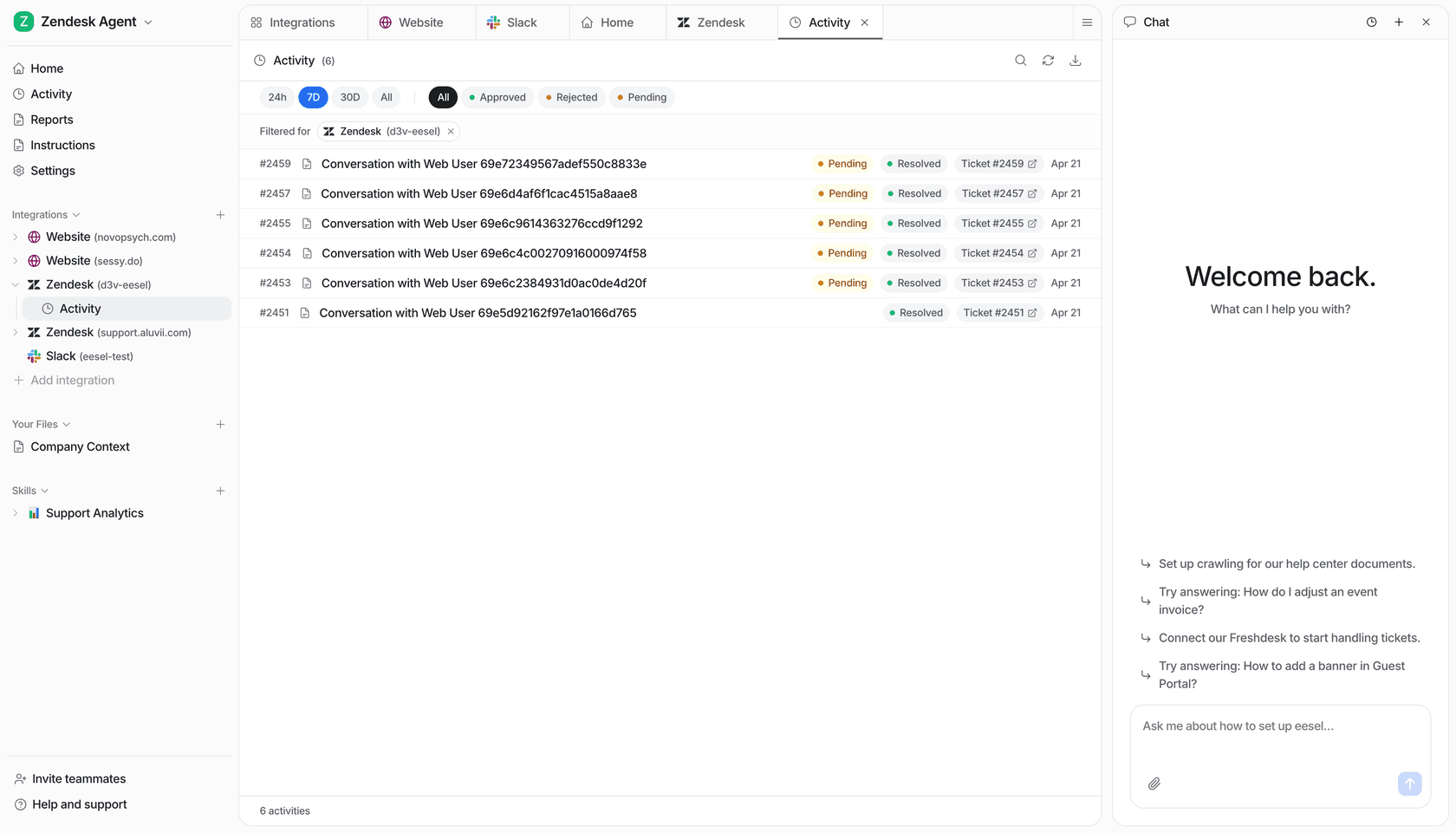
npx @eesel/cli activity --agent zendesk-handoff
With Node.js 18.17 or later, the output is JSON. A reviewer can check whether the teammate recognized the escalation rule and report the result. It is still not a Zendesk routing test: confirm the live queue, group, ticket fields, and fallback separately. Approvals list held actions only.
The dashboard and CLI operate the same eesel teammate and workspace. A support lead can set the rules in the dashboard while a person, script, Claude Code, Codex, or Cursor captures the reply and activity in the terminal. Ask the coding agent to flag whether the teammate promised a refund, kept asking irrelevant questions, or claimed a transfer happened without evidence. If the rule needs repair, have it propose an instruction for the support owner to approve, then repeat the case. The transcript helps assess recognition of the rule; it does not validate the handoff by itself.
Try a Zendesk AI teammate with a clean escalation route
eesel can work in a Zendesk queue as an AI helpdesk teammate. Set its job and escalation rules in the same workspace your team reviews, use the CLI to inspect a difficult handoff request, then confirm the actual receiving queue before expanding the job.
Frequently Asked Questions
How does Zendesk AI agent transfer to human work?
Use an escalation path in the dialogue builder. It can forward a conversation to an agent or send an email, with a failed-escalation reply if the route cannot complete.
When should a Zendesk AI agent escalate?
Escalate complex, urgent, sensitive, out-of-scope, or explicitly human-requested cases according to a documented strategy.
Can a Zendesk AI agent check availability before a transfer?
Yes, for Messaging. Zendesk documents availability blocks so a messaging AI agent can use a different route when agents are unavailable.
What context should pass to the human agent?
Collect only the details needed to act, such as order number and issue type, then use fields, tags and a clear conversation history.