


Front AI is no longer one thing you switch on. In 2026 it is four separately-billed products: Autopilot from $0.05 per conversation, Copilot at $20/seat/mo, Smart QA at $20/seat/mo, and Smart CSAT at $10/seat/mo, sitting on top of seat plans that run $25, $65 and $105 per seat per month. Autopilot is the only one with no plan that includes it, so even Enterprise customers pay per conversation for actual resolution.
The two things people get wrong about Front AI are worth stating plainly. Front does have a simulation step for Autopilot, so the "flip it on and hope" framing you will read elsewhere (including in the older version of this post) is out of date. And the knowledge ceiling is narrower than "walled garden" suggests: external sources are supported, but only as public-website crawls, which is what rules out login-gated stores like Confluence.
I build AI agents at eesel, and Front is personal for me. Through early 2026 I kept seeing mid-market deals stall for one reason: Front was the prospect's primary helpdesk and eesel could not plug into it, so I helped ship the Front integration. If your inbox is fine and only the AI needs work, that layering path is worth pricing next to Front's own add-ons.
What Front AI actually is
Front AI is not a separate SKU you can buy on its own. It is the AI layer inside the Front platform, and Front organises it around three verbs: Automate, Assist, Analyze. Front's own positioning is human-in-control AI for complex work rather than simple FAQ deflection, and it says so directly: "Everyone has AI for the simple stuff."
Quick disambiguation: the AI features inside Front have nothing to do with the Finnish company that is also named Front AI. This post is about the customer communication platform.
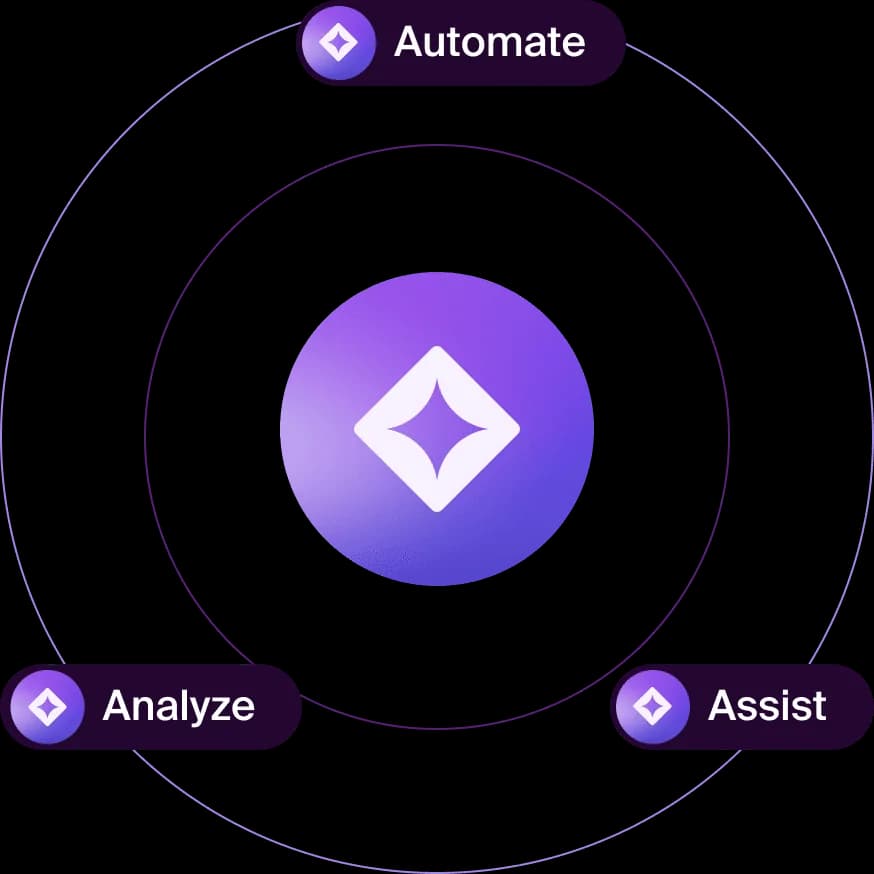
That three-verb split matters more than it looks, because it maps exactly onto how you get billed. Assist and Analyze are mostly per-seat. Automate is per-conversation. Mixing them up is how teams end up surprised by an invoice.
The Front AI products, one by one
Autopilot: the autonomous agent
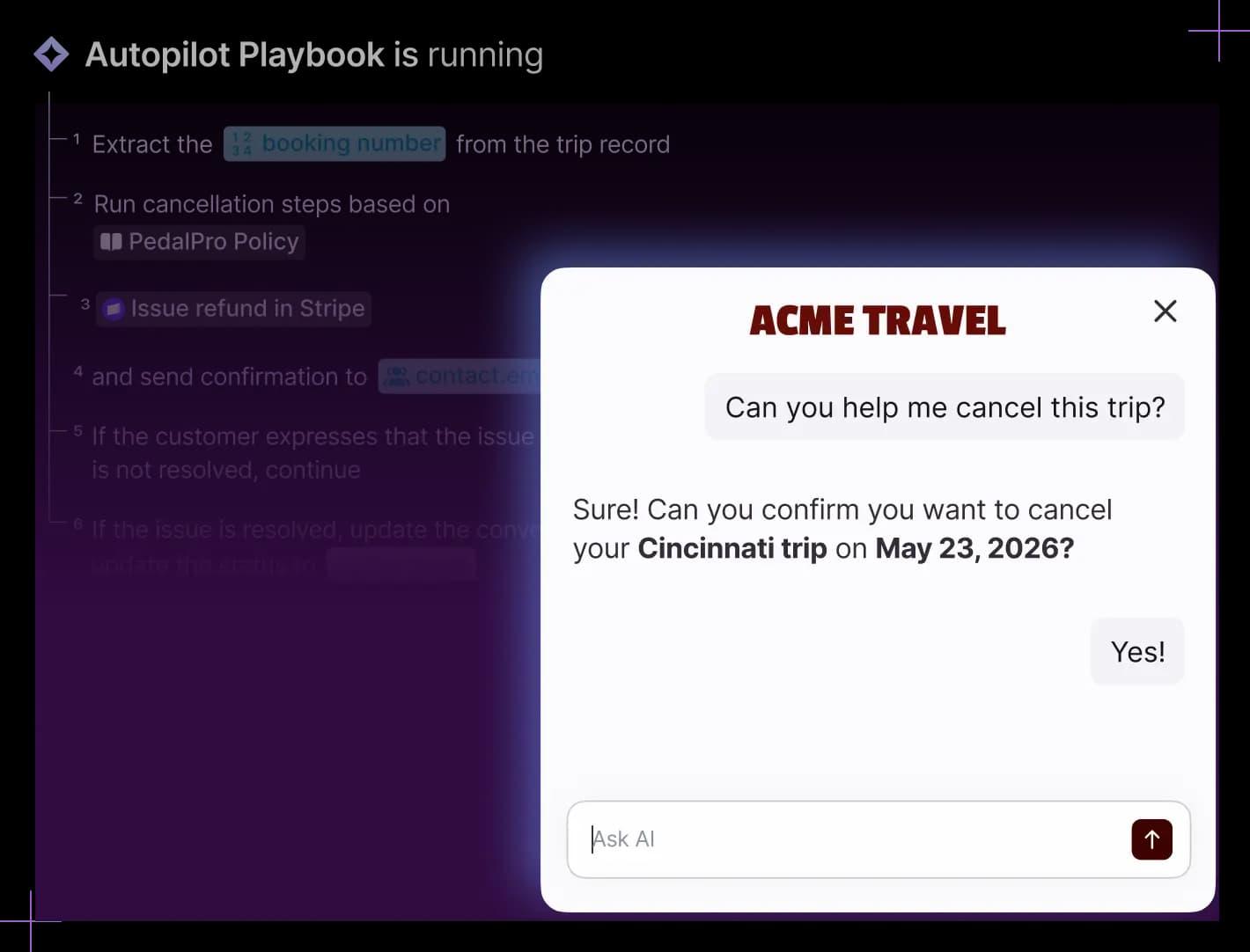
Autopilot is Front's omnichannel AI agent. It resolves requests end to end across email, chat and Slack, runs multi-step Playbooks, and can act on third-party data from a connected CRM or ERP. Front markets it as resolving up to 70% of requests.
The part that gets under-reported: Autopilot has a simulation step. Front's wording is "Put your automations through simulations to see the worst, so your customers only see the best." You can run it against scenarios before it faces a real customer. That is a real capability and any post telling you Front has no safe testing path is describing a 2025 product.
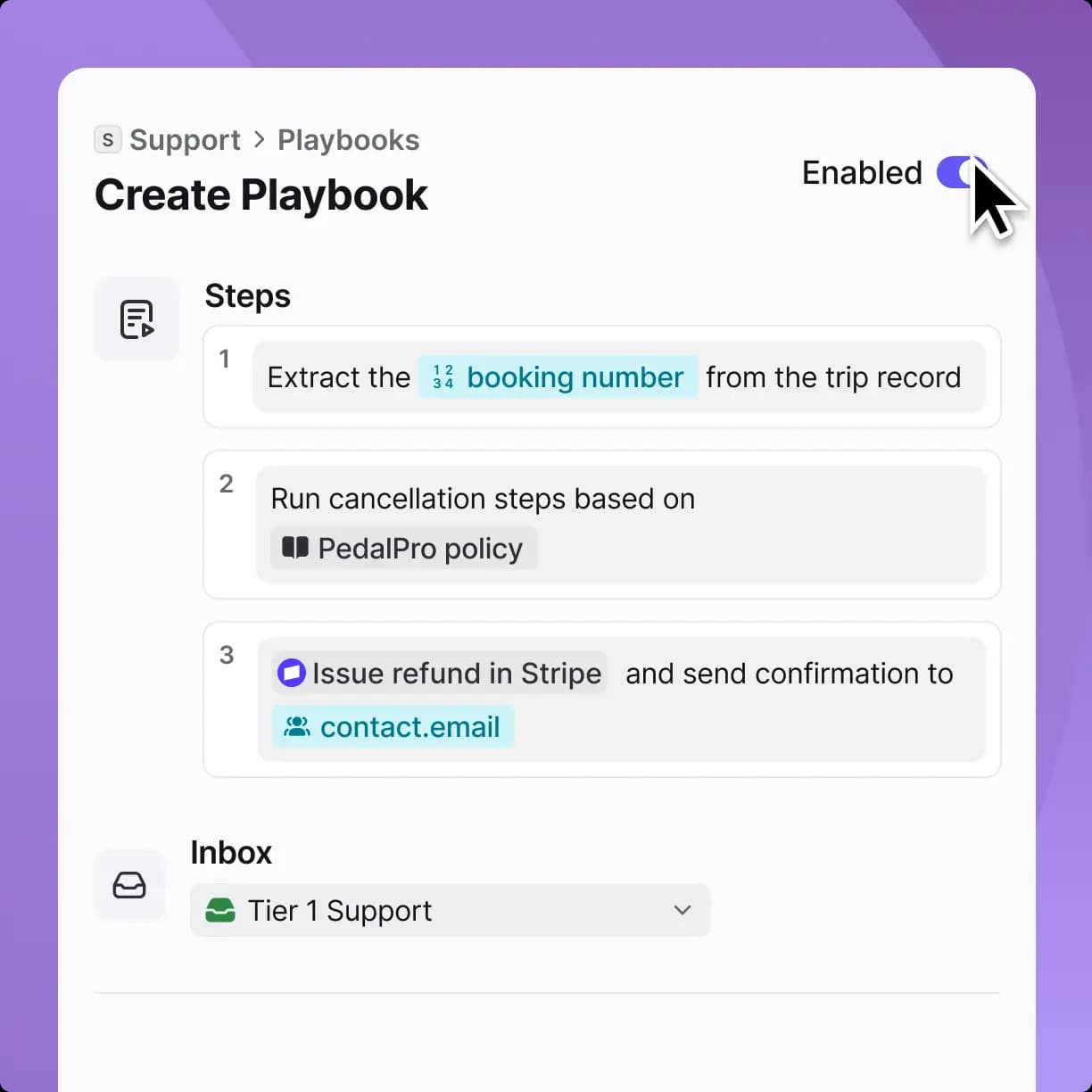
Pricing: billed by outcome, from $0.05 per conversation, add-on on every plan. Front's help center lists $0.05 for a triage, $0.39 for a handoff to a human and $0.89 for a full resolution, so the rate you pay depends on how many conversations the agent actually closes. Full detail in my Front Autopilot write-up.
Copilot: the assistant that sits beside an agent
Copilot works inside the conversation with a human who always sends. It drafts replies grounded in conversation history, reads across connected systems to assemble context, refines tone and length, and suggests the next step. Front's line for it is "Less Sherlock, more solved."
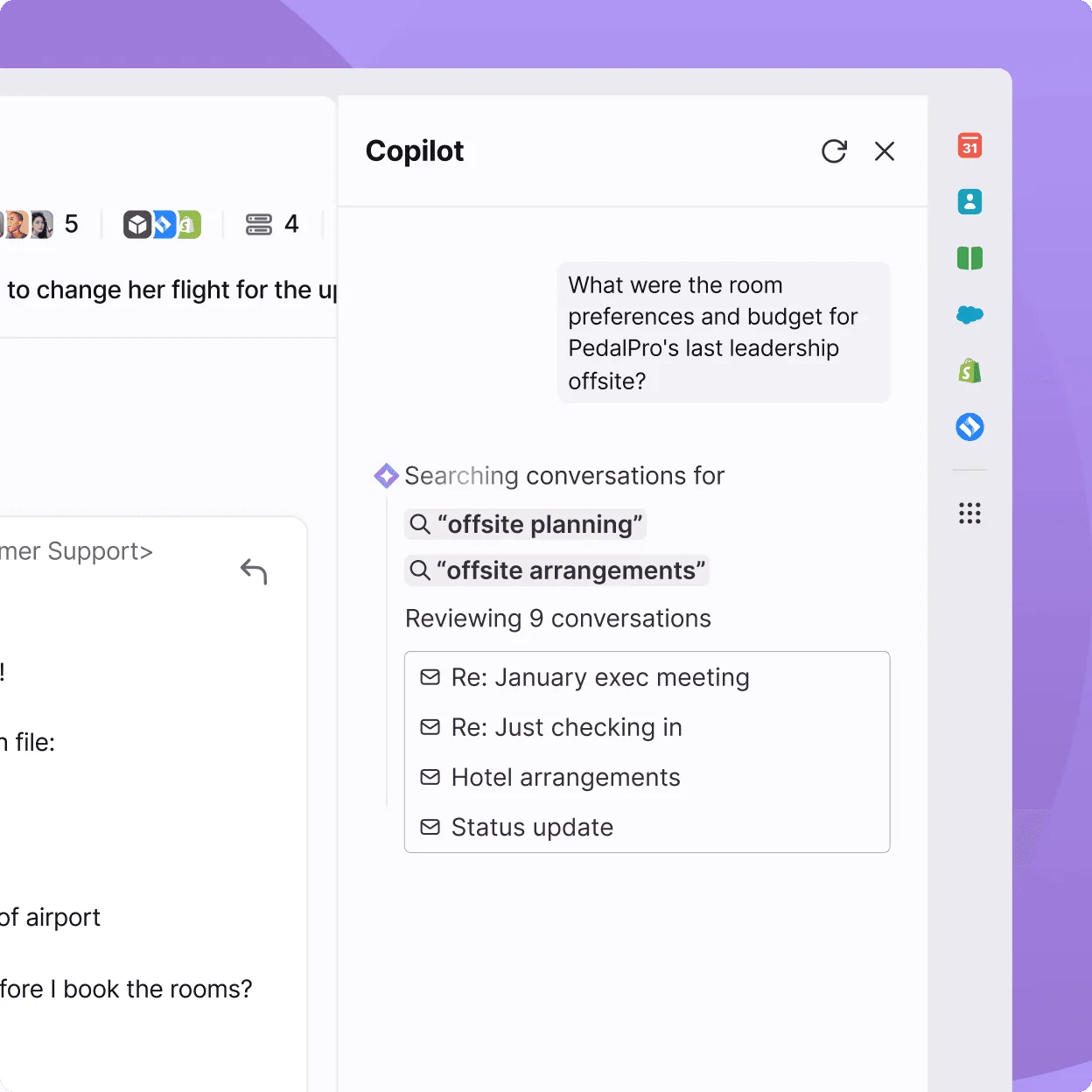
Pricing: $20/seat/mo, or included on Enterprise. If you are weighing assist against automation generally, my AI copilot comparison covers the tradeoff, and the Front Copilot deep dive covers this one specifically.
Smart QA, Smart CSAT and Topics
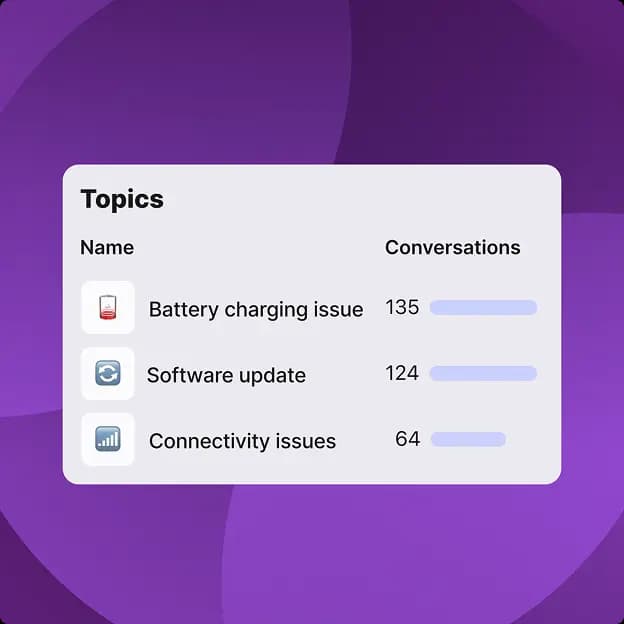
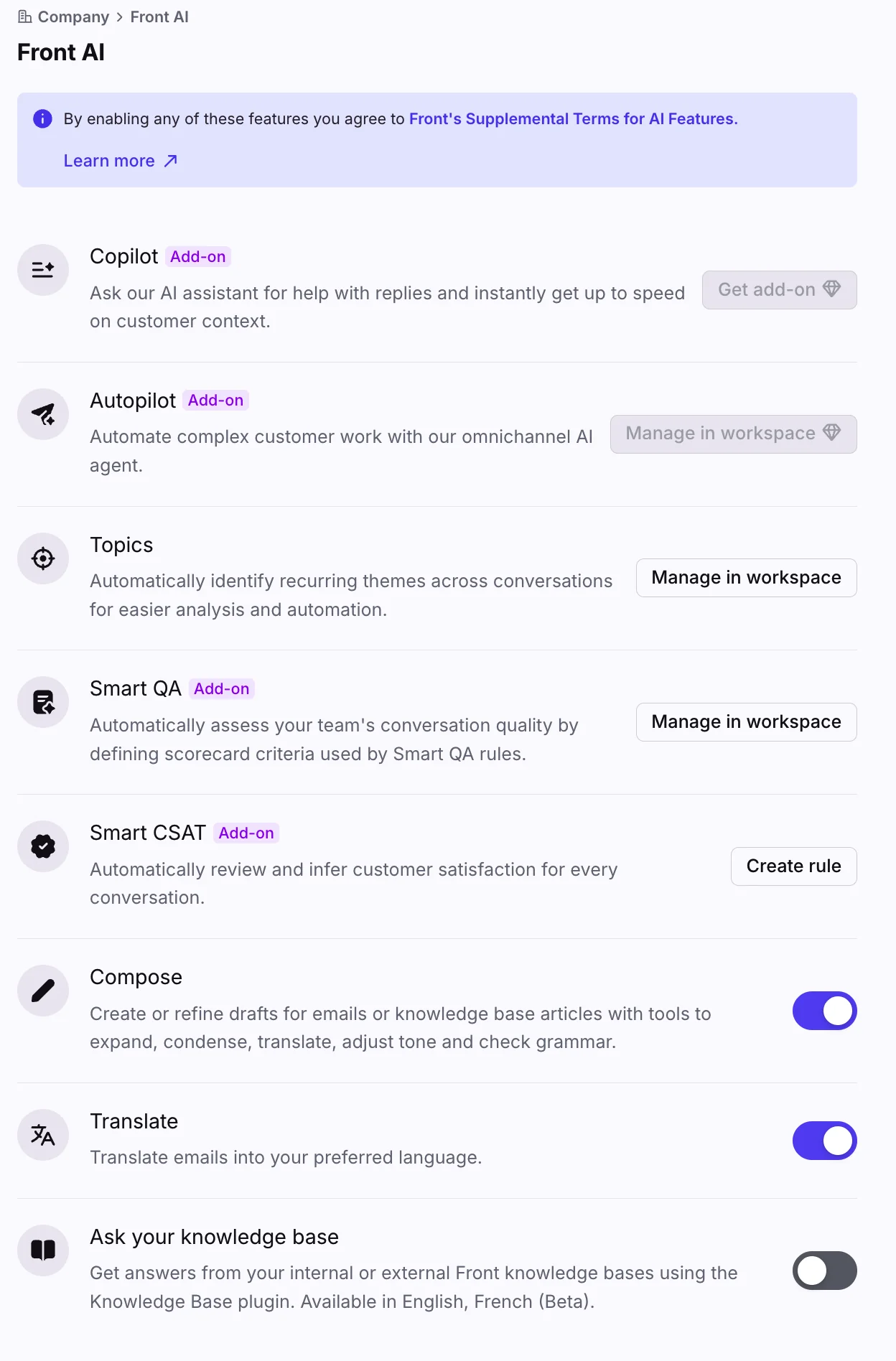
- Topics clusters conversation history so you can see why customers contact you. Included on every plan.
- Smart QA runs AI scorecards over both human and AI conversations, replacing manual QA sampling. $20/seat/mo, included on Enterprise. Related reading: AI support QA and can AI do QA.
- Smart CSAT infers a satisfaction score for every conversation with no survey sent. $10/seat/mo, included on Enterprise. Bundled with Smart QA at $25/seat/mo. See also AI CSAT.
The everyday writing tools
Compose, Translate and Summarize are in every seat price, and each is capped at 200 actions per teammate per day. That cap is generous for most agents and worth checking against your volume anyway. Individual guides: Compose, Translate, Summarize.
| Feature | Starter | Professional | Enterprise |
|---|---|---|---|
| Topics | ✅ | ✅ | ✅ |
| Compose / Translate / Summarize (200/day) | ✅ | ✅ | ✅ |
| Autopilot | add-on, from $0.05/conv (by outcome) | add-on | add-on |
| Copilot | add-on, $20/seat | add-on | ✅ included |
| Smart QA | — | add-on, $20/seat | ✅ included |
| Smart CSAT | — | add-on, $10/seat | ✅ included |
Front AI pricing in 2026
Front's seat plans, as published on front.com/pricing:
| Plan | Annual, per seat/mo | Monthly, per seat/mo | Seat cap |
|---|---|---|---|
| Starter | $25 | $35 | Up to 10 seats |
| Professional | $65 | $85 | Up to 50 seats |
| Enterprise | $105 | annual only | No cap |
Annual billing saves 24% against monthly by Front's own figure, and Enterprise cannot be bought monthly at all. Channel caps scale with licenses rather than the plan alone: 10 per license on Starter, 30 on Professional, 50 on Enterprise.
The pricing detail most people miss
Stack the per-seat AI add-ons on Professional and you get $65 + $20 + $20 + $10 = $115/seat/mo. Enterprise is $105/seat/mo with Copilot, Smart QA and Smart CSAT already included. Buying the full AI assist stack on Professional costs more per seat than Enterprise does, and you still pay Autopilot separately either way.
That is not a gotcha so much as a signal about where Front wants AI buyers to land. Worth knowing before you renew rather than after. Plug your own numbers in:
What Front AI can and cannot read
This is where I would spend your evaluation time, because it is the constraint that decides answer quality.
Front AI answers from either a published, public-visibility Front knowledge base or an external public-website source. Channel settings let you pick up to five sources. Front's own documentation says the native knowledge base gives the most reliable performance.
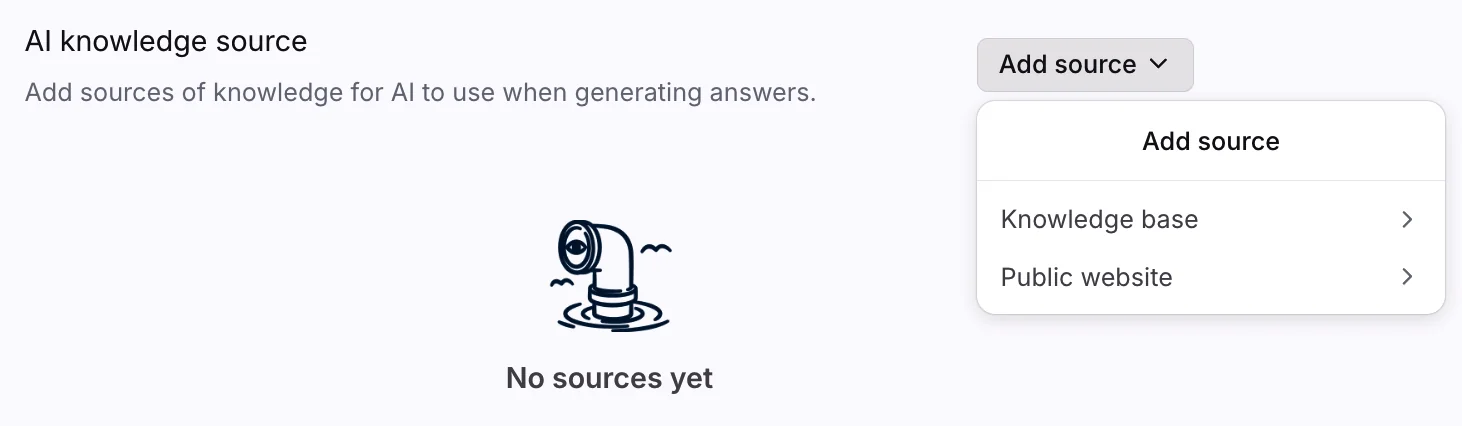
The documented constraints, all from Front's help center:
- External sources are public-website crawls, so authenticated stores like Confluence, Google Docs or a login-gated help center are not connectable through this path.
- Initial sync can take up to 3 hours, and there is a page maximum, so Front recommends pointing the crawl at a specific URL path on large sites.
- Manual re-sync runs once every 24 hours. Front knowledge base updates go live within minutes; public-website sources wait for the next sync.
- A single chatbot answers from a Front knowledge base or a public website, not both.
- Private and hidden categories are not readable, only published articles.
None of that makes Front AI a bad product. It does mean that if your real answers live in past conversations, an internal wiki, or a gated help center, Front AI is reading a thinner slice of your knowledge than you think it is. That gap is exactly what shows up as "the AI keeps saying it can't find an answer," which I unpack in AI chatbot problems.
One more thing worth knowing before a security review: Front's pricing-page FAQ states it "may use your data to further train your model," alongside contractual guarantees that its providers do not train foundation models on Front-sent data. Read the clause yourself rather than anyone's paraphrase.
What users actually say
Front rates 4.7 out of 5 across 2,499 reviews on G2, skewing small-business and mid-market. Praise clusters on the shared inbox itself: tagging, assigning and commenting on email instead of forwarding chains.
"I like being able to organize our emails and not having to CC a bunch of coworkers if they need to be involved or forward [them]…"

The recurring complaint is not about the inbox. It is about AI arriving as add-ons on top of already-premium seats. The productivity layer reads as mature; Autopilot is newer, needs real setup work before answers get good, and reviewer feedback on its economics is more mixed. My longer Front review goes deeper on the platform outside AI.
Front AI, or an AI agent layered on Front?
If you already like Front as a shared inbox, the honest question is not "Front AI or leave Front." It is whether the AI should come from Front or sit on top of it.
| Dimension | Front AI | eesel on Front |
|---|---|---|
| Billing unit | Per seat for assist, per outcome for Autopilot ($0.05 to $0.89) | Fixed monthly plan from $299/mo (500 credits, 1 credit per ticket), no seat fee |
| Knowledge sources | Front knowledge base or public-website crawl, one per chatbot | Past conversations, Confluence, Google Docs, help center, 100+ sources |
| Testing before launch | Simulation against scenarios you define | Simulation replayed over your own historical tickets |
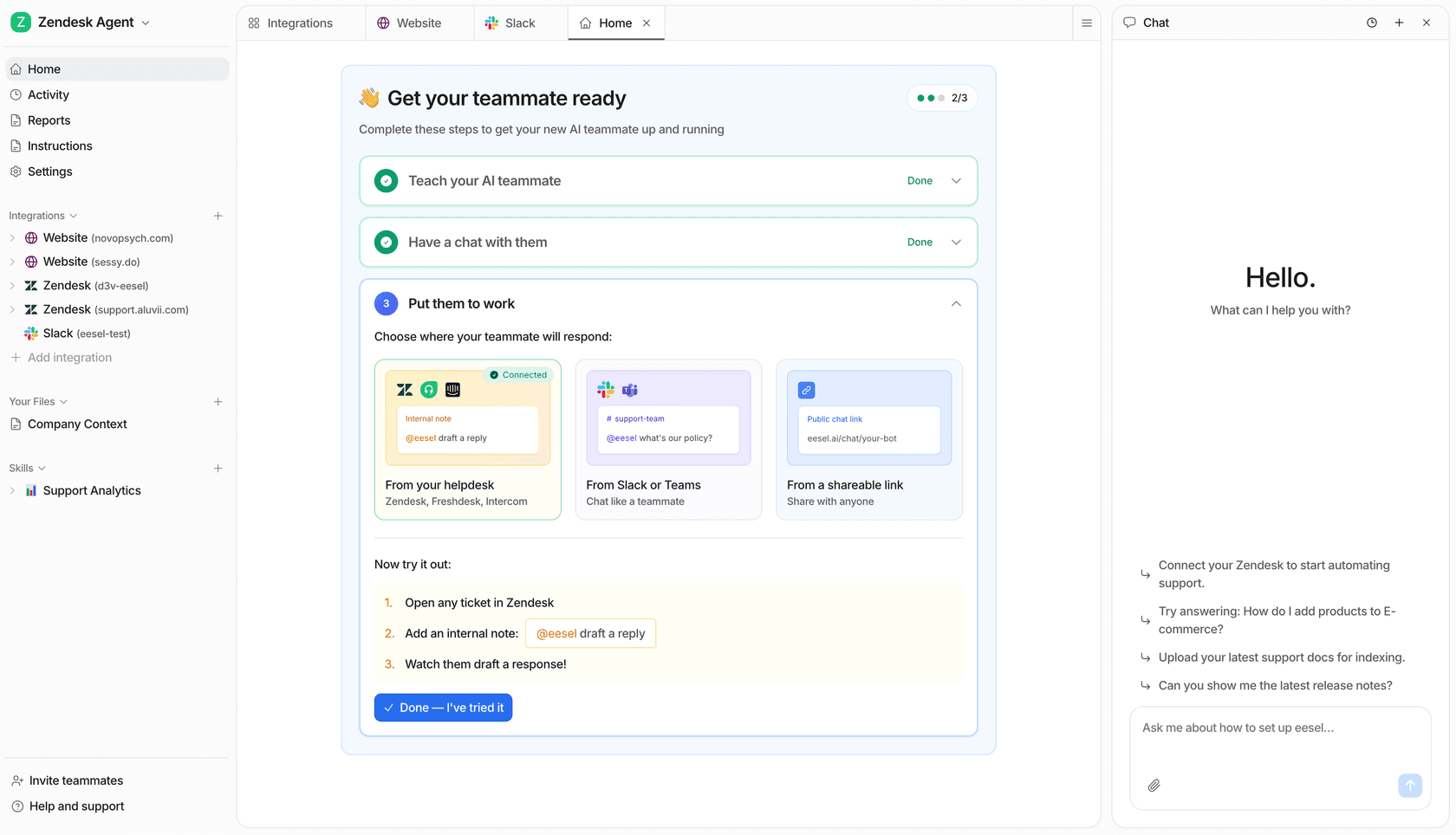
| Helpdesk lock-in | Front only | Layers on Front, Zendesk, Freshdesk, Gorgias, HubSpot |
| Rollout control | Enable per company and per inbox | Confidence thresholds, ticket-type exclusion, gradual ramp |
That fourth row is the one I hear about most. As one CX lead put it on a sales call, and I have not heard it phrased better since:
"The AI will never be able to answer 100% of the questions… I need an AI who is only handling the tickets that it's confident to handle and all the other ones, leave them alone."
A DTC supplements CX lead, eesel customer call
Want an AI for Front that starts from what your team already answered? eesel trains on your past Front conversations and help center, drafts or auto-resolves inside the inbox your agents already use, and runs on a fixed monthly plan from $299/month for 500 credits (1 credit per ticket), with no per-seat charge. Gridwise saw 73% of tier-1 requests resolved in their first month. Try eesel free, no migration required.
Should you buy Front AI?
A short check before you commit budget:
- Is Front already your support home? If yes, the assist layer is cheap value and you should just turn it on.
- Does your knowledge live in published, public articles? If yes, Front AI reads it fine. If it lives in past conversations or a gated wiki, plan for the ceiling above.
- Do you need resolution or assistance? Assistance is per seat and predictable. Resolution is billed by outcome ($0.05, $0.39 or $0.89 per conversation), which is the harder line to forecast. My AI agent vs human cost piece has the maths.
- Are you buying more than two per-seat add-ons? Price Enterprise before Professional. See the estimator above.
Final take
Front AI in 2026 is a more serious product than the one I described a year ago, and the honest read is that the assist layer is good and the automation layer is priced in a way you have to model rather than assume. Autopilot has simulation, it acts on third-party data, and it runs across email, chat and Slack. What it does not do is read the knowledge you have not published, and what is easy to miss is that the per-conversation rate depends on the outcome, from $0.05 for a triage to $0.89 for a full resolution.
If Front is where your team works and you want AI that trains on the conversations you have already had, layering is the lower-risk path. Start with the Front integration, or if you are shopping for a different home, my Front alternatives roundup and best AI help desk software list are the next reads. For the plan-level numbers on their own, go to Front pricing.
Frequently asked questions
How much does Front AI cost in 2026?
Front AI is priced on top of your seat plan, not inside it. Autopilot starts at $0.05 per conversation and is an add-on on every plan, Enterprise included. Copilot is $20/seat/mo, Smart QA is $20/seat/mo, and Smart CSAT is $10/seat/mo, with a $25/seat/mo bundle for the last two. Those three are bundled into Enterprise at $105/seat/mo. Full plan-by-plan detail sits in my Front pricing breakdown.
What is Front AI and what does it include?
Front AI is the AI layer inside the Front platform rather than a standalone product. It splits into Automate (Autopilot), Assist (Copilot, Compose, Translate, Summarize) and Analyze (Topics, Smart QA, Smart CSAT). My wider Front AI software guide walks the whole suite.
Can you test Front AI before it replies to real customers?
Yes. Front markets simulation as an Autopilot feature, so you can run automations against scenarios before customers see them. The distinction worth knowing is what the simulation runs on: scenarios you define, rather than a replay over your own historical conversations. If you want a dry run scored against tickets you actually received, that is what eesel's simulation mode does.
What knowledge sources can Front AI use?
A published, public-visibility Front knowledge base, or an external public-website source, with up to five sources selectable in channel settings. Two real limits to plan around: external sources are public-website crawls, so login-gated stores like Confluence or Google Docs are not connectable that way, and a single chatbot answers from a Front knowledge base or a public website, not both. The Front chatbot guide covers the setup path.
Is Front AI worth it for a small support team?
It depends on which half you need. The assist layer (Compose, Translate, Summarize) is included in every seat and capped at 200 actions per teammate per day, so a small team gets real value without an add-on. The autonomous half is where the bill starts: Autopilot is billed by outcome ($0.05 per triaged conversation, $0.39 per handoff, $0.89 per full resolution). If deflection is the goal, compare against tier-1 deflection options first.
What happened to Front AI Answers?
AI Answers was the older chatbot-step approach for Front Chat self-serve, and Front's own docs list it as legacy and no longer available for purchase, with new customers steered to Autopilot instead. I wrote up the migration picture in Front AI Answers.
What are the best Front AI alternatives?
It splits by whether you want to replace Front or keep it. If the inbox is fine and only the AI needs work, layering an AI agent on top via the Front integration keeps your workflows intact. If you are shopping for a new home entirely, my Front alternatives roundup and the Front vs Hiver comparison are the places to start.
Does Front AI use my data for training?
Front's own pricing-page FAQ says it may use your data to further train your model, with data not cross-contaminated between companies, and contractual guarantees that its providers (OpenAI, Azure OpenAI, AWS) do not train foundation models on Front-sent data. If that distinction matters to your review, read the clause directly rather than a summary of it, including mine.