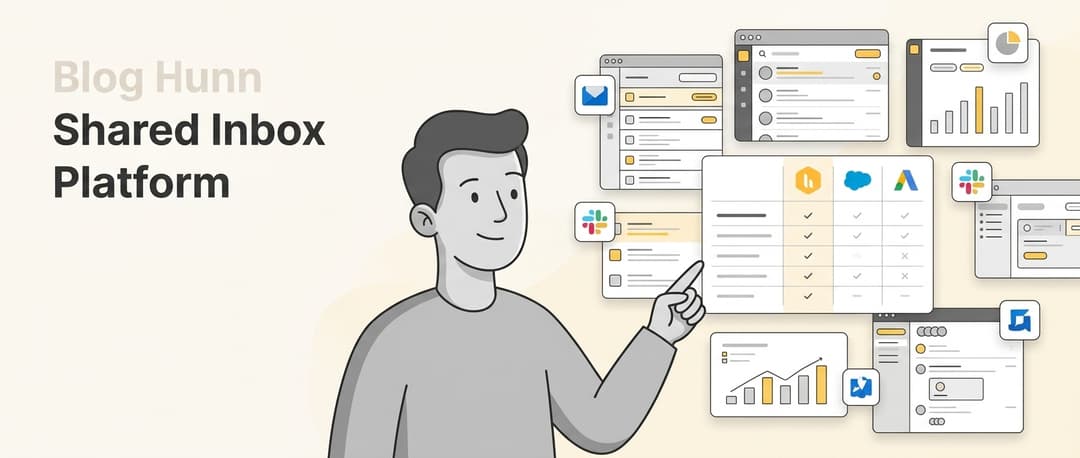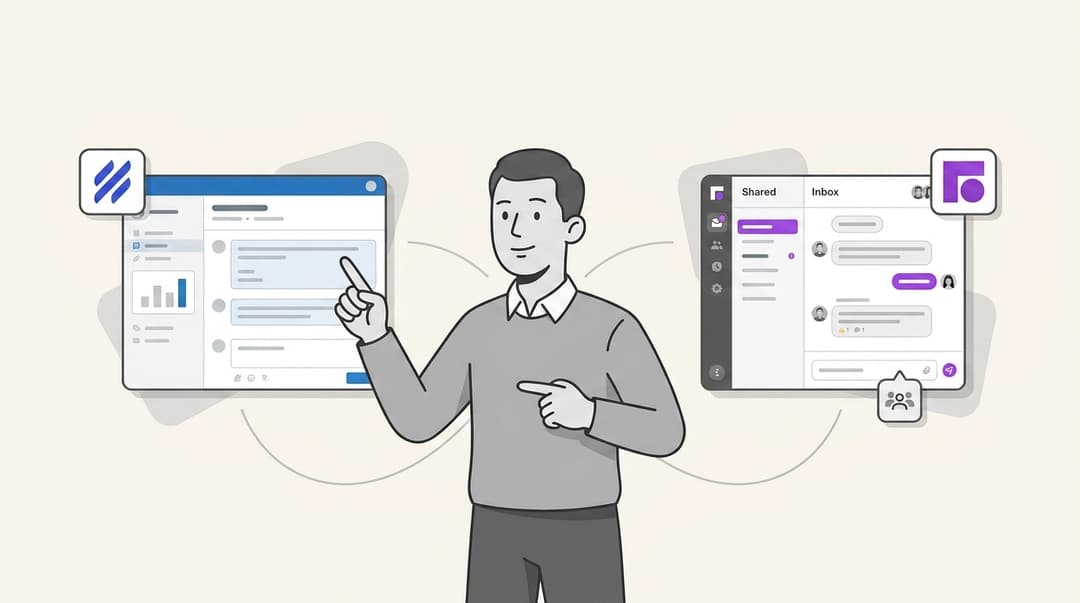
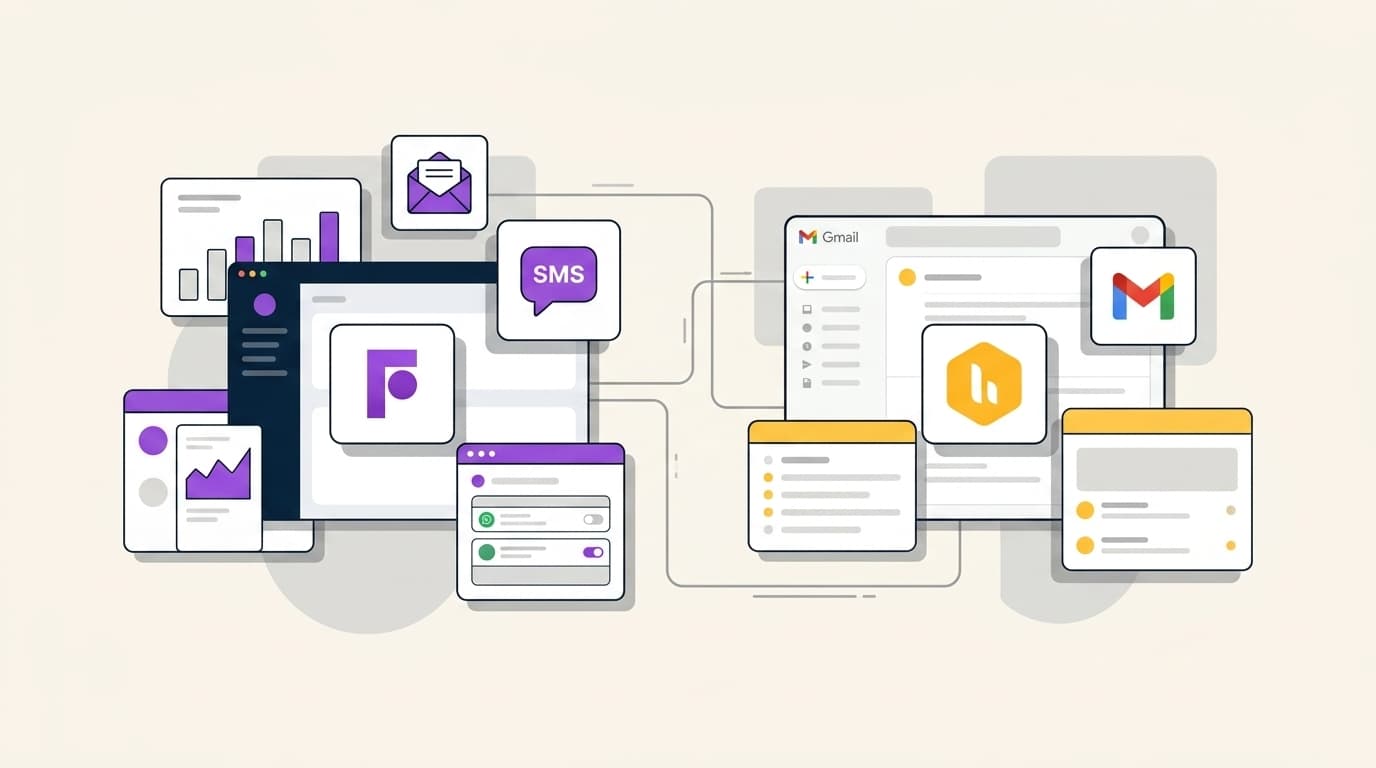
If your team lives in Gmail and wants to stay there, Hiver wins on setup time and simplicity; if you need a standalone multichannel hub, Front is the standard. The differentiator is the "AI tax," because Front's Copilot add-ons can double your monthly bill, while Hiver bundles key AI features. Full comparison below.
Shared inboxes have evolved significantly since their inception. In 2026, managing customer support is no longer just about sorting emails. It is about coordinating workflows across multiple channels and leveraging AI to handle the heavy lifting. The choice between Hiver and Front often comes down to a fundamental philosophical question: do you want to stay in your existing environment, or move to a purpose-built hub?
At eesel AI, we see this choice as the foundation of your support strategy. Whether you choose the native simplicity of Hiver or the multichannel power of Front, the goal is the same: providing fast, accurate support. However, there is now a third way that bridges these two worlds. Instead of just picking a mailbox, you can hire an AI Helpdesk Agent that works autonomously within either platform to resolve tickets end-to-end.
What are Front and Hiver?
Before diving into the technical details, it is important to understand what these platforms actually are. While they both manage "shared inboxes," they approach the problem from opposite ends of the spectrum.
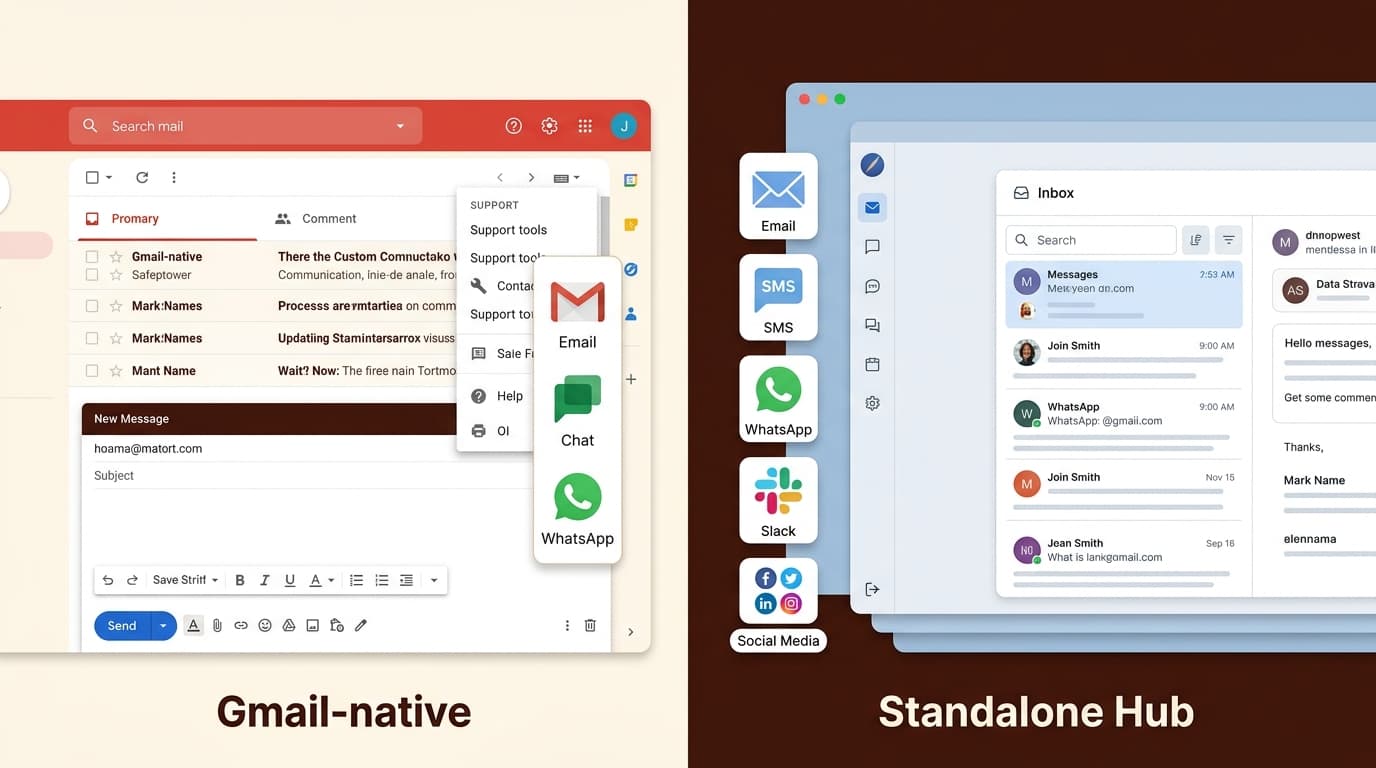
Hiver is a Gmail-native customer service platform. It doesn't require you to log into a new application or learn a new interface. Instead, it adds a layer of collaboration and helpdesk features directly onto your Google Workspace UI. For teams that have built their entire operational culture around Gmail, Hiver feels like a natural extension of what they already do.
Front, on the other hand, is a standalone multichannel communication hub. It's a proprietary interface that consolidates email, SMS, WhatsApp, and social media into one unified dashboard. While you still use your existing email providers, the work happens inside Front. This approach allows Front to offer deeper automation and more complex routing rules than a native Gmail extension can typically provide.
The "Native vs. Hub" distinction is the most important factor in your decision. Staying where you are minimizes the learning curve, while moving to a new home provides a clean slate for complex operations.
How we conducted this front-vs-hiver comparison
To make this comparison as useful as possible, we evaluated both platforms using four core criteria that matter most to support leaders in 2026:
- Integration Depth: How well the tool fits into existing workflows (specifically Google Workspace vs. standalone).
- Multichannel Capability: The ability to handle SMS, social media, and chat alongside standard email.
- AI Sophistication: Whether the AI assists humans (Copilot) or resolves work (Agent), and how much it costs.
- Total Cost of Ownership: The final bill after including mandatory seats and AI add-ons.
Hiver: the Gmail-native choice for teams that live in their inbox
Hiver’s primary strength is its lack of friction. Because it lives inside Gmail, there's virtually zero learning curve for agents. If you can use email, you can use Hiver.
Simplicity and ease of use
For many teams, the "additional person" on the team is the shared inbox itself. Hiver excels here by providing visibility into every issue’s resolution path without requiring agents to switch tabs. This focus on simplicity has led some managers to report resolution times being cut by up to 50 percent simply by eliminating the "coordination tax" of forwards and CCs.
Core collaborative features
Hiver brings essential helpdesk functionality to Gmail, including:
- Shared inboxes: Manage support@ or info@ addresses as a team.
- Collision detection: Real-time alerts that prevent two agents from replying to the same thread.
- Internal notes: Discussion sidebars on email threads that customers never see.
- Shared drafts: The ability to work together on a response before hitting send.
AI implementation with Harvey AI
Hiver’s approach to AI is integrated and practical. Their AI suite, often referred to as Harvey, handles draft suggestions, summarization, and sentiment analysis without forcing you out of the Gmail interface. Unlike some competitors, Hiver bundles many of these features into its standard paid tiers, which makes the cost more predictable for growing teams.
Hiver is generally best for small to mid-sized teams (roughly 10 to 100 seats) that are 100 percent committed to Google Workspace and don't want to manage a separate login for their support agents.
Front: the standalone multichannel hub for complex operations
While Hiver fixes Gmail, Front replaces it for support purposes. It's designed for high-volume teams that need a "command center" for all customer communication.
Multichannel power
Front is a true multichannel hub. It centralizes SMS, WhatsApp, and social media channels like Facebook and Instagram alongside email. If your customer base is active on messaging apps, Front’s ability to treat a WhatsApp message with the same weight and workflow as an email is a major advantage.
Workflow automation and smart rules
Front’s rule engine is significantly more powerful than the standard filters found in Gmail. You can build complex branching logic that routes conversations based on keywords, sender priority, or even AI-detected topics. This is essential for large operations where manual triage is no longer feasible.
Front AI and the Copilot experience
Front has heavily invested in its AI suite, offering Copilot for drafting, Smart QA for performance monitoring, and Autopilot for autonomous resolution. These tools are highly sophisticated and provide deep insights into why customers are reaching out.
However, Front’s power comes with a steeper learning curve and a more complex interface. It is best for large, multichannel teams that require high-level visibility across different communication types and have the budget to support advanced AI features.
Front vs Hiver pricing: calculating the true cost in 2026
The most significant gap in most comparisons is the failure to calculate the "AI tax." In 2026, support without AI is not an option, so you must look at the price of a fully-enabled seat.
Hiver pricing breakdown
Hiver uses a per-user, per-month model with annual discounts available.
| Plan | Monthly (Annual) | Monthly (Monthly) | Key AI Included |
|---|---|---|---|
| Free | $0 | $0 | None |
| Growth | $25/user | $35/user | AI Compose, Summarizer |
| Pro | $55/user | $65/user | AI Copilot, AI Agents |
| Elite | $85/user | $95/user | AI QA, Skill-based routing |
A key thing to remember is that Hiver plans start at two seats and then move in increments of five. This means if you have seven users, you are likely paying for ten.
Front pricing breakdown
Front’s pricing is more complex because many AI features are sold as add-ons for the lower tiers.
| Plan | Monthly (Annual) | Key Limits | AI Inclusion |
|---|---|---|---|
| Starter | $25/seat | 10 seats max | Add-on only |
| Professional | $65/seat | 50 seats max | Add-on only |
| Enterprise | $105/seat | Unlimited | Copilot, QA included |
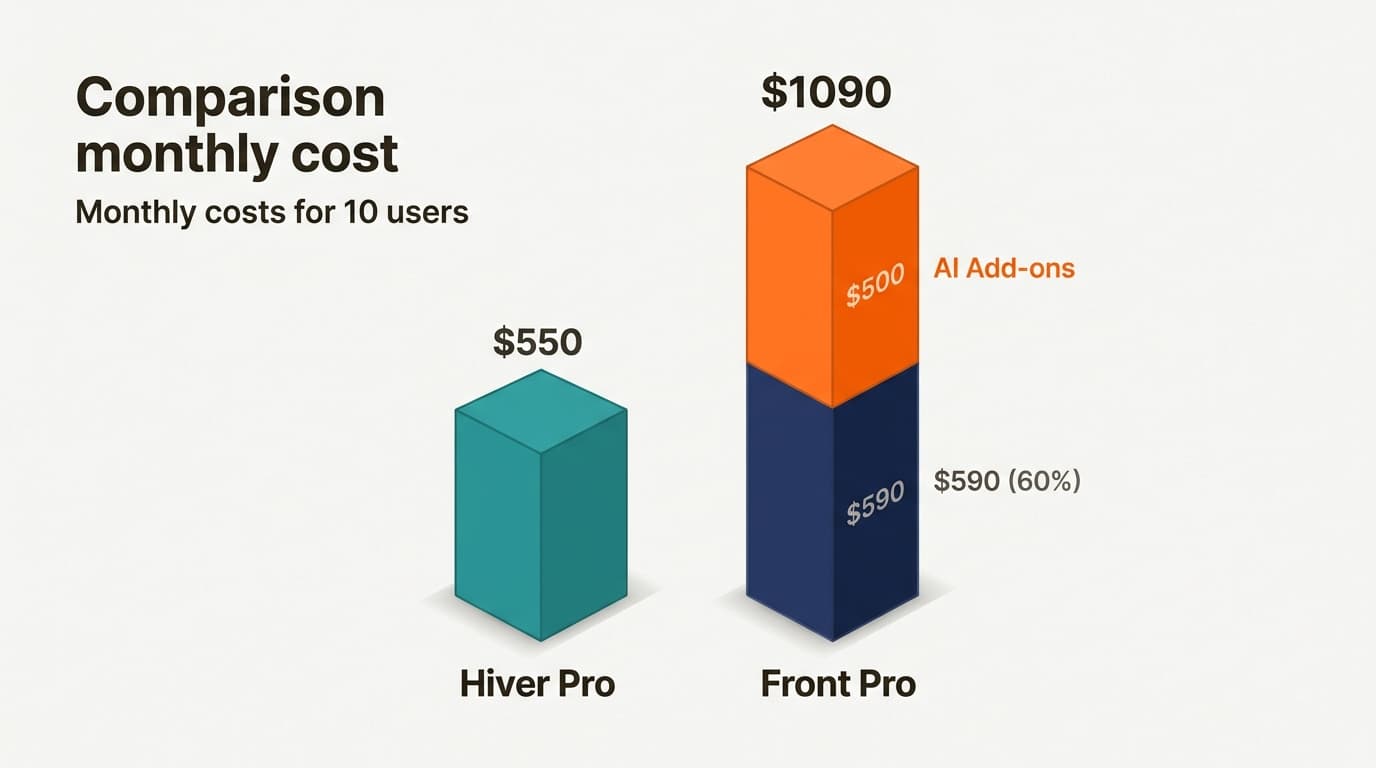
The Front AI add-ons can significantly increase your bill. Copilot is $20 per seat, Smart QA is $20 per seat, and Smart CSAT is $10 per seat. For a team on the Professional plan, adding the full AI suite brings the cost from $65 per seat to $115 per seat. This "AI tax" can make Front 2 to 3 times more expensive than Hiver for smaller, AI-forward teams.
eesel AI: the autonomous teammate that bridges the gap
We believe that the future of support is not just about having a better mailbox. It is about having a teammate that actually does the work. Whether you choose Hiver or Front, you are still primarily managing a workflow for humans.
Why manage a workflow when you can hire the work?
Instead of just giving your agents a "Copilot" to help them write, you can hire an eesel AI Helpdesk Agent to resolve the tickets for you. Our agent joins your existing home, whether that's Gmail, Hiver, or Front, and starts resolving tickets in minutes.
Our approach is different in several ways:
- Autonomous resolution: While Hiver and Front focus on assisting humans, our AI is built to handle frontline support end-to-end.
- No "AI Tax": We do not charge per-seat fees for AI. Our credit-based pricing is one fixed monthly price sized to your ticket volume, from $299/month for 500 credits.
- Omnichannel integration: We plug into the tools you already use, including Front and Gmail, so you don't have to migrate your data.
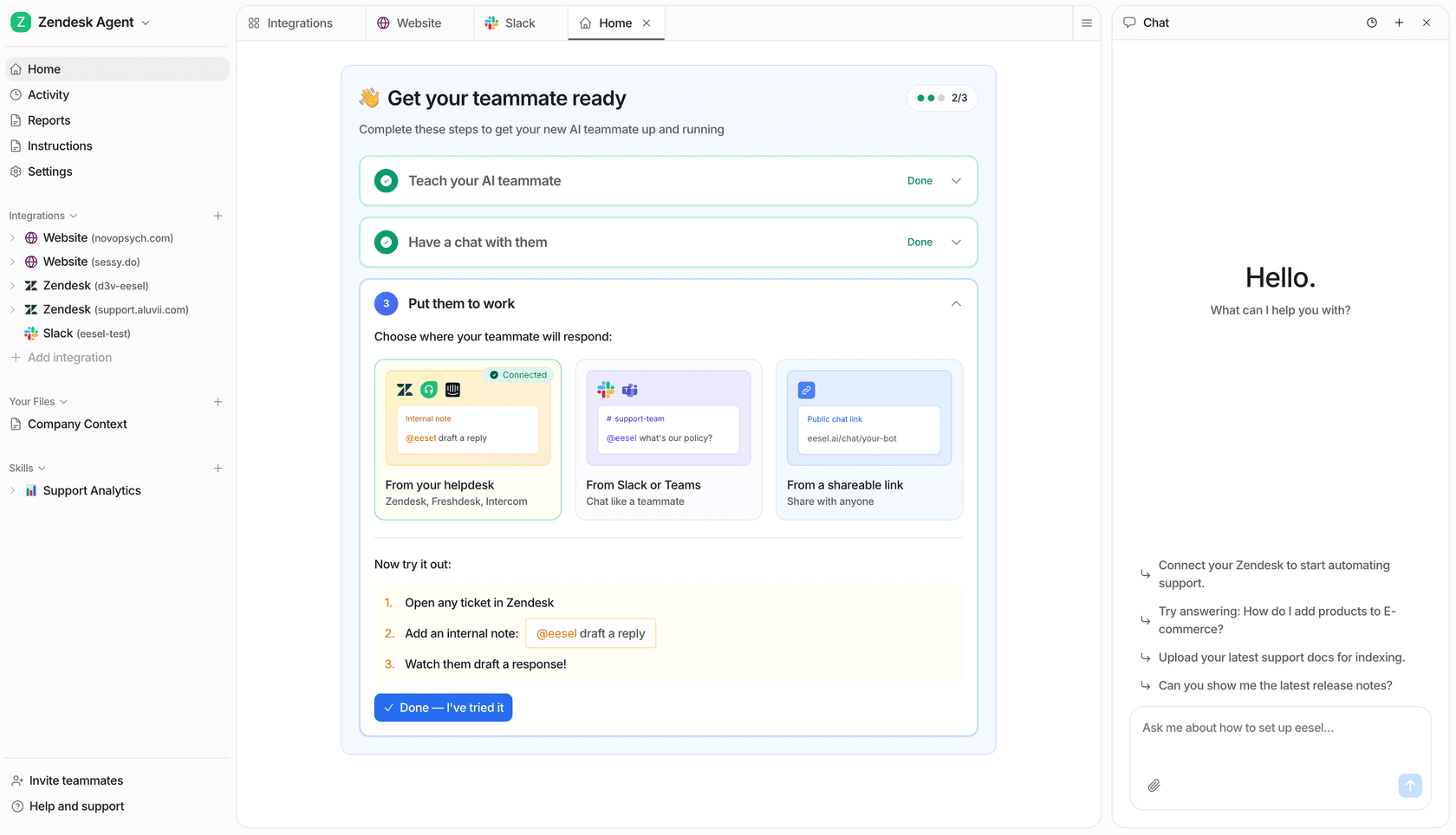
Mature deployments of our AI teammate achieve up to 81 percent autonomous resolution. This allows your human agents to focus on the complex, high-stakes conversations that require a person's touch.
Choosing the right tool for your support team
So which one do you need? Bottom line, the choice depends on your existing tech stack and your multichannel needs.
Choose Hiver if:
- You are 100 percent committed to Google Workspace and Gmail.
- You want the shortest possible learning curve for your team.
- You want AI features bundled into a predictable per-user price.
- You primarily manage email and do not need complex social media integrations.
Choose Front if:
- You need a unified command center for SMS, WhatsApp, and social media.
- You have complex routing needs that require a robust rule engine.
- You have the budget to pay for advanced AI add-ons.
- You are comfortable moving your team's workflow out of their standard email client.
Whichever platform you choose, remember that the goal is outcomes, not just organization. We recommend starting a free trial of an AI teammate to see how much of your volume can be handled automatically before you commit to a complex per-seat configuration.
Frequently Asked Questions
What is the main difference between Hiver and Front?
Which platform is better for teams that use Gmail?
How do AI costs compare between the two platforms?
Can both tools handle WhatsApp and SMS?


Article by
Kurnia Kharisma
Kurnia is a software engineer and writer at eesel AI with two years of SEO experience, writing about AI tools, helpdesk software, and customer support. He pairs a developer's understanding of how these products are built with search-driven research into what actually ranks and resonates with the people searching for them.