


Let's be real for a second: your company's knowledge is probably scattered everywhere. It’s in Slack threads, buried in Google Drive, tucked away in Zendesk, and living on random Confluence pages. Trying to find a straight answer can feel like a full-blown digital scavenger hunt, and who has time for that?
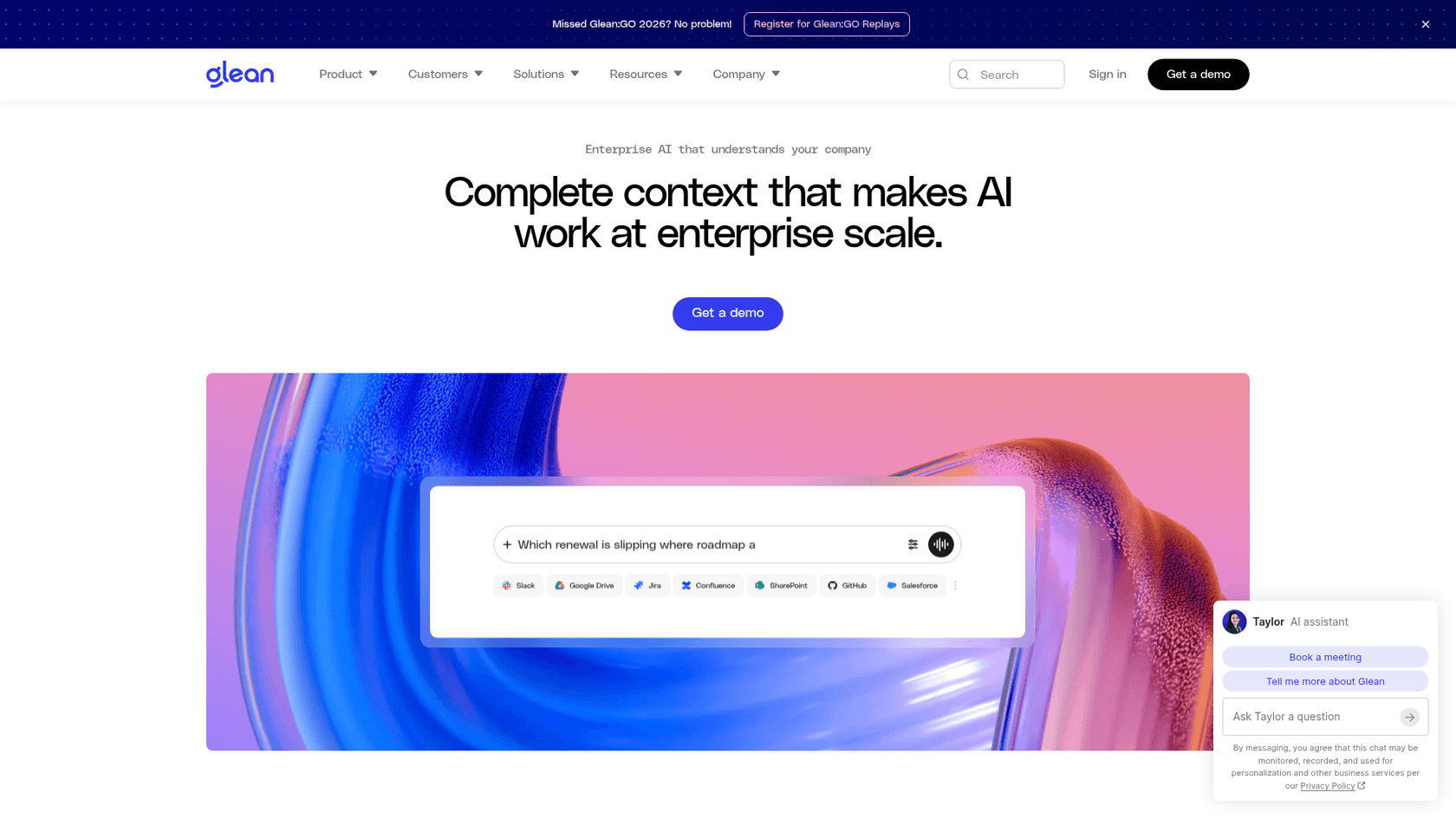
Enterprise search tools like Glean showed up with a big promise: to create one single source of truth and fix the chaos. The problem is, that promise often comes with a shocking price tag, a setup process that drags on for months, and a "one-size-fits-all" model that doesn't really fit anyone perfectly, especially fast-moving support and IT teams.
That whole situation sent me looking for something better. This post breaks down the 8 best Glean alternatives I found. These tools offer more flexibility, better features for specific teams, and a much quicker way to get things up and running.
What is an enterprise search tool?
Basically, an enterprise search tool is a private Google for your company. It connects to all your internal apps and documents, from the help desk to your shared drives, and builds a single index you can search. The goal is to let you find information without needing to remember exactly where it lives.
But things have evolved past simple keyword searches. The tools you'll see today are using AI and natural language processing (NLP) to figure out what you're really asking. Instead of just a list of links, they give you direct answers. The best ones are even taking the next step: they don't just help you find information; they help you act on it with smart automation.
Why look for Glean alternatives?
Glean was one of the first to the party with AI-powered enterprise search, and it definitely gets credit for that. But as business needs have changed, some of its cracks have started to show, pushing people to find solutions that are a better fit for how teams work today. Here’s why you might be in the same boat.
-
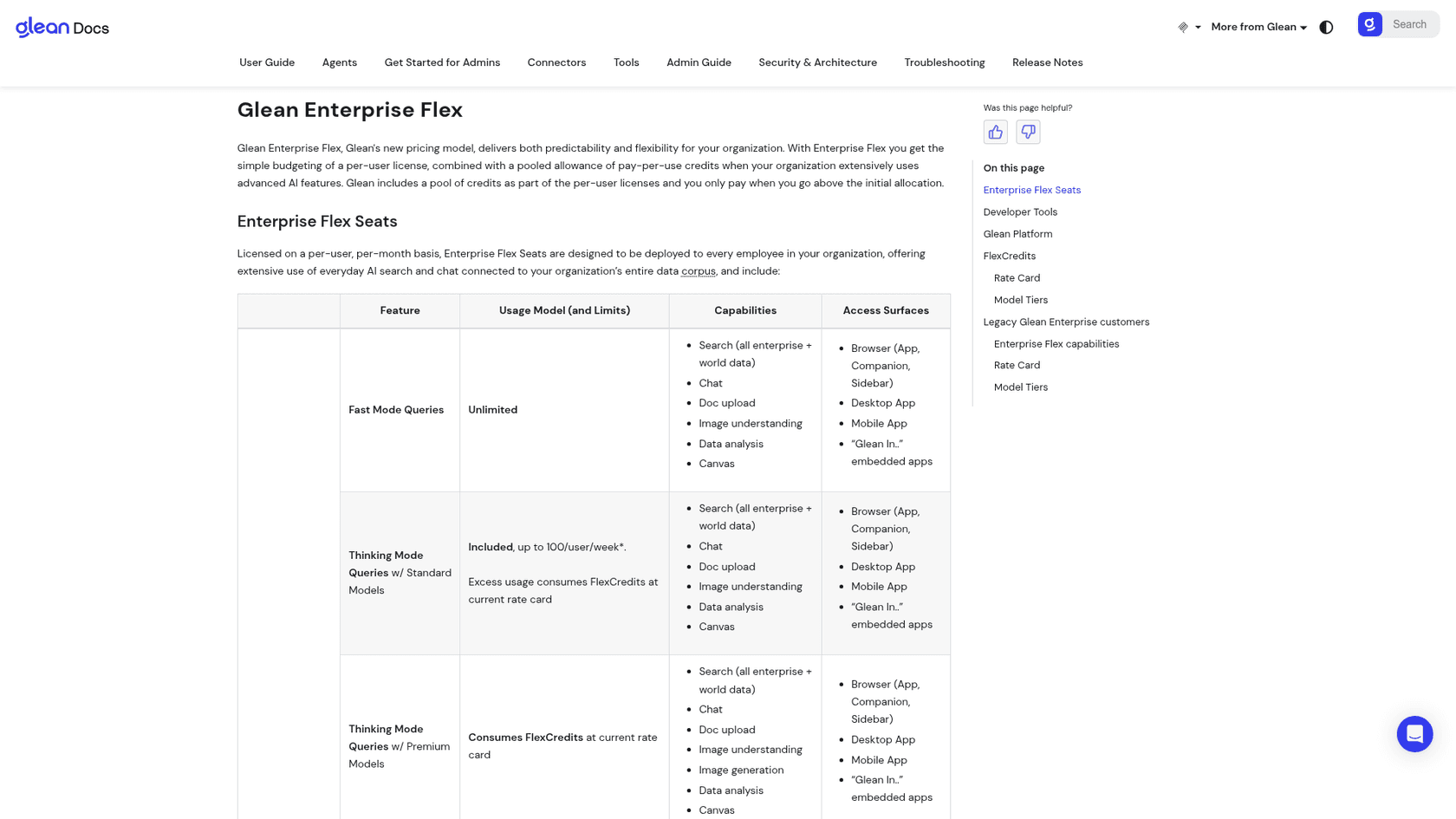
You can't figure out the price. Most of the old-school enterprise search tools, Glean included, hide their pricing. You're pushed into a sales call just to get a number, and the per-user costs climb as you add seats. Glean's docs now describe Enterprise Flex pricing, with per-user seats plus pooled FlexCredits for agents and premium models, but no dollar rates are published. Vendr's data puts the median Glean buyer at $98,890 a year, which leaves budgeting a guessing game without a quote. Alternatives with clear, public pricing are a breath of fresh air.
-
The setup takes forever and requires IT. Getting started with these big tools can feel like a marathon. It often takes months and a ton of developer time, which means you're stuck waiting in a long IT queue. Modern teams need tools they can set up themselves in an afternoon, not half a year.
-
It's built for everyone, which means it's perfect for no one. A tool designed to work for every department, from legal to engineering, is rarely going to have the specific features a high-speed team like customer support or sales needs. Those teams don't just need to find docs; they need to solve tickets, draft replies, and automate tasks that eat up their day.
-
Action is a newer layer than search. Enterprise search began with finding information, and Glean has added agents that run on pooled credits. The best Glean alternatives for support teams start from action instead, letting you build automated workflows, triage tickets, and generate content inside the helpdesk.
-
Company-wide indexing can worry security teams. The idea of indexing every single document in your entire company can make anyone in charge of security nervous. Some alternatives let you pick exactly which knowledge sources to include, and some let you skip indexing sensitive data altogether.
A quick comparison of the best Glean alternatives
Here’s a high-level look at how the top competitors stack up.
| Tool | Best For | Key Feature | Pricing Model | Self-Serve Setup? |
|---|---|---|---|---|
| eesel AI | Support & IT Automation | AI Agent & Workflow Engine | Fixed monthly credits | Yes |
| Capacity | Unified internal & external support | Knowledge Orchestration | Platform fee + usage | No |
| Coworker | Enterprise search plus agents | Permission-aware context across 50+ tools and MCP | Custom quote | Demo-led |
| Ask-AI (Mosaic AI) | Technical support case resolution | Case investigation and resolution | Custom | No |
| Coveo | Advanced enterprise search | AI-powered relevance | Custom | No |
| Guru | Internal knowledge management | Browser extension & Slack app | Custom package | No |
| Docket | Website visitor conversion | Inbound Demand Platform | From $3K/mo | No |
| Elasticsearch | Developer-led implementations | Open-source flexibility | Resource-based / Tiered | Yes |
The top 8 Glean alternatives for your business in 2026
After digging in and testing the options, here are the platforms that really stood out, each with its own strengths for solving real-world business headaches.
1. eesel AI
eesel AI is much more than a search tool. It's an AI platform designed specifically for the teams on the front lines: customer service, ITSM, and internal support. It connects directly with your help desk (like Zendesk or Freshdesk) and all your other knowledge sources to automate support, help agents draft replies, and triage tickets on its own. It’s built for teams that need to do things with their knowledge, not just look at it.
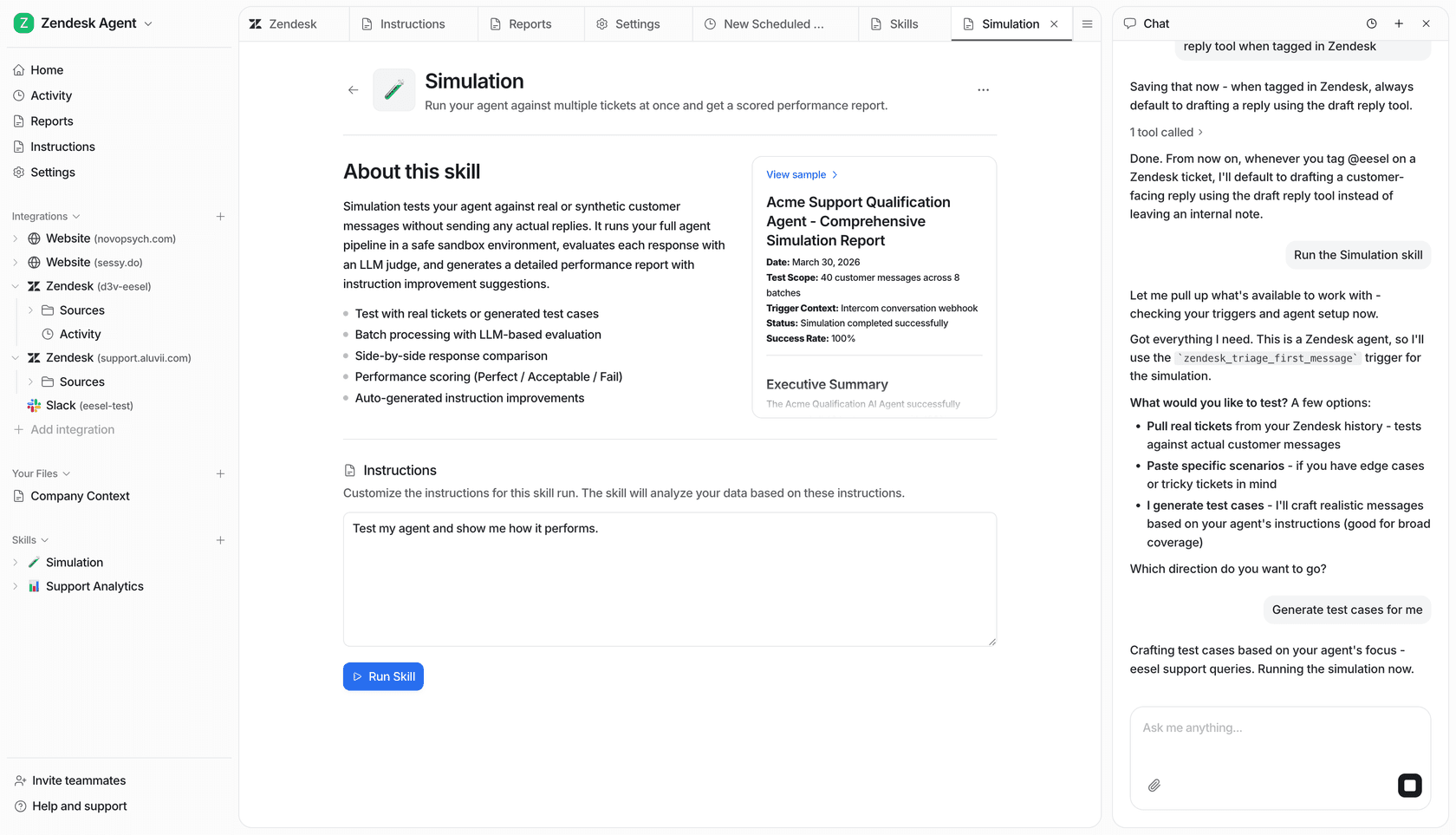
Why it's a top alternative: Where Glean starts from company-wide search and agents, eesel AI starts from the helpdesk queue and automates the support work itself. It immediately learns from your past support tickets, so it picks up your brand voice and common solutions from day one. Its powerful simulation mode is a standout feature, letting you test how the AI would have handled hundreds of your past tickets before you even turn it on for customers. It scores each answer and suggests fixes, so you know how it will perform.
What's great:
-
You can set it up yourself, fast: You can sign up, connect your help desk, and have it running in minutes without ever talking to a salesperson.
-
You're in complete control: You get to decide exactly which tickets the AI handles and what it's allowed to do, whether that’s looking up order information, tagging tickets, or passing a complex issue to a human.
-
The pricing is clear: The plans are straightforward and predictable, with no confusing fees per resolution. This is a huge win compared to competitors who hide their pricing.
What to watch out for:
- It’s laser-focused on support and IT use cases. If you're just looking for a simple document search tool for the whole company, this might be more powerful than you need.
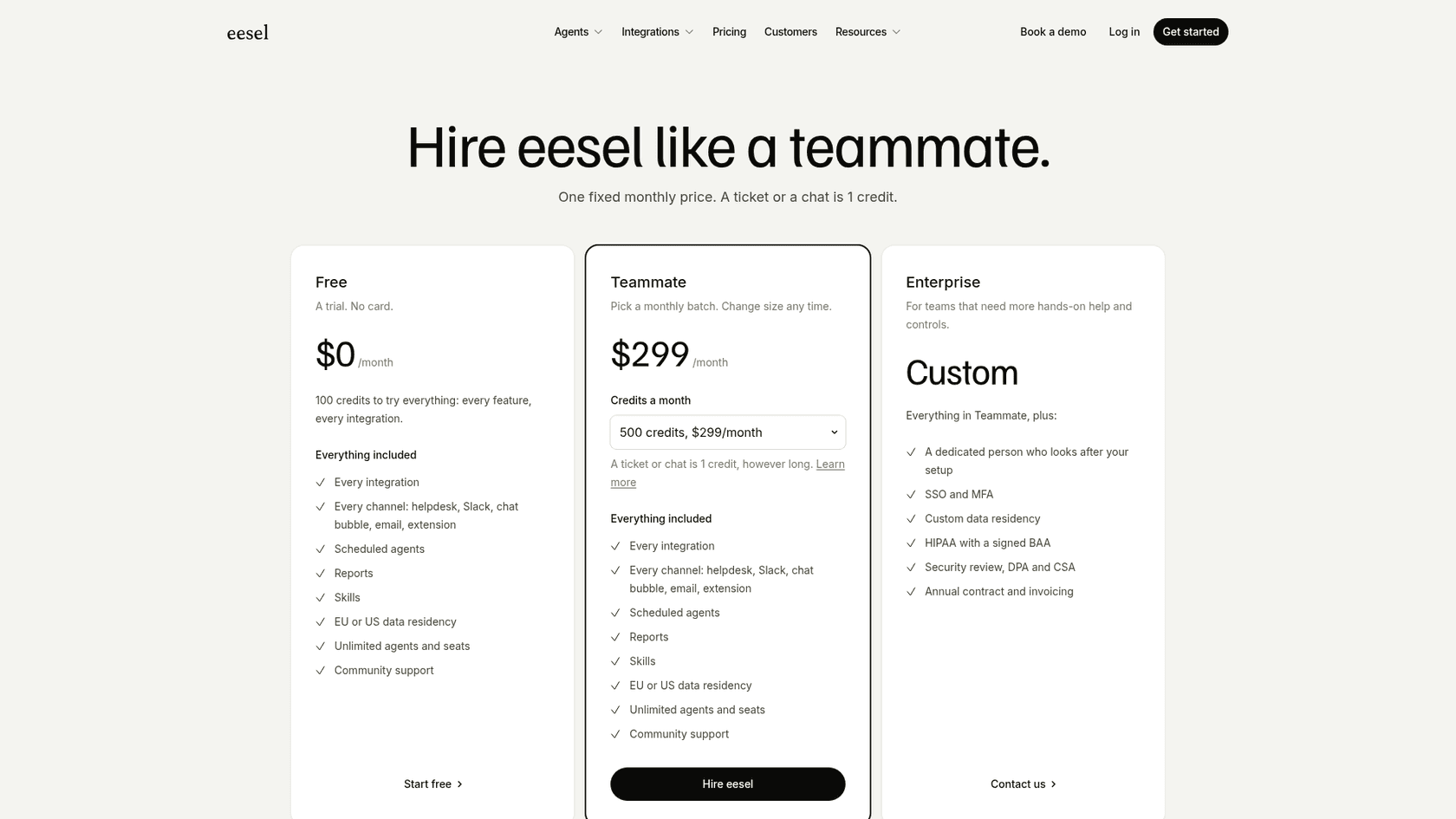
Pricing: eesel AI's pricing is public: a free plan with 100 credits, then fixed monthly plans from $299 for 500 credits to $1,899 for 5,000, with no seat fees. Training the AI on past tickets and custom actions are included, and paying annually gets two months free.
2. Capacity
Capacity calls itself an AI-powered knowledge orchestration platform. It's built to connect all your company data to offer a single support experience for both your internal teams (like HR and IT) and your customers.
Why it's on the list: Capacity is a solid choice if you're trying to build one system to handle all your support needs, both for employees and customers. It has features like automated helpdesk knowledge bases and HR onboarding support, which can be useful for businesses trying to streamline every support function at once.
What's great:
-
It has a strong focus on handling both internal and external support cases.
-
The workflow automation features are pretty powerful.
What to watch out for:
-
There's no self-serve option, and no dollar amounts are published. You have to book a demo and go through a sales process to get started.
-
The platform can feel a bit over-engineered if all you need is a straightforward search solution.
Pricing: Capacity's pricing page describes a platform fee plus usage-based pricing for AI agents, billed per response for chat and email, with rates quoted by sales.
3. Coworker
Coworker is an AI platform that gives enterprise teams and their AI tools full company context. Like Glean, it searches across your tools, but it also connects to 50+ tools, builds a permission-aware picture of the company that follows each tool's existing access rules, and runs agents that do the work, not just answer questions. It works inside Claude, ChatGPT and Cursor through Coworker MCP. Best for enterprise teams that want search plus agents that act on company context.
Pros:
- Connects company knowledge across 50+ tools while respecting existing access rules.
- Combines search with agents that take action, with MCP access inside Claude, ChatGPT and Cursor.
Cons:
- Enterprise pricing requires a demo and quote, so compare the full cost and onboarding requirements before committing.
Pricing: Contact Coworker for a quote.
4. Ask-AI (now Mosaic AI)
Ask-AI now presents itself as Mosaic AI, an enterprise AI platform built to investigate and resolve technical support cases. Its site says the AI works inside your existing tools to resolve the cases that normally get escalated, with no data migration.
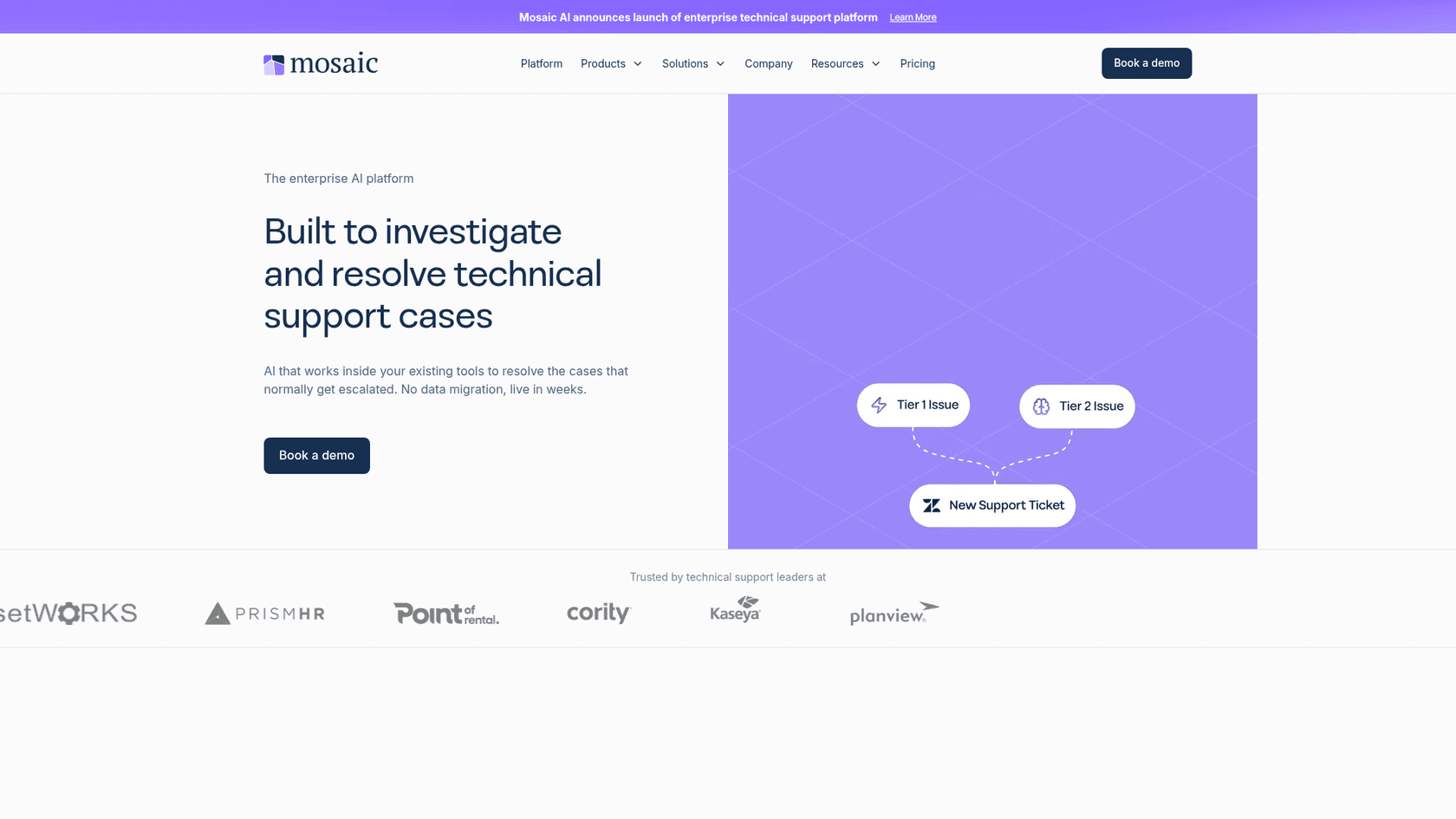
Why it's on the list: This is a good example of a specialized tool that goes deep on one thing. Instead of searching across the whole company, it focuses on the hardest support cases.
What's great:
-
It's purpose-built for technical support teams.
-
It plugs into the tools your team already uses rather than asking for a data migration, according to its site.
What to watch out for:
-
This isn't a general-purpose enterprise search tool for your entire company.
-
There's no public pricing; its pricing page points to a demo and advice on the right plan.
Pricing: No dollar amounts are published. You book a demo and Mosaic recommends a plan.
5. Coveo
Coveo is a beast of an AI platform aimed at large enterprises. It's known for highly customizable and personalized search and is designed for big companies with complex data environments that need a really robust solution.
Why it's on the list: For businesses with the budget and technical resources, Coveo is a market leader and a direct, high-end competitor to Glean.
What's great:
-
Its advanced AI and machine learning deliver very relevant search results.
-
It provides deep analytics and dashboards to help you tweak its performance.
What to watch out for:
-
It's priced and built for large enterprises, so setup and management usually need technical resources.
-
Pricing is request-only and the platform is built for large enterprises, though Coveo's pricing page lists a free trial.
Pricing: Coveo offers custom pricing plans based on your needs. You’ll have to contact their sales team for a quote.
6. Guru
Guru is a knowledge management tool that helps you capture and share information right where your team works. It uses a system of "Knowledge Cards" that pop up in a browser extension or within Slack.
Why it's on the list: Guru is a great option for teams whose main goal is to create a central, verified internal wiki that everyone can trust and access without switching tabs.
What's great:
-
It fits right into your team's day-to-day with its handy browser extension.
-
The content verification features are strong, helping make sure information stays accurate.
What to watch out for:
-
Its AI search can feel a bit hit-or-miss compared to more advanced platforms.
-
It's more about surfacing existing docs than it is about automating actions.
Pricing: Guru's pricing is now a custom package (platform, solution engineering and enterprise governance) scoped with sales; no self-serve seat prices are listed.
7. Docket
Docket is an Inbound Demand Platform, which it also calls the Demand Agent. It engages website visitors in a conversation through an AI assistant, qualifies their intent, books meetings and syncs the context into your CRM.
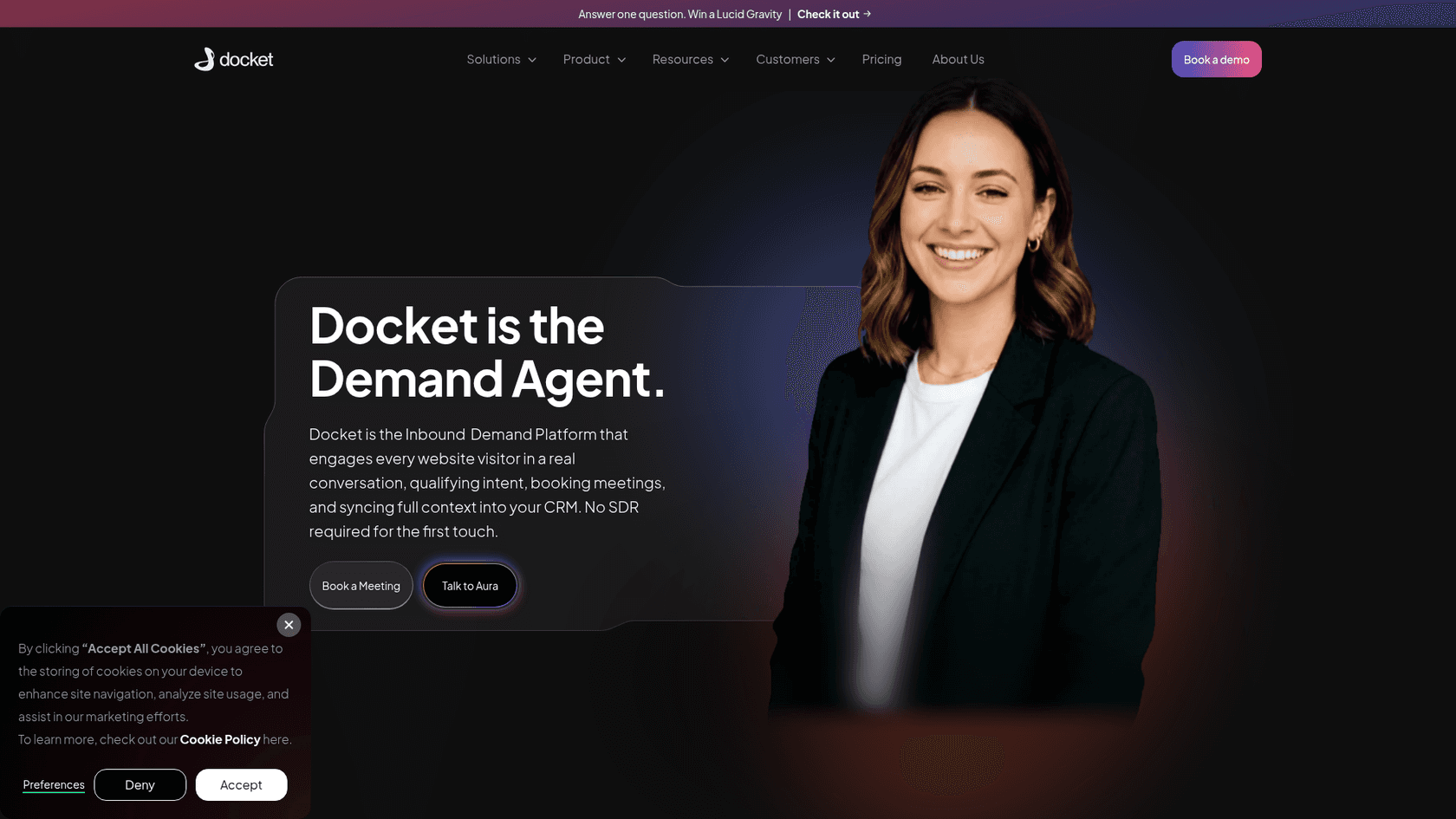
Why it's on the list: It's another example of a Glean alternative that's focused on one job, in this case turning website traffic into pipeline instead of searching internal knowledge.
What's great:
-
It's built around a clear outcome: qualified meetings from inbound traffic.
-
It syncs conversation context into Salesforce or HubSpot, according to its pricing page.
-
It's priced by monthly website visitors, not seats or conversations.
What to watch out for:
-
It's a marketing and sales tool, not a knowledge platform for the rest of the company.
-
Plans are sized by website traffic, so cost follows visitor volume rather than team size.
Pricing: Docket's pricing page lists $3K per month for up to 20,000 monthly visitors and $4K per month for 20,000 to 100,000, with custom plans above that.
8. Elasticsearch
Elasticsearch is a powerful, open-source search and analytics engine. It’s the foundation that many other commercial search products are built on top of. It's the right choice for companies with a strong technical team that wants to build a completely custom search experience from the ground up.
Why it's on the list: This is the ultimate choice for flexibility and control. If you have the engineering firepower, you can use Elasticsearch to build exactly what you need.
What's great:
-
It's highly scalable and incredibly flexible.
-
It has a massive open-source community and tons of documentation.
What to watch out for:
-
It requires serious technical expertise to implement, manage, and scale. Don't underestimate this part.
-
The total cost (once you factor in hosting and engineering salaries) can get very high, even though the software itself is free.
Pricing: While the open-source version is free, Elastic offers various pricing models for its managed cloud services.
Tips for choosing the right Glean alternatives
Feeling a little lost in the options? Here are a few simple tips to help you make the right call.
-
First, what problem are you actually solving? Before you look at any tools, get clear on your main goal. Is this a company-wide problem of just finding documents? Or is a specific team, like support, struggling with manual tasks? A general tool might work for the first scenario, but a specialized platform will deliver way more value for the second.
-
How fast do you need to see results? Ask yourself, "How quickly can my team start using this and see a difference?" A solution you can set up yourself in an afternoon, like eesel AI, will give you a return on your investment much faster than one that requires a six-month project with the IT department.
-
Don't fall for hidden pricing. Avoid getting tangled up in a long sales cycle just to find out a tool is way outside your budget. Look for solutions with clear, predictable pricing. This lets you budget properly and avoids any nasty surprises down the road. You want a partner, not a vendor that penalizes you for growing.
The future is action, not just answers
While Glean and other early enterprise search tools were focused on the problem of finding information, the next wave of AI is all about acting on it. The best solutions today don't just hand you a link; they automate workflows, draft replies, and help your team get their actual work done faster.
For customer support and IT teams, this is a huge shift. It means moving from a passive search bar to an active AI partner that works alongside them in their help desk, handling the repetitive tasks so they can focus on what really matters.
Ready to see what an action-oriented AI platform can do for your team? Sign up and build your first AI agent with eesel AI in minutes.
Frequently asked questions
Why should my company consider Glean alternatives in 2025?
Many companies are exploring Glean alternatives due to concerns around its hidden pricing, lengthy setup process, and a general approach that may not fit specialized team needs. Newer solutions often provide more flexibility and targeted features.
What are the key advantages of implementing Glean alternatives for enterprise search?
Key advantages often include more transparent pricing, quicker self-serve setup, and specialized features tailored for specific departments like support or IT. Many alternatives also emphasize "actionable AI," moving beyond simple search to automate workflows.
How can I determine which of the many Glean alternatives is best suited for my team's specific needs?
To choose the best Glean alternative, first identify the specific problem you're solving and the team involved. Prioritize tools with clear pricing and a quick setup time. Consider whether you need a general search tool or a specialized platform for automation.
Do Glean alternatives typically offer more transparent or cost-effective pricing models?
Yes, a significant number of Glean alternatives offer public, tiered, and more predictable pricing models, moving away from the custom, hidden quotes common with older enterprise search tools. This helps with budgeting and avoids unexpected costs.
Can I expect an easier or faster setup process with most Glean alternatives compared to Glean?
Many modern Glean alternatives prioritize a self-serve setup, allowing teams to integrate and start using the tool in minutes or hours, rather than the months-long IT projects often associated with traditional enterprise search platforms.
Are there Glean alternatives that focus on automating tasks, rather than just providing search results?
Absolutely. A new wave of Glean alternatives focuses on active AI, not just passive search. These platforms automate workflows, draft replies, and triage tickets, helping teams like customer support and IT get work done faster.
Are there specialized Glean alternatives available for departments like customer support or sales?
Yes, the market now includes many specialized Glean alternatives designed for particular departments. For example, eesel AI focuses on support and IT, Ask-AI (now Mosaic AI) targets technical support teams, and Docket focuses on website visitor conversion.