

Zendesk tickets pile up for a simple reason: your team keeps answering the same questions. Roughly 60% of support tickets are repetitive, and the median Zendesk team handles around 4,200 tickets per agent per year. At $4-6 per human-handled ticket, the math on a growing inbox gets uncomfortable quickly.
The good news is that repetitive tickets are exactly what AI handles well. The catch is that most AI setups underdeliver, not because the technology isn't there, but because teams skip the foundational steps that make AI actually useful. A chatbot pointed at a shallow knowledge base resolves 10% of tickets and frustrates the other 90%.
This guide walks through the full setup: auditing your queue, fixing your knowledge base, choosing the right AI layer, and measuring outcomes that actually matter. Follow these steps in order and you can realistically reach 40-60% deflection within a few weeks, without sacrificing resolution quality or CSAT.
What "reducing ticket volume" actually means
Two different mechanisms get lumped together as "ticket reduction," and they work at different points in the customer journey.
Deflection happens before a ticket is created. A customer searches your help center, gets an answer from an AI chatbot on your website, or resolves their issue through a self-service portal and never opens a ticket at all. This is the most cost-efficient outcome because the ticket never enters your queue.
Automation happens after a ticket arrives. An AI agent reads the ticket, drafts and sends a resolution, and closes it without a human agent touching it. The ticket entered your system; AI just handled it.
Both matter. Deflection should come first, because it's cheaper and compounds over time as your help center improves.
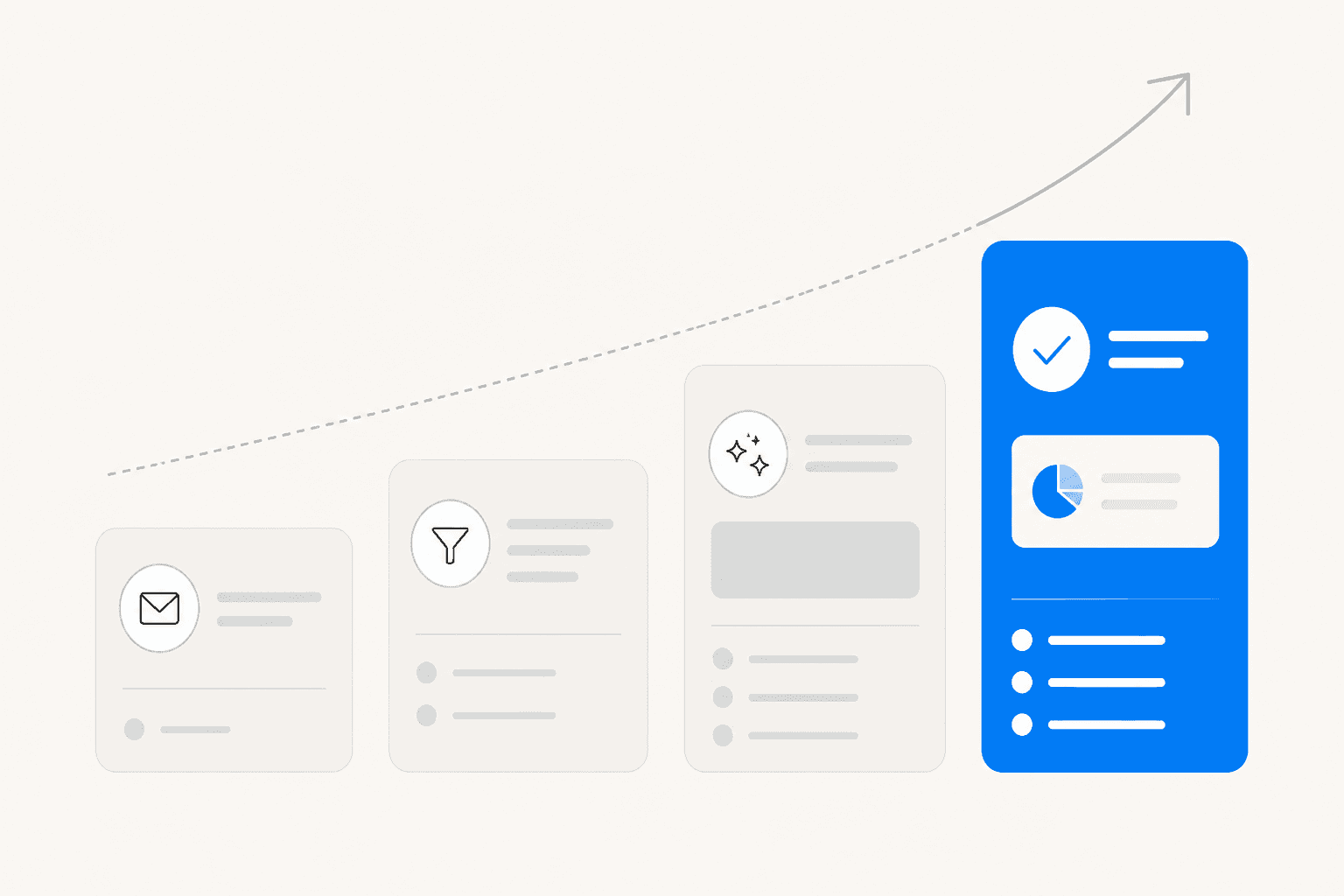
The tiers above reflect Supportbench benchmarks: basic scripted bots reach 10-30%, GenAI plus a knowledge base gets to 30-50%, AI with system integrations (orders, accounts) reaches 50-70%, and fully agentic AI tops out at 70-92%+. The industry average sits at 23%. Most teams are still in the lower tiers.
Step 1: Find out which tickets are actually automatable
Before touching your AI setup, spend an hour on your ticket queue. Pull a report on your top 20 ticket topics from the last 30 days in Zendesk Analytics. Sort by volume. For each high-volume topic, ask: is the answer to this ticket in your knowledge base, or can it be looked up from a connected system?
The clearest automation candidates:
- The answer is already documented in your help center
- The resolution requires looking up information (order status, account details) rather than judgment
- The question is phrased differently each time but the answer is always the same
Topics that shouldn't be automated yet: billing disputes that need manual review, complaints that require empathy and escalation, anything needing cross-team coordination.
Once you've mapped the landscape, you have a prioritized list. Start with the highest-volume, lowest-complexity topics. If "password reset" is your third-highest topic and your help center has a clear step-by-step article for it, that's a first-week automation target.
eesel's ticket theme analysis surfaces this breakdown automatically. It reads the last 7 days of tickets and shows recurring themes (Billing Issues: 47, Login Problems: 31, Shipping Delays: 28) so you don't have to build the report manually.
Step 2: Fix your knowledge base before adding AI
This is the step most teams skip, and it's why their AI underperforms.
Knowledge base quality is the single biggest deflection lever. Research puts the ceiling for AI trained on thorough documentation at 96% accuracy. AI trained on sparse or outdated articles will hover around 20-30%, not because the AI is bad, but because it has nothing useful to draw on.
The principle: every ticket your AI can't resolve is a signal about a gap in your knowledge base. Work backwards from your ticket categories.
A useful knowledge base article:
- Answers one specific question, not five
- Walks through actual steps, not just the concept
- Covers edge cases your agents actually encounter
- Has been updated in the last six months
The audit from step 1 tells you exactly which topics to write for. If "password reset" is your third-highest ticket topic and you don't have a step-by-step article for it, write one before configuring any AI.
eesel's pre-launch simulation makes the gaps concrete. Before going live, it runs against your historical ticket data and shows coverage by category: "Refund policy: 28% coverage," "Password reset: 87% coverage." You fill the gaps interactively, re-run the simulation, and confirm improvement before the AI goes live. This is a materially better approach than deploying AI and discovering the gaps from angry customer responses.
Step 3: Set up AI self-service before tickets enter your queue
The highest-value deflection happens before the customer opens a ticket. Two main setup points in Zendesk:
Help center generative search. Zendesk's Guide surfaces relevant articles as a customer types their question. All Suite plans include this at the Essential AI tier. The better your articles (see step 2), the more deflection this generates on its own.
Web widget AI agent. Zendesk's AI Agents can be embedded in your web widget to handle pre-ticket conversations. They're available on all Suite plans (Essential tier), support 80+ languages, and come pre-trained for 11 industries. Zendesk's AI agents can also reference connected external sources such as Confluence, SharePoint and websites.
The realistic range for Zendesk's native web widget AI is 10-20% deflection on basic generative replies, rising to 40-60% when you connect the AI to additional data sources and system actions on the Suite plans.
One thing to check early: advanced capabilities (procedures, dialogues, actions, API integrations) now ship in Zendesk's unified AI agents on all Suite and Support plans, so there is no separate add-on to budget for. What still scales with volume is the per-resolution charge, so model it against your expected resolutions before committing to a plan tier.
For a full breakdown of what Zendesk's native AI can and can't do at each plan tier, see our guide to Zendesk AI features.
Step 4: Deploy an AI agent inside the queue
After self-service, some tickets will still come in. In-queue automation is where an AI agent reads each arriving ticket, checks your knowledge base, past tickets, and any connected systems, then either resolves it or drafts a reply for review.
Zendesk's native AI covers this on every Suite plan, but resolutions are capped. Its automated resolutions are metered at 5-10 per agent per month included, with additional ones at $1.50 committed or $2.00 pay-as-you-go. Since 2026-05-18, assisted escalations and contained resolutions don't count against that allowance; only verified resolutions do. A large enterprise on Zendesk Ultimate AI reported 8-9% early deflection on the messaging channel alone, with 20% cited as a strong benchmark for that tier.
Most teams who get past 40% resolution rates layer a third-party AI agent on top of Zendesk. Here's how that works in practice.
An AI agent like eesel installs as a Zendesk app and appears in your agent list just like any team member. When a ticket arrives, it reads the ticket and conversation history, searches your connected knowledge sources (help center, past resolved tickets, macros, Google Docs, Confluence, Shopify), drafts a contextually accurate reply, and either sends it or posts it as an internal draft for review depending on your settings.
Customer results from the eesel Zendesk integration:
- Smava processes 100,000+ Zendesk tickets per month fully automatically in German
- Gridwise resolved 73% of tier 1 requests in their first month, calling the 7-day trial "sufficient to evaluate fully"
- Ecosa handles 10,000+ tickets per month across Zendesk, Slack, and their website in multiple languages
On pricing: eesel starts at $299/month for 500 credits (1 credit per ticket) with no platform fee and no per-seat charges. At 1,000 tickets per month, that's $499 on eesel versus $1,500 at Zendesk's $1.50 committed resolution rate, before any included resolutions.
| Zendesk plan (annual billing) | Price per agent/month | Included automated resolutions per agent/month |
|---|---|---|
| Suite Team | $55 | 5 |
| Suite Professional | $115 | 10 |
| Extra resolutions | $1.50 committed, $2.00 pay-as-you-go | n/a |
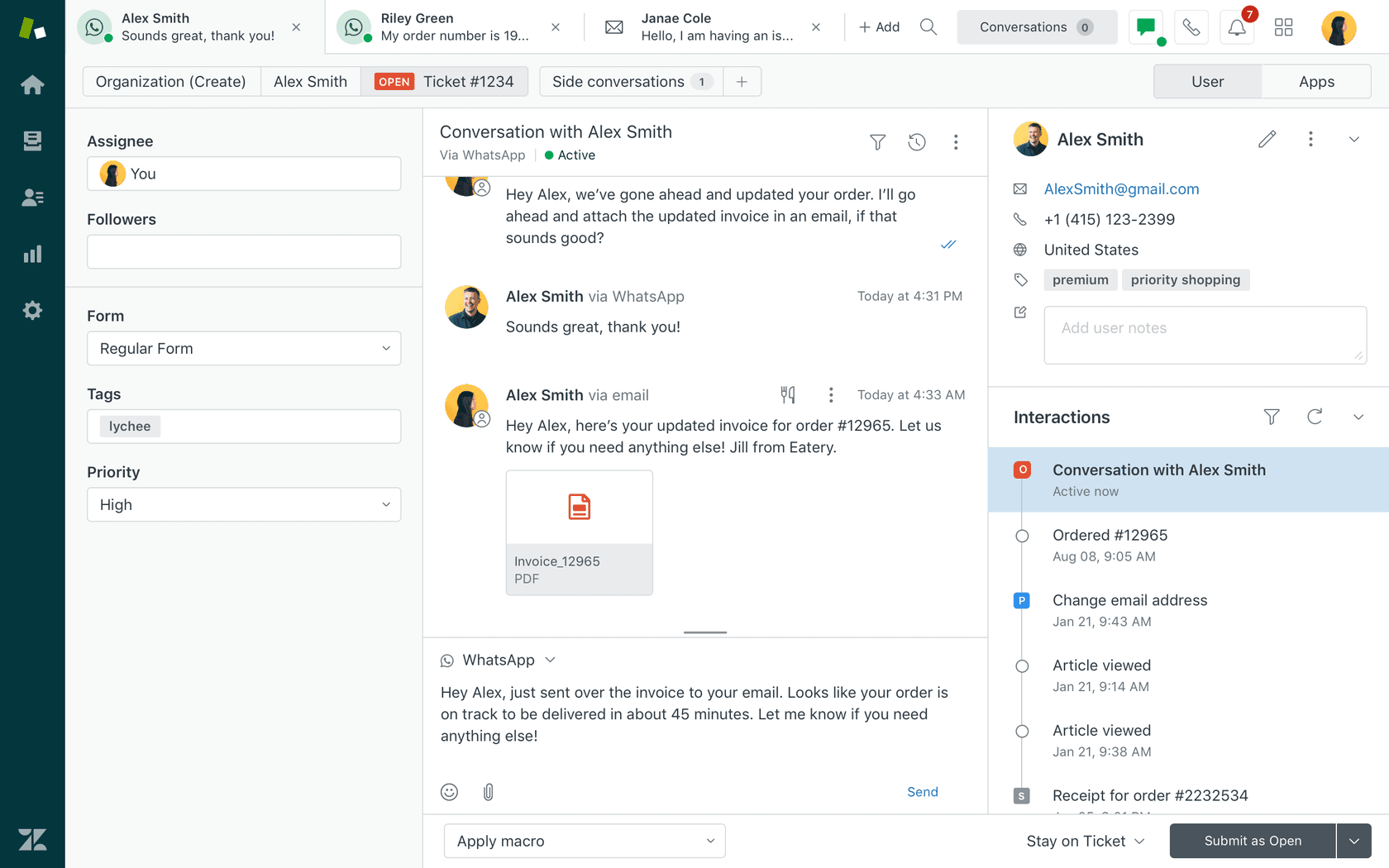
For a side-by-side look at third-party options, this comparison of AI chatbots for Zendesk covers features and pricing across the main tools.
Step 5: Start supervised, then expand autonomy
The most common mistake is setting AI to fully autonomous on day one. That's how you get confident wrong answers going to customers, which does more damage to CSAT than not having AI at all.
The right ramp:
Weeks 1-2: Full supervision. Every AI reply is a draft. Agents review and either approve or reject. They edit where needed. Those edits feed back into the AI's understanding of your tone and policies.
Weeks 3-4: Selective autonomy. AI sends autonomously on high-confidence, low-complexity ticket types (password reset, order status, FAQ). Everything else stays as drafts.
Month 2 onward: Expanded autonomy. Add ticket types to autonomous mode as accuracy holds up across each category.
This ramp generates real data. Every approve and reject teaches the AI your tone, your policies, and your edge cases. The gap between a freshly deployed AI and one running on real tickets for 60 days is large.
Confidence-based routing is the safety mechanism throughout: any reply below a confidence threshold posts as an internal draft rather than sending live. If the AI doesn't know the answer, it flags the ticket for escalation instead of guessing.
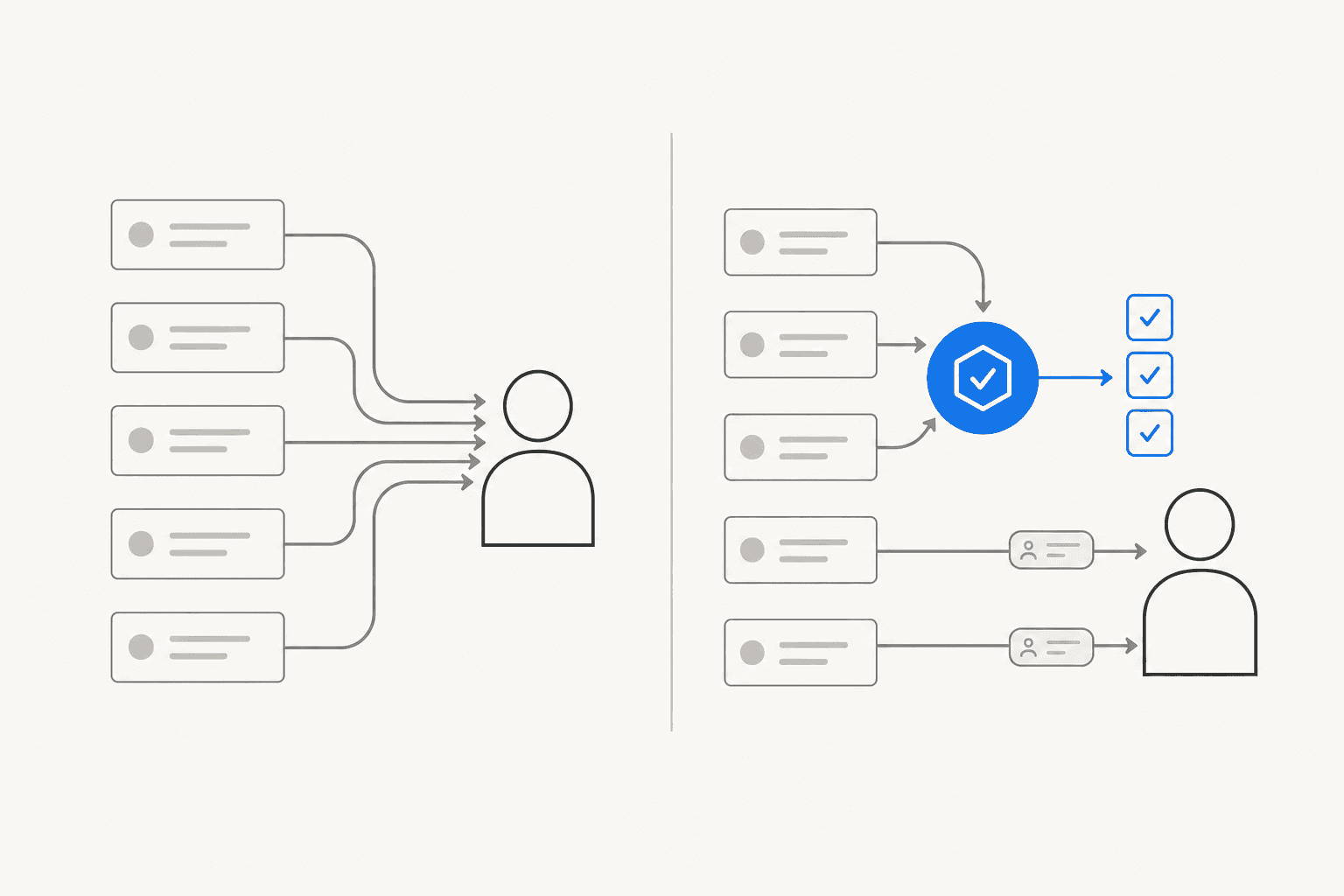
When tickets do escalate, what matters is that they arrive with context. One r/CustomerSuccess commenter described the real metric clearly: "deflection rate alone is a vanity metric - what actually matters is whether escalated tickets land with enough context that the agent isn't starting from zero." That same team reported 58% ticket deflection over four months, with average handle time dropping from 23 to 11 minutes once context was preserved on handoffs.
Step 6: Turn escalations into knowledge base improvements
Every ticket your AI escalates tells you something: there's a gap in your knowledge base or a scenario your AI hasn't been trained for. The teams that keep improving deflection rates are the ones that treat escalations as feedback, not just volume.
Set up a lightweight feedback loop:
- Tag escalated tickets with the reason (missing information, edge case, policy exception)
- Review these weekly and look for patterns
- Write or update knowledge base articles for recurring gaps
- Re-test the AI on that ticket category after each update
eesel automates part of this loop: it detects topics the existing knowledge base doesn't cover based on recent ticket volume and proactively drafts new help center articles for team review. You don't have to go looking for the gaps; eesel surfaces them.
This flywheel is why teams that invest in knowledge base quality keep seeing deflection rates improve month over month, while teams that set-and-forget plateau quickly. Grammarly went from 60% to 87% deflection in 10 days after intensive knowledge base work. That kind of jump doesn't happen without a system for finding and filling gaps continuously.
Step 7: Track the right numbers
Deflection rate is the metric most teams watch. It's also the easiest one to game.
A "deflected" session where the customer gave up and left is not a resolution. It's an abandoned customer who may contact you again or churn. Make sure your measurement separates:
- True deflection: customer found an answer, explicitly marked it helpful, and closed the session
- False deflection: customer clicked away without resolving their issue
- AI resolution: ticket entered the queue and was closed by AI without human involvement
- CSAT on AI-resolved tickets: are customers actually satisfied with AI-only resolutions?
The metric that matters most is cost per true resolution: what it costs to fully resolve a customer issue, accounting for repeat contacts from false deflections.
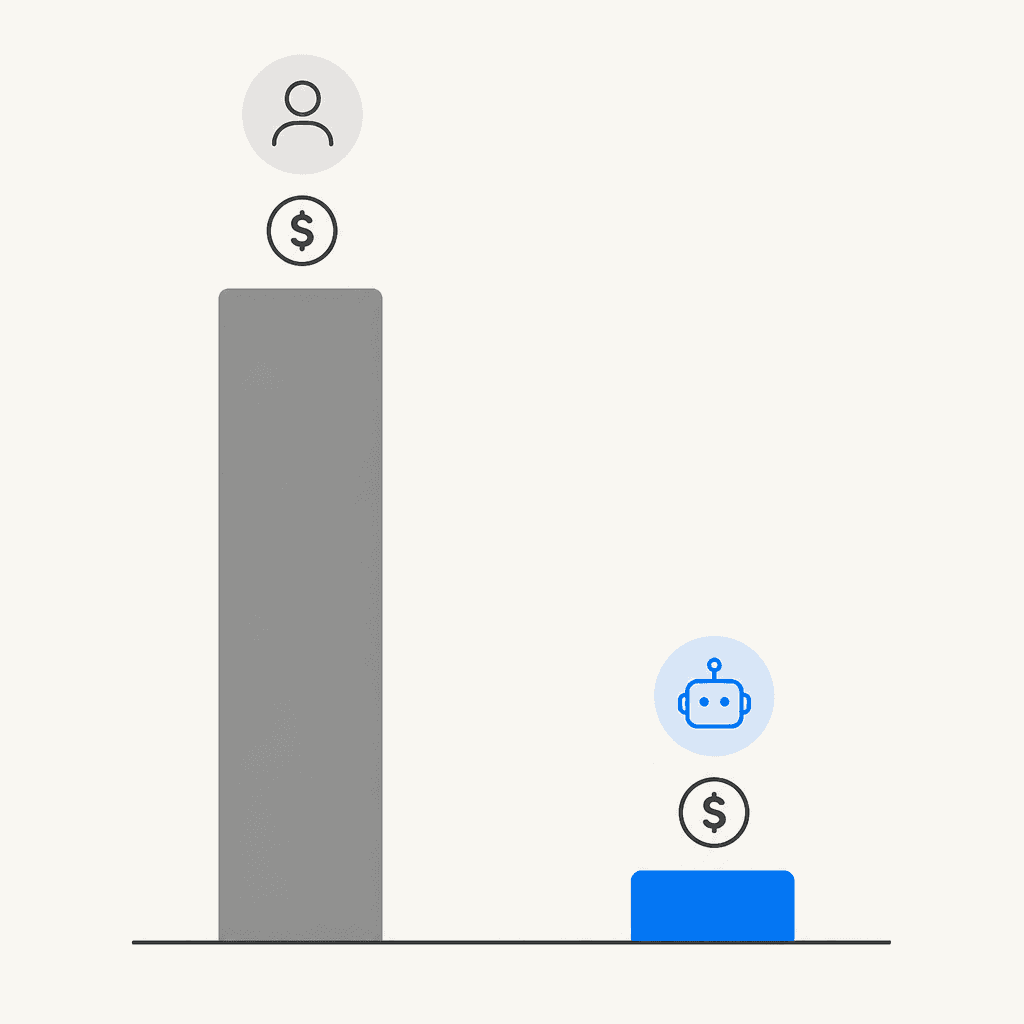
The cost differential is real: human-handled tickets run $4.13-$6.00 each; AI-handled interactions cost $0.50-$0.70. But companies using non-agentic AI report flat or worsening cost per resolution in 62% of cases because they're tracking deflection rate, not true resolution cost.
Benchmarks for context: the industry average deflection rate is 23%. A well-configured GenAI plus knowledge base setup should reach 30-50% within a month. Getting past 50% requires either integration access (so AI can look up real account and order data) or a mature knowledge base built from months of ticket history.
For the full list of metrics worth tracking inside Zendesk specifically, see 7 key Zendesk AI capabilities for smarter support.
Try eesel for Zendesk
eesel is an AI agent that works inside Zendesk as a native teammate. It appears in your agent list, reads your tickets, and handles them from start to finish. It connects to your Zendesk help center, past tickets, and macros, plus any other platforms your team uses: Confluence, Google Docs, Shopify, Notion.
Gridwise hit 73% tier 1 resolution in month one. Smava runs 100,000+ tickets per month fully automatically. Pricing is from $299/month for 500 credits, with no platform fee and no per-seat charges.
Start with the free plan (100 credits, no credit card required). eesel says a first support agent can be live within 30 minutes.