
What Zendesk Voice does
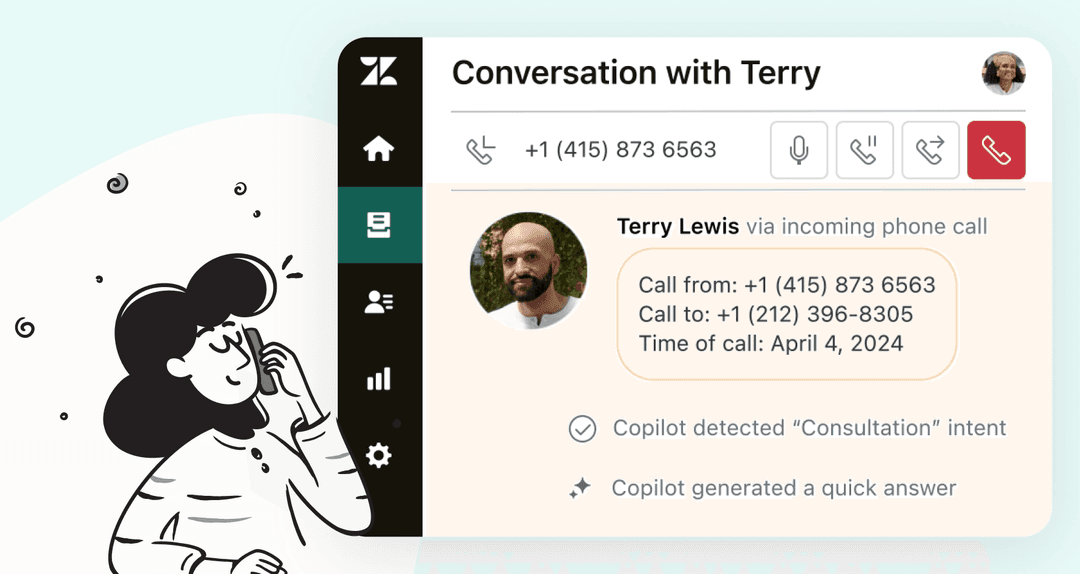
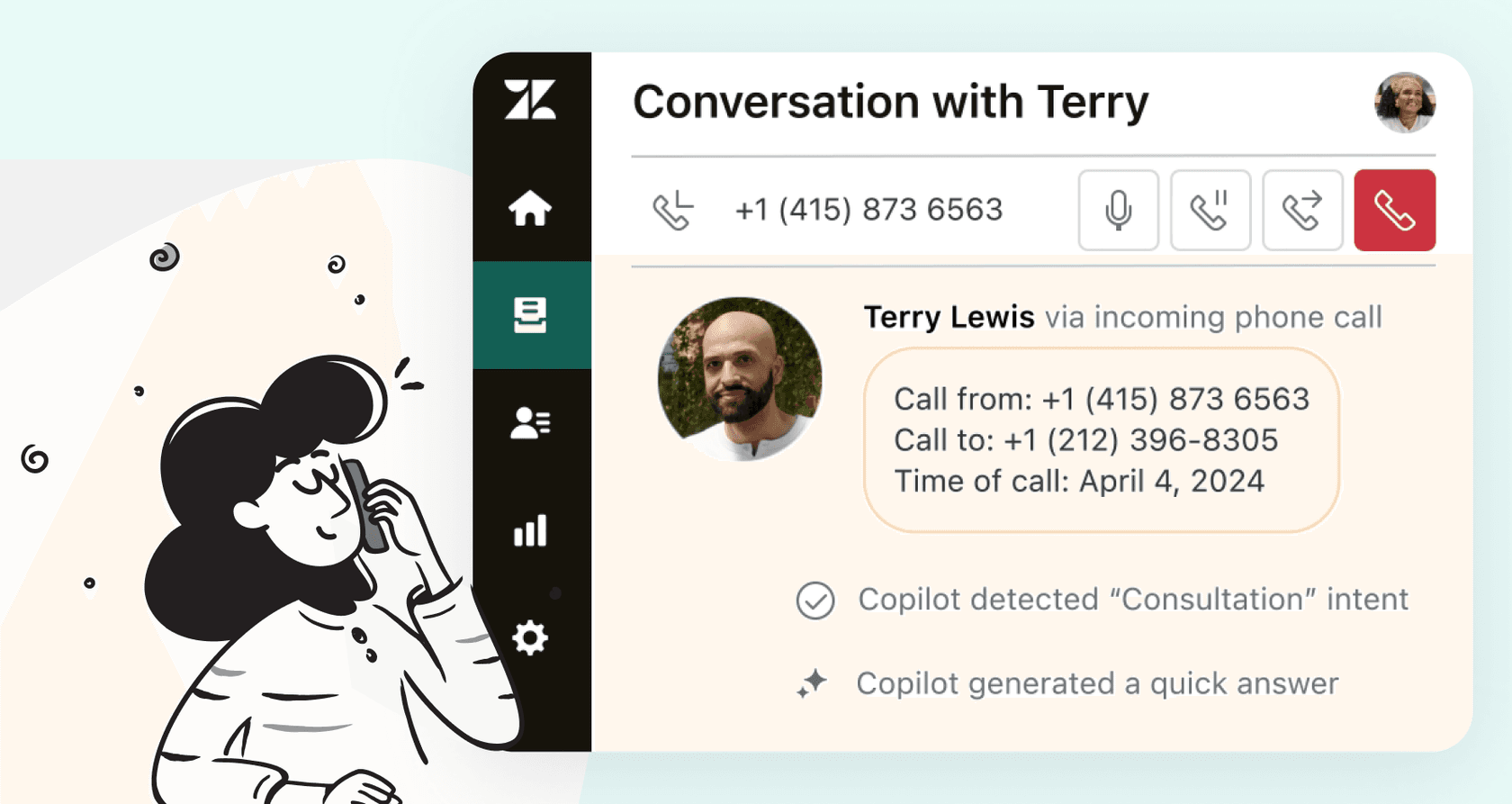
Zendesk’s Voice AI documentation says every call creates or updates a ticket. The agent can use knowledge, procedures, and actions; configured ticket fields update during the call. If it resolves the request, the ticket contains the transcript, AI summary, conversation-log link, and updates. If it cannot resolve it, Zendesk posts transcript and summary before sending the call to the human queue.
For voice routing, an updated Group field is prioritized; omnichannel routing can use updated fields such as Group or Skills. After handoff, standard phone settings resume, so an existing greeting can create a duplicate greeting. Test that explicitly.
Set up the first call path
Zendesk's creation guide lets client admins create an agent through AI agents workspace > Dashboard > Create AI agent > for Voice. Choose the brand and knowledge source, then configure business profile, tone, language, locale, default voice, and system replies. Read welcome and escalation dialogue aloud. Keep it short and spoken; do not give callers URLs or text they cannot use in a call.
| Test case | What to inspect |
|---|---|
| Routine question | Knowledge source, transcript, summary, ticket fields |
| Caller interruption or ambiguity | Clarifying question and spoken flow |
| Failed action | Customer wording, error path, ticket update |
| Human request | Escalation copy, queue, receiving agent, context |
| After-hours/no agent | Voicemail or configured fallback, promised timing |
| Handoff | Duplicate greeting, Group/Skills routing, recording and post-call work |
Voice AI calls can consume automated resolutions as well as incur standard telephony, AI connected-time, and recording charges; recording is on by default and can be disabled. It is not available with Talk Partner Edition. Do not use it for emergency-call evaluation, dispatch, prioritization, or emergency healthcare triage.
Prepare handoff wording with eesel CLI
A support lead can ask Claude Code, Codex, or Cursor to use eesel CLI to inspect an eesel teammate's instructions and propose clearer escalation wording. It operates the same teammate and workspace as the dashboard. This is useful when a voice team wants customer-facing language and the private handoff brief to follow one approved policy.
Before a chat, confirm the existing teammate's name or ID, connected sources, and action permissions with the workspace owner. Use a fictional case with no customer data. Chat is real, billed work, and requesting a draft is not a substitute for limiting action permissions.
npx @eesel/cli instructions --agent "Zendesk support"
npx @eesel/cli new --name "voice-handoff-copy-review" --agent "Zendesk support"
npx @eesel/cli chat "Fictional policy review: a caller reports an incorrect charge. Billing Support owns the investigation; identity is not yet verified, and no response time is approved. Draft a short spoken escalation message plus a private handoff brief naming those missing facts. Do not promise a refund, claim a transfer happened, contact anyone, or change configuration." --agent "Zendesk support"
Node.js 18.17+ is required and commands return JSON. The coding agent can compare the draft with the brief: did it avoid promising a refund or immediate availability, and did it preserve the identity-check requirement? A human approves the final wording and any corresponding eesel instruction edit. Consult command help, preview supported writes with --dry-run, and inspect the saved result before reusing it.
The CLI conversation provides text to review, not evidence that a Zendesk call transferred. Apply any approved Zendesk-native changes through the appropriate admin workflow, then test the phone number, agent voice, ticket, recording, routing, and receiving human with a native test call.
Keep the route safe
Use eesel CLI to prepare the wording review, then start Zendesk Voice with one low-risk call reason. Expand only after native Zendesk evidence shows that the customer can understand the AI, the ticket carries the right context, and a human can take over reliably.
Frequently Asked Questions
What can Zendesk voice AI agents do?
They can answer configured voice requests, update ticket fields, use procedures and actions, and escalate unresolved calls to a human queue.
What reaches the human after handoff?
Zendesk posts the transcript and AI summary to the ticket before sending the call to the configured queue, where routing rules select an agent.
What should teams test before activation?
Test calls for routine requests, interruption, failed actions, escalation, routing, recording, ticket context, and the exact human route.
How can eesel CLI help a voice support team?
A support lead or coding agent can use eesel CLI to inspect an eesel teammate's instructions and draft spoken escalation wording from approved policy. The same teammate is available in the dashboard. This text review does not test Zendesk phone routing; run native test calls for that.