


Disclosure: This article is published by eesel AI, a competitor of Atlassian. We encourage you to read Atlassian's own materials for their perspective.
Let's be real, Confluence is pretty much the brain of most companies. It's a mature, reliable platform where project plans get hashed out, meeting notes find a home, and the "single source of truth" is established for thousands of companies. But as a company grows, that brain gets filled with a vast amount of valuable information. To help teams navigate this sea of data, Confluence has built an impressive ecosystem designed to help you get up to speed on any project quickly.
Atlassian's answer to information management is Atlassian Intelligence, a built-in AI tool meant to work more efficiently with quick summaries. It is a powerful addition for teams looking to streamline their internal documentation.
This guide gives you a helpful look at the "Atlassian Intelligence summarize Confluence pages" feature. We'll cover what it's good for, how it works, and how you can further enhance your team's knowledge management by connecting it with specialized tools.
What is Atlassian Intelligence in Confluence?
First off, Atlassian Intelligence isn't a separate app you have to go find and install. It's a set of sophisticated AI features that are baked right into Atlassian's cloud products. Think of it as an AI assistant that lives inside the tools you already use. In Confluence, its main gig is to help your team write, find, and understand information faster by generating new content, polishing up existing text, and, of course, summarizing those detailed pages.
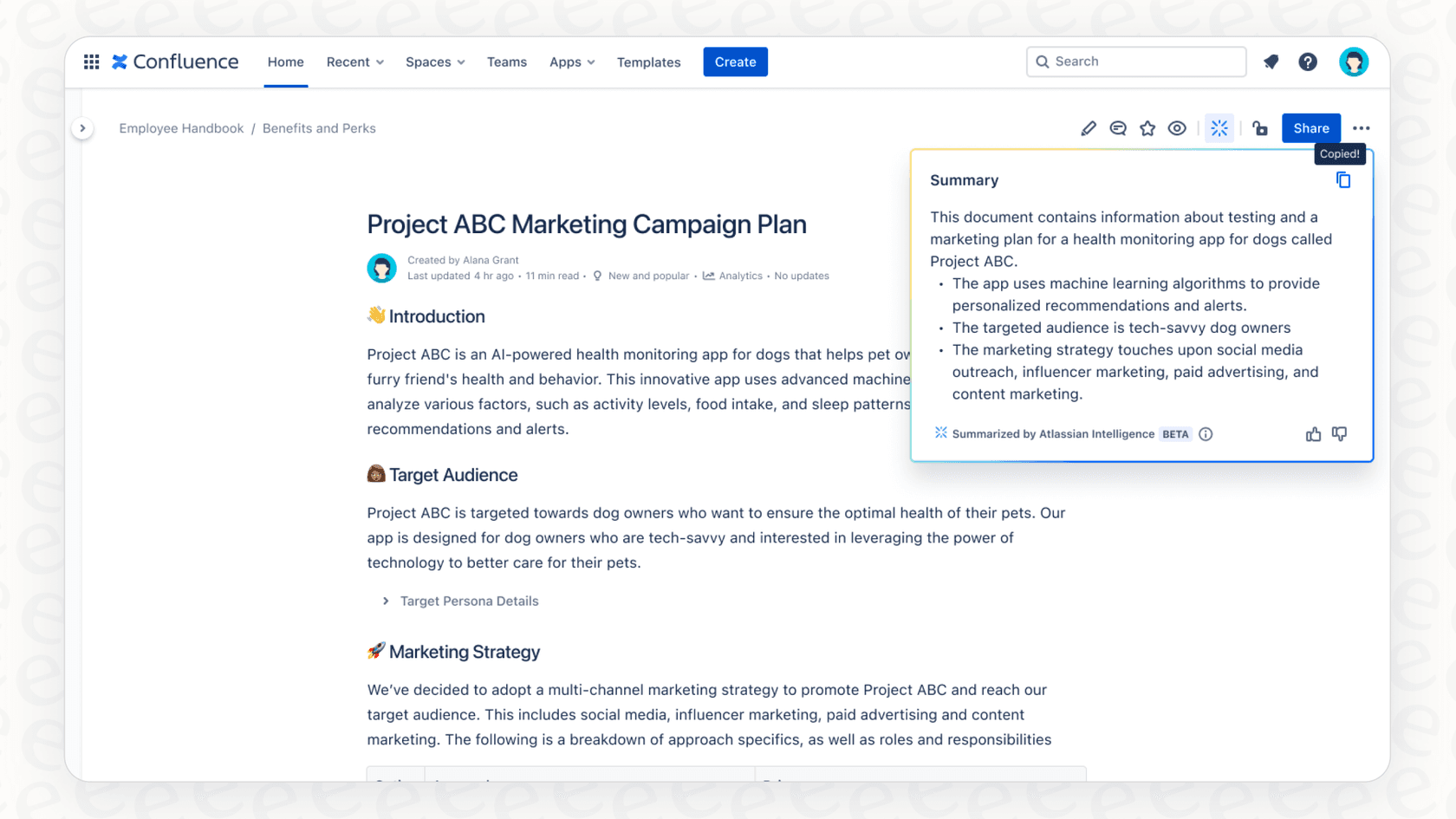
These features run on Atlassian's Rovo AI engine. Atlassian Intelligence is available to teams on a Confluence Cloud Premium or Enterprise plan, which are designed to support businesses with more robust requirements and larger team sizes.
Core features of Atlassian Intelligence
Atlassian Intelligence gives you a few different ways to condense information, with each one designed for a slightly different scenario. Let's break down what you can do.
Summarizing an entire page or blog post
This one is as straightforward as it gets. You click the "Summarize" button, and the AI page summary. It's handy when a new team member is trying to wrap their head around a complex project brief, or when you just want the highlights from a long research doc quickly.
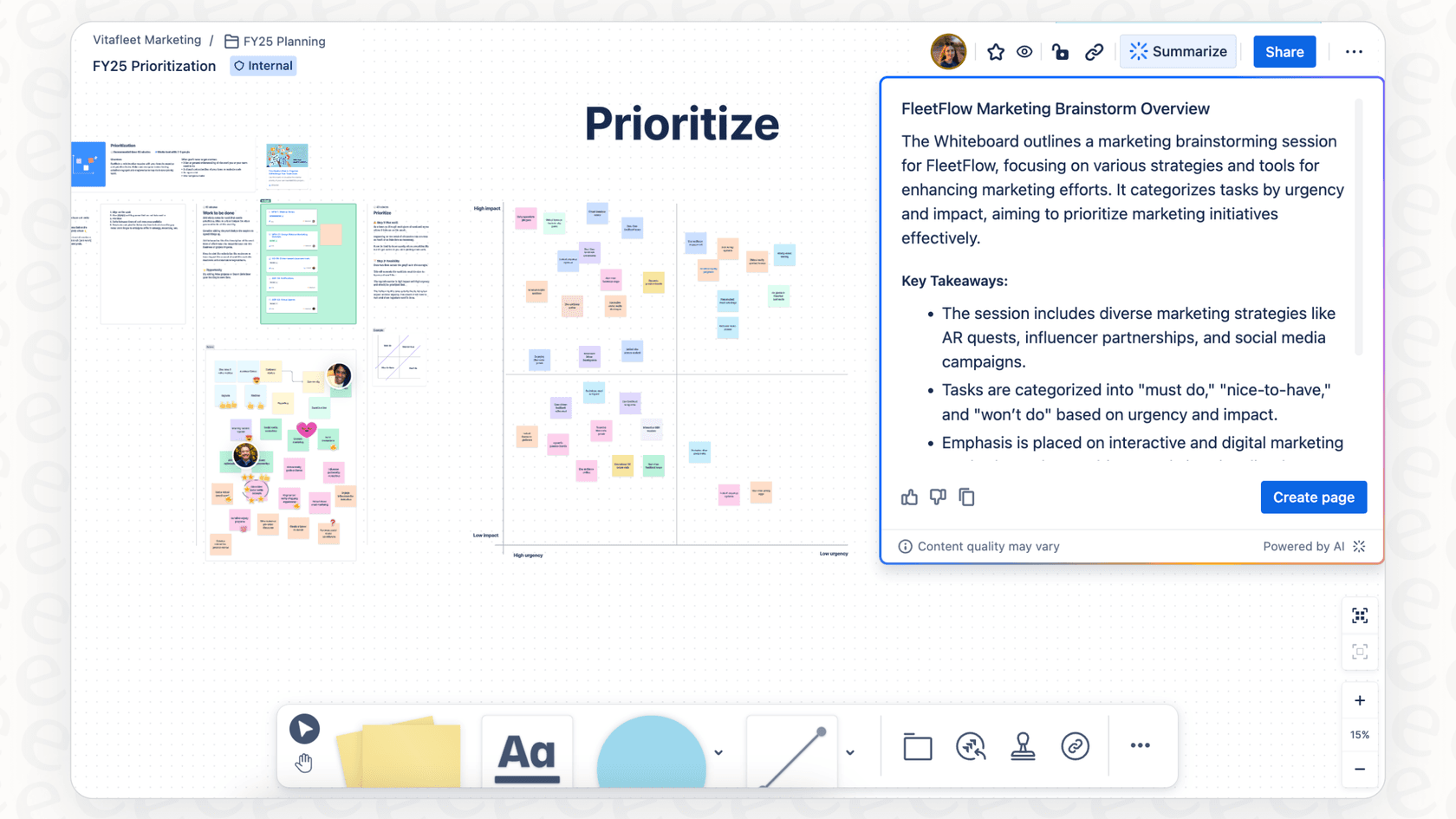
Summarizing changes since your last visit
Collaboration is active, and documents are always in flux. The "Summarize changes" feature is meant to help you catch up quickly. Instead of summarizing the whole page, it zeroes in on the edits, additions, and updates made since you last looked at it. It is a reliable help when you're returning to a project and need to know what's been updated in the project plan.
Summarizing comments and discussions
The comment section on a popular Confluence page can become a rich source of feedback. The "Summarize comments" feature reads through all the page comments and gives you a high-level recap of the feedback and any action items that were mentioned. If you've ever shared a proposal and returned to numerous comments, this saves time by getting you the gist of the team's input.
Summarizing smart links
Maintaining focus is key to productivity. Atlassian Intelligence helps by letting you summarize smart links without leaving your page. When you hover over a link to a Jira ticket, a Google Doc, or another Confluence page, you can get an AI-generated summary of that content right there. It's useful for getting a quick status update on a task while you're still reading the main project overview.
Considerations for your summarization workflow
While these summary features are a great addition, they are designed for specific types of workflows. Understanding how a native AI works can help you decide when to use it and when to add complementary tools to your setup.
It focuses on single-page summarization
Atlassian Intelligence is designed to summarize the page you're currently viewing, providing a concentrated look at that specific document. For some teams, company knowledge might be spread across multiple planning docs. While Atlassian Intelligence excels at single-page analysis, your company might have very specific needs for cross-document synthesis.
For that kind of cross-document Q&A, you can use a tool built to connect different sources. An AI assistant like eesel AI integrates with your entire Confluence space and other apps to give you a single, conversational AI that works alongside your team's knowledge base.
Summaries provide a streamlined overview
The summaries are designed to be concise and basic to ensure speed. This approach works well for quick checks. If your team uses many internal acronyms or project code names across various apps, you might find that the AI focuses primarily on the text visible on the page.
In contrast, eesel AI is a complementary option that can learn from more than just your wiki pages. It can train on past help desk tickets and Slack messages, picking up on your team's unique language and context. This allows it to generate richer answers that work in tandem with your Confluence content.
Summarization is a user-initiated process
The "Summarize changes" feature is reactive, depending on a user selecting the option when they visit a page. This is great for users who want control over when they see an AI summary. For teams that prefer a more proactive approach to finding information, a Q&A system might be a good addition.
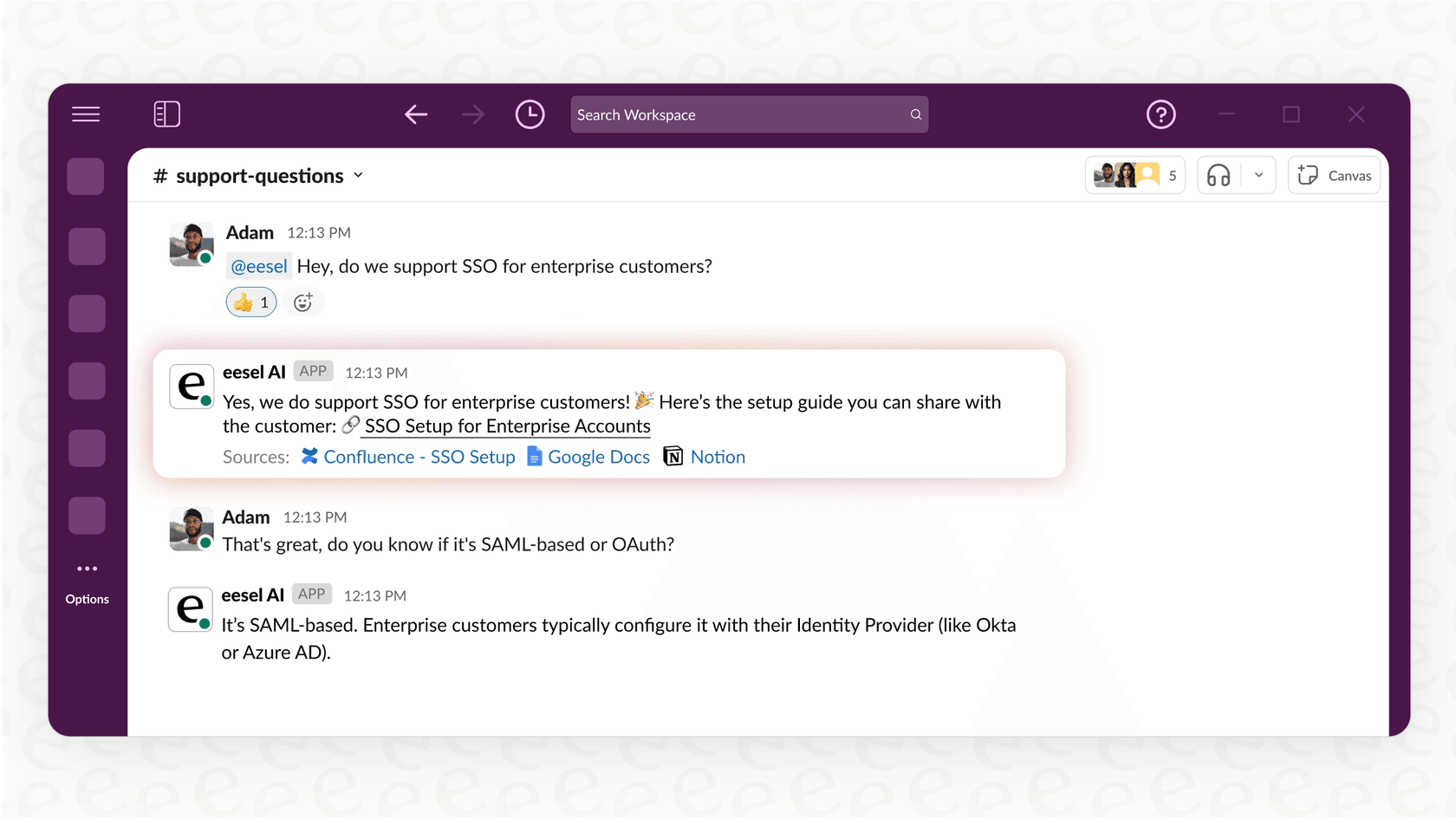
With eesel AI chat, your team can just ask, "What's the latest on the website redesign?" in Slack and get an instant, up-to-date answer pulled from Confluence and any other relevant docs. This brings the information directly to where your team is already working.
Pricing for Atlassian Intelligence
Atlassian Intelligence is conveniently bundled into Confluence Cloud tiered plans. For many growing businesses, these plans offer a comprehensive suite of features that go beyond just AI, including advanced security and scalability.
Here's a quick look at the Confluence Cloud plans where AI is included:
| Plan | Price (per user/month, annual) | Key AI Feature Access |
|---|---|---|
| Free | $0 | None |
| Standard | ~$5.42 | None |
| Premium | ~$10.44 | Atlassian Intelligence Included |
| Enterprise | Custom (annual only) | Atlassian Intelligence Included |
For teams already investing in their infrastructure, the Premium or Enterprise plans provide significant value. It's also worth noting that standalone AI tools like eesel AI offer specialized pricing and can be used as a complementary option for teams looking for specific conversational capabilities.
A better way: Unify all your knowledge with eesel AI
Confluence is an industry leader for knowledge storage, but your company's information often exists in multiple places. It's in Confluence, Google Docs, Notion pages, Slack threads, and Zendesk tickets.
Connect every knowledge source, not just one
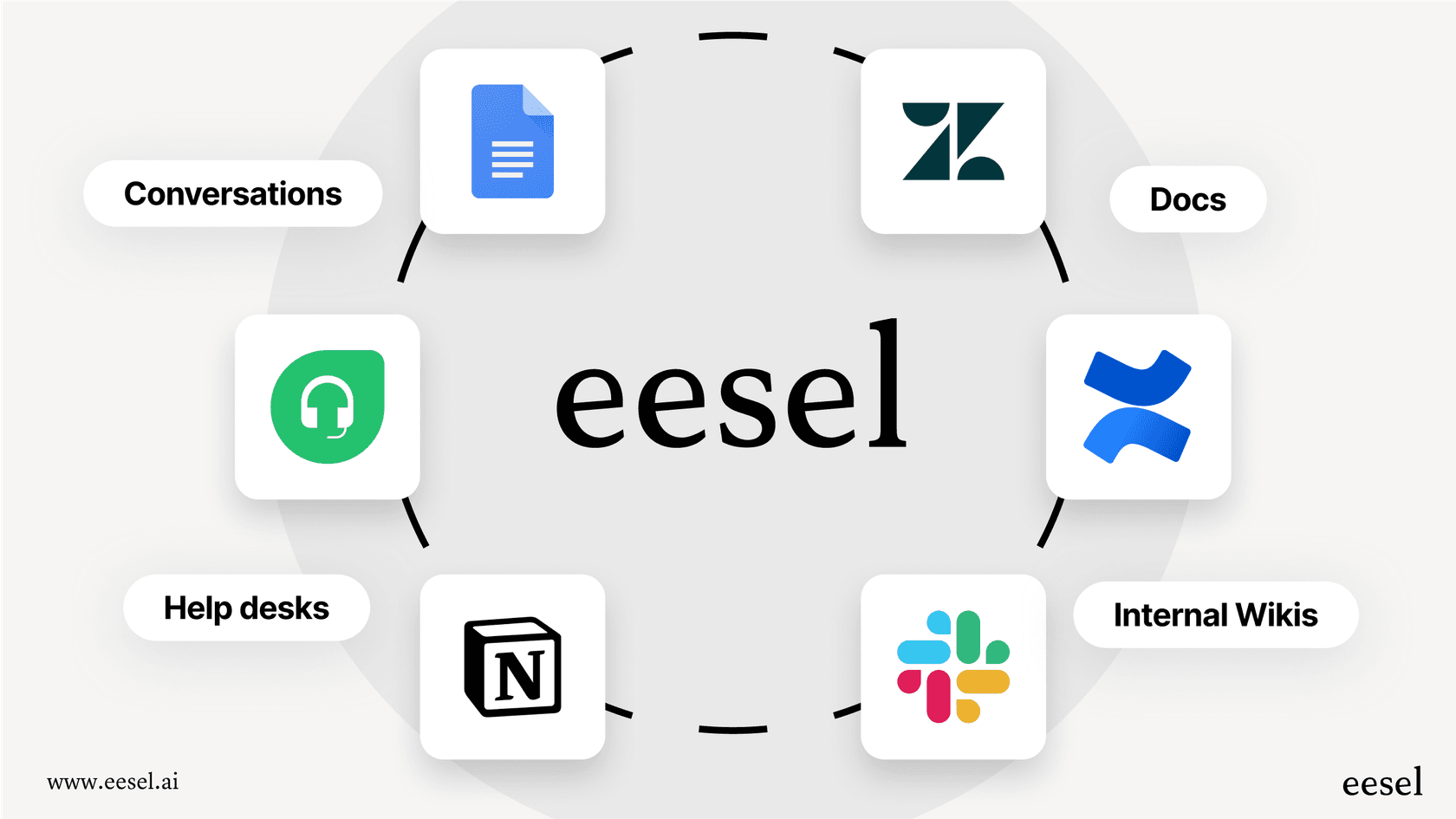
This is where eesel AI works as a great partner to your Confluence setup. It's built around one-click integrations that connect to all the places your team's knowledge is stored. You can plug it into wikis like Confluence and Google Docs, chat tools like Slack and Microsoft Teams, and help desks like Zendesk and Intercom. This creates a central layer for your company knowledge.
Move from summarization to conversation
Atlassian Intelligence gives you a helpful "summarize" button. eesel AI adds a conversation layer to your existing setup. With eesel AI chat, your team can ask complex questions in normal language right from Slack or Teams. Questions like, "What was the customer feedback on our last feature release?" get you a precise answer pulled from product specs in Confluence and internal chats in Slack, with every source clearly cited.
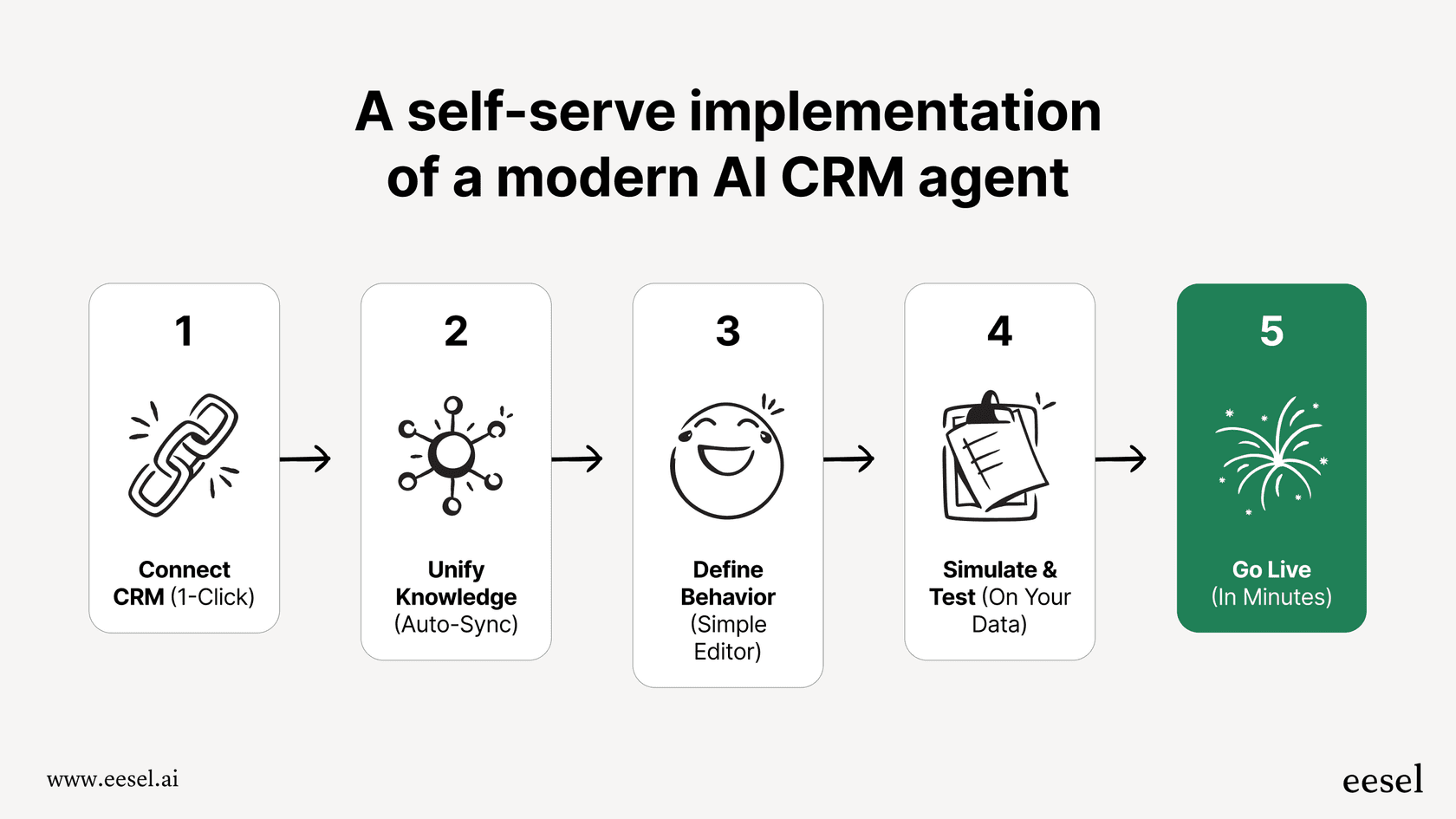
Go live in minutes with a self-serve setup
Setting up eesel AI is designed to be simple and efficient. You can sign up, connect your apps, and have a complementary AI assistant ready to go in minutes. It is built to give you value quickly, working alongside your core Confluence subscription.
The verdict on summarizing Confluence pages
Atlassian Intelligence offers a solid, reliable summary feature for teams who utilize Confluence as their primary workspace. It is a mature tool that saves significant reading time on individual pages.
While its focus on single-page summarization is excellent for clarity, you can further empower your team by adding a connected tool to the mix. The future of work is about leveraging industry leaders like Confluence while connecting all your knowledge into one smart layer. And that's exactly where eesel AI works best.
Ready to maximize your company's knowledge? Sign up for eesel AI for free and build a powerful AI assistant over your Confluence, Google Docs, and Slack in under five minutes.
Frequently asked questions
What is Atlassian Intelligence summarize Confluence pages?
Atlassian Intelligence summarize Confluence pages is a built-in AI feature within Atlassian Cloud products, specifically Confluence. It's designed to generate concise overviews of entire pages, comment sections, or even smart links, helping teams quickly grasp information and manage extensive documents effectively.
How can my team access Atlassian Intelligence summarize Confluence pages?
To access Atlassian Intelligence summarize Confluence pages, your team can choose a Confluence Cloud Premium or Enterprise plan. These plans are tailored to provide high-level features for growing businesses and enterprise-grade support.
What specific types of content can Atlassian Intelligence summarize Confluence pages condense?
Atlassian Intelligence summarize Confluence pages can condense an entire Confluence page or blog post, summarize changes made since your last visit, recap discussions in the comment section, and even provide quick overviews of smart links to other Atlassian or external content.
What is the primary focus when using Atlassian Intelligence summarize Confluence pages?
The primary focus is that Atlassian Intelligence summarize Confluence pages provides a concentrated experience by processing one page at a time. This ensures high-quality summaries of the specific content you are currently viewing within your workspace.
Does Atlassian Intelligence summarize Confluence pages understand company-specific context or acronyms?
Atlassian Intelligence summarize Confluence pages produces focused summaries based on the text of the page. It is excellent at distilling the core information present in a document, helping teams stay aligned on the primary project details within that specific page.