


Let me guess: you just ran a big sale, and now your support queue is overflowing. You know your best customers, the ones who buy again and again, are somewhere in that pile of tickets. The big question is, how do you find them and give them the fast, white-glove service they deserve before they start getting antsy?
Prioritizing your VIPs isn't just a nice-to-have; it's how you boost loyalty and lifetime value. For a lot of ecommerce brands, Gorgias is the helpdesk of choice for this, mostly because of its robust built-in automation features.
This guide will walk you through exactly how to set up Gorgias rules to prioritize VIP customers using customer tags. We'll also look at some important considerations for teams as they scale this setup. Then, we’ll look at a more advanced, AI-powered way to work with Gorgias to really level up your VIP support.
The importance of ticket prioritization
Ticket prioritization just means you stop treating your support queue as a "first-come, first-served" line. Instead, you organize incoming tickets by how important they are. It’s a simple shift, but for ecommerce brands, it changes everything.
Why is it such a big deal?
For starters, it keeps your best customers around. Your repeat buyers are your biggest asset. In fact, data from Gorgias shows that repeat customers generate 300% more revenue%20Long%2Dterm%20value%20comes%20from%20repeat%20customers) than first-time shoppers. Giving them priority service is a clear signal that you value their business, and that goes a long way.
It also protects your brand's reputation. A quick, helpful response can turn a frustrated high-spender into a fan who leaves glowing reviews. A slow one? That can end in a one-star rating that scares off new customers.
Finally, it makes your team’s life easier. When your support agents know which tickets actually move the needle for the business, they can focus their energy where it counts. This is especially true when things get busy and you don't have an army of agents to throw at the problem. Helpdesks like Gorgias are designed for ecommerce and come with tools to help you manage exactly this.
The standard method: How to set up Gorgias rules for VIP customers
Gorgias has a Rules engine that lets you automate a lot of this stuff based on clear 'IF/THEN' logic. Let's walk through how to set it up for your VIPs.
Identifying your VIPs
Before you build a single rule, you need to decide what "VIP" means for your store. It's different for everyone, but here are a few common ways to define it:
-
Total spend: Anyone who has spent over a certain amount, like $500.
-
Number of orders: Customers who have made, say, five or more purchases.
-
Subscription status: If you run a subscription service, all your premium plan members are probably VIPs.
-
Loyalty program tier: Customers in your top loyalty tiers, like "Gold" or "Platinum."
Once you know what you're looking for, you can start building the automation.
Creating the Gorgias rule
The process in Gorgias follows a pretty simple "IF this happens, THEN do that" structure.
-
Create a "VIP" tag. Think of tags as simple labels for organizing tickets. You’ll create a new tag, maybe named "VIP" or "High-Value," that your rule will slap onto the right tickets automatically.
-
Build the rule. This is where you tell Gorgias what to look for. For example, your rule could be: "IF a customer's total spent is greater than or equal to $500, THEN add the tag 'VIP'."
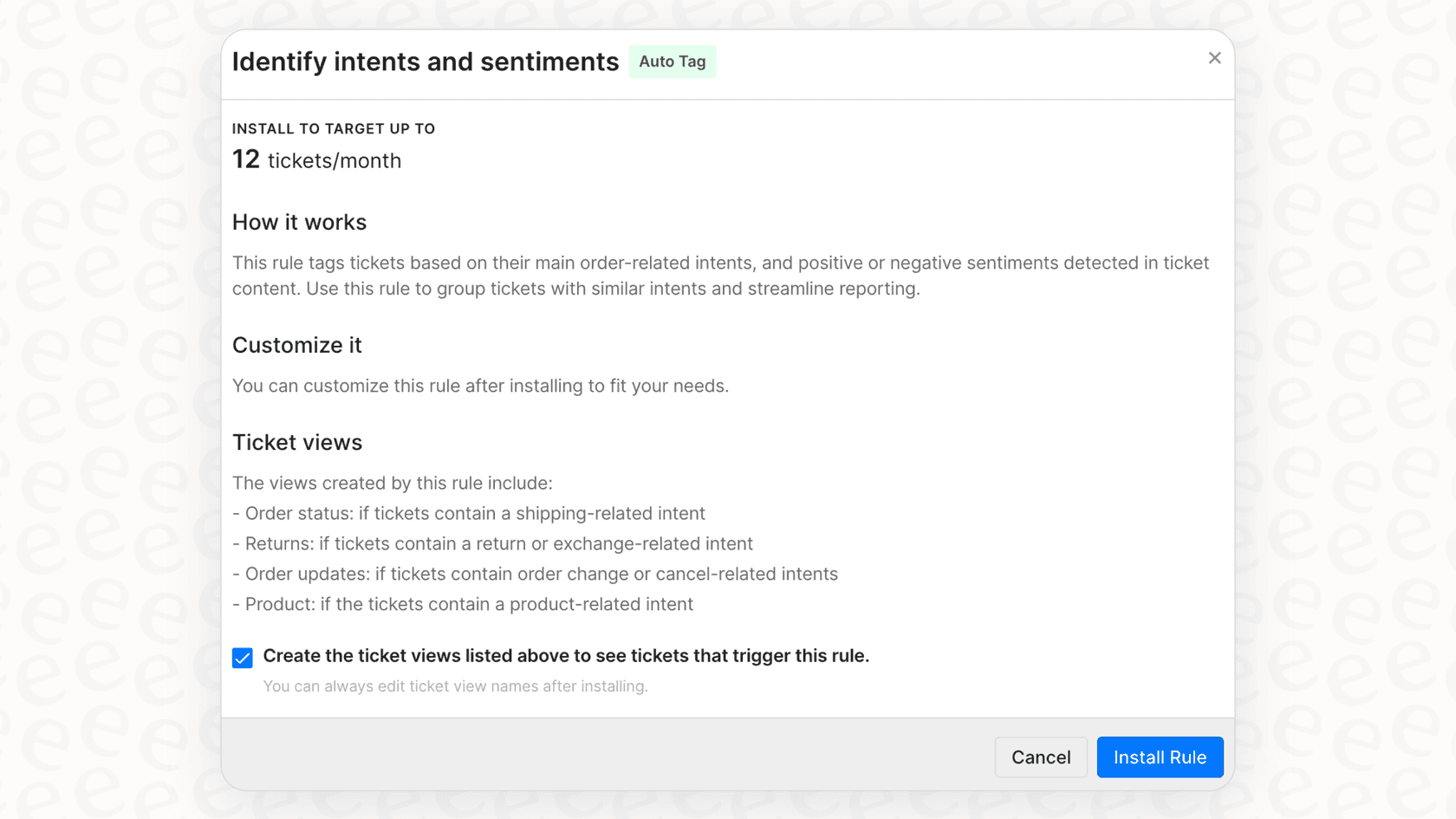
- Create a dedicated view. A view is just a filtered inbox. You can create a "VIP" view that shows only the tickets with the "VIP" tag. Your most experienced agents can then live in this queue, making sure your best customers always get a fast response.
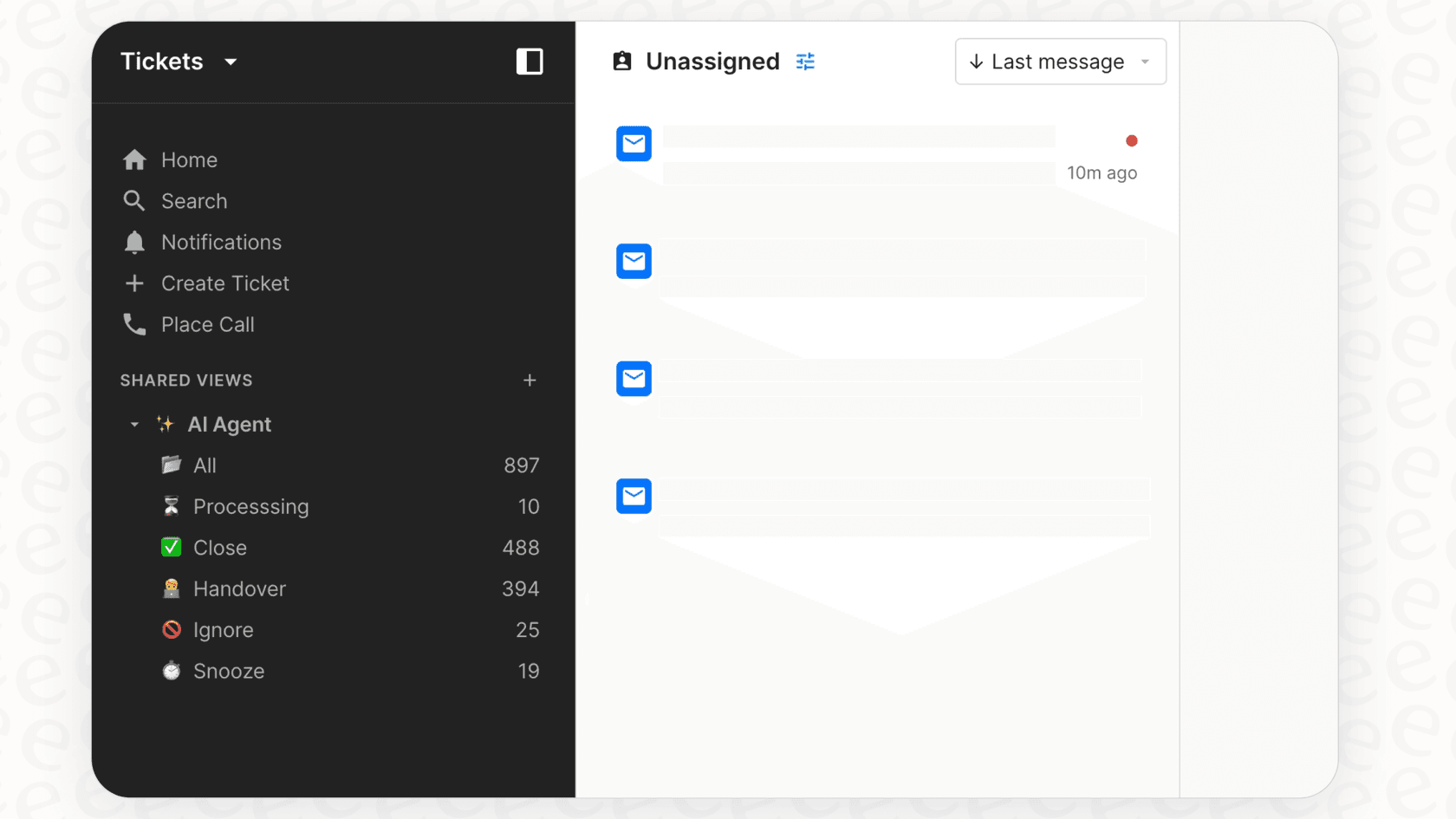
Taking it a step further with the 'priority' field
Gorgias provides a dedicated field for setting ticket priority, with levels like "Low", "Normal", "High", or "Critical". This adds a bit more structure than tags alone because it can directly change the order tickets are assigned to your team.
You can tweak your rule to use this field. For instance: "IF a customer's order count is greater than 10, THEN set priority to 'Critical'." This is a great way to make sure important requests are front and center.
Scaling your VIP prioritization in Gorgias
This setup works great for many teams. As your business grows and support needs become more sophisticated, you might want to consider how to optimize your rule management. While Gorgias is highly flexible, managing high volumes of rules is an important part of scaling your support.
Managing complex rule configurations
Gorgias offers incredible flexibility with its rules engine. As your store grows, you might find yourself building a sophisticated library of rules to cover every scenario: for VIPs asking about returns, for VIPs messaging on Instagram, or for those using a specific discount code.
While this shows how powerful the platform is, it’s helpful to keep your rulebook organized to ensure peak performance as you scale. Periodically reviewing and streamlining your rules ensures they remain clear and efficient for your entire support team.
Connecting additional data sources
Gorgias rules are highly effective at utilizing data from direct integrations like Shopify. For teams that want to pull in even more context - such as details from a Google Doc with a specific warranty policy, a Confluence page, or a Slack thread - adding a complementary AI layer can help extend the reach of your existing Gorgias setup.
Connecting your helpdesk to these broader knowledge sources allows your team to provide even more precise answers, helping to further automate your customer support workflow.
Deploying rules with confidence
Gorgias rules are designed for efficiency, meaning they take effect immediately upon being saved. This allows you to see the benefits of your automation right away. For teams who prefer to model their workflows beforehand, especially for very complex updates, there are complementary tools that offer simulation features to help you plan your automation strategy.
Enhancing your workflow with eesel AI
A smart way to scale is to add an AI layer that works alongside the tools you already use. This is exactly what a platform like eesel AI does. It plugs right into your Gorgias setup to help manage the considerations we just covered.
Connect all your knowledge, not just helpdesk data
eesel AI helps solve the challenge of siloed knowledge. It connects with over 100 sources, including Confluence, Google Docs, your old tickets, and even Slack. The AI learns from all of it to support your Gorgias workspace.
This means your AI agent can provide precise answers about tricky product questions by pulling info from technical specs or internal documents. This enhances the percentage of tickets that can be handled automatically, freeing up your team for high-value conversations.
Build flexible automations you can actually test
eesel AI provides a powerful simulation mode. Before you deploy automation to live customers, you can run it on your past tickets in a safe, sandboxed environment.
You get to see exactly how it would have performed and check the responses it would have sent. This lets you refine the AI's tone and knowledge base before a single customer interacts with it, ensuring you deploy with complete confidence.
Get full control with a customizable AI engine
While Gorgias provides a reliable rules framework, eesel AI offers a workflow engine you can fully customize to complement it. Using a simple prompt editor, you can define the AI's personality, tone of voice, and the specific actions it's allowed to take.
eesel AI can do more than just tag tickets: it can look up real-time order info, process a return through an API call, or triage a ticket with impressive nuance. You get the benefits of advanced automation while maintaining full control.
Pricing comparison: Predictable costs and value-driven options
The way automation tools are priced helps you determine what works best for your budget as you grow.
Gorgias AI pricing and value
The AI Agent features in Gorgias are a powerful add-on. As shown on their pricing page, their model is value-driven: you pay around $0.90 to $1.00 for every ticket the AI fully resolves.
This performance-based model means you are investing in successful outcomes. It ensures that your automation spend directly reflects the efficiency gained for your support team.
eesel AI pricing
eesel AI's pricing is designed to be predictable. Instead of a per-resolution model, you choose a plan with a set number of monthly interactions (which can be a reply or an action, like tagging a ticket).
This allows you to know exactly what your monthly investment will be, providing cost certainty as you scale. It is a great option for teams looking for a flat-fee structure alongside their helpdesk.
| Feature | Gorgias AI Agent | eesel AI |
|---|---|---|
| Pricing Model | Value-based per-resolution (~$0.90-$1.00) | Flat monthly fee (includes a set number of interactions) |
| Cost Predictability | Standard for usage-based models | High (fixed monthly cost) |
| Included Features | Dedicated AI Agent add-on | All products (Agent, Copilot, Triage) included in one plan |
| Best For | Teams prioritizing direct helpdesk integration | Teams wanting to scale automation with predictable monthly costs |
Go beyond basic rules for smarter VIP support
Setting up Gorgias rules to prioritize VIP customers using customer tags is an excellent way to organize your support and ensure high-value shoppers get the attention they deserve. It’s a mature and reliable way to move past a simple "first-come, first-served" queue.
As your brand continues to grow, look at ways to further optimize these workflows. An AI tool like eesel AI is a natural complementary step. It enhances your Gorgias setup without replacing it, providing a safe and flexible way to provide exceptional service to your most important customers.
Ready to see how you can give your Gorgias setup a serious boost? Try eesel AI for free or book a demo to see how the simulation engine works on your own tickets.