
The deflection number your dashboard shows might not mean what you think
Here's a pattern that plays out on a lot of support teams: they roll out an AI chatbot, watch the headline deflection metric climb to 55%, and call it a win. Then CSAT drifts. Customer re-contact rates tick upward. Churn notes start citing "couldn't get help."
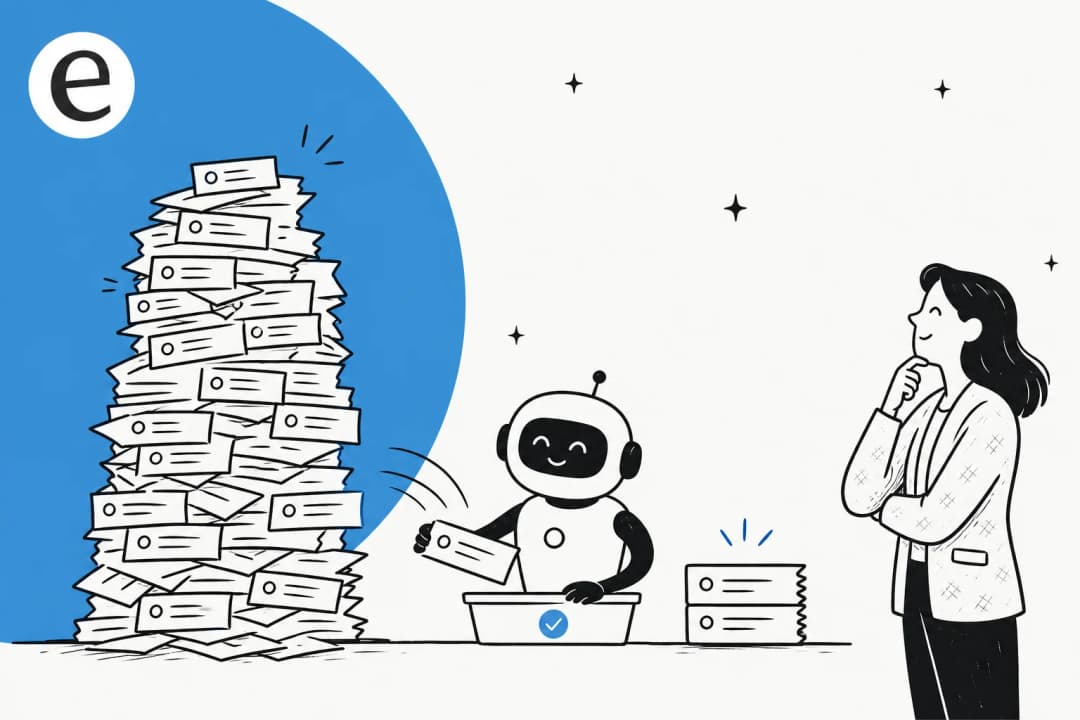
What happened is what Gartner calls the quality gap: the AI suppressed the ticket, not the customer's problem. The customer didn't escalate formally - they gave up on the bot and came back through email the next morning. That counts as "deflected" in most dashboards.
Support ticket automation practitioners who've been at this a while treat deflection rate as a lagging indicator, not a success metric. The leading signal is 48-hour re-contact rate: if the same customer contacts you again through any channel within two days of a "deflected" interaction, the deflection was false.
"Optimizing for ticket deflection with AI almost ruined our churn rate. Stop using bots as bouncers."
When teams treat deflection rate as the primary KPI, the incentives invert. Making the bot harder to escape - fewer "talk to a human" options, more loop steps - pushes the number up while driving customers away. The teams that hit 70%+ real deflection are almost never the ones gaming the headline metric; they're the ones building for genuine resolution.
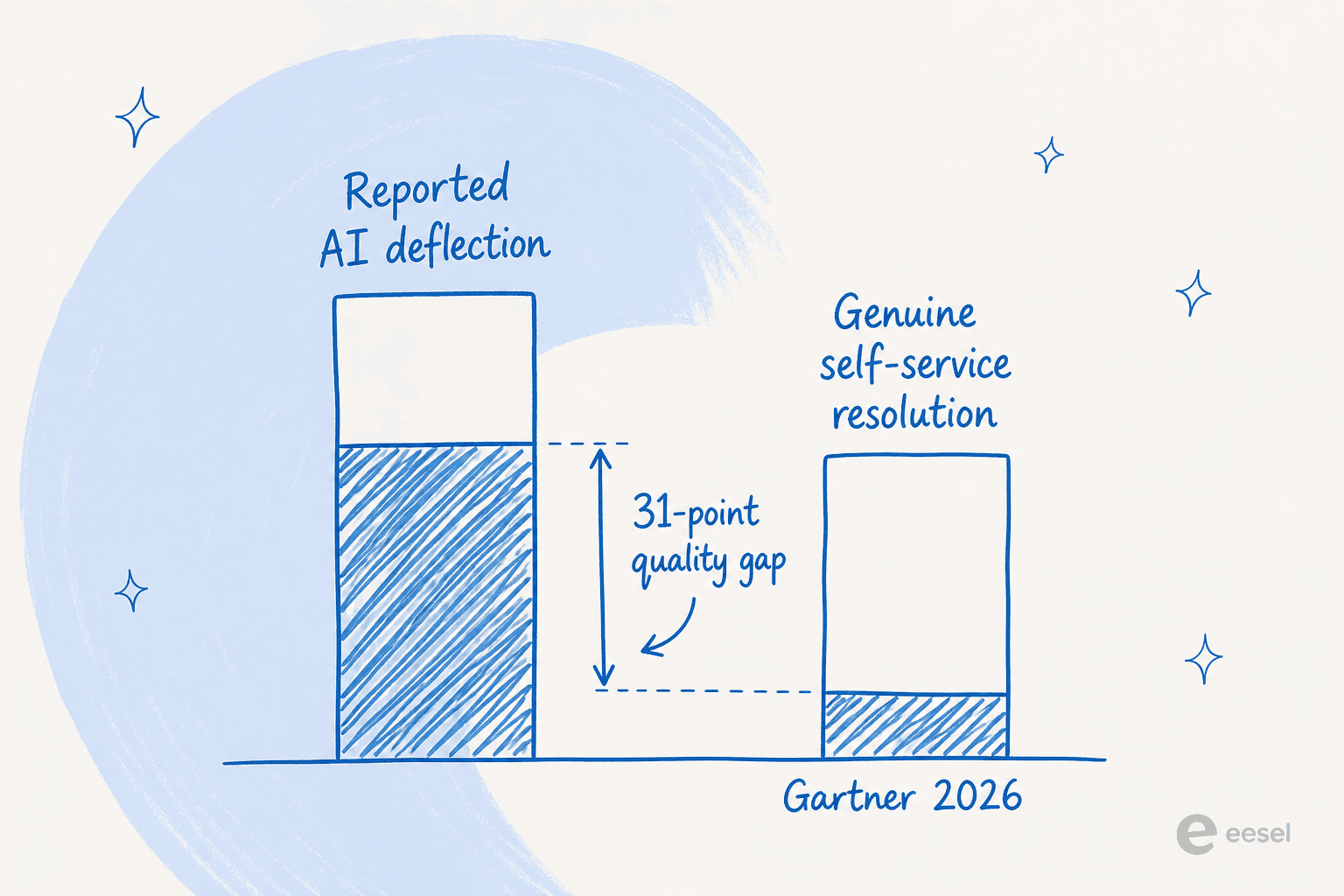
The risk in blunt terms: one 100,050-interaction study found that AI systems operating on inadequate knowledge bases were 37% more likely to move issues away from resolution than human agents. Confident and wrong is worse than escalating.
What AI ticket deflection actually is
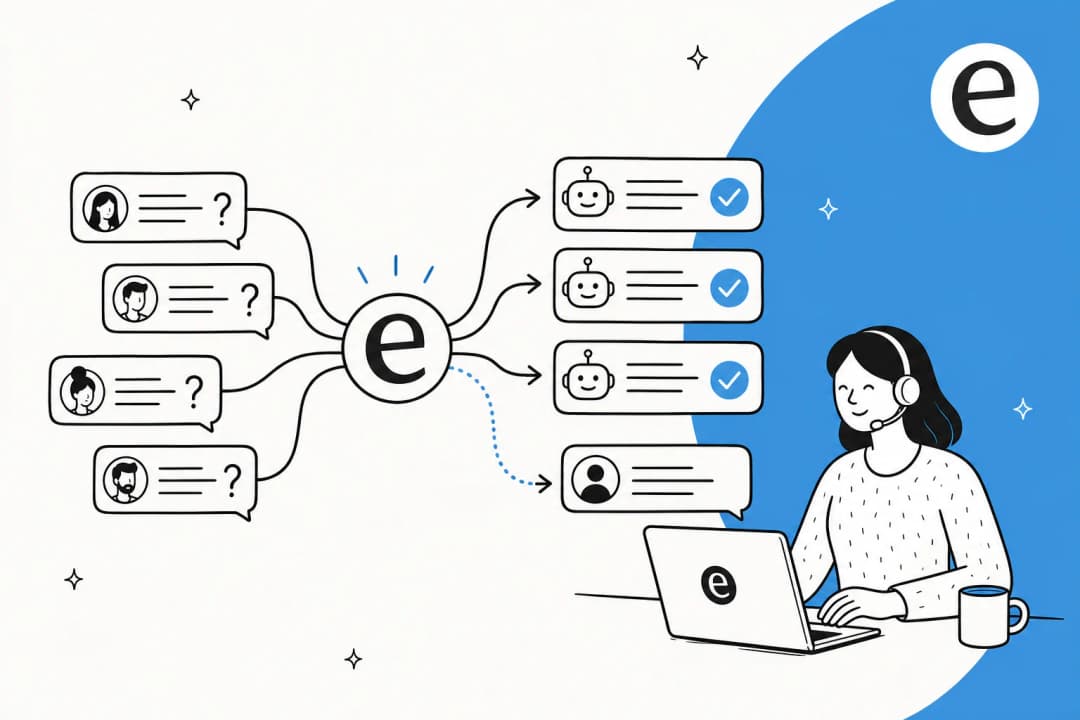
At its core, AI ticket deflection is the process of resolving customer queries before they become formal tickets requiring a human agent. The customer gets an accurate answer immediately - and never lands in anyone's queue.
Modern deflection is categorically different from the rule-based bots of five years ago. Today's systems use:
- Large language models to understand natural language, including vague or typo-laden queries
- Retrieval-augmented generation (RAG) to ground answers in your company's specific knowledge base, not the model's general training data
- Confidence scoring to decide in real time whether to auto-resolve, draft for review, or escalate immediately
- CRM and backend integrations to answer account-specific questions ("where's my order?", "why was I charged?") with real data
- Agentic actions to execute tasks outright - not just answer, but initiate a refund, reset a password, or update a subscription
Three deployment patterns look different in practice:
- Chat widget / chatbot - a customer-facing bubble that answers questions before a ticket is submitted. AI customer support chatbots are the most common deflection surface.
- Pre-submission deflection - the portal prompts the customer with relevant KB articles and AI answers before they finish submitting a ticket. If the answer is there, they never hit submit.
- In-queue auto-resolution - AI processes tickets already in the queue, resolves the ones it can handle confidently, and routes the rest to humans. This is what AI ticket triage and AI ticket classification tools are built for.
The cost math works fast at scale. AI-handled tickets average $0.50-$1.05 each; human-handled tickets average $8-$12 - a 12x to 24x cost differential per interaction (Gartner 2025, Forrester 2025). Klarna's AI now handles two-thirds of all customer service, equivalent to 700 full-time agents. Bilt Rewards handles 70% of its 60,000 monthly tickets with AI agents. These are what well-implemented AI customer support automation looks like once the right pillars are in place.
How AI deflection works under the hood
The decision loop inside a modern deflection system runs roughly in this order:
- Intent parsing - the LLM reads the query and identifies what the customer wants, who they are, and the urgency and tone of the message
- Knowledge retrieval - the system searches connected KB sources (help center articles, past resolved tickets, docs, Confluence pages) for semantically matching content
- Answer synthesis - the LLM drafts a response grounded in retrieved content, not its general training data
- Confidence scoring - the system scores its own response quality and decides what to do next
- Action or routing - based on confidence, it resolves the ticket, drafts for human review, or escalates immediately
- Backend call if needed - for account-specific queries, the system fetches order data, billing history, or account status from connected systems
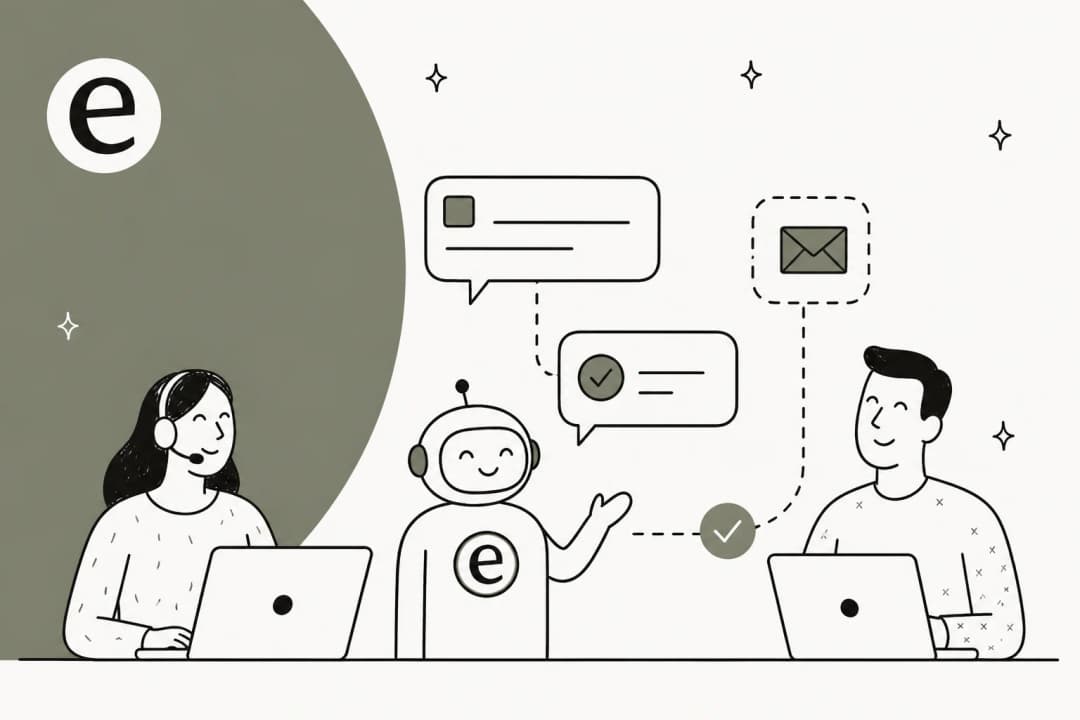
- Context-rich handoff if escalating - when escalating, everything travels with the ticket: the query, what the AI attempted, which sources it searched, what confidence score it returned
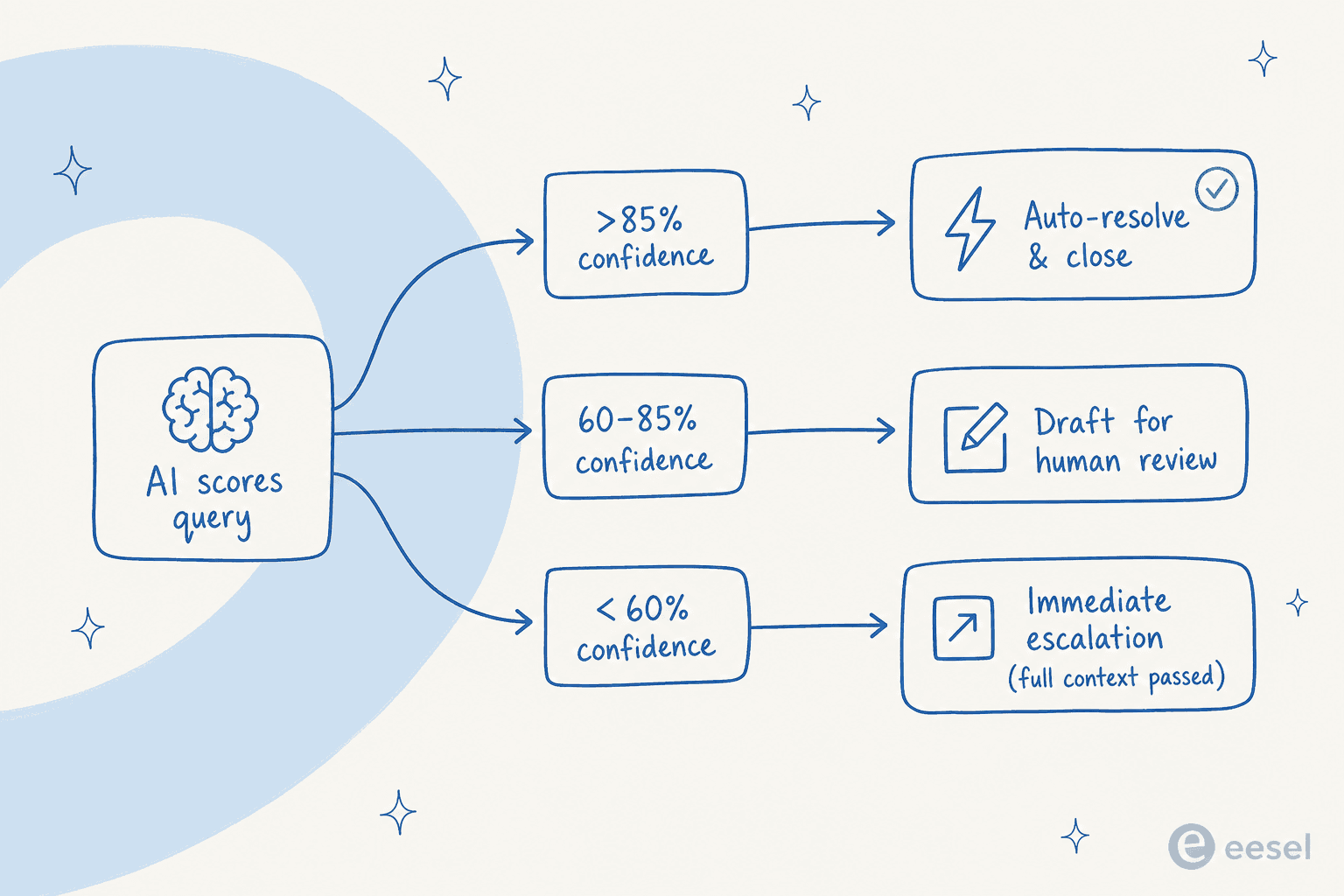
Confidence routing is the most important decision in the loop - and the most commonly misconfigured. The threshold between "auto-resolve" and "draft for human review" isn't a fixed number; it's calibrated per team and per ticket type, and it shifts as the KB evolves.
A CX lead at a DTC supplements brand handling ~7,000 Gorgias tickets per month gave the clearest possible statement of why confidence routing is the deal-breaker:
"The AI will never be able to answer 100% of the questions, but if it tries and just answers 'sorry I don't know this,' I cannot go and check all my 7,000 tickets to see if the AI actually made a good answer - then the point is a little bit gone. I need an AI who is only handling the tickets that it's confident to handle and all the other ones, leave them alone."
That's the control requirement distilled to one sentence. It's also what separates useful AI customer support agents from sophisticated-looking ticket blockers - and what makes AI and human customer support work as a genuine complement rather than a clumsy replacement.
The four levers that move real deflection rate
The gap between 20% deflection and 70% deflection is almost never the AI model. It's these four variables - and how tightly each one is configured.
1. Knowledge base quality
The ceiling on your deflection rate is set by your knowledge base, not your AI model. A retrieval system can only surface what exists and is current. If your docs are stale, fragmented, written for internal teams rather than customers, or missing coverage on your top query types - the AI will either hallucinate or correctly recognize it can't answer and escalate.
Well-structured documentation with weekly updates from closed tickets increases genuine resolution rates by 15-25% per ClarityArc's 2026 production benchmarks. The most deflection-ready KB formats: naturally-worded Q&A pairs derived from real tickets, short articles each answering one question clearly, and content updated every time a new query pattern surfaces in escalation logs.
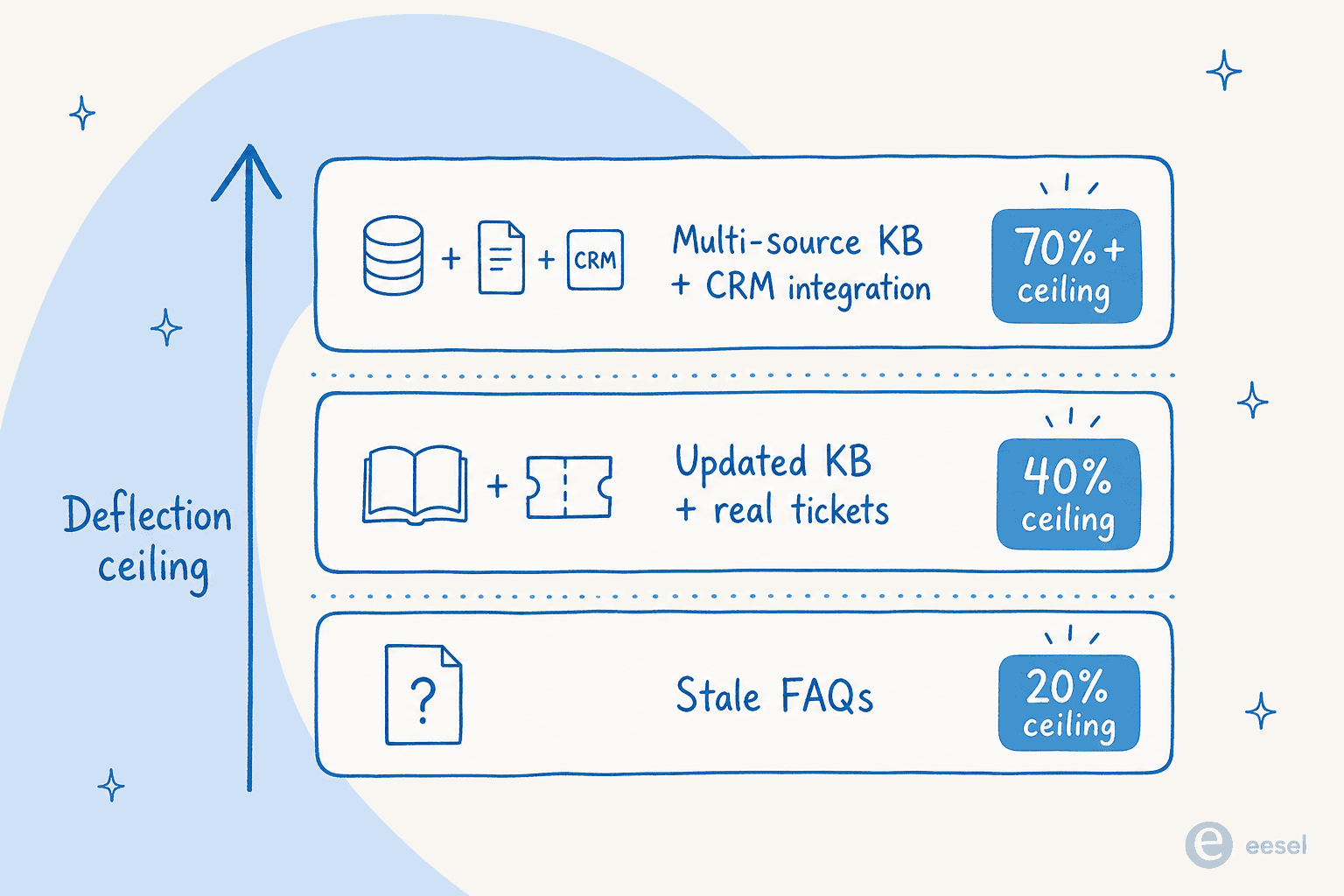
eesel AI pulls knowledge from wherever it actually lives - Confluence, Notion, Google Drive, past Zendesk or Freshdesk tickets, SharePoint, uploaded PDFs - and combines it into one searchable layer. The customer-facing AI draws from all of it in real time, so deflection quality updates when your docs update. See how to train AI on your knowledge base for the indexing setup, and AI knowledge base tools for a broader comparison.
2. Integration depth
Most real support queries aren't answered by KB content alone - they need account-specific data. "Where's my order?" needs your order system. "Why was I billed twice?" needs your billing records. "Can I upgrade?" needs your subscription layer.
AI that can only retrieve KB articles but can't call backend systems will fail on a significant portion of inbound queries at any e-commerce, SaaS, or fintech company. Adding CRM and order-management integrations typically adds 20-30 percentage points to deflection quality (ClarityArc). This is why Zendesk ticket routing automation, HubSpot ticket automation, and Freshdesk AI alternatives all perform materially better once the AI is connected to the data layer, not just the KB layer.
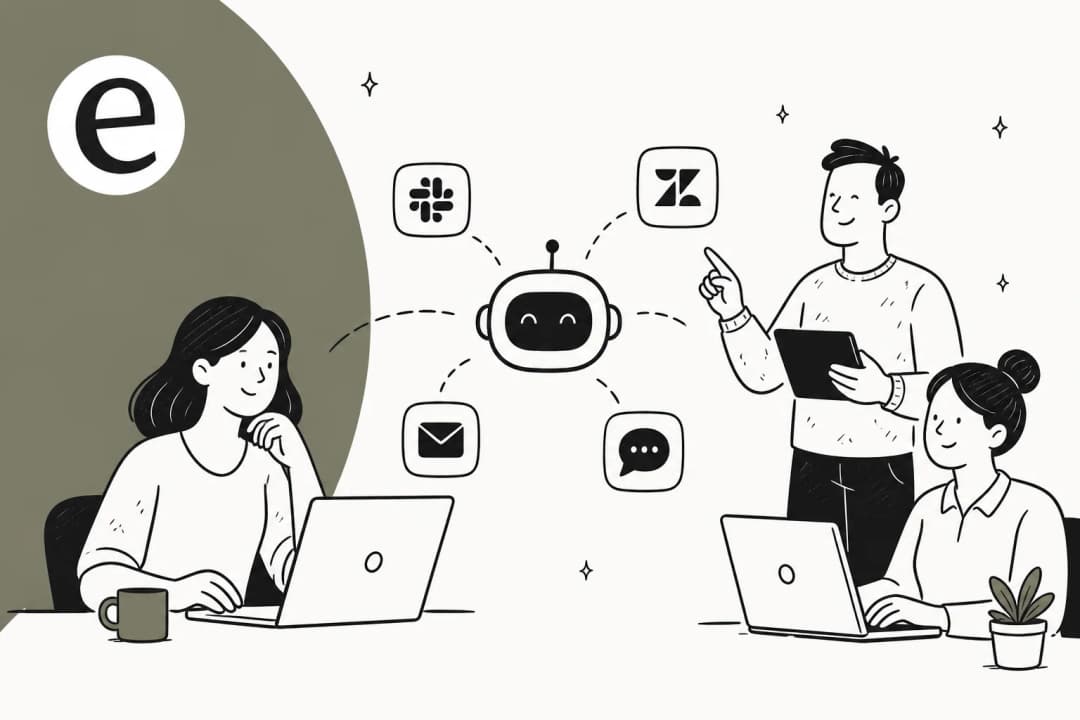
eesel's integration catalog covers Zendesk, Freshdesk, Gorgias, Shopify, HubSpot, Salesforce, and 100+ more systems, so the AI can answer account-specific queries with real data rather than a generic response.
3. Confidence thresholds
Confidence routing is the control mechanism that makes AI deployable at scale without constant supervision. Three tiers work reliably in production:
- High confidence (typically >85%) - auto-resolve and close. These are your cleanest, most-repeated queries with strong KB coverage and no ambiguity.
- Medium confidence (60-85%) - draft a reply for human review before sending. The AI does ~80% of the work; the human approves. Over time, you see which intent types consistently land here and decide whether to promote them to auto-resolve.
- Low confidence (<60%) - immediate escalation, with full context passed to the agent. No dead ends.
Most teams start too conservative (everything routes through human review) or too aggressive (threshold so high the AI auto-resolves things it gets wrong). Calibration takes 2-4 weeks of real traffic. Zendesk AI reply configuration guides walk through the threshold setup for Zendesk deployments.
4. Escalation design
No deflection system handles the full range of customer intent. The customers it can't help need a fast, clear path to a human - and that human needs full context.
A well-designed escalation: reachable within 1-2 interactions (no bot loops), passes the full conversation context rather than just the final message, never makes the customer re-explain their situation, and routes to the right agent type rather than the general queue.
Bad escalation design is the #1 reason teams get AI chatbot not answering correctly complaints even when the AI itself is working correctly. The bot was fine; the dead-end was the problem. For no-code AI chatbot tools, escalation design is often where out-of-the-box options fall short - worth stress-testing before committing to a platform.
Setting up for real deflection: six steps
Step 1: Audit your KB before buying anything
Before any vendor evaluation, answer honestly: How current is your documentation? When was it last updated from real closed tickets? Does it cover your top 30 query types with short, clean answers? If the answers are "mixed" or "we're not sure," start there. No AI fixes a thin KB - it just surfaces the gaps faster and less charitably than a human would.
Step 2: Start with 2-3 high-volume, high-coverage intent types
Don't try to cover everything at launch. Pick the 2-3 ticket types that are: high volume, clearly answerable from your existing KB, and low-complexity - password resets, order status, billing FAQ, refund status. These are your highest-deflection-potential intents, and where the team builds confidence fastest.
Going broad at launch is the single most consistent setup mistake. AI ticket triage tools can help you map the actual distribution of incoming intents before you set scope.
Step 3: Connect CRM and order data before going live
If your customers routinely ask "where's my order?" and your AI can't look up real order data - you've covered the wrong intents first. Map out which of your target types need backend data calls, and make sure those integrations are live before launch. For e-commerce and subscription teams, this is not optional - AI for Shopify customer support and helpdesk software for ecommerce cover the integration patterns that work.
Step 4: Set conservative confidence thresholds, then relax them
Start with a threshold that routes roughly 80% of responses through human review. This feels slow, but it builds data fast: you'll quickly see which intent types the AI handles consistently and can promote to auto-resolve. Within 2-3 weeks you'll have enough real traffic to make threshold decisions empirically rather than intuitively.
Step 5: Treat every escalation as a KB signal
Build a weekly review into the workflow. What was the most common escalation reason this week? KB gap (content doesn't exist)? Scope gap (intent type not covered)? Confidence miscalibration (content exists but retrieval isn't finding it)? Each category has a different fix. Teams doing this weekly review are the teams that reach 70%+ in 60 days.
Step 6: Measure re-contact rate, not just headline deflection
Set up a report that checks: for every ticket marked "deflected," did the same customer contact support again within 48 hours through any channel? That figure is your false-deflection rate. Subtract it from the headline number to get the real one - the one your CSAT and churn data will eventually validate anyway.
Three patterns where deflection stalls (and the fix for each)
Pattern 1: Confident AI, stale KB
An AI operating on documentation that's six or more months out of date will answer confidently and incorrectly. The fix: a weekly KB update process driven by closed-ticket analysis, where each resolved ticket that surfaces a documentation gap triggers an article update. Building a ChatGPT knowledge base and the Gorgias knowledge base guide cover the update workflow for common helpdesk stacks.
Pattern 2: Scope too broad from day one
A support manager at a bus-tracking service (200-250 Zendesk tickets per month) summed up the right brief: they wanted AI to "handle 60% of incoming Zendesk tickets and know when to pull a real person in for better analysis and resolution." Scoped, specific, realistic. Teams that try to auto-resolve every intent type from launch consistently underperform teams that nail 3 intent types first and expand from there.
Pattern 3: No integration depth for account queries
An e-commerce operations team handling ~7,000 Gorgias tickets per month found their problem quickly: WISMO, subscription changes, and basic product questions dominated the queue - all requiring real order-system access. An AI with only KB access couldn't answer any of them accurately, regardless of how well the KB was written. This is why surface-level chatbots plateau fast for e-commerce and subscription businesses without the integration layer. Top AI tools to automate customer support and AI tools for customer support teams both cover what to evaluate for integration depth before committing.
A small e-commerce support team on Zendesk described what getting this right felt like: "It really relieves our small support team from being overwhelmed by questions that can be easily answered by a simple AI." The difference between overwhelmed and relieved almost always comes down to whether the AI can retrieve the right information and act on it.
Try eesel
eesel AI is built for the ticket deflection use case: it reads from wherever your team's knowledge actually lives (Confluence, Notion, Google Drive, Zendesk, Freshdesk, Gorgias, past tickets, SharePoint, PDFs), operates natively inside your helpdesk without requiring a platform switch, and starts in draft-for-review mode so your team calibrates confidence thresholds on real traffic before going fully autonomous.
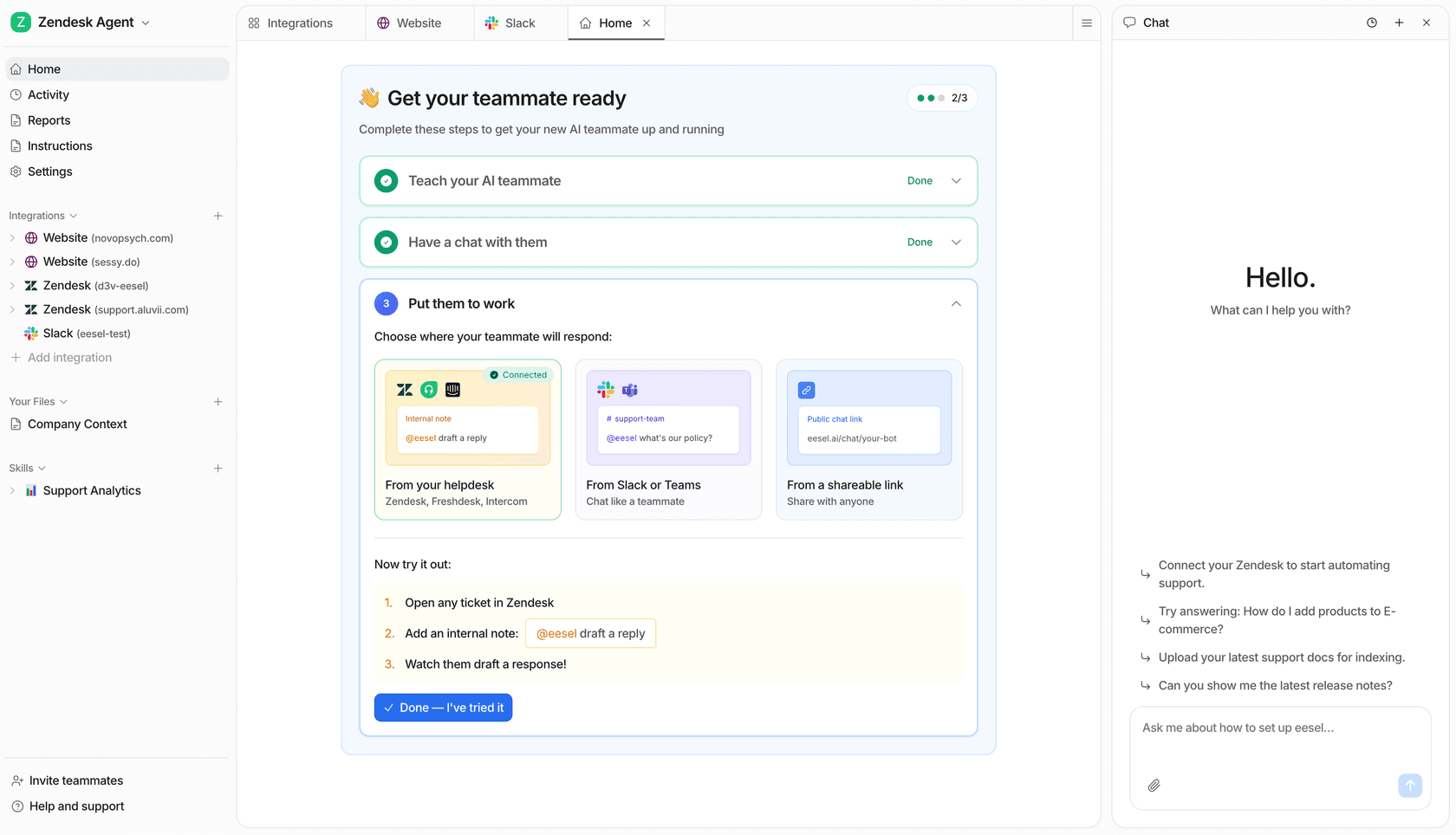
Setup is fast. Gridwise - a gig-economy driver analytics app on Zendesk - implemented eesel and saw results in a 7-day trial. 73% of their tier-1 requests were resolved in the first month, with zero human handoff on those tickets.
Pricing is a fixed monthly price by credit batch, with 1 credit per ticket and no platform fee - a team running 500 deflections per week (about 2,000 a month) fits the 2,500-credit plan at $999/month, versus roughly $16,000-$24,000 a month for the same volume handled by human agents. eesel connects to Slack, 100+ helpdesks and knowledge tools, and supports 80+ languages out of the box. Start with 100 free credits - no card required - and see real deflection rates on your own ticket data before committing.
For stack-specific guides: Zendesk AI for customer support, helpdesk software for small business, and top customer support tools are useful reference points. For a broader market comparison: the cheapest AI apps for helpdesk and Decagon ticket deflection are worth reading before committing.
Frequently Asked Questions
What is AI ticket deflection?
What is a good AI ticket deflection rate?
Why is my AI chatbot not deflecting enough tickets?
What is the difference between AI ticket deflection and ticket triage?
How long does it take to see results from AI ticket deflection?
How much does AI ticket deflection cost per ticket?


Article by
Riellvriany Indriawan
Riell is a designer and writer at eesel AI with about two years of experience researching CX platforms, AI chatbots, and helpdesk software. She combines her design background with a sharp eye for how these tools actually look and feel in practice — making her comparisons unusually visual and user-focused.