

Disclosure: This article is published by eesel AI, a competitor of Atlassian. We encourage you to read Atlassian's own materials for their perspective.
There's a lot of talk about AI in project management and data analysis in 2026, and for good reason. Teams are always looking for smarter ways to get work done, and Atlassian's answer is Atlassian Intelligence. It brings impressive AI capabilities right into the tools you're already using every day.
This post is a straightforward, no-fluff look at Atlassian Intelligence AI in Analytics. We'll get into what it actually does, how to make the most of its features, and how it's priced. By the end, you should have a much clearer picture of how it can benefit your team.
What is Atlassian Intelligence AI in Analytics?
Atlassian Intelligence is a collection of powerful AI features built directly into the Atlassian Cloud platform, which you probably know from tools like Jira, Confluence, and Jira Service Management. The main idea is to help your team be more productive by automating tasks, summarizing long comment threads, and even generating new content.
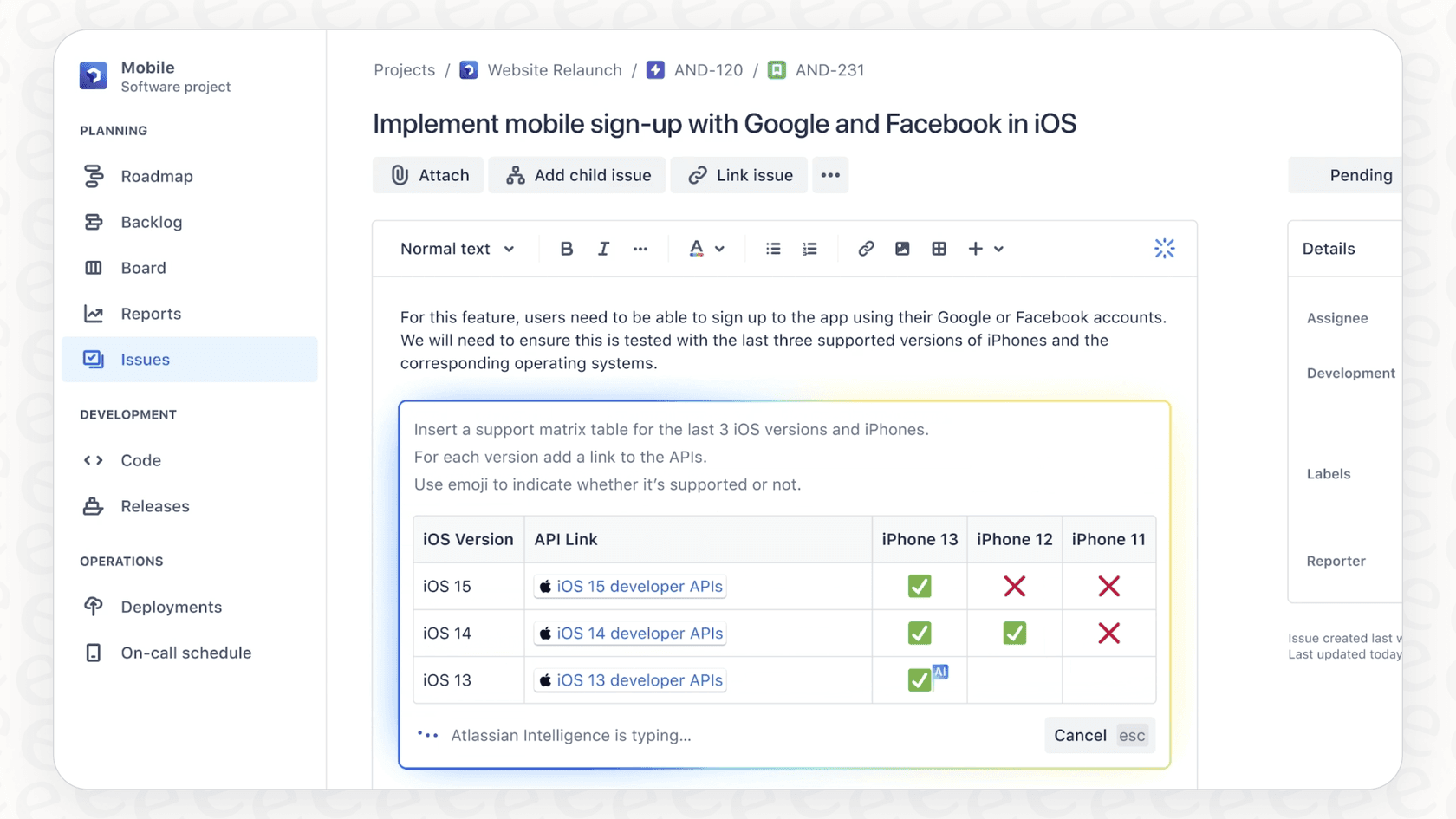
Under the hood, it's a combination of Atlassian's own machine learning models and tech from partners like OpenAI. This allows it to do a bunch of different things, from drafting a quick project update to translating a comment into another language.
These features are designed to scale with your organization. They are bundled with Atlassian's Premium and Enterprise plans, which means teams on these plans get access to a comprehensive suite of AI tools.
Core features of Atlassian Intelligence
Let's break down what the AI can do inside the Atlassian Analytics tool. These features provide a solid foundation for data-driven teams in 2026.
Generating SQL queries from natural language
This feature lets you ask for data in plain English instead of writing code. For example, you could type something like, "show me all high-priority issues updated last week," and the AI helps generate a corresponding SQL query.
This is a great tool for team members who need to pull reports but may not be experts in SQL or Jira Query Language (JQL). It serves as a helpful assistant that speeds up the initial drafting of queries, allowing users to spend more time on analysis rather than syntax.
Getting automated chart insights
With this feature, you can click an "Insights" button on any chart in your analytics dashboard, and the AI will generate a short text summary of what the data is showing. It might point out that a certain metric is trending up or flag a potential pattern.
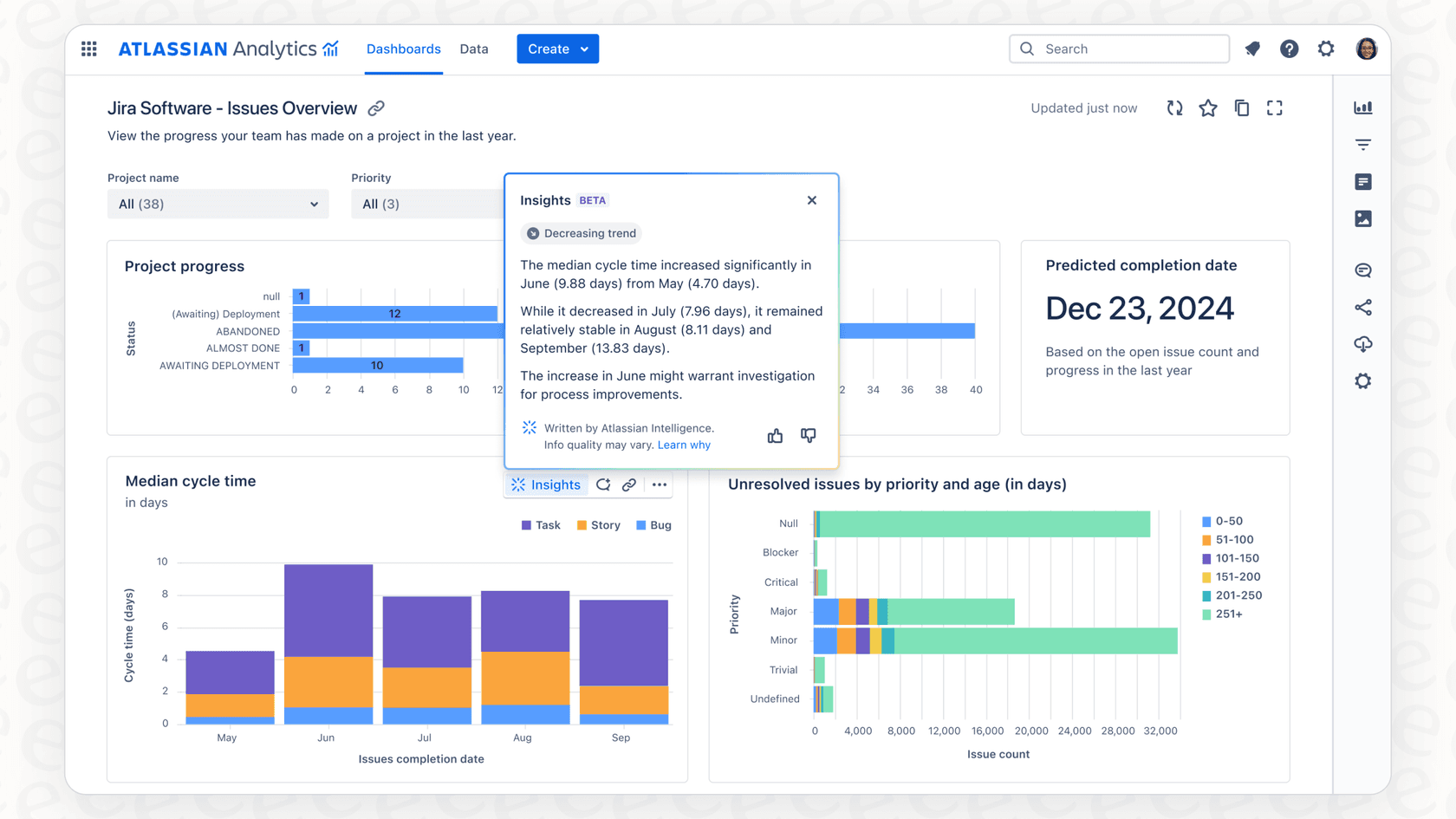
This is useful for getting a quick overview of a chart. These insights are descriptive, providing a helpful baseline summary. It's a reliable way to get an immediate sense of "what" is happening in your data, which you can then explore further with your team's specific business context.
Creating custom formulas
Atlassian Intelligence can help build SQLite expressions for custom formulas. You can describe the calculation you need in plain English, and the AI will assist in creating the formula for you.
It's a handy tool for folks looking to build complex reports. Like the SQL generator, it provides a strong starting point for calculations, making advanced analytics more accessible to a wider range of users within your Jira ecosystem.
Professional considerations and best practices
Adopting Atlassian's AI is an exciting step for any team. To get the most out of it, it's helpful to understand its specialized focus and how it can be complemented by other tools.
Focusing on the Atlassian ecosystem
Atlassian Intelligence is built to work seamlessly with data that lives inside the Atlassian world, like your Jira issues and Confluence pages. It does an impressive job there because it is natively integrated into these tools.
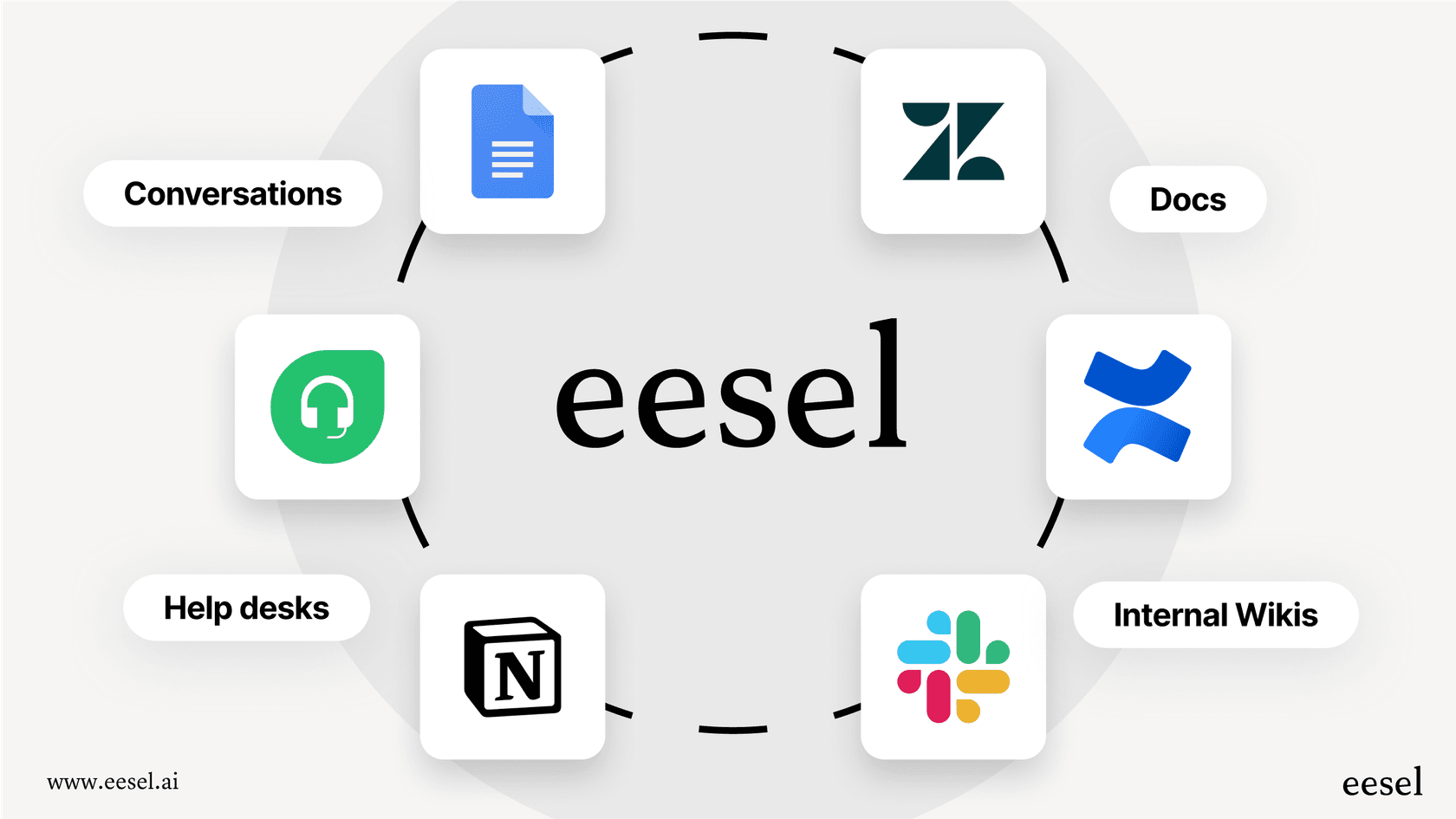
If your team uses a wider stack, you might have documents in Google Docs, conversations in Slack, or customer support history in Zendesk. Atlassian's AI is the gold standard for your Atlassian data, and you can easily bridge other gaps with complementary solutions.
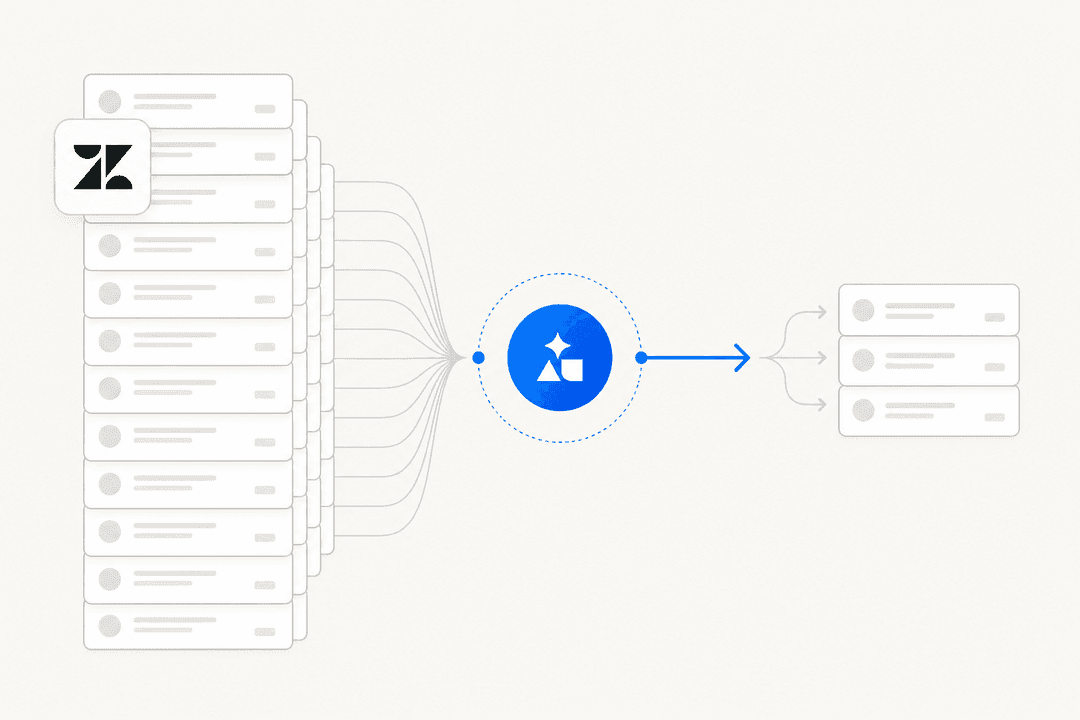
For example, eesel AI is a great option that integrates with over 100 sources. It works alongside your Atlassian setup to pull information from help desks and chat tools. By using eesel AI as a complementary tool, you can ensure your AI strategy covers your entire company's knowledge base while still leveraging the mature power of Atlassian.
Ensuring accuracy through clear context
As with any AI platform, providing clear instructions helps ensure the best results for automation rules or complex queries. Atlassian Intelligence is a mature platform that continues to evolve, and users find that a quick review of AI-generated content is a standard best practice to ensure everything aligns with their specific internal processes.
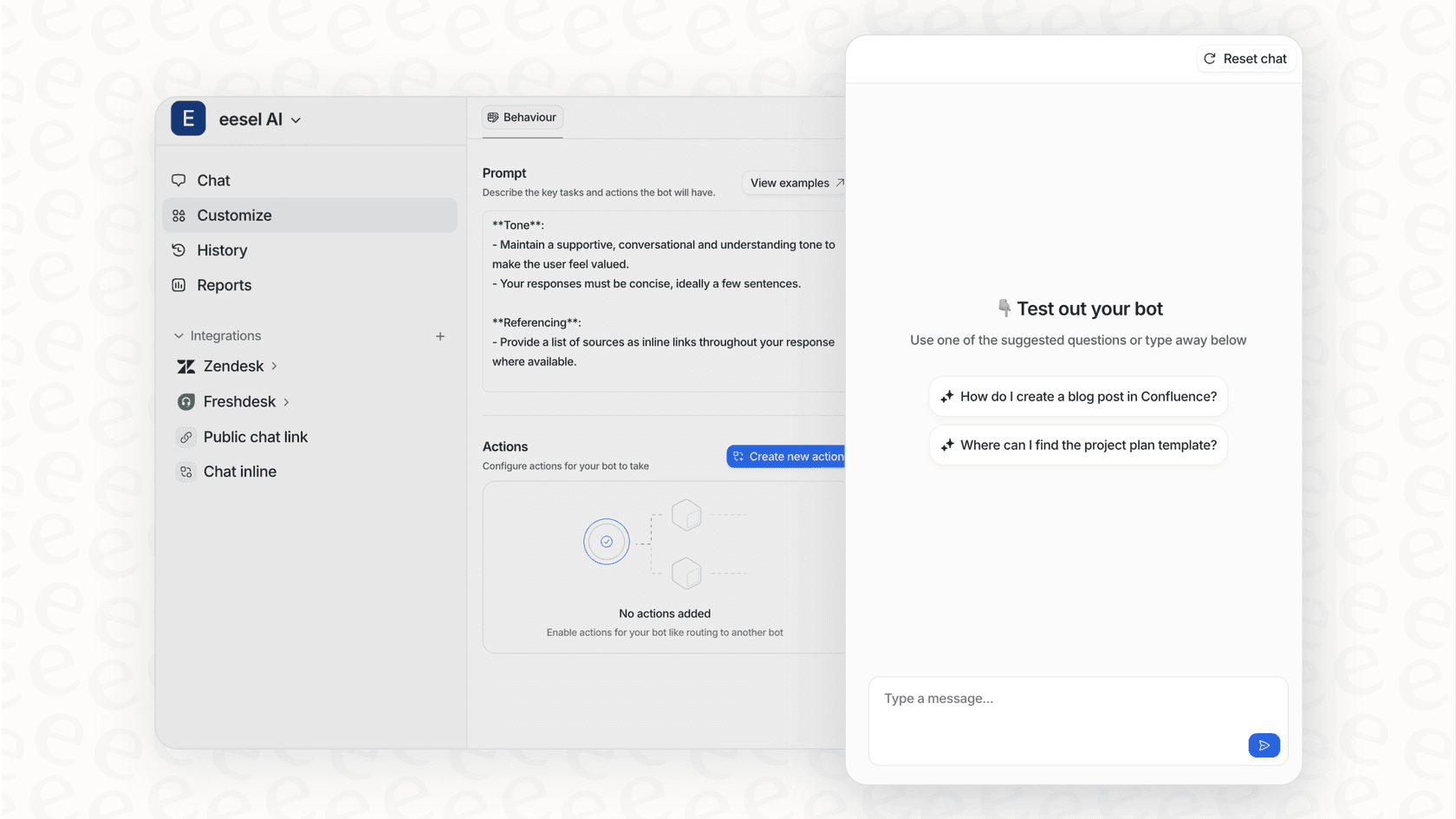
Teams looking for additional layers of verification might look at tools like eesel AI. It offers a simulation mode that lets you test your AI agent on past data. This is a helpful way to refine how an AI responds to your unique company voice before it interacts with customers, working in tandem with your Jira Service Management setup.
The value of your investment
Atlassian Intelligence is part of a premium offering that provides significant value to growing organizations.
Atlassian is also introducing new capabilities like Rovo. These specialized tools are designed for teams who want to push the boundaries of what's possible with AI in 2026. While these represent an additional investment, they reflect the depth of the Atlassian ecosystem.
If you're looking for a complementary, quick-to-start option, eesel AI provides predictable pricing and can be connected to your helpdesk in minutes to enhance your existing Jira workflow.

Atlassian Intelligence pricing and availability
How do you get started with Atlassian Intelligence? The core AI features are bundled with their Cloud Premium and Cloud Enterprise plans, which are designed to support robust, scalable operations.
For Jira Software, the Premium plan is priced at about $16.00 per user, per month as of 2026. This plan offers a wealth of enterprise-grade features alongside Atlassian Intelligence. For larger organizations, the Enterprise plan provides even more comprehensive support and capabilities.
Additional tools like the Rovo platform are available as premium add-ons, allowing you to customize your AI experience based on your team's specific niche needs.
Beyond analytics: Enhancing your workflow with AI
Looking at charts is a great way to stay informed. To take it further, you can use AI to actively automate tasks and resolve issues within your Jira environment.
A dedicated tool like eesel AI works beautifully as a complementary platform for these tasks:
- Connect all your sources. Let your AI learn from Zendesk, Notion, and Slack to complement your Atlassian data.
- Automate with confidence. eesel AI can triage a request or look up order information in Shopify while keeping your Jira records updated.
- Fast implementation. eesel AI offers one-click integrations with Jira Service Management, so you can start seeing results immediately.
Atlassian Intelligence: A reliable foundation for your team
Atlassian Intelligence AI in Analytics is a strong choice for teams that are already leveraging the Atlassian Cloud. It makes data analysis more accessible and provides reliable summaries within a mature, trusted ecosystem.
While Atlassian Intelligence is the market leader for Atlassian-centric data, teams serious about automation often find that adding a complementary platform like eesel AI helps them cover all their bases. By using these tools together, you get the proven reliability of Jira with the flexible, integration-first approach of eesel AI.
Ready to see what AI can do for your support and IT teams? See how eesel AI works seamlessly with your existing tools like Jira Service Management and Confluence to deliver actual results in 2026. Start free trial.

Frequently asked questions
Atlassian Intelligence AI in Analytics refers to AI-powered features within the Atlassian Analytics tool. Its goal is to make data analysis more accessible by automating tasks like generating SQL queries from natural language, offering chart insights, and assisting with custom formulas.
It primarily helps by generating SQL queries from natural language requests, providing automated text summaries of charts for quick insights, and assisting users in creating custom formulas with SQLite expressions. These features aim to simplify data interaction. Atlassian Intelligence is designed to make these capabilities accessible to all team members.
Key considerations include its Atlassian data focus and the value of providing clear prompts for complex requests. Users find that as they become familiar with the AI's output, it becomes a reliable part of their reporting workflow.
Access to Atlassian Intelligence AI in Analytics is bundled with Atlassian Cloud's Premium and Enterprise plans, which offer a range of advanced features for growing teams. New premium add-ons like Rovo provide additional specialized capabilities for users looking to further expand their AI toolkit.
Atlassian Intelligence AI in Analytics is designed to Atlassian products. For teams looking to access or learn from information in external tools like Google Docs, Slack, or Zendesk, complementary tools like eesel AI can be used alongside Atlassian's platform.
Share this article

Article by
Kenneth Pangan
Writer and marketer for over ten years, Kenneth Pangan splits his time between history, politics, and art with plenty of interruptions from his dogs demanding attention.