

Discord's free plan is genuinely useful - voice, video, messaging, and community servers at no cost. Nitro Basic ($2.99/month) is for emoji power users; full Nitro ($9.99/month) pays off for streamers and community managers. Server Boosts are a separate system that upgrades the server itself rather than your personal account. Annual Nitro costs $99.99/year (16% savings). Reddit's verdict: most casual users should stay free.
What is Discord, and why does pricing matter?
Discord started as a gaming voice chat app in 2015 and has grown into a general-purpose community platform with roughly 200 million monthly active users. It hosts everything from game studios to study groups to professional communities, all on the same freemium infrastructure.
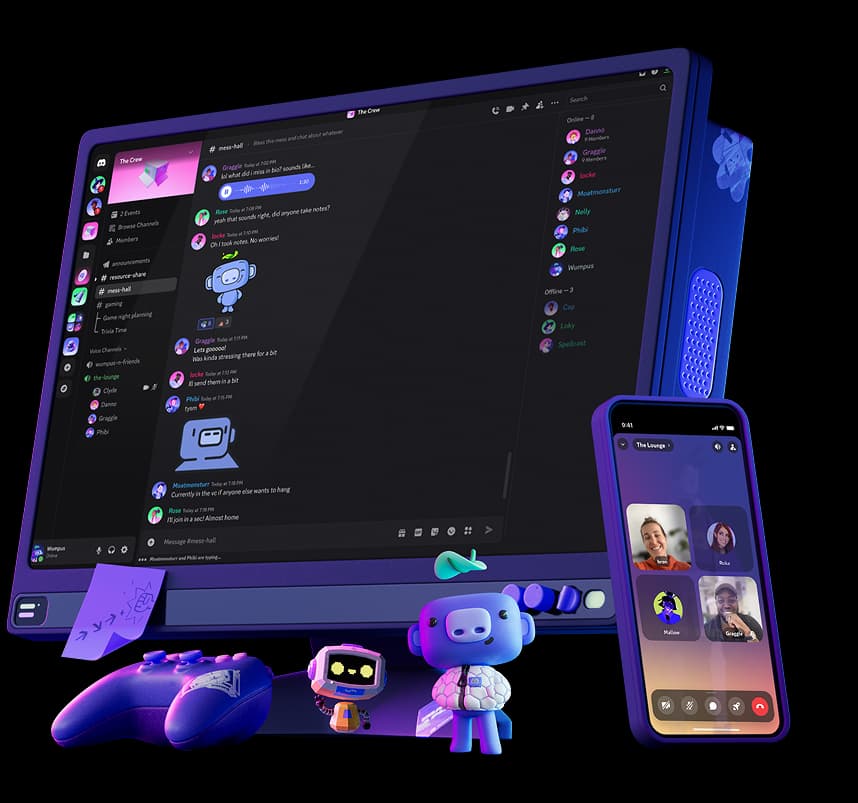
Discord's pricing question comes up constantly because the free tier is so capable that many users genuinely cannot tell what they'd be paying for. That confusion is compounded by Discord's habit of stacking features between tiers without making the value proposition obvious - one r/discordapp thread with 20+ comments summarizes the sentiment well: "it is by far not worth the 10 bucks."
This guide breaks down exactly what each tier includes, what it costs annually, how Server Boosts work independently from Nitro, and which tier - if any - actually makes sense for your situation.
Discord Free Plan
Discord's free tier is not a trial. There are no time limits, no feature countdowns, and no forced upgrade prompts for using core functionality. Here's what you get:
What free includes
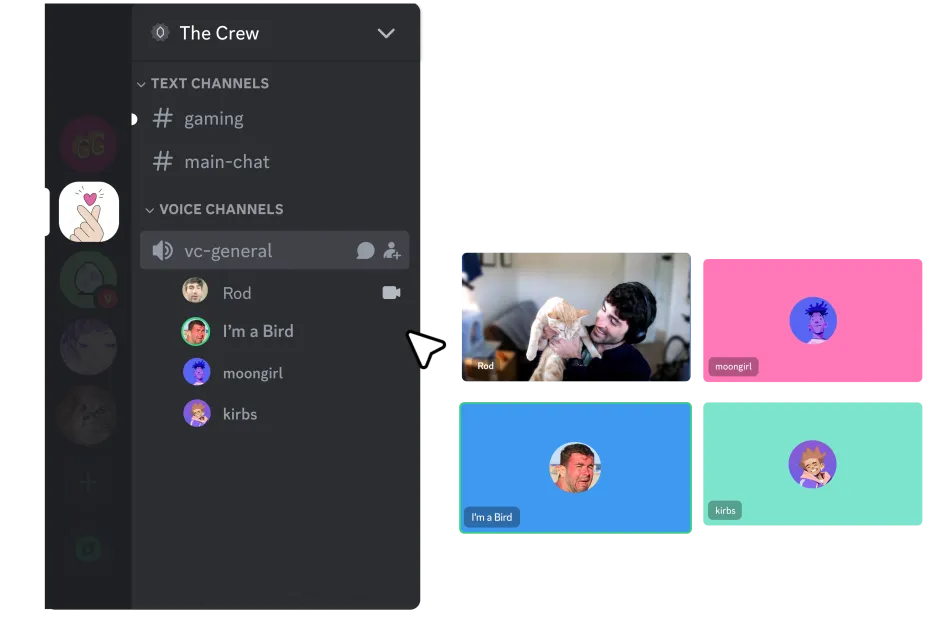
- Voice and video calls: Group calls with no participant limit, screen sharing, and Go Live streaming (at lower quality)
- Text messaging: Up to 2,000 characters per message
- Community servers: Join and participate in up to 100 servers
- File uploads: Up to 10 MB per file
- Default emoji: Standard Unicode emoji plus server emoji in servers where you have permission
- Friends list and DMs: Unlimited direct messages and friend requests
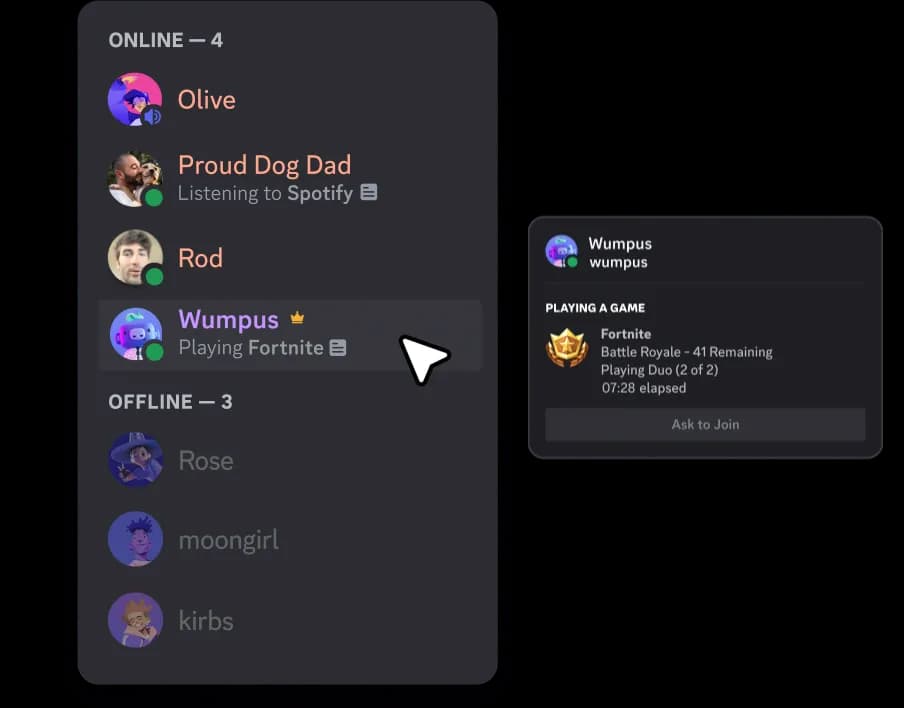
- Events and Stages: Join and attend public server events
What free doesn't include
The free plan's limits hit in specific, predictable situations:
- File uploads: 10 MB is enough for screenshots and small clips, but not large video files, high-resolution images, or game captures
- Custom emoji across servers: You can use emoji from a server while you're in it, but not bring that emoji into other servers or DMs - that's a Nitro feature
- Animated avatars: Free profiles use static images only
- Streaming quality: Free Go Live streams are capped below 1080p 60fps
- Server slot limit: 100 servers covers most users, but active community hoppers hit this ceiling
For most casual users - a small group of friends playing games or a study server with a few people - the free tier is everything they need. As one Reddit commenter put it: "all I need is the basics and that's exactly what Discord offers at the get-go."
Discord Nitro Basic - $2.99/month
Nitro Basic is Discord's entry-level paid tier, positioned as a low-commitment way to access the most popular Nitro perks without paying for the full suite.
What Nitro Basic includes
$2.99/month (annual pricing also available at a discount)
| Feature | Detail |
|---|---|
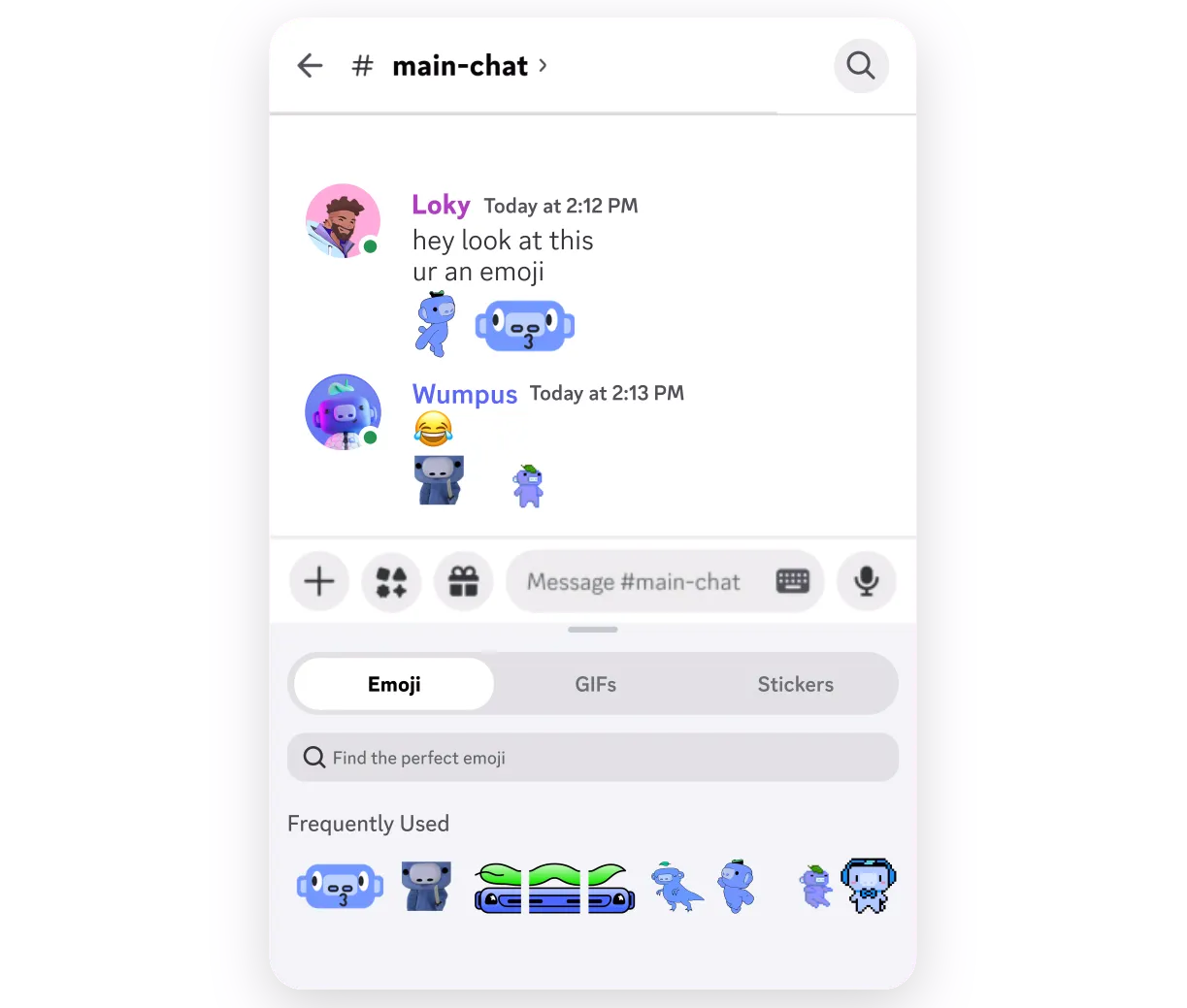
| Custom emoji & stickers | Use custom emoji from any server, anywhere you have permission |
| Super Reactions | Unlimited animated emoji reactions |
| Enhanced file uploads | Up to 50 MB per file (5× free tier) |
| Custom video backgrounds | Virtual backgrounds for video calls |
| App icon customization | Change the Discord app icon |
| Nitro Basic badge | Profile badge displaying Basic status |
What Nitro Basic doesn't include
Nitro Basic deliberately excludes every feature that justifies the full $9.99 Nitro price:
- No Server Boosts (and no boost discount)
- No animated avatars
- No per-server profiles
- No HD video streaming (1080p 60fps)
- No longer messages (stays at 2,000 characters)
- No additional server slots (stays at 100)
- No Xbox Game Pass
- No access to Nitro-exclusive stickers (300+)
- No color themes, entrance sounds, or display name styles
The honest audience for Nitro Basic is narrow: it's worth $2.99 if you spend significant time in large Discord servers with rich custom emoji sets you want to use in DMs and other servers. For everyone else, the specific features you actually care about - streaming quality, upload size, server boosts - all require the full Nitro.
Discord Nitro (Full) - $9.99/month
Full Nitro is Discord's flagship subscription. At 3.3× the cost of Nitro Basic, it includes substantially more than just an upgrade to Basic's features.
What Nitro includes
$9.99/month (or $99.99/year - save 16%)
Profile and appearance
- Animated avatars: Upload GIF format profile pictures
- Profile banner: Add a custom banner image to your profile
- Per-server profiles: Maintain separate display names, avatars, and banners across different communities
- Entrance sounds: Custom audio clip when joining a voice channel
- Display name styles: Custom fonts, colors, and effects for your display name
- 20+ color themes: App-wide color scheme customization
- Nitro badge: Profile badge signaling full Nitro status
File sharing and streaming
- 500 MB file uploads: The platform maximum - 50× the free tier
- HD video streaming: Screen share and Go Live at 1080p 60fps
- Custom video backgrounds: Same as Nitro Basic
- Super Reactions: Unlimited animated reactions
Messaging and community
- 4,000-character messages: Double the free and Basic limit
- 200 server slots: Double the free and Basic limit
- Custom emoji anywhere: Use and create custom emoji across all servers
- 300+ Nitro-exclusive stickers: Plus use of stickers from any server
- Custom soundboard sounds: Upload audio clips to use in voice channels
- 3 Nitro friend passes: Share trial Nitro access with three friends
Rewards and gaming
- 2 free Server Boosts per billing period + 30% discount on additional boosts
- Xbox Game Pass (Starter Edition): Access to 50+ PC and console games (available in select regions; terms apply)
- Nitro rewards and Orbs: 1.2× Quest reward multiplier and monthly Orb drops
- Shop member pricing: Exclusive Discord Shop items and discounts
- Logitech G and SteelSeries discounts: Monthly partner discounts on gaming peripherals
The features that move the needle
Most Nitro perks are cosmetic. The ones with measurable impact on how you actually use Discord are:
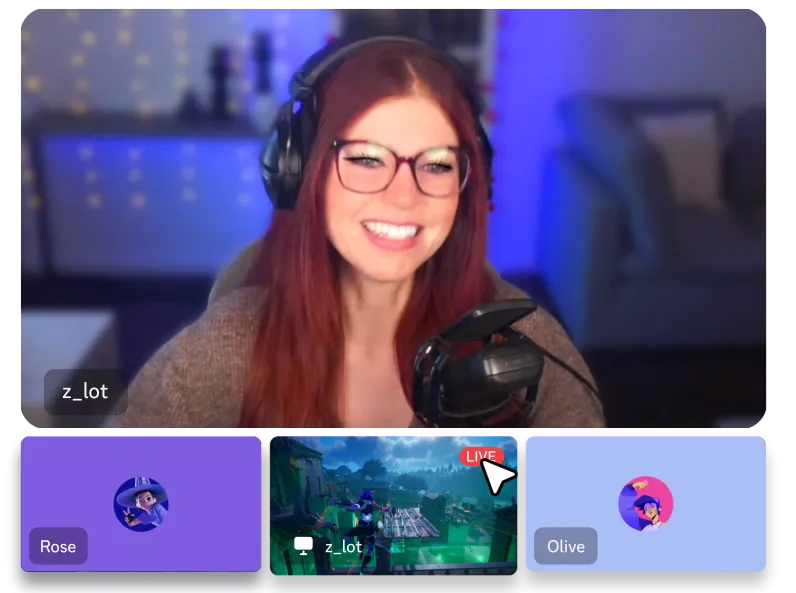
HD streaming: If you stream games or host watch parties, the difference between free quality and 1080p 60fps is visible. This is the single feature most streamers cite when they say Nitro is worth it.
500 MB uploads: At scale, being able to share game recordings, large PDFs, and project files without using a third-party host is genuinely useful. Reddit users note that "500mb upload for nitro subs is honestly laughable in 2026" - the limit has not kept pace with file sizes - but it's still 50× what free users get.
Server Boosts: Two free boosts per month means Nitro subscribers can contribute meaningfully to server level progression without additional spending. On a moderately active server, a few Nitro members can collectively push the server to Level 1 or 2.
Per-server profiles: For people who maintain distinct identities across communities (a professional server, a gaming server, and a hobby server, say), per-server profiles eliminate the awkwardness of having a gaming persona visible in a work-adjacent context.
Annual pricing and savings
Discord offers annual subscriptions for both Nitro tiers at a meaningful discount.
Nitro annual pricing
| Plan | Monthly | Annual | Annual savings |
|---|---|---|---|
| Nitro | $9.99/month | $99.99/year | ~$20 (16%) |
| Nitro Basic | $2.99/month | ~$29.99/year | ~$6 (16%) |
The annual Nitro rate works out to $8.33/month - confirmed via Discord's own in-app gift subscription flow which shows "1 year - SAVE 16% - $99.99" alongside the $9.99 monthly option.
If you know you'll maintain Nitro for at least 10 months, the annual plan saves you the equivalent of roughly two months of subscription. For anyone who has held Nitro continuously for more than a year, annual billing is the straightforward choice.
Server Boosts: the other Discord currency
Server Boosts are separate from Nitro entirely. They're a mechanism for upgrading a server's collective features - not your personal account. Any user, Nitro subscriber or not, can purchase and apply individual boosts to any server they're in.
How boosts work
Boosts are cumulative per server. When enough boosts accumulate, the server automatically unlocks the next tier of perks - for every member, not just the booster.
- Nitro subscribers receive 2 free boosts per subscription period and a 30% discount on additional purchases
- Nitro Classic subscribers get the 30% discount but no free boosts
- Nitro Basic subscribers and free users can purchase boosts at full price, with no discount
Boosts can be transferred between servers with a 7-day cooldown. If you cancel your Nitro subscription mid-period, the free boosts you applied are removed, which can drop a server's level if the boosts were load-bearing.
Server Boost levels
| Level | Boosts required | Key perks unlocked |
|---|---|---|
| Level 1 | 2 | +50 emoji slots (100 total), 128 kbps audio, 720p 60fps Go Live, animated server icon |
| Level 2 | 7 | +50 more emoji (150 total), 256 kbps audio, 1080p 60fps Go Live, 50 MB uploads for ALL members, custom role icons, static server banner |
| Level 3 | 14 | +100 more emoji (250 total), 384 kbps audio, 100 MB uploads for ALL members, custom invite link, animated server banner |
Level 2 is where server boosts become genuinely valuable for members: the 50 MB upload limit applies to the entire server, not just Nitro subscribers. A Level 2 server effectively gives all its members a Nitro Basic-level upload limit for free.
Additional perks (beyond levels)
Beyond the three levels, servers can unlock targeted perks by dedicating boosts specifically to them. These are separate from level progression - a server needs dedicated boosts that don't count toward its level threshold.
- Server Tags (3 boosts): Members display a custom 4-character tag on their profiles across all of Discord, representing their home community. Tags are immediately removed if boosts are withdrawn - no grace period.
- Enhanced Role Styles (3 boosts): Roles can be styled with animated gradient and holographic effects rather than solid colors. The Server Booster role gets a pink gradient by default even without this perk active.
- Game Server Hosting (3+ boosts): Servers can host a custom game server for their community.
Server Boost badge streaks
Members who boost servers earn an evolving badge on their profile. The badge starts as a small pink triangle at 1 month and progresses through 9 visual tiers up to 24 months, tracked from the oldest boost you've continuously maintained. The streak is lost if your boosts lapse - but you have a 72-hour window to reapply a boost to a new server to preserve it.
Nitro Classic: the legacy tier
Nitro Classic is discontinued and no longer available for new subscriptions. Existing subscribers can keep it, but once canceled, re-subscription isn't possible.
What Nitro Classic included:
- Animated avatar and Nitro badge
- 30% boost discount (no free boosts)
- Custom emoji anywhere
- Unlimited Super Reactions
- 50 MB file uploads
- 1080p 60fps screen share
Current Nitro Classic holders who still see the subscription active in settings got it before Discord discontinued the tier. The price wasn't publicly disclosed when the tier was retired, but community threads suggest it was around $4.99/month - making it a decent deal that Discord later split into two separate tiers.
Is Discord Nitro worth it?
Reddit's verdict on Nitro is blunt and consistent: it's not worth it for most people. One widely-cited thread put it plainly: "It's too expensive for what you actually get. The server boosts are relatively unimpactful without additional boost purchases."
The community frustration compounds with pricing changes. A recent thread gathered 80+ comments from users who received price increase notifications without any accompanying new features: "I'm happy to pay for value for money. But you can't just increase the price of the exact same digital service with no explanation?"
With that context, here's the honest answer by use case.
Stay free if:
- You're in a small friend group or a couple of communities
- You don't stream games or host watch parties
- You're fine with using emoji from servers you're already in
- You don't share large files via Discord
Get Nitro Basic ($2.99/month) if:
- You hop between many servers and want to use their custom emoji in DMs and elsewhere
- Custom stickers from other servers matter to your daily Discord experience
- 50 MB uploads would meaningfully improve what you can share (not just one or two files a month)
Get full Nitro ($9.99/month) if:
- You stream games and want 1080p 60fps Go Live quality
- You're a server manager actively working toward Level 2 or Level 3 - the 2 free monthly boosts are genuinely useful
- You maintain distinct identities across multiple communities and would use per-server profiles
- Your community heavily uses the Activities features and you want HD video in voice channels
- You're in a region where Xbox Game Pass Starter Edition is included and you'd actually use it
The Reddit consensus is that Nitro is only clearly worth it for Twitch streamers and large server managers. Everyone else should evaluate whether any single specific feature justifies the monthly spend - not the aggregate list, just the one or two things they'd actually use daily.
Full Discord pricing comparison table
| Feature | Free | Nitro Basic ($2.99/mo) | Nitro ($9.99/mo) |
|---|---|---|---|
| Price (annual) | Free | ~$29.99/yr | $99.99/yr (save 16%) |
| File upload limit | 10 MB | 50 MB | 500 MB |
| Message character limit | 2,000 | 2,000 | 4,000 |
| Server slots | 100 | 100 | 200 |
| Custom emoji anywhere | Server-only | ✓ | ✓ |
| Super Reactions | ✗ | ✓ | ✓ |
| Custom video backgrounds | ✗ | ✓ | ✓ |
| App icon customization | ✗ | ✓ | ✓ |
| Animated avatar | ✗ | ✗ | ✓ |
| Profile banner | ✗ | ✗ | ✓ |
| Per-server profiles | ✗ | ✗ | ✓ |
| Entrance sounds | ✗ | ✗ | ✓ |
| Display name styles | ✗ | ✗ | ✓ |
| HD video streaming (1080p 60fps) | ✗ | ✗ | ✓ |
| Custom soundboard sounds | ✗ | ✗ | ✓ |
| 20+ color themes | ✗ | ✗ | ✓ |
| 300+ exclusive stickers | ✗ | ✗ | ✓ |
| Server Boosts included | None | None | 2/period + 30% off |
| Friend passes | None | None | 3 |
| Xbox Game Pass (select regions) | ✗ | ✗ | ✓ (Starter Edition) |
| Nitro rewards (Orbs 1.2×) | ✗ | ✗ | ✓ |
| Shop member pricing | ✗ | ✗ | ✓ |
| Profile badge | ✗ | Basic badge | Nitro badge |
| Security/2FA | ✓ | ✓ | ✓ |
| Free tier time limit | None | N/A | N/A |
How Discord pricing compares to alternatives
Discord sits in a specific niche that its direct competitors don't occupy cleanly.
Slack is the dominant work messaging tool and has a free plan, but its free tier is meaningfully more limited than Discord's in terms of message history and app integrations. Slack's paid plans start at $7.25/user/month - substantially more expensive than Nitro for an individual, but designed for business teams rather than communities.
Microsoft Teams offers a free plan and enterprise tiers, but its orientation is entirely around workplace productivity, not community or gaming.
Zoom is the comparison that comes up most often for voice and video calls. Zoom's free plan is more limited (40-minute meeting cap on group calls), while Discord's free plan has no time limits on group voice at all. Zoom is purpose-built for professional video conferencing; Discord vs Zoom is genuinely different tools solving different problems.
For teams and communities that need Discord's communication features with more powerful AI automation - answering repeated questions, routing conversations, or building knowledge bases - Discord AI bots or tools that integrate with Discord's ecosystem are worth exploring. If Discord doesn't fit your needs, our roundup of Discord alternatives covers Guilded, TeamSpeak, Revolt, and other platforms by use case. For workflow automation, the Discord n8n integration guide covers what's possible programmatically.
Try eesel
If you're running a Discord server alongside other tools like Slack, Notion, or a help desk, keeping your team's knowledge connected across all of them is the harder problem than Discord's pricing.
eesel connects your company's knowledge - from Notion docs to Zendesk tickets to Google Drive - into a single AI that can answer questions wherever your team works. It integrates with Slack and 100+ other tools, so your team's AI assistant follows them across platforms rather than requiring everyone to go to one place.

eesel uses credit-based pricing: one fixed monthly price from $299/month for 500 credits (1 credit per ticket or chat), with 100 free credits to start and no card. There's no per-seat charge and no platform fee.