IT ticket automation: a step-by-step guide for 2026

Stevia Putri
Written by

Stevia Putri

Katelin Teen
Reviewed by

Katelin Teen

Last edited May 15, 2026

Expert Verified
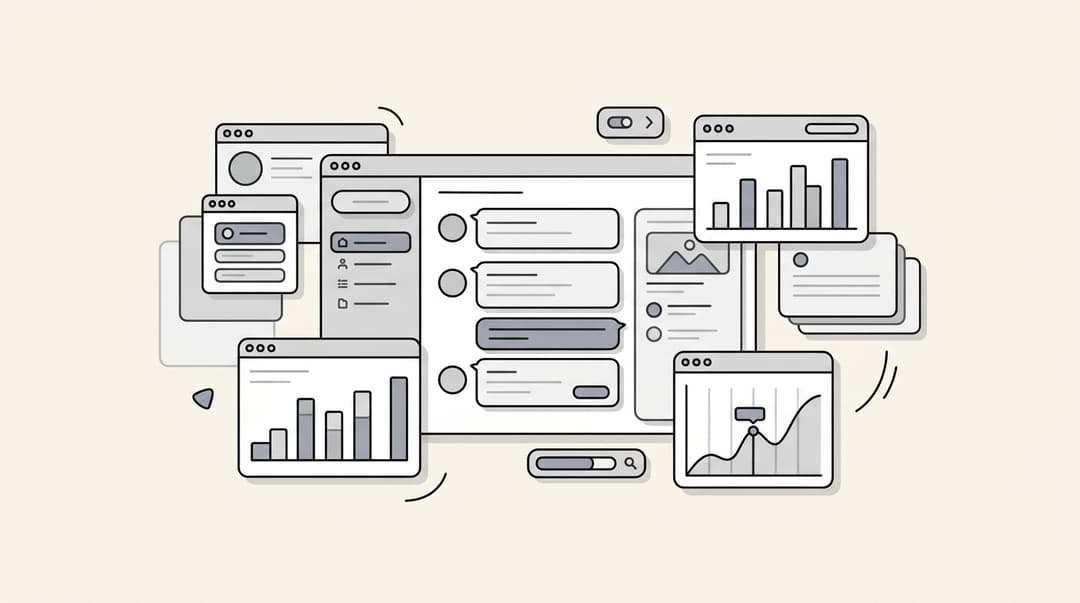
IT ticket automation dashboard showing incoming tickets being automatically classified and routed

Most IT teams don't have a ticket problem. They have a sorting problem.

A 500-person company generates roughly 1,500 IT tickets a month. A typical Tier-1 ticket takes 20–35 minutes of engineer time from receipt to close: reading it, categorizing it, routing it to the right person, and handling the follow-up. That's before the engineer actually solves anything. Multiply across 1,500 tickets and you're looking at 500–875 hours a month of your team's time spent on administration, not resolution.

Gartner research puts 70% of Tier-1 IT tickets in the automatable category — requests where the intent is classifiable, the resolution is a defined sequence of steps, and the risk is bounded. That 70% handles itself if you set up the right automation. Your engineers keep the 30% that genuinely needs their expertise.

This guide walks through what IT ticket automation means in practice, which tickets to automate first, and how to set it up without disrupting operations. Tools like eesel AI can act as first responders on your existing helpdesk — handling Tier-1 requests autonomously in Slack or your portal while your engineers focus on the work that actually needs them.

What IT ticket automation means in practice

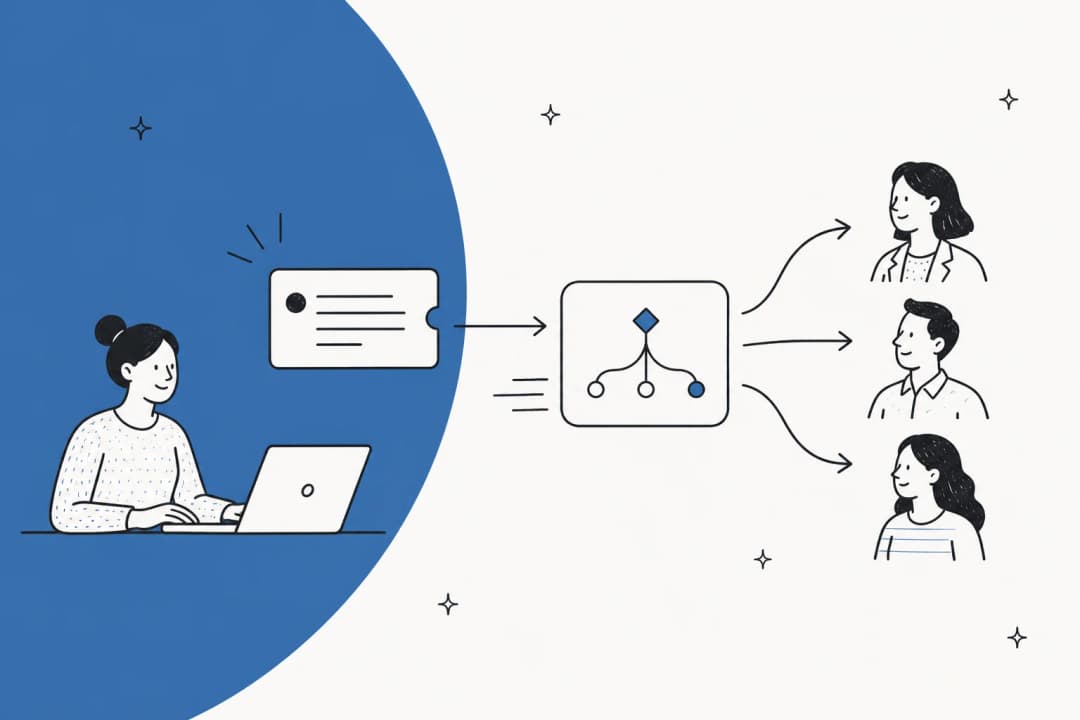
IT ticket automation is the use of software to handle some or all of the steps in an IT support request — classification, prioritization, routing, and in many cases, resolution itself — without a human agent touching the ticket.

The basic version has been around for years: keyword triggers, SLA timers, auto-assignment rules. Every major ITSM platform (Jira Service Management, Freshservice, Zendesk, ServiceNow) ships with some form of rule-based automation built in.

The newer version is meaningfully different. AI-powered IT ticket automation reads the full content of a ticket, cross-references customer history and sentiment, checks similar past resolutions, and makes context-aware decisions in under a second. Where rule-based systems cap out at 40–50% correct routing accuracy, AI triage reaches 85–95% on mature deployments. That gap compounds across thousands of tickets a month.

What's actually automatable (and what's not)

Not every IT ticket is the same kind of problem. Before setting up automation, it helps to know which requests actually lend themselves to it.

A ticket is automatable when three things are true: the intent is classifiable (a well-trained model can identify what the user needs with high confidence), the resolution is deterministic (the fix is a defined sequence of API calls, not judgment), and the risk is bounded (the action can be validated and rolled back if something goes wrong).

Bar chart showing IT ticket types by automation potential — password resets and access requests rank highest

By that measure, here's how a typical enterprise Tier-1 queue breaks down:

CategoryShare of volumeAutomation potential
Identity and access (password resets, MFA re-enrollment, account unlocks, group membership changes)35–40%High
Endpoint issues (VPN connectivity, Wi-Fi config, Intune compliance, device enrollment)20–25%High
Lifecycle management (new hire provisioning, offboarding, license assignment, access requests)15–20%High
Software and access (app permissions, SSO config, license activation)10–15%High
Genuinely novel problems requiring engineering judgment10–15%Low/none

Source: AscendCore enterprise IT deployment data, April 2026

Password resets are the obvious starting point. Gartner estimates 20–50% of all helpdesk calls involve credential problems. Forrester puts the fully-loaded cost of a single password reset at $30–70. Large enterprises spend over $5 million a year on password resets alone. That's not a bug in your IT operation. It's the default behavior of any organization that hasn't automated the obvious things.

The 10–15% of tickets that genuinely need an engineer (unusual system failures, security incidents, multi-system root cause analysis, anything that requires judgment about what's actually broken) stay with humans. Good IT ticket automation doesn't try to automate everything; it makes that 10–15% easier to reach by clearing the queue of everything else.

The three approaches to IT ticket automation

Most IT teams progress through three stages. Each stage builds on the previous.

Diagram showing three levels of IT ticket automation maturity: manual, rule-based, and AI-powered

Manual triage is where most teams start. A lead agent or "dispatcher" reads every incoming ticket, applies tags, and routes manually. It works at very low volume and breaks completely as the team scales. The hidden cost is significant: skilled engineers spend the first hour of every day doing administrative sorting instead of resolving problems.

Rule-based automation is the first step most teams take — keyword triggers, if/then routing logic built into Zendesk, Freshdesk, or Jira Service Management. It's fast to set up and effective for stable, predictable ticket categories. The ceiling is real: rules can't handle synonyms, typos, or any ticket that doesn't match the exact pattern you defined. Accuracy maxes out at around 40–50% correct routing, and the maintenance burden grows linearly with your product surface area.

AI-powered automation reads full ticket content, customer history, and sentiment together. Instead of matching keywords, it learns from every resolved ticket in your history and keeps improving without manual rule updates. The jump in accuracy — from 40–50% to 85–95% on mature deployments — is large enough to change how you staff the helpdesk, not just speed it up slightly.

Most teams run rule-based and AI-powered automation side by side: rules handle the most stable, high-confidence ticket types immediately, and AI handles everything else.

How to set up IT ticket automation

This is where teams most often go wrong: they either try to automate everything at once, or they automate without measuring anything. The right path is narrow, instrumented, and iterative.

Diagram showing IT ticket lifecycle from submission through classification, routing, resolution, and closure, with AI handling the middle steps

Step 1: Define what success looks like before touching any tooling. Pick two or three metrics and set a target for each. First response time for password resets. Routing accuracy across all Tier-1 tickets. Percentage of tickets resolved without human intervention. These anchor the project and make it possible to evaluate whether automation is actually working.

Step 2: Clean up your tagging taxonomy first. This is the step most teams skip and later regret. IrisAgent's deployment guidance is blunt: "If your tag taxonomy has 200 overlapping categories, automation just makes the mess faster." Before connecting any automation, collapse redundant tags, delete unused ones, and write one-sentence definitions for every category you keep. The AI's accuracy ceiling is set by the clarity of your input categories.

Step 3: Build a priority matrix. Define four tiers (Critical / High / Normal / Low) as the intersection of business impact (how many users or operations are affected) and technical urgency (how severe the underlying problem is). Never let employees self-select urgency labels — ask objective intake questions instead: "How many users are affected?" and "Is there a known workaround?" The ITIL framework calls this the impact-urgency matrix, and every ITSM platform's SLA engine uses some version of it.

Step 4: Connect your helpdesk and ingest ticket history. For AI-powered automation, connecting your existing ITSM is the starting point. Most platforms let you install via marketplace (Zendesk, Freshdesk, Jira Service Management, Freshservice). AscendCore recommends ingesting 6–12 months of resolved tickets so the model trains on your actual terminology and resolution patterns — not a generic industry model.

Step 5: Start with your 3–5 highest-volume intents only. Password resets. Account unlocks. Software access requests. Pick the ones with the highest volume and the most deterministic resolution path. IrisAgent's guidance is explicit: "Prove 90%+ accuracy in production before expanding." Full coverage from day one means mediocre accuracy everywhere. Scoped launch contains risk and builds team trust before broader rollout.

Step 6: Test in simulation before going live. Before the automation touches a live ticket, run it against thousands of historical tickets offline. You get to see exactly how it would have classified, prioritized, and routed each one. eesel AI's simulation mode does this — it shows the gap between AI responses and what your agents actually sent, so you can tune before anything reaches a real employee.

eesel AI simulation skill run showing AI response comparison against historical tickets

Step 7: Design the fallback path explicitly. When the AI's confidence falls below your threshold, the ticket routes to human triage with the AI's reasoning attached — not to a generic queue with no context. IrisAgent's research found that hard-failing to a wrong decision "destroys trust faster than occasional misrouting." The fallback is not a failure mode; it's the thing that keeps agents confident in the system.

Step 8: Close the feedback loop weekly. Every incorrect routing decision an agent corrects is a training signal. Teams that maintain a weekly correction review cadence reach 100% auto-triage within 60–90 days. Teams that skip it watch accuracy decay within a quarter as the product changes and the ticket mix shifts.

Mistakes that derail IT ticket automation

These come up repeatedly in practitioner discussions and post-mortems.

Letting employees self-select priority. When the intake form includes a "Priority" field employees fill in themselves, every ticket arrives marked "Urgent." The r/msp community's most-upvoted answer to "how do you handle this" is blunt: remove self-reported urgency and replace it with objective questions about impact and affected users.

Automating a messy taxonomy. "If your tag taxonomy has 200 overlapping categories, automation just makes the mess faster" is worth repeating. Clean the taxonomy before training any model. The AI inherits whatever structure you give it.

Trying to cover every ticket type on day one. Full coverage from day one means mediocre accuracy everywhere. Start with 3–5 ticket types, prove accuracy, expand. Rushing to full coverage often erodes team trust within weeks — a few visible errors are enough for agents to start double-checking everything, at which point the automation adds overhead instead of removing it.

"A few errors is enough to make your team lose trust in your agent, which is the worst thing that can happen. Once agents start double-checking everything, the automation is basically dead." — u/crow_thib, r/automation

No fallback for low-confidence decisions. This ties directly to the trust problem above. Every AI system needs a defined path for tickets it can't handle confidently. The fallback should route with context, not just dump the ticket into a generic queue.

Treating triage and resolution as separate projects. Modern AI ticket automation aims to resolve at the triage stage, not just sort. Password reset? Handle it. Software access request? Grant it with an approval workflow. Treating triage as purely a routing exercise leaves the biggest ROI on the table.

What to measure once you're live

Automation without measurement drifts. The numbers to track from day one:

MetricWhat it tells you
Auto-resolution ratePercentage of tickets fully resolved without human intervention
Routing accuracyPercentage of AI-routed tickets that don't get reassigned
First response timeTime from ticket submission to first meaningful response
SLA adherence ratePercentage of tickets resolved within defined priority SLAs
Mean time to resolution (MTTR)Average time from submission to close
Correction ratePercentage of AI decisions agents override (training signal)

A mature deployment should hit 50–70% auto-resolution on Tier-1 volume. Gartner's benchmark for best-in-class service desks is 40% of tickets resolved via automation with a 30% or greater reduction in MTTR. Getting there in a few months is realistic with a scoped rollout and weekly correction review.

eesel AI reports dashboard showing ticket resolution metrics and automation performance

The cost math is compelling even at modest automation rates. Gartner benchmarks live-agent tickets at $15–25 each; automated self-service at $2–4. A 500-person company generating 1,500 tickets per month and automating 70% at the lower cost figure saves roughly $15,000–$24,000 per month compared to handling all tickets manually.

eesel AI for IT ticket automation

eesel AI works as an AI layer on top of your existing ITSM — Jira Service Management, Freshservice, Zendesk, or any other helpdesk — without requiring migration or reconfiguration.

The setup process is the same as the guide above: connect eesel to your helpdesk, let it ingest your existing tickets, knowledge base, and documentation, then run simulations on historical tickets before going live. eesel operates primarily in Slack and Microsoft Teams, which is where most IT requests start anyway — employees message IT in Slack, and eesel acts as the first responder, handling what it can and escalating what it can't.

eesel AI agent settings showing natural language instructions for ticket handling behavior

Behavior is configured in plain English. You write instructions the way you'd explain them to a new hire — "If a password reset request comes from a contractor account, route to IT security for manual approval" — rather than building decision trees or configuring rule logic. Jason Loyola, Head of IT at InDebted, describes the result: "We use it to be the first responder to our Helpdesk tickets in Jira. It acts just like an agent."

Pricing is task-based at $0.40 per resolved ticket — no per-seat charges, no platform fees. A team resolving 1,000 IT tickets a month pays $400. That's a fraction of the cost of manual resolution, and the free trial includes $50 in credits with no credit card required.

For IT teams running mid-tier ITSM plans who want 50–60% ticket deflection without paying for Enterprise-tier AI add-ons (ServiceNow's Now Assist, Freshservice's Freddy AI Copilot, or Jira's Virtual Agent at Premium), eesel is the layer that delivers that deflection without forcing a platform change. See the AI IT help desk comparison for a full review of how eesel compares against native ITSM AI options.

eesel AI home dashboard showing active agents, ticket volume, and resolution metrics

Frequently Asked Questions

According to Gartner, around 70% of enterprise Tier-1 IT tickets are automatable. The bulk of that volume falls into identity and access issues (password resets, account unlocks), endpoint troubleshooting, software access requests, and employee lifecycle tasks like onboarding and offboarding. The remaining 30% are genuinely novel problems that need an engineer's judgment. AI IT help desk tools are typically designed to handle that automatable 70% end-to-end.
Gartner benchmarks live-agent tickets at $15–25 each; automated self-service drops that to $2–4. Password resets specifically cost $30–70 per ticket fully loaded (Forrester), which means a 1,000-employee company can easily spend $25,000–$40,000 a year just resetting passwords. Automated ticketing systems eliminate most of that cost.
No. Most AI automation tools layer on top of your existing ITSM — Jira Service Management, Freshservice, Zendesk, or ServiceNow — without requiring migration. They connect to your existing knowledge base, past tickets, and documentation to start handling requests immediately. eesel AI, for example, works as an AI layer on top of whatever helpdesk you're already using.
Modern AI platforms can deliver first value in 24–48 hours, with full coverage building over 30–60 days. The fastest path is starting narrow: pick your 3–5 highest-volume ticket types (usually password resets and access requests), prove 90%+ accuracy in production, and expand from there. Teams that run weekly correction reviews typically reach full auto-triage within 60–90 days. Read the ticket triage guide for a practical walkthrough.
Well-designed automation systems include a confidence threshold below which the ticket routes to a human agent rather than forcing a decision. This fallback — with the AI's reasoning attached — is the safety net for edge cases, high-stakes requests, and genuinely novel issues. Skipping the fallback is one of the most common mistakes teams make; hard-failing to a wrong resolution destroys agent trust faster than occasional misrouting.

Share this article

Stevia Putri

Article by

Stevia Putri

Stevia Putri is a marketing generalist at eesel AI, where she helps turn powerful AI tools into stories that resonate. She’s driven by curiosity, clarity, and the human side of technology.

Ready to hire your AI teammate?

Set up in minutes. No credit card required.

Get started free