
What makes a great AI bot for your internal knowledge base?
The comparison uses six dimensions. Denser AI was added based on its published product information; this addition does not represent a hands-on test:
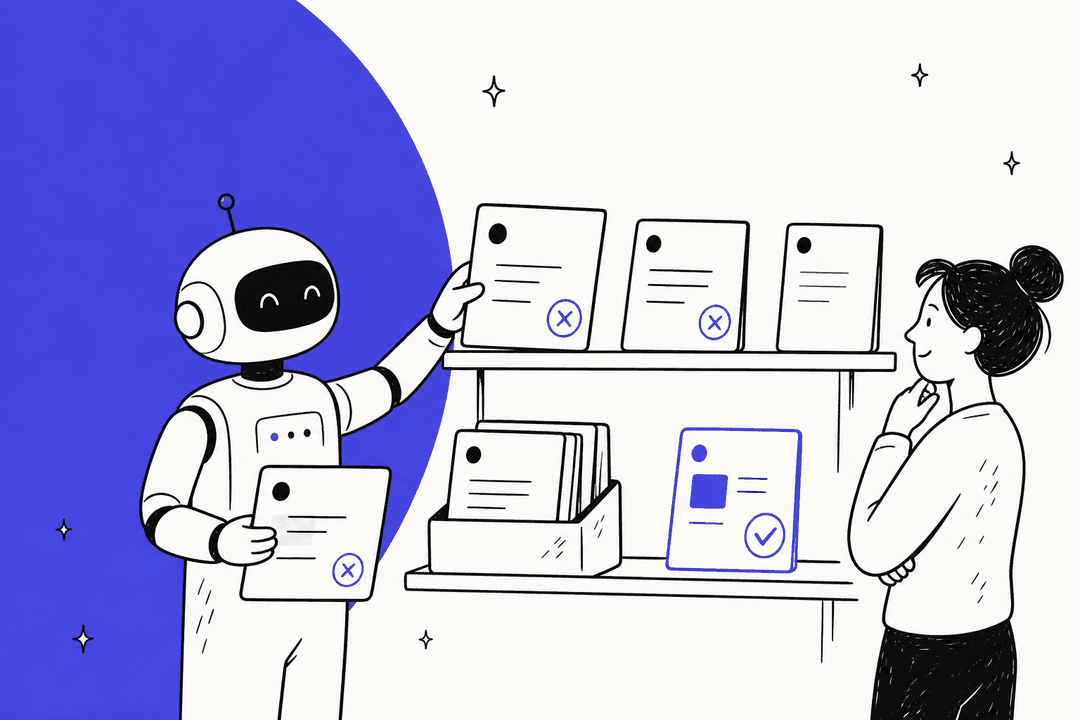
Answer accuracy is the make-or-break factor. One confidently wrong answer - especially on HR policy, IT security, or compliance - and employees quietly stop trusting the bot. The strongest tools cite sources on every answer so employees can verify, and they know when to say "I don't know" rather than fabricating from training data.
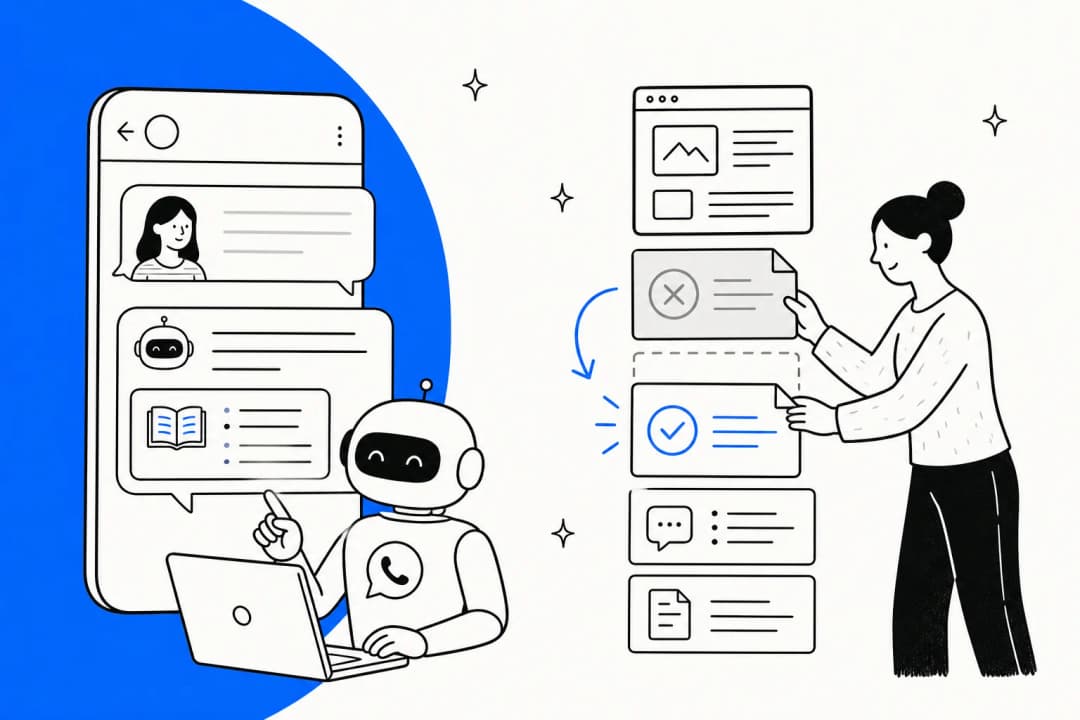
Integration breadth determines how useful the bot actually is. Your knowledge lives across Confluence, Notion, Google Drive, past Slack threads, and maybe a Zendesk knowledge base or Freshdesk help center. A bot that only reads its own native documents is immediately limited. Where employees ask matters too: Slack-native bots see dramatically higher adoption than portal-based tools because they eliminate the context switch.
Setup time ranges from 30 minutes (Tettra, eesel) to 60+ days (enterprise Glean rollouts). For most teams, anything requiring IT-led multi-week implementation gets deprioritized. If you want a no-code path, our guide to no-code AI chatbot tools covers the fastest-to-launch options.
Knowledge governance is underrated. Internal docs change constantly. A bot indexed against last quarter's parental leave policy gives confident wrong answers. The best tools flag stale content, route unanswered questions to subject-matter experts, and update automatically when sources change.
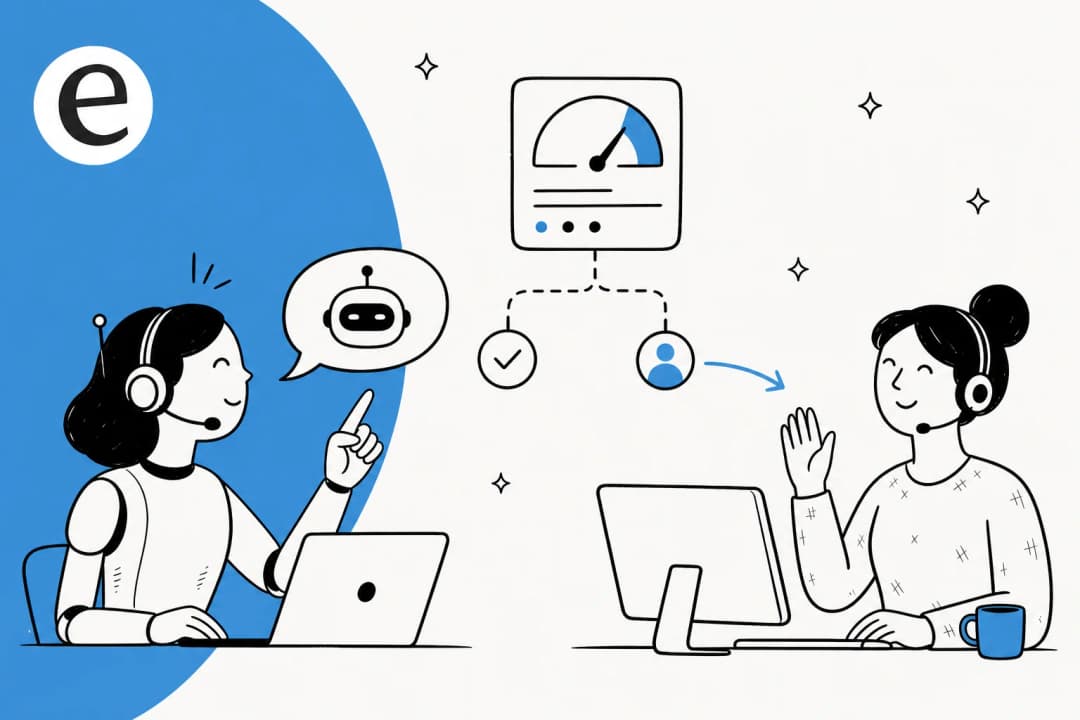
Escalation path matters when the bot hits its limit. "I don't know" with no follow-up is worse than no bot at all. The best implementations create a ticket or route to a human - with full conversation context so the employee doesn't have to re-explain. This is one of the most common AI chatbot problems teams encounter in deployment.
Pricing model has compounding effects. Per-seat pricing means a 200-person company pays 200 seats even if only 40 employees use the bot daily. Task-based or flat-rate models scale more fairly.
The 7 best AI knowledge base chatbot platforms for 2026
| Tool | Best for | Starting price | Slack bot | Multi-source | Free trial |
|---|---|---|---|---|---|
| eesel | Multi-source, any team size | From $299/mo (500 credits) | ✓ | ✓ (100+ sources) | 100 free credits |
| Tettra | Small Slack-first teams | $8/user/mo | ✓ | Google Docs only | 30 days |
| Denser AI | One knowledge base across customer-facing channels | Free; $39/mo | ✓ | ✓ (webpages and documents) | Free plan |
| Slite | Remote teams, self-maintaining wiki | $10/user/mo | ✓ (Pro) | ✓ (Pro, 20+ tools) | 14 days |
| Guru | Enterprise, compliance-heavy | Custom (≈$250+/mo) | ✓ | ✓ (100+ connectors) | No |
| Notion AI | Notion-native teams | $20/user/mo (Business) | – | Limited (Enterprise Search beta) | Limited |
| Confluence AI (Rovo) | Atlassian-stack teams | ~$5.42/user/mo (Standard) | – | ✓ (100+ connectors) | With Confluence trial |
1. eesel.ai - best for teams with knowledge spread across multiple tools
Best for: Any team whose knowledge lives in more than one place - Notion AND Confluence AND Google Drive AND past Slack threads. Also the strongest pick for teams that need both an internal Q&A bot and a customer-facing support bot from the same knowledge base.
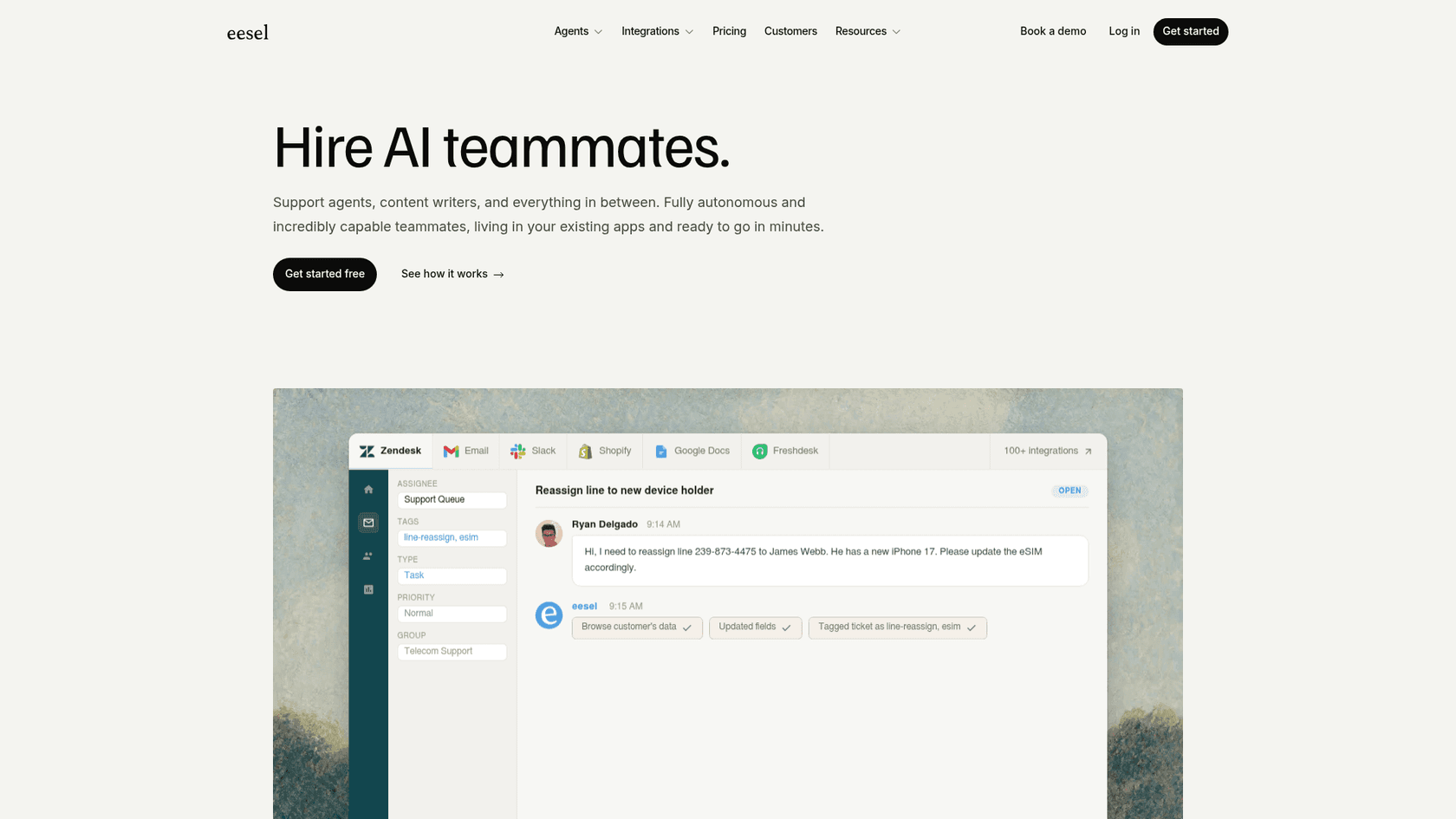
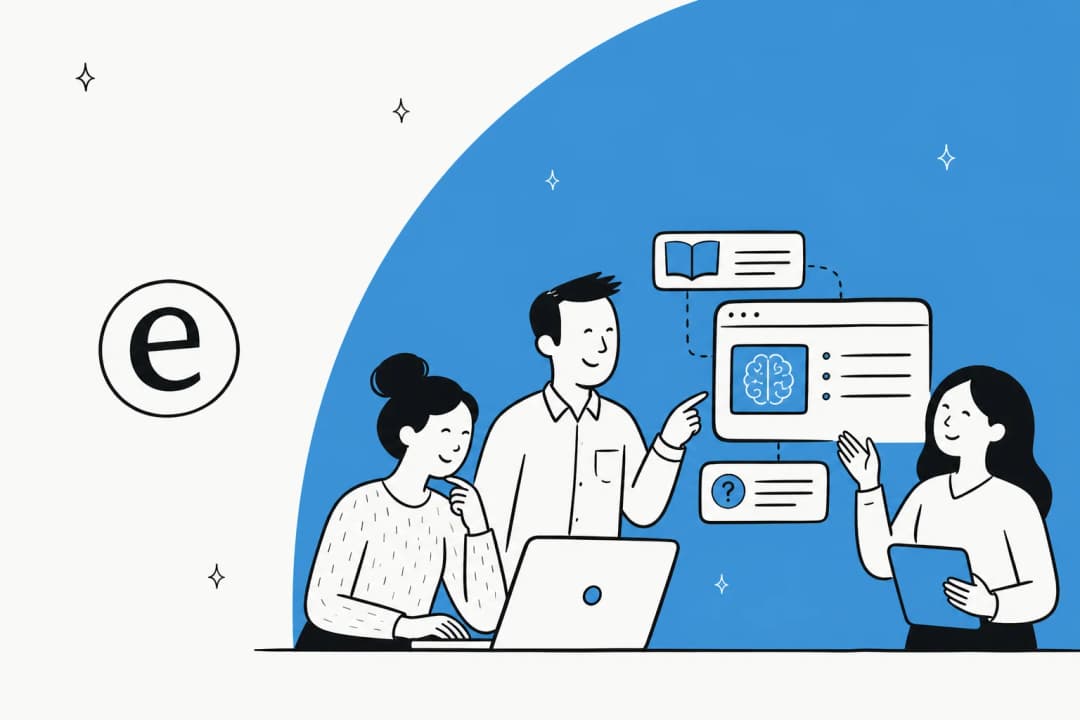
The problem with most internal knowledge base tools is that they're built around one format - a wiki, or a doc tool, or a helpdesk. Real company knowledge is scattered: procedures in Confluence, product specs in Notion, policies in Google Docs, resolved tickets in Zendesk, and institutional knowledge buried in Slack threads from three years ago. The AI powered knowledge base benefits only materialize when all those sources are searchable together.
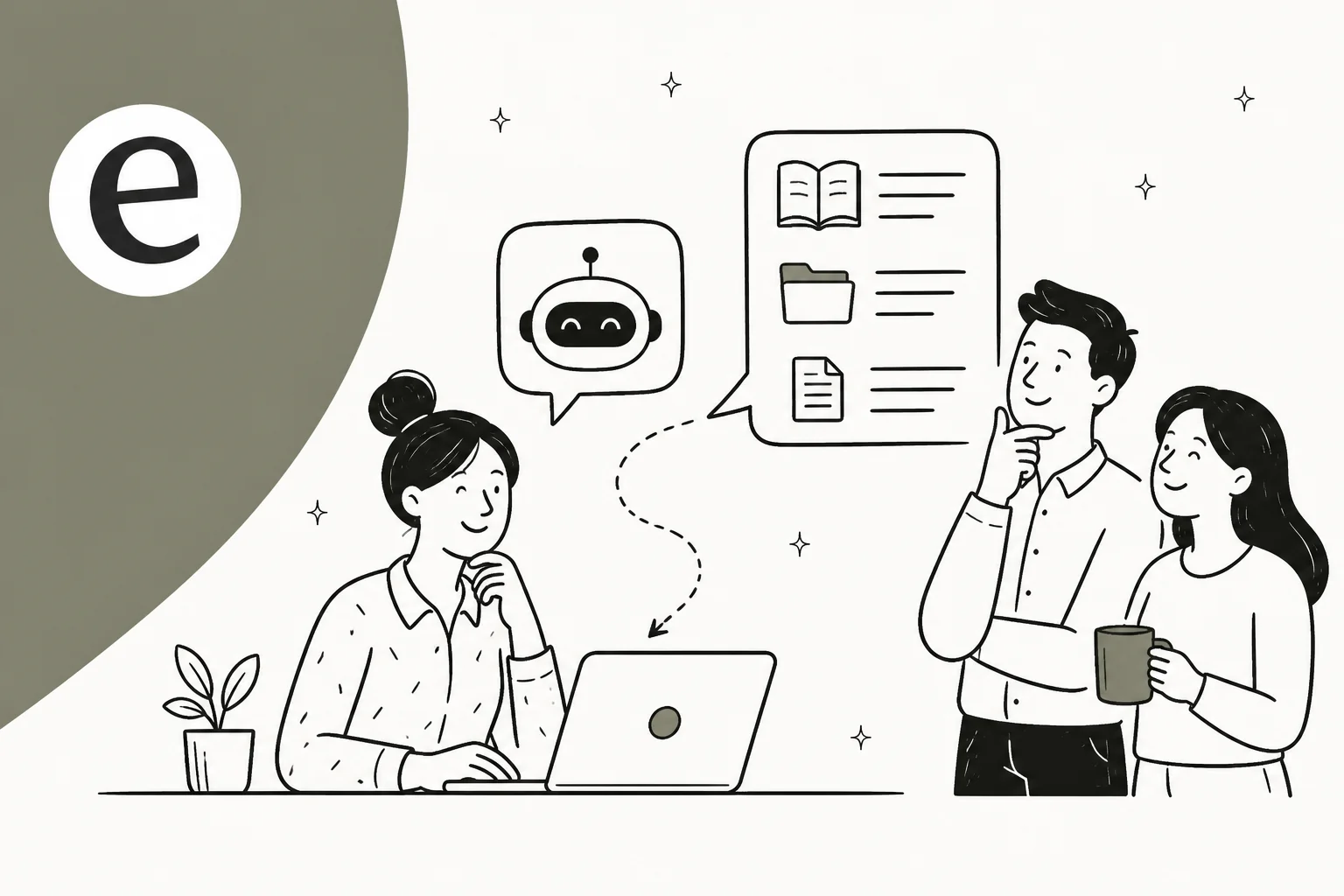
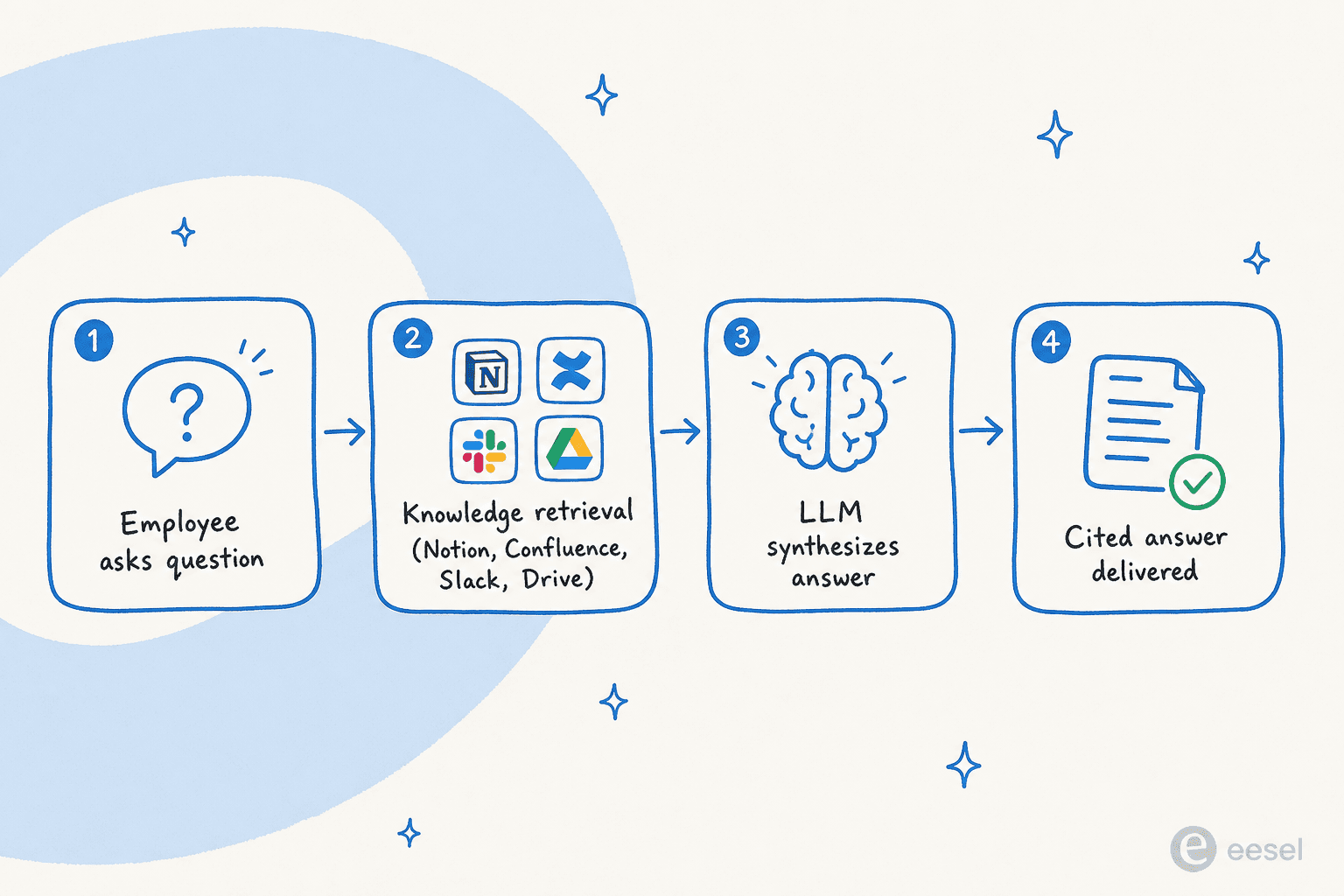
eesel is built around this reality. It connects to 100+ sources - Notion, Confluence, Google Drive, Slack, Zendesk, Freshdesk, HubSpot, Salesforce, SharePoint, websites, CSVs - and synthesizes answers from across all of them. Ask "what's our refund policy?" and the bot searches your Zendesk help center articles, your Notion procedures doc, and your last five relevant Slack conversations simultaneously, then gives one coherent answer with source citations.
The deployment surfaces matter here too. eesel runs as a native Slack bot, a chat widget, a Zendesk/Freshdesk agent, and an email responder - all fed by the same knowledge base. A new hire can ask the Slack bot a question during onboarding and get an answer drawn from HR docs, IT runbooks, and product wikis without the bot knowing or caring where each piece came from.
Jon Miron, Director of Support & Operations at Yellowdig, put it plainly:
"It feels like a partnership, rather than a vendor relationship... recently, a new customer success hire joked that our eesel AI bot was their best friend during onboarding and interviewing."
Jon Miron, Director of Support & Operations, Yellowdig (case study)
That's the internal KB use case in one sentence: the bot is a 24/7 colleague who knows every document in the company.
At InDebted, Jason Loyola deployed eesel as a Jira Service Management first responder for their internal IT helpdesk — achieving 15% ticket deflection in early deployment, with a 55% target. The bot handles password resets, VPN setup questions, and software provisioning requests before they ever reach a human. It's the same pattern customer service AI teams use for external tickets, applied internally.
For teams in regulated industries, Flemming Ottosen (Development Director, Simployer, an EU HR-compliance software company) found a specific angle most tools miss:
"We needed a turnkey solution for Confluence that met our GDPR requirements and could serve different teams through dedicated Slack bots. eesel AI delivered exactly that, with EU data residency included."
Flemming Ottosen, Development Director, Simployer
Multiple dedicated Slack bots from one setup - an HR bot that only sees HR docs, an IT bot that only sees IT runbooks, each scoped by department - is a capability that most knowledge management platforms don't support at all.
What eesel does well:
- Connects to 100+ knowledge sources simultaneously, not just its own native docs
- Deploys as a Slack bot without any new interface for employees to learn
- No per-seat pricing - one fixed monthly price (1 credit per interaction) regardless of team size
- Confidence-based routing: escalates to a human agent when the bot isn't sure
- EU data residency for GDPR compliance
- Can run as customer-facing support bot AND internal Q&A bot from the same setup
- 80+ languages supported
What to watch:
- Credits are sized per month and do not roll over, so you need a rough forecast of volume (overage is available with a cap you set)
- SSO and MFA (from $199/month), data residency ($500/month) and priority support (from $299/month) are paid add-ons; HIPAA is talk to us
Pricing:
| Plan (monthly credits) | Cost |
|---|---|
| Free plan | 100 credits, no card required |
| 500 credits | $299/mo |
| 1,000 credits | $499/mo |
| 2,500 credits | $999/mo |
| 5,000 credits | $1,899/mo |
| Pay a year upfront | Two months free |
| Add-ons | SSO and MFA from $199/mo, data residency $500/mo, priority support from $299/mo |
1 credit = 1 ticket, chat or Q&A question.
Our take: eesel is the clearest answer if your knowledge is in multiple tools or you need both internal and customer-facing bots from the same setup. It's also the only tool here with a fixed monthly price that doesn't compound with headcount - a meaningful advantage for larger teams. Start with 100 free credits and test on your actual knowledge sources before committing.
2. Tettra - best for small Slack-first teams
Best for: Teams of 10-250 people who live in Slack and want an AI bot that answers questions automatically in channels, with a built-in loop to route unanswerable questions to the right expert.
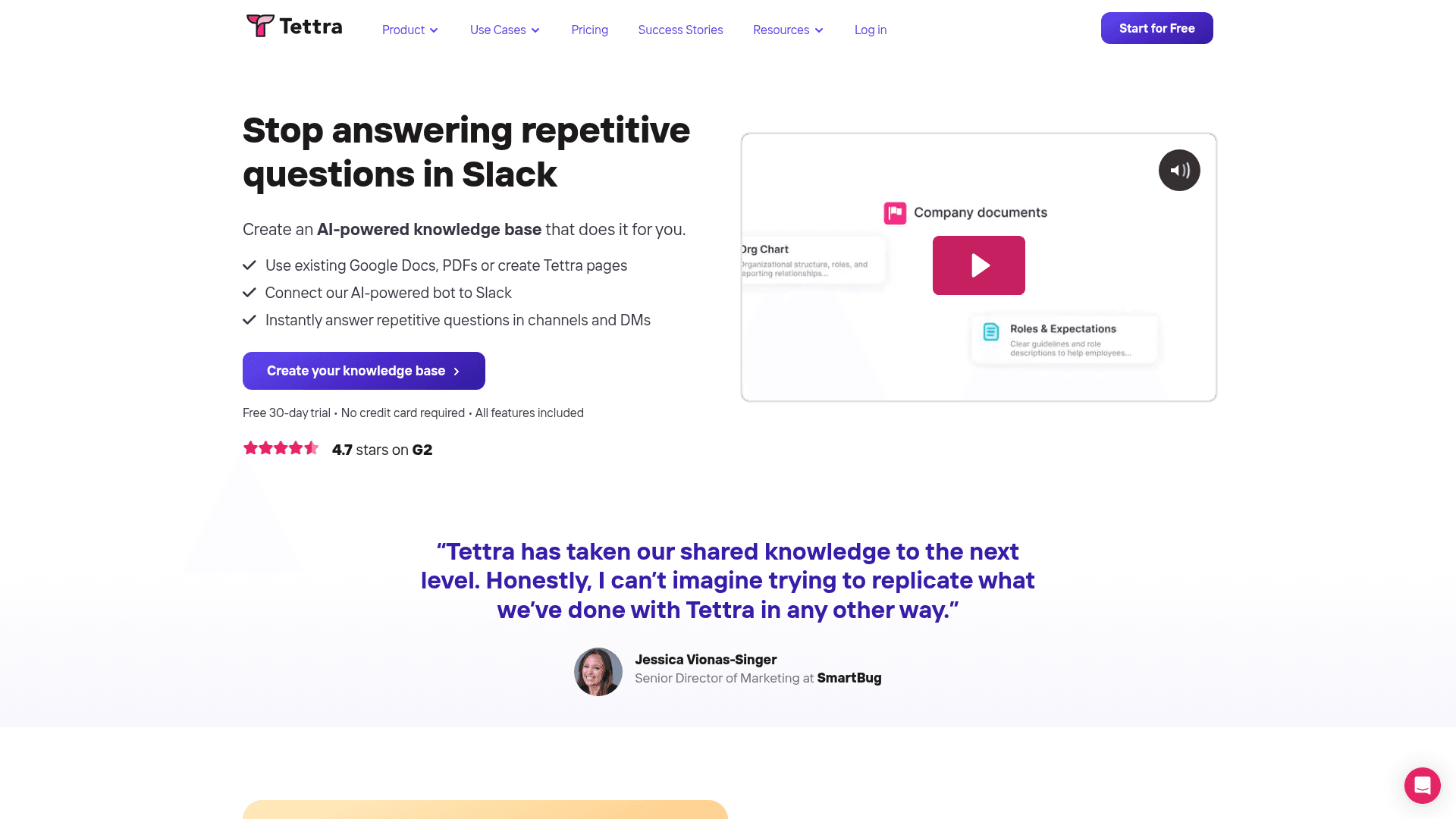
Tettra has been building knowledge base software for a decade. Its AI layer - Kai - is purpose-built around one insight: the biggest problem with internal Q&A bots isn't the AI, it's what happens when the AI can't answer. Most bots say "I don't know" and leave the employee stranded. Kai creates a knowledge-gap ticket and routes it to the right subject-matter expert. The expert answers once; Kai handles all future identical questions automatically. Over time, the bot gets smarter and the repeat questions in Slack dry up. This is the same core loop that makes knowledge retrieval tools actually useful rather than frustrating.
Kai watches configured Slack channels and auto-replies to questions without needing an @mention - the employee just asks in #ask-hr or #it-help and gets an immediate private or public answer. One click converts any Slack thread into a new KB page via AI summarization, so institutional knowledge that lives in chat gets captured automatically. Compare this to Slack AI enterprise search, which is native to Slack but limited to Slack content only.
The platform serves 20,000+ organizations, mostly tech companies, agencies, and support teams in the 10-250 person range. G2 rating: 4.6 stars / 161 reviews, with 84% five-star ratings. Reviewers consistently praise the ease of use and the quality of Kai's answers.
What Tettra does well:
- Slack-native auto-answers with no
@mentionneeded - Ask → Assign → Verify → Use loop prevents dead-end "I don't know" responses
- One-click thread → KB article conversion
- Connects to Google Drive as a source in addition to native Tettra pages
- Content verification schedules and stale-page reports
- Simple pricing at $8/user/month with all AI included
- 30-day free trial, no credit card
What to watch:
- Microsoft Teams integration is dead - the official Teams page returns a 404 as of February 2026. If your team is on Teams, Tettra isn't the answer
- Hard 10-user minimum means solo users and teams under 10 can't use it
- Basic editor with no embedded spreadsheets, databases, or rich content blocks - fine for text-heavy docs, limiting for technical specs
- No customer-facing chatbot capability
- SSO/SCIM are paid add-ons on the Scaling plan
Pricing:
| Plan | Price | Notes |
|---|---|---|
| Scaling | $8/user/month (annual) | 10-user minimum; AI included; SSO/SCIM extra |
| Enterprise | Custom | SSO/SCIM included; priority support |
Minimum spend: $80/month (10 users, annual billing). No free tier since 2024.
Our take: Tettra is the right call for Slack-first companies under 250 people who want a knowledge bot that handles the "what happens when it can't answer" problem. The Kai loop is genuinely thoughtful product design. Skip it if your team uses Teams, has fewer than 10 people, or needs a customer-facing bot from the same system.
3. Denser AI — Best for deploying one knowledge base across customer-facing channels
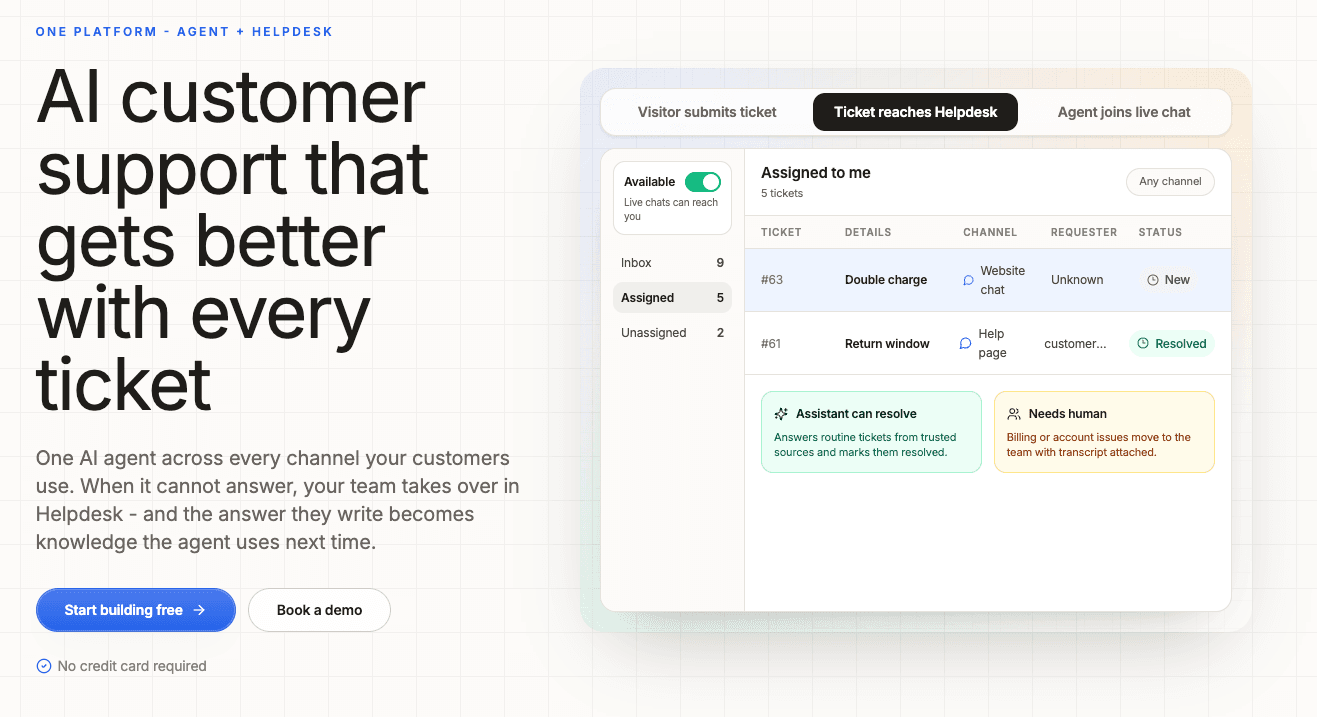
Best for: Businesses that want a no-code, customer-facing AI agent with cited answers and multichannel deployment.
Denser AI turns company webpages, documents, and help-center content into grounded AI agents with source citations. Businesses can reuse the same knowledge across website chat, help pages, email, APIs, and voice AI, allowing them to deliver consistent support without maintaining separate content for each channel.
Its AI knowledge base chatbot lets teams configure and preview answers before deployment. That makes Denser a relevant option when the goal is to bring company knowledge to customers across several channels.
What Denser AI does well:
- Uses webpages and uploaded documents to ground answers, with links to source passages
- Shares one knowledge base across website chat, help pages, email, REST API, and phone
- Provides no-code setup and a preview for checking answers before publishing
What to watch:
- This is primarily a customer-facing deployment option; assess your internal documentation and access requirements separately
- Query and content limits vary by plan, so check expected volume before choosing a tier
Pricing: A free plan includes one chatbot and 20 queries per month. Paid plans start at $39/month. Check Denser's pricing for current limits and channel availability.
4. Slite - best for remote teams that need a self-maintaining wiki
Best for: Mid-size remote or hybrid teams (50-500 people) with cross-tool knowledge sprawl, and teams where documentation goes stale faster than anyone can manually update it.
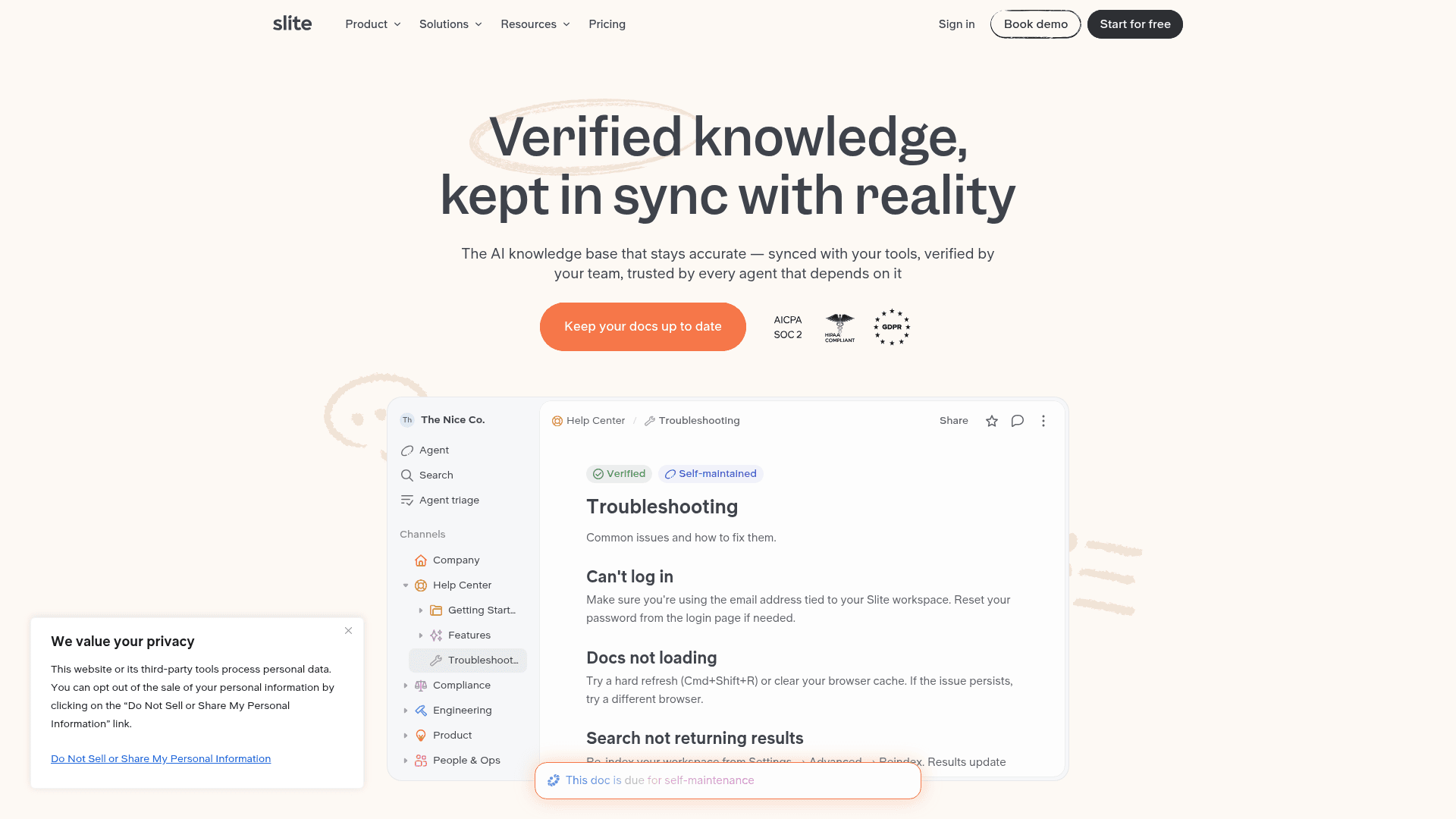
Slite's key differentiator is its positioning as a "self-maintaining knowledge base." Most wiki tools put the maintenance burden entirely on admins: someone has to notice docs have gone stale and fix them. Slite's Agent proactively scans documentation, identifies outdated or contradictory content, and proposes fixes - like having an AI editor on call 24 hours a day.
The Q&A layer - Ask - searches the knowledge base, synthesizes an answer, and cites the source documents. It's permission-aware (users only receive answers from docs they can already access), multilingual, and available on all paid plans. On Basic, Ask is limited to Slite docs with a 30 Q&A/month cap per user. On Pro ($20/user/month), Ask expands to search across 20+ connected tools simultaneously: Slack history, Jira tickets, Google Drive, HubSpot, Salesforce, GitHub, and more.
The real-world result is striking. Agorapulse CTO Andre Foeken described it as "like Perplexity for your team knowledge." His team reported: a 10x reduction in Slack questions after deploying Ask - employees stopped asking colleagues and started asking the bot instead.
Slite also supports MCP (Model Context Protocol), meaning your Slite knowledge base can be queried by any external AI agent - Claude, GPT, Cursor - as a data source. Forward-thinking for teams building AI workflows on top of their internal knowledge.
What makes knowledge retrieval from Slite different from a simple search is the verification layer. Ask prioritizes answers from docs that have been explicitly verified by an SME, so the AI's responses are grounded in the most trustworthy content - not the most recently edited document or the most keyword-matched result.
What Slite does well:
- Self-maintaining via the Slite Agent - proactively finds and proposes fixes for stale content
- Cross-tool search on Pro: one question searches Slack, Jira, Drive, HubSpot, Salesforce simultaneously
- Permission-aware answers prevent data leakage across departments
- MCP support: makes your KB accessible to external AI agents
- 4.7/5 G2, 4.7/5 Capterra
- SOC 2 Type II, GDPR, HIPAA (Enterprise)
- 14-day free trial
What to watch:
- Basic plan's 30 Q&A/month cap is tight for teams with frequent internal questions
- Cross-tool search requires Pro ($20/user/month) - Basic only searches Slite docs
- The Slite Agent credit model (50 credits/seat/month) isn't clearly documented for what counts as one credit
- No customer-facing chatbot capability
- No free tier, only a 14-day trial
Pricing:
| Plan | Price | AI limits |
|---|---|---|
| Basic | $10/user/month (annual) | Ask (Slite docs only), 30 Q&A/month/user |
| Pro | $20/user/month (annual) | Ask (cross-tool, unlimited), Slite Agent, 50 agent credits/seat/month |
| Enterprise | Custom | All Pro features + HIPAA, SCIM, SLA |
Our take: Slite is the pick for teams that have been burned by stale documentation killing bot accuracy. The self-maintaining angle is real product value, not marketing - and the 10x Slack question reduction at Agorapulse is the kind of outcome worth paying $20/seat for. The Basic plan's 30-question cap will frustrate heavy users though; budget for Pro from the start.
5. Guru - best for enterprise with strict compliance requirements
Best for: Mid-market to enterprise companies (50+ employees) that need governance, permission-aware answers, and a single verified knowledge layer feeding multiple AI tools simultaneously.
Guru (founded 2013) is the oldest and most enterprise-hardened option on this list. Its core differentiator isn't the AI search - it's the governance layer underneath it. Every piece of knowledge in Guru is owned by a verifier, has a verification interval, and is automatically flagged when stale. When the AI answers, it draws only from verified, current content and inherits the source system's role-based access controls - so a junior employee asking about executive compensation gets "I don't have access to that" rather than a confident wrong answer.
The AI product is called Knowledge Agents - conversational agents configured by admins, scoped to specific source collections, and deployed across Slack, Microsoft Teams, a browser extension, or any MCP-compatible AI tool (Claude, ChatGPT, Copilot, Cursor). This means you can configure Guru as the governed knowledge layer behind an AI assistant your team is already using, without rebuilding permissions per tool.
The 100+ source connectors include everything you'd expect: SharePoint, OneDrive, Confluence, Google Drive, Notion, Salesforce, Zendesk, Slack, Jira, Asana. Unanswered questions are surfaced in the AI Agent Center alongside wrong-answer flags and knowledge gaps - a closed loop for continuous improvement.
If knowledge management for support teams is your primary use case and compliance matters (healthcare, financial services, government), Guru is where enterprise buyers who've been burned by hallucinations tend to land. For a broader look at how AI for knowledge management works at scale, our guide covers the landscape beyond just internal bots.
What Guru does well:
- Governance layer: verification intervals, named SME owners, auto-propagation of corrections
- Permission-aware answers: inherits RBAC from source systems - employees only see content they're authorized to access
- MCP server: governed Guru knowledge feeds Claude, ChatGPT, Copilot, Cursor without rebuilding permissions
- 100+ source connectors
- Compliance: SOC 2 Type II, HIPAA, GDPR, ISO 27001
- AI Agent Center: surfaces unanswered questions and wrong-answer flags for continuous improvement
What to watch:
- No public pricing; fully sales-led with no free trial - every evaluation requires a sales cycle
- Minimum ~$250/month historically (10-seat minimum at ~$25/seat)
- Requires a designated knowledge manager to maintain verification cadence; without one, the system degrades
- Built for internal use only - every reader needs a paid Guru seat (no public-facing KB)
- No free plan; enterprise positioning means the self-serve path doesn't exist
Pricing:
| Plan | Price |
|---|---|
| Enterprise | Custom (contact sales) |
| Historical reference |
Our take: If you're an enterprise buyer with compliance requirements and a knowledge manager on staff, Guru is the most mature governance solution here. If you're a startup or SMB team wanting a quick self-serve bot, the sales-cycle requirement alone makes it the wrong tool. The MCP integration story is genuinely interesting - Guru as the governed knowledge layer under whatever AI your team is already using.
6. Notion AI - best if your company's source of truth is already Notion
Best for: Teams that have invested heavily in building their knowledge base inside Notion and want AI Q&A without migrating to another platform.
Notion AI is the Notion AI chatbot layer added directly into your Notion workspace. The core feature for internal Q&A is Q&A over workspace - employees type a question and get an answer sourced from the pages and databases they already maintain in Notion. For teams that have put real work into Notion as their company wiki, this is genuinely compelling: the AI has access to custom databases, project plans, meeting notes, and private docs in the same workspace.
On the Business plan ($20/seat/month), you also get Notion Agent - a multi-step autonomous agent that handles tasks using your workspace content plus connected apps (Slack, GitHub, etc.) and web search. A new hire can ask the agent to "summarize everything I need to know about our onboarding process" and get a synthesized answer from across multiple Notion pages.
The model choice is a differentiator: Notion AI lets users switch between Claude 4 and GPT-4.1 depending on the task. Enterprise Search (currently in beta) extends Q&A beyond Notion to connected tools including Slack and GitHub.
Where Notion AI falls short: it's not a Slack bot. Employees need to open Notion to ask the AI a question, which reintroduces the context-switch problem. If your team's daily workflow is in Slack rather than Notion, adoption will lag. It's also expensive as a pure AI play - $20/seat/month to access AI requires the Business plan, which bundles the workspace itself. If you're evaluating Notion for this purpose, our Confluence vs Notion comparison covers the KB platform decision separately from the AI layer.
For teams that are already paying for Notion Business, adding AI is a no-brainer. Building a separate KB tool on top of Notion to add AI is harder to justify. If Notion isn't meeting your needs, explore the best AI knowledge base tools for teams weighing a switch.
What Notion AI does well:
- AI Q&A is native and contextual - it understands your databases, linked pages, and custom properties
- Model choice: Claude 4 or GPT-4.1 per query
- Notion Agent handles multi-step autonomous tasks from workspace context
- Enterprise Search (beta) extends to Slack, GitHub, and other connected tools
- No separate product to learn - AI lives inside the workspace employees already use daily
- MCP support for external AI tools to query your workspace
What to watch:
- No native Slack bot - employees must open Notion to ask a question
- Full AI requires Business plan at $20/seat/month (roughly $240/year per person)
- Q&A is limited to Notion content unless Enterprise Search is enabled
- Enterprise Search is still in beta as of June 2026
- Not suitable for customer-facing use; no helpdesk integration path
Pricing:
| Plan | Price | AI included |
|---|---|---|
| Free | $0 | Trial only (limited credits) |
| Plus | $10/user/month | Trial only |
| Business | $20/user/month (annual) | Full AI + Agent |
| Enterprise | Custom | Full AI |
Our take: Notion AI makes sense if you're already paying for Notion Business and your team treats Notion as the single source of truth. It's a poor choice if your knowledge is scattered across tools (it only reads Notion), if your team lives in Slack (no Slack bot), or if you're looking for a cost-effective AI layer on top of existing docs (it's the most expensive per-seat option here).
7. Confluence AI (Rovo) - best if your team is already on the Atlassian stack
Best for: Engineering, product, and ops teams that live inside Confluence and Jira daily and want AI Q&A without leaving the Atlassian ecosystem.
Atlassian's AI product is called Rovo - an umbrella brand covering enterprise search, chat-based Q&A, and pre-built agents across the Atlassian cloud. It's already bundled into Confluence Standard/Premium/Enterprise at no additional charge: if you're on a paid Confluence Cloud plan, Rovo is already waiting for you.
Rovo's central feature for internal Q&A is Rovo Chat: employees type a question, Rovo searches the Teamwork Graph (a semantic graph of your people, projects, docs, and goals) and responds with a sourced answer in natural language. Smart Answers cite the Confluence pages, Jira tickets, and connected SaaS content that informed the response. Employees can also go directly to chat.rovo.com or use the Chrome extension without being inside a Confluence page.
The 100+ connector catalog is impressive - Google Drive, Slack, GitHub, SharePoint, Salesforce, Figma, and more are all indexed. Deep Research mode synthesizes multi-page cited reports from across all connected sources, not just a Q&A response. For teams with cross-tool sprawl, Rovo's indexing is as broad as Guru's or eesel's.
The big limitation: Rovo Chat is not a Slack or Teams bot. Employees get AI answers inside Confluence, Jira, a Chrome tab, or chat.rovo.com - but not inside their existing chat channel. For engineering teams who live in Confluence anyway, this is fine. For support or HR teams whose daily workflow is in Slack, it's a meaningful friction point.
Credit quotas are the other consideration. Standard plan users get 25 Rovo credits/month - enough for occasional use, but thin for teams running daily AI queries. Premium unlocks 70 credits/user/month. Heavy Rovo users should budget for Premium.
If you want richer Confluence AI capabilities or a Slack bot on top of Confluence, see our guide on linking Confluence with an AI knowledge bot - eesel can connect to your Confluence instance as a source and deploy the bot inside Slack. Our roundup of top Confluence apps covers additional integrations for teams building on top of the Atlassian stack. Teams evaluating Confluence AI chatbot options specifically should also look at the Confluence copilot and Confluence agentic AI guides for the full picture.
What Rovo does well:
- Bundled into existing Confluence Standard/Premium/Enterprise - no separate purchase
- 100+ source connectors; permission-aware across all of them
- Deep Research mode: synthesizes multi-page cited reports, not just short answers
- Teamwork Graph: contextual understanding of your people, projects, and goals
- Rovo Studio: no-code custom agent builder
- Cloud-first; Atlassian-hosted LLM option for Enterprise (data stays in Atlassian boundary)
What to watch:
- Not a Slack or Teams bot - employees must go to Confluence, Jira, or
chat.rovo.comto ask questions - Standard plan's 25 credits/user/month is thin for frequent use
- Rovo is a Cloud-only product; Data Center teams can index DC content but need Cloud for full AI
- Free Confluence plan gets no Rovo access
- Not suitable for customer-facing use
Pricing:
| Plan | Price | Rovo credits |
|---|---|---|
| Free | $0 (≤10 users) | None |
| Standard | ~$5.42/user/month | 25 credits/user/month |
| Premium | ~$10.44/user/month | 70 credits/user/month |
| Enterprise | Custom | 150 credits/user/month |
Our take: If you're already paying for Confluence Standard or Premium, Rovo is a free upgrade you should enable today. If you're choosing a knowledge platform from scratch for its AI capabilities, the Slack-bot gap and credit quotas make it harder to recommend over tools built AI-first. Consider pairing Confluence as your knowledge base with eesel as the Slack-facing bot layer - you get Atlassian's depth plus a proper channel-native Q&A experience.
How to choose the right AI bot for your internal knowledge base
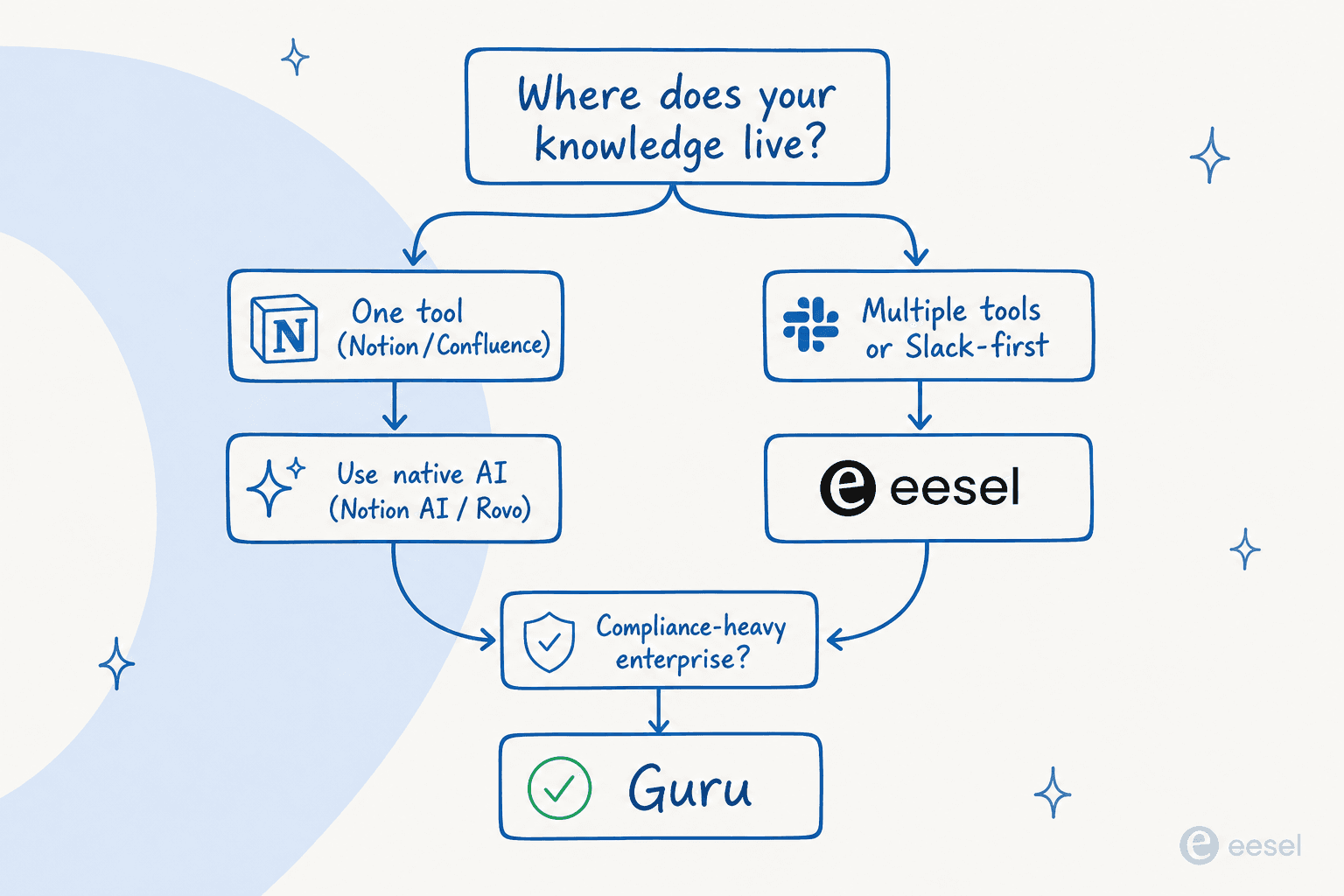
The question that cuts through the noise: where does your knowledge actually live, and where do your employees actually ask questions?
If your knowledge is in one tool and employees use that tool daily: Go native. Notion AI if you're in Notion. Confluence AI (Rovo) if you're in Confluence. The friction-free path is always the tool that already exists in the employee's workflow - no new app, no new habit. That said, native AI often has limits worth checking first: see our Freddy AI conversational knowledge base review for an example of what "native" AI looks like on a major helpdesk.
If your knowledge is scattered across Notion, Confluence, Drive, and Slack: You need a multi-source connector. eesel handles this better than anything else here - it indexes all sources simultaneously and deploys as a Slack bot (where employees already are). This is also the case if you need both an internal Q&A bot and a customer-facing support bot; eesel serves both from the same setup, which Tettra, Slite, and Guru don't.
If your team is 10-250 people on Slack: Tettra's Kai is the most focused solution. The Ask → Assign → Verify loop is built for exactly this scale - small enough that you can't afford a dedicated knowledge manager, big enough that repeat questions are a real productivity drain. At $8/user/month with all AI included, it's also the best-value option for this segment.
If your documentation goes stale faster than anyone can maintain it: Slite's self-maintaining Agent is worth the Pro premium. Most AI chatbot problems trace back to stale documentation rather than the AI itself - Slite's proactive fix-proposal loop is the only tool here that addresses the root cause automatically.
If you're enterprise with compliance requirements (HIPAA, SOC 2, ISO 27001) and need governance: Guru is the answer, despite the sales-cycle requirement. The verification layer, named SME ownership, and permission-aware answers across 100+ connectors are genuinely enterprise-grade in a way that Tettra and Slite aren't.
One underrated consideration: what happens when the bot can't answer? Every tool here has a different escalation path. eesel routes to a human agent with full conversation context. Tettra routes to the relevant SME and builds the answer into the KB for next time. Slite escalates to a knowledge gap ticket. Notion AI and Rovo say "I don't know" with no structured follow-up. If your use case includes high-stakes questions (HR policy, legal, IT security), the escalation path matters as much as the AI quality.
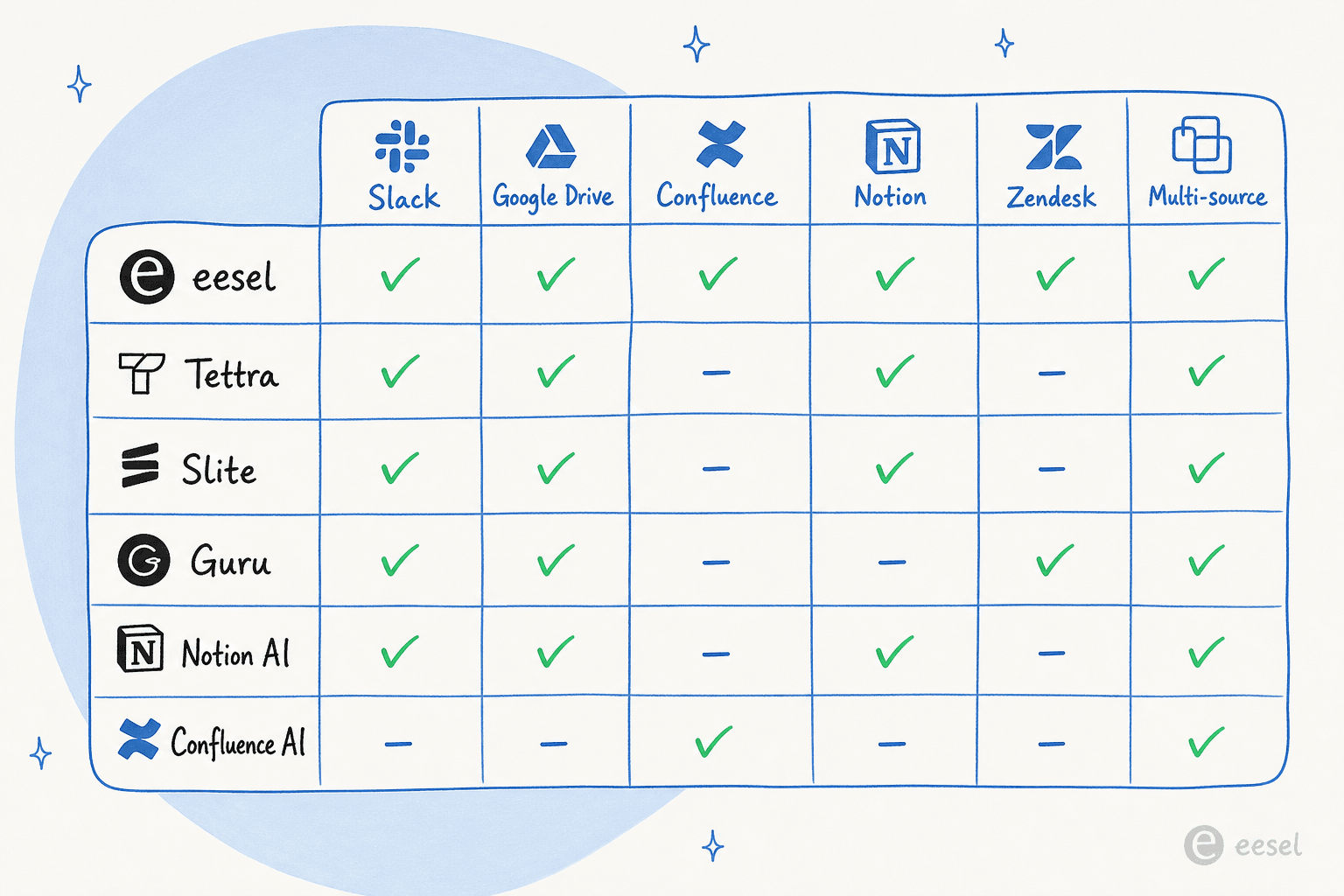
The documentation quality underneath the bot is the variable that matters most. Every platform we tested is only as good as what it indexes. Before evaluating AI, do a documentation audit: identify which sources have stale content, which pages have no owner, and which questions employees ask repeatedly that have no written answer. Those gaps will determine which bot feature set - Kai's routing loop, Slite's Agent, Guru's verification schedules - aligns best with your actual problem.
Read more:
- Best AI tools for knowledge base management - broader tool comparison for knowledge management workflows
- How to train AI on your knowledge base - step-by-step guide for connecting sources and tuning accuracy
- AI for knowledge management - strategic overview of AI in knowledge management
- Best knowledge management software - if you're evaluating the underlying KB platform, not just the AI layer
- Building a ChatGPT knowledge base - guide for teams using ChatGPT as the AI layer
- Knowledge base GPT guide - building a custom GPT from your internal docs
- HubSpot AI knowledge base - for teams whose knowledge base is in HubSpot
- AI chatbot platform comparison - if you're evaluating broader AI chatbot options beyond KB-specific tools
Try eesel

eesel connects to your existing knowledge - Notion, Confluence, Google Drive, Slack, Zendesk, Freshdesk, HubSpot, and 100+ others - and deploys an AI bot inside Slack (or your helpdesk, or your website) that answers employee questions instantly with cited, sourced responses.
The setup takes under 30 minutes. The free plan gives you 100 credits - enough to run real tests on your actual knowledge sources with real employee questions before any commitment. Unlike per-seat platforms, you pay one fixed monthly price regardless of team size, so a 200-person company with 400 monthly AI queries fits the $299/month plan - not $4,000.
Try eesel free - no credit card required.
Frequently Asked Questions
What is an AI bot for internal knowledge base?
How much does an AI knowledge base chatbot cost?
Can an AI bot work across multiple knowledge bases like Notion, Confluence, and Google Drive simultaneously?
What's the difference between an AI knowledge base chatbot and traditional internal search?
How do I prevent my AI knowledge base bot from giving wrong answers?


Article by
Kira
Kira is a writer at eesel AI with a Computer Science background and over a year of hands-on experience evaluating AI-powered customer service tools. She focuses on breaking down how helpdesk platforms and AI agents actually work so that support teams can make better buying decisions.